This thread is resolved. Here is a description of the problem and solution.
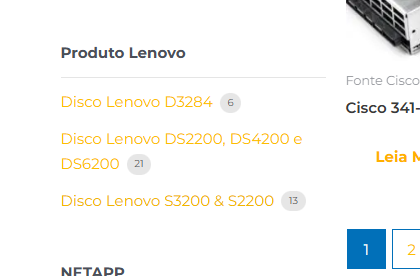
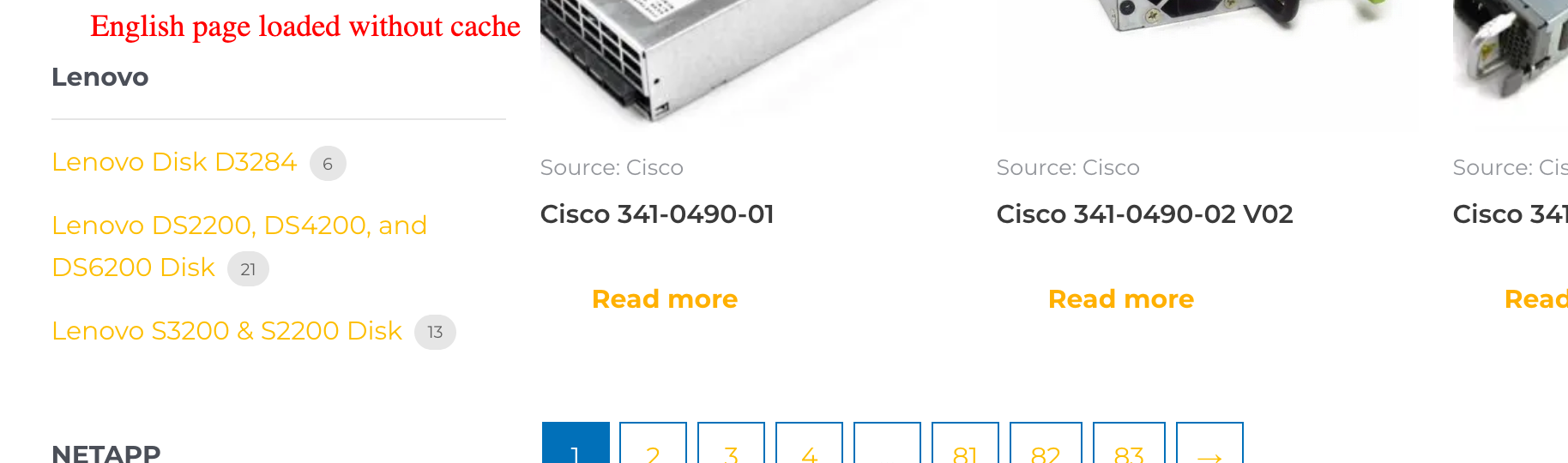
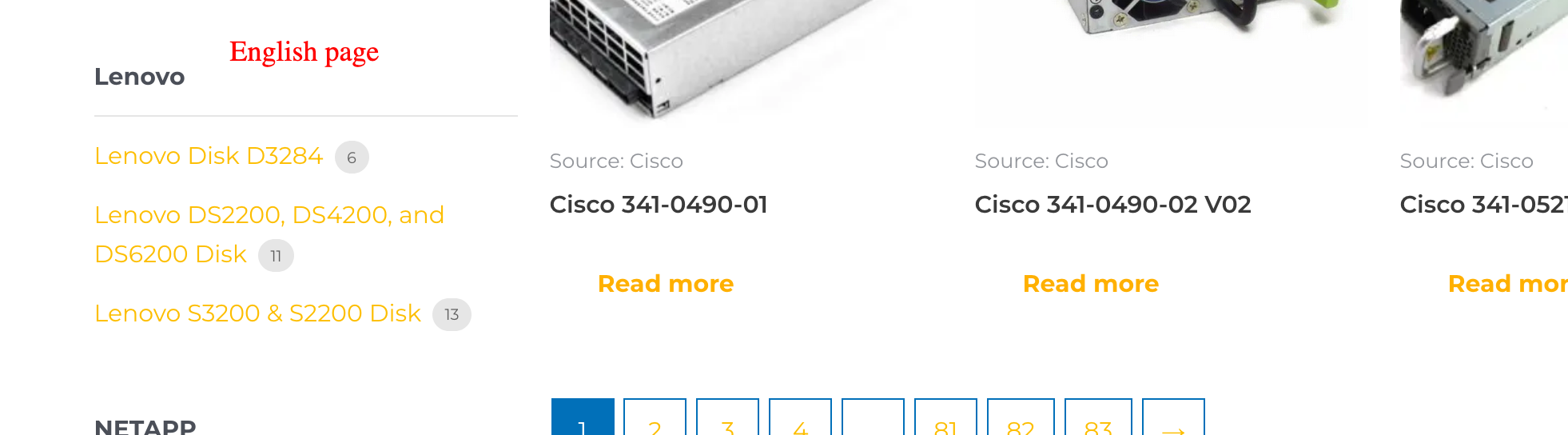
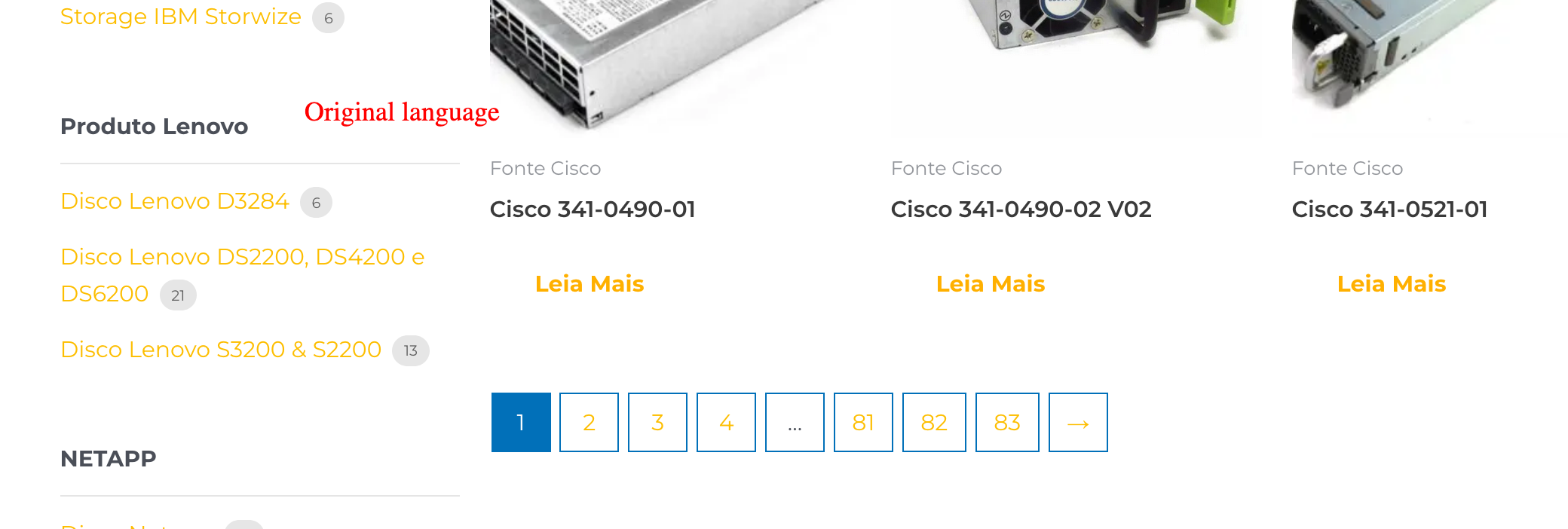
Problem: Some products were added, but they are not updating in other languages despite updating and rescanning. Solution: We have investigated your setup and found that the issue might be due to caching. We recommend clearing all types of cache—both at the site level and on the server side—to ensure the data is refreshed correctly.
If this solution does not resolve your issue or seems irrelevant due to being outdated or not applicable to your case, we highly recommend checking related known issues at https://wpml.org/known-issues/, verifying the version of the permanent fix, and confirming that you have installed the latest versions of themes and plugins. If the problem persists, please open a new support ticket at WPML support forum for further assistance.
This is the technical support forum for WPML - the multilingual WordPress plugin.
Everyone can read, but only WPML clients can post here. WPML team is replying on the forum 6 days per week, 22 hours per day.
Just to confirm, do I understand correctly that the issue is an incorrect count shown in the widget?
If so, please try the following steps:
1. Go to WooCommerce → Status → Tools and run:
• Regenerate the product lookup tables
• Regenerate the product attributes lookup table
2. If still the issue, go to WooCommerce → WCML → Status, scroll to the bottom of the page, click Troubleshooting, and run the available related troubleshooting options.
Please make sure to take a full backup of your site before performing these actions.
I need to request temporary access (wp-admin and FTP) to your site—preferably to a test site where the problem has been replicated if possible—in order to be of better help. When you log in to leave your next reply, you will find the needed fields below the comment area. The information you will enter is private, meaning only you and I can see and access it.
I’ve looked into your setup to better understand the configuration and why you might be seeing a difference in the product filter counts.
From what I can see, the pages are being cached, and the filter count is not updating as a result. I recommend clearing all types of cache—both at the site level and on the server side—to ensure the data is refreshed correctly.