This thread is resolved. Here is a description of the problem and solution.
Problem: The client was experiencing an issue where some translated content was not displaying on the front end of a WooCommerce product page. The content was managed via the Gutenberg editor and involved a shortcode. Despite the content being visible in the Advanced Translation Editor, it was not rendered on the front end for certain tabs. Solution: We discovered that the issue was due to the [GK-TABS-BREAK] being mistakenly treated as a real shortcode during translation, which led to its duplication and subsequently broke the tab layout. To resolve this, we modified the code in the theme's shortcode file. Here are the steps we took:
Made a minor edit in the default language product to trigger a retranslation.
Completed the translation in the WPML Advanced Translation Editor.
This solution resolved the issue, and the translated content now displays correctly on the front end. However, please be aware that this fix might become irrelevant due to future updates to the theme or WPML. If you encounter similar issues or if this solution does not work for you, we recommend checking related known issues at https://wpml.org/known-issues/, verifying the version of the permanent fix, and confirming that you have installed the latest versions of themes and plugins. If the problem persists, please open a new support ticket.
This is the technical support forum for WPML - the multilingual WordPress plugin.
Everyone can read, but only WPML clients can post here. WPML team is replying on the forum 6 days per week, 22 hours per day.
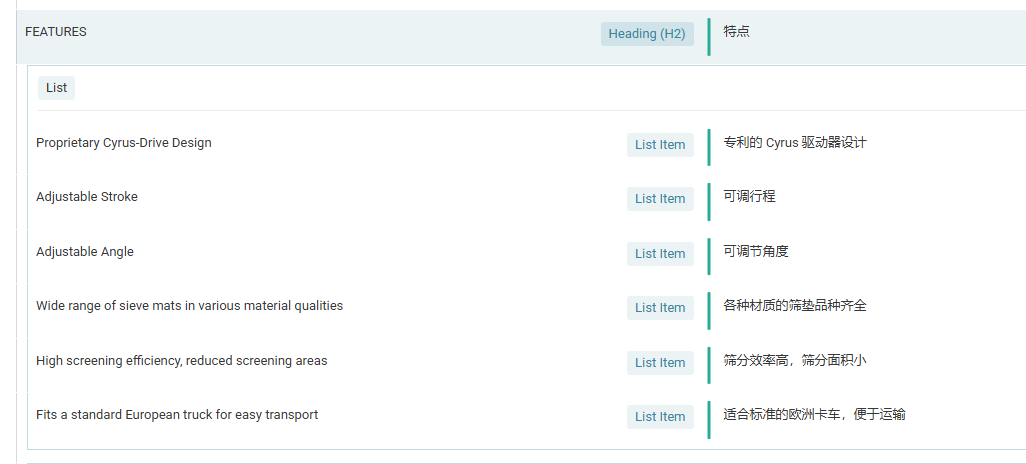
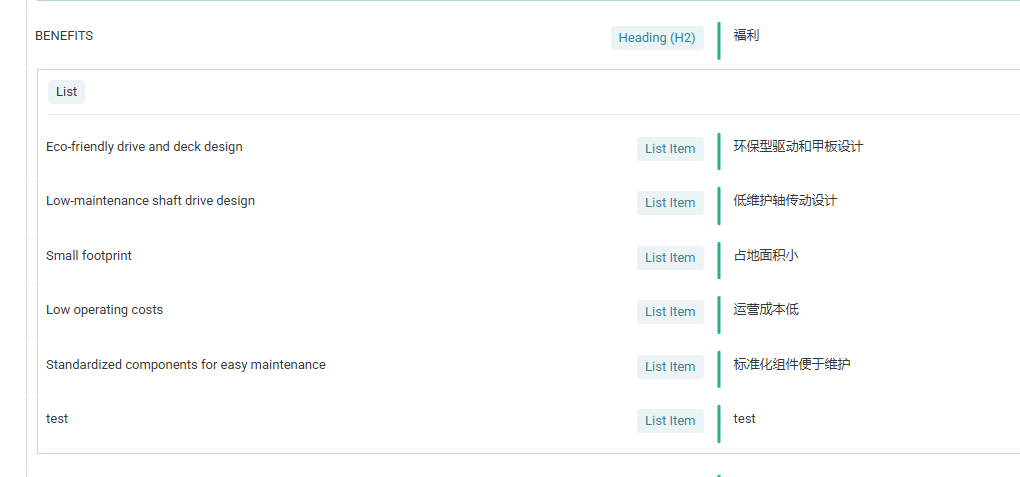
I'm having trouble with some translated content not displaying in the front end. When editing the translation of the page (advanced translation editor) I can see that all the content is translated. However, when I look at the front end, only some of the content shows.
I attached 4 images.
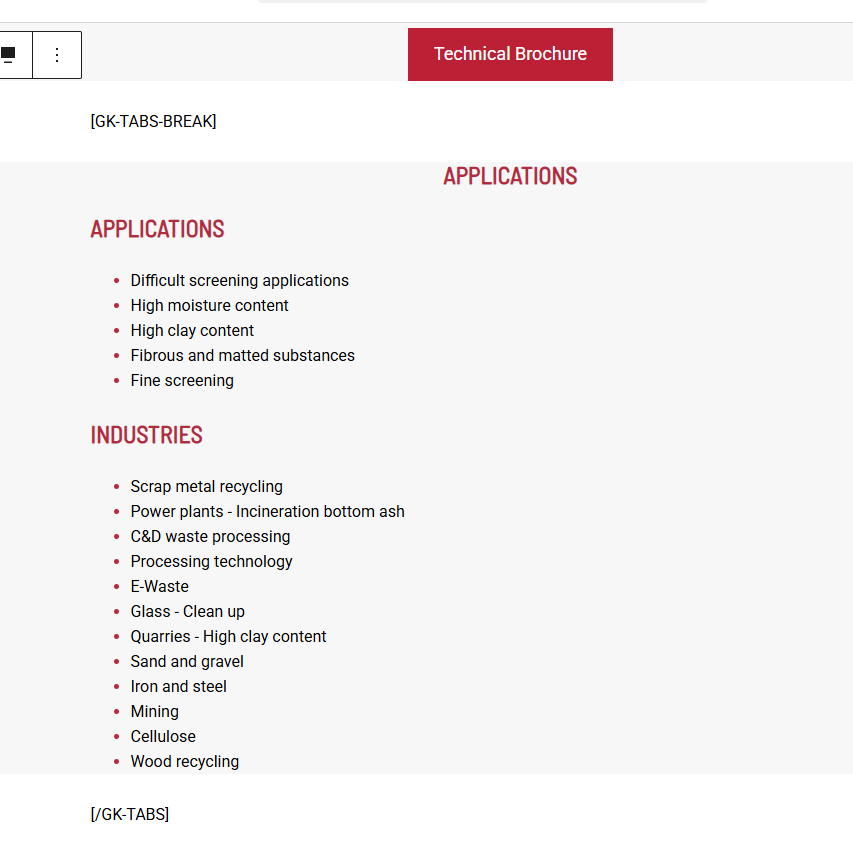
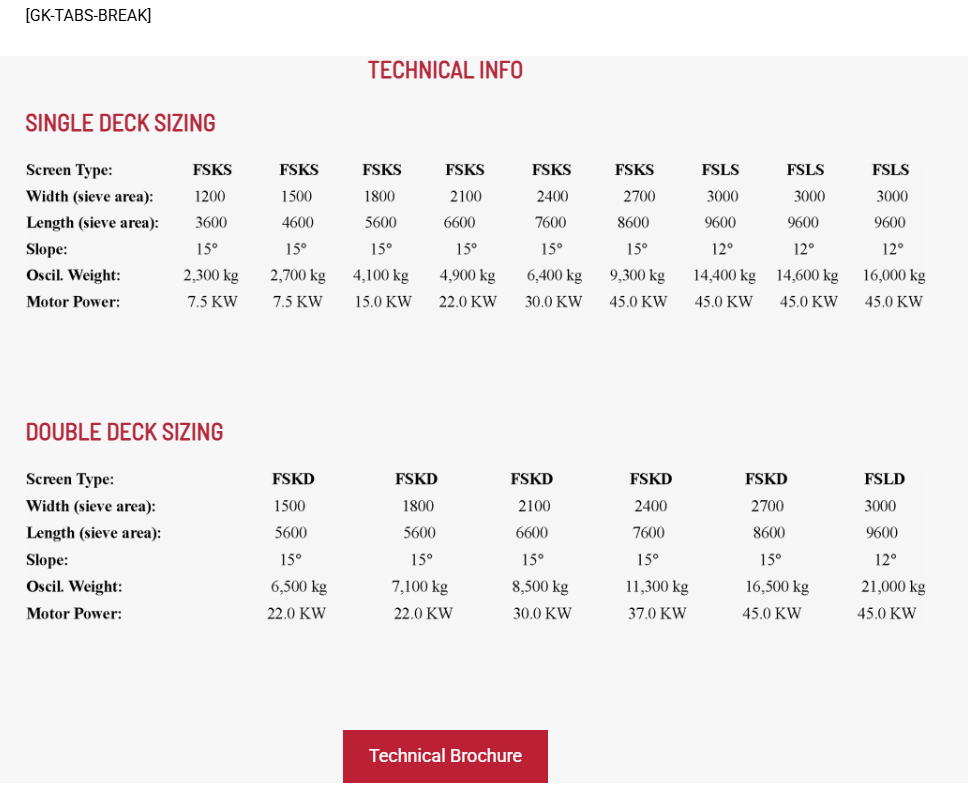
translated-content-features.png and translated-content-benefits.png shows that the content is translated in the editor.
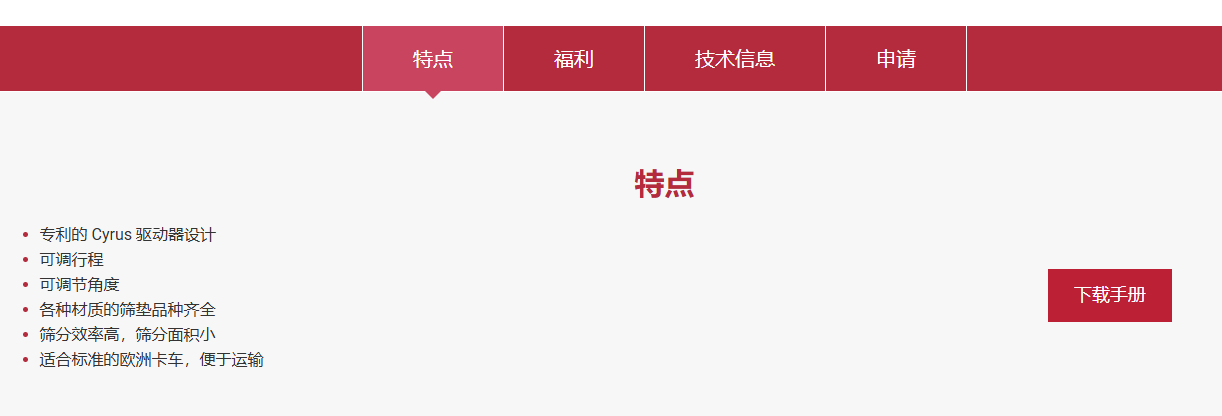
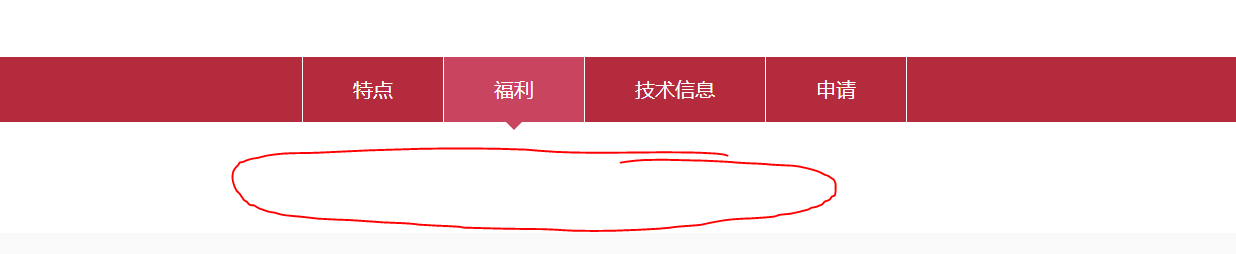
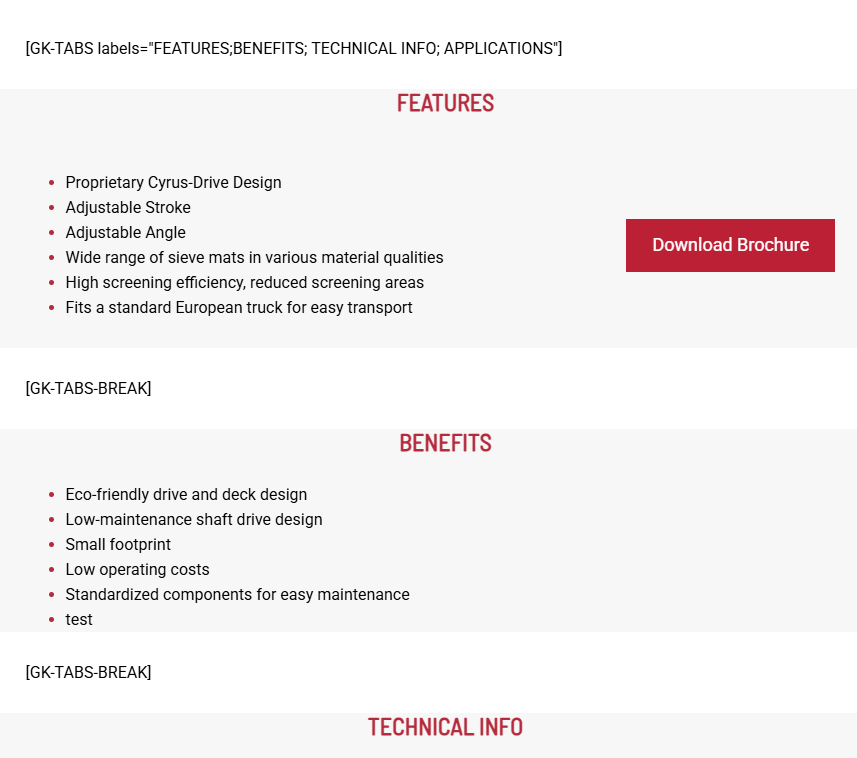
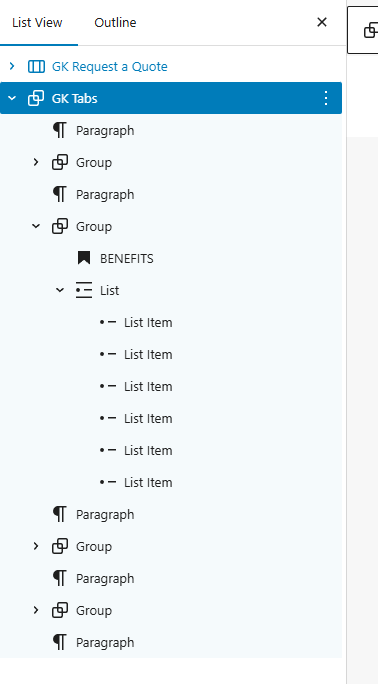
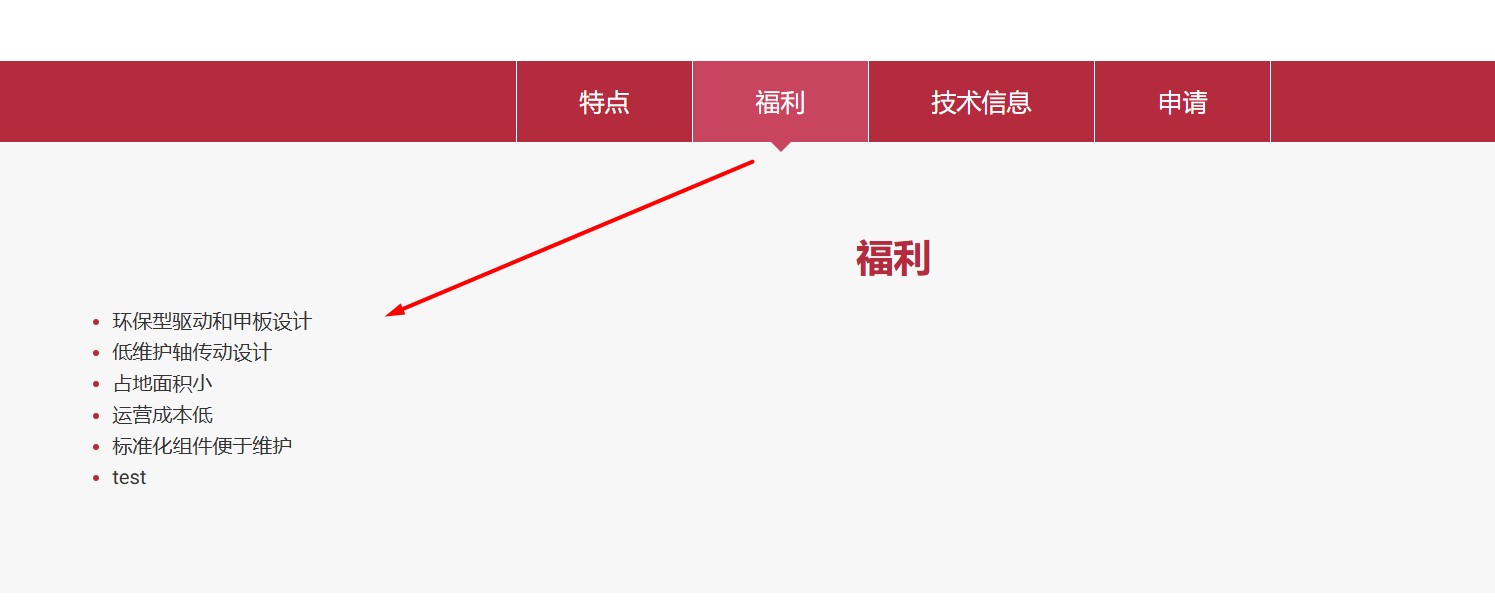
features-frontend.png shows the translated content successfully, but as you can see in benefits-frontend.png it is not so for the Benefits tab. I don't know why and this is what I need help with.
Some notes:
- this is happening on a woocommerce product
- The content is in the gutenberg editor and part of a shortcode
- we are using AI translations
- it is not a CSS or JS issue. I thought perhaps the content was rendered in the DOM but hidden by CSS/JS but the translated content HTML is not rendered on the page at all.
- I have gone to WPML > Settings > Troubleshooting tools and cleared cache, removed ghost entries, and syncronized post taxonomies (Products) but it did not fix the problem
- I have tried to edit the content and republish + re translate but did not fix the problem
Thank you for contacting WPML Support. Could you please try to follow the below steps:
1. Take a backup of your site first for safety reasons.
2. Update all plugins, especially WPML, WooCommerce, and WPML Multilingual & Multicurrency for WooCommerce.
3. Then try to follow the below procedure:
3.1. Please open the default language Product in Edit mode.
3.2. Update the product by pressing the “Update” button.
3.3. Now, please try to open the translated product in WPML Translation Editor and make sure the translation is 100% complete, press the Complete translation button.
4. Clear all sorts of site/server/CDN cache and see if this resolves the issue.
If it still happens, please share:
1. The product URL where the Benefits tab content is missing.
2. A backend screenshot showing how the shortcode is added in the product content.
Thanks for trying the above suggested steps and additional details. To take a closer look at this issue, please provide temporary access (WP-Admin and FTP Login info) to your site (preferably staging site), so that I can look into your setup and debug the issue.
Your next answer will be private, meaning only you and I can access it.
=== Please backup your database and website ===
✙ I would need your permission to deactivate and reactivate Plugins and the Theme and to change configurations on the site. This is also a reason the backup is essential.
Sorry for the delay, I was off during the weekend (Friday-Saturday). Thanks for providing the login details. I’m debugging the issue at your site and will get back to you with an update soon.
I thoroughly debugged this issue and found out that the [GK-TABS-BREAK] is not a real shortcode, it is only used as a text separator inside the main [GK-TABS] shortcode. When the page is translated with WPML Advanced Translation Editor, it tries to process it as a shortcode and ends up duplicating it which breaks the tab layout and creates more empty tabs in secondary language.
// WPML sometimes duplicates the break shortcode >> collapse multiples into one
	$content = preg_replace('/(\[GK-TABS-BREAK\]\s*){2,}/i', '[GK-TABS-BREAK]', $content);
    $sections = preg_split('/\[GK-TABS-BREAK\]/i', $content);
	$sections = array_values(array_filter(array_map('trim', $sections), 'strlen')); // remove empty panels
From themes/wp-theme-general-kinematics/includes/gk-tabs-shortcode.php
- Made a small change in the default language product to reload the translation.
- Open the translated product in WPML Advanced Translation Editor and complete the translation.
Now, it works without any issues. Could you please check and confirm?
Please understand that I'm helping you here with an issue that is out of the scope of our support forum and we will not be able to support the fix that we give you in the future. Because the theme or our code might have changed, so please always be aware of this. Right now it's working without any issue.