This thread is resolved. Here is a description of the problem and solution.
Problem: The client is experiencing issues with displaying different images for different language versions of their site. They have successfully uploaded and displayed an image in the Romanian and English versions but are unsure how to manage this for other languages or use different images for each language version. Solution: 1) To address the issue of displaying the same or different images across various language versions, we recommend the following steps: - Ensure that the page is fully translated into the desired languages. This includes completing the translation job for each language. - For displaying different images in different languages, navigate to WPML > Media Translation. More details can be found here: Media Translation Guide. 2) If parts of the page should not appear in languages other than Romanian, consider disabling the WPML editor for this page or all pages and make the changes manually using the WordPress or Elementor editor. This allows for manual control over layouts, images, and text in different languages.
Please note that the solution provided might be outdated or not applicable to your specific case. We highly recommend checking related known issues at https://wpml.org/known-issues/, verifying the version of the permanent fix, and confirming that you have installed the latest versions of themes and plugins. If the issue persists, please open a new support ticket at WPML Support Forum for further assistance.
This is the technical support forum for WPML - the multilingual WordPress plugin.
Everyone can read, but only WPML clients can post here. WPML team is replying on the forum 6 days per week, 22 hours per day.
Please create a new ticket, I want to be sure I will still talk to you, not to other Supporter, because u already know what is my problem.
PS: Why don't I get email when you answer here?
here is the ticket for your other issues with image and another website.
1) In order to expedite handling your support requests, can you please share WPML support debug information from your site.
- To give debug information, login to your site and go to WPML → Support. From there click on the “debug information” link at the bottom of the page. - Once on the “debug information” page, select the entire content of the text box and copy it. - Now go back to our support forum, find debug information box and paste it.
More information on the link: https://wpml.org/faq/provide-debug-information-faster-support/
2) Can you please explain in details what is the issue you are having there?
On my other website, hidden link, I have uploaded a photo in a gallery, I have translated it in English and French, but when i switch languages, the photo is not showing. What am I missing here? 🙁
See video here: hidden link
Please let me know if u need user login.
Thank you! 🙂
It worked for one language. I have uploaded it in Romanian language, translated in all languages, the image shows on Romanian and on English versions.
Why?
This happens because the page needs to be translated 100% and the translation job must be completed. Previously, I completed this only for English, which is why it works correctly there.
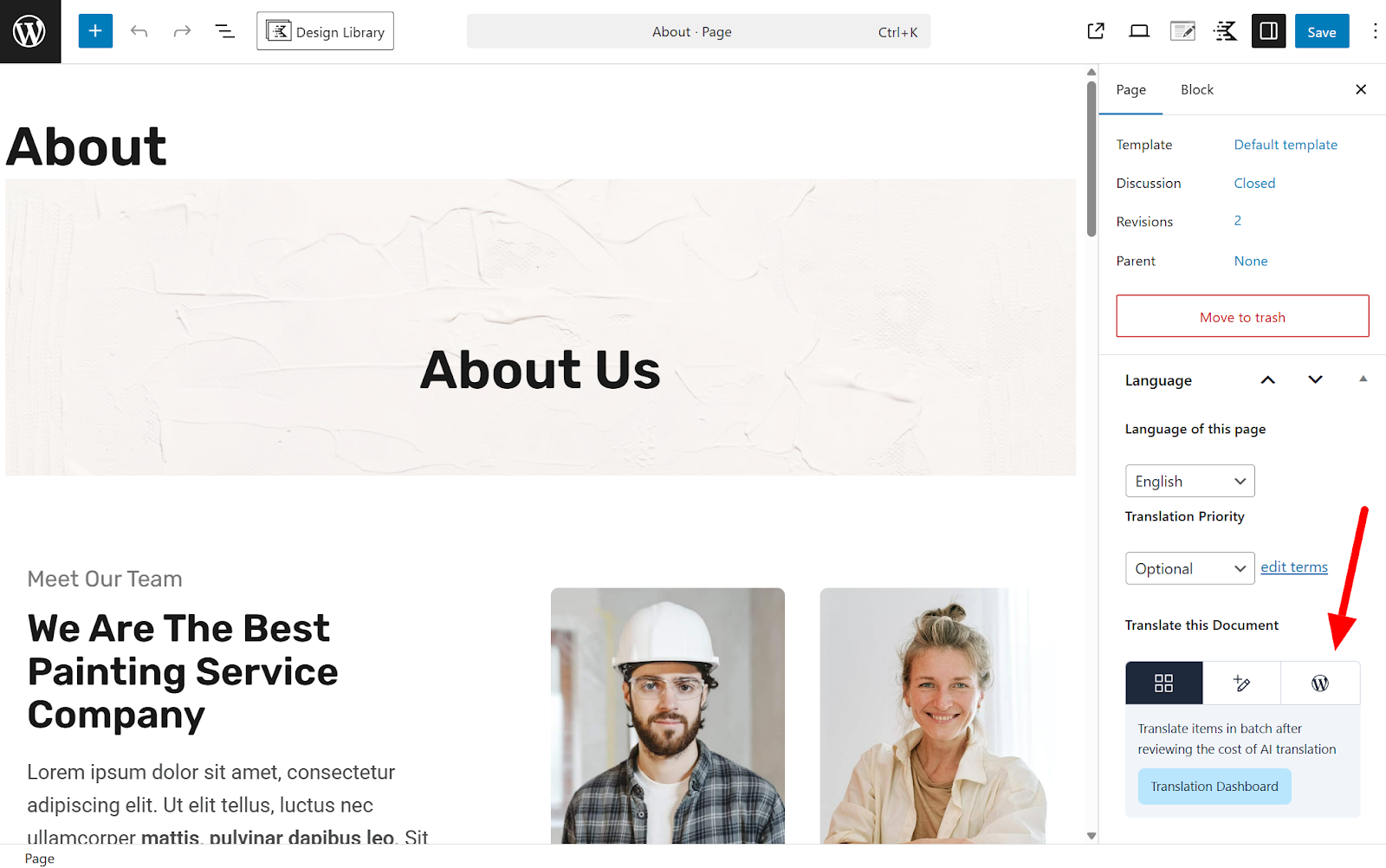
Please open the page and fully translate it for the other languages first and make sure to finish the translation. After that, when you change the image / re-translate, it should work correctly for all languages.
The thing is that I have some parts of my page which are not supposed to appear on other languages than Romanian.
Can I do that? Which is the correct way?
In this case, the best approach is to disable the WPML editor for this page or for all pages—and make all changes manually using the WordPress or Elementor editor.
You should make this changes in the default language and select the WP editor. This will allow you to manually apply all modifications, including different layouts, images, and text. Any additional changes will also need to be handled manually for each language.
Please note that if you later switch back to the WPML editor, any changes made manually will not be visible or reflected inside the WPML editor.