
This is the technical support forum for WPML - the multilingual WordPress plugin.
Everyone can read, but only WPML clients can post here. WPML team is replying on the forum 6 days per week, 22 hours per day.
Tagged: Compatibility, Documentation request
This topic contains 5 replies, has 1 voice.
Last updated by sanjinM 8 months ago.
Assisted by: Bobby.
| Author | Posts |
|---|---|
| June 16, 2025 at 3:49 pm #17139812 | |
 sanjinM |
Background of the issue: Symptoms: Questions: |
| June 16, 2025 at 3:50 pm #17139831 | |
|
sanjinM |
The translation issues persist across all languages for nearly every post in the Special Offers category - only the English versions display correctly. |
| June 16, 2025 at 10:40 pm #17140417 | |
 Bobby WPML Supporter since 04/2015 Languages: English (English ) Timezone: America/Los_Angeles (GMT-08:00) |
Hi there, When I visit hidden link If I switch to English, Spanish, and German it works OK but in French and Italian I get an empty page. Similar results happen when I visit certain posts...for example hidden link Please verify that this post has the content existing and is published in the backend. Let me know your results. |
| June 17, 2025 at 11:51 am #17142188 | |
|
sanjinM |
Hi Bobby, I’ve been using WPML’s automatic translation service on ama-travel.com, but I’m running into several issues: Translations reassigned: Content that’s already translated keeps getting marked “awaiting translator” when I view or troubleshoot. Missing front-end translations: Special Offers category (hidden link) initially shows posts summary in EN, ES, and GR - but not in IT or FR. The Zagreb Christmas Market 2025 page (hidden link) renders in EN, ES and FR only, even though translations exist for all languages in the WPML dashboard. Posts are publsihed. See attached samples. I suspect the automatic translation service isn’t consistently mapping posts/pages to all required WPML entities. Regards, 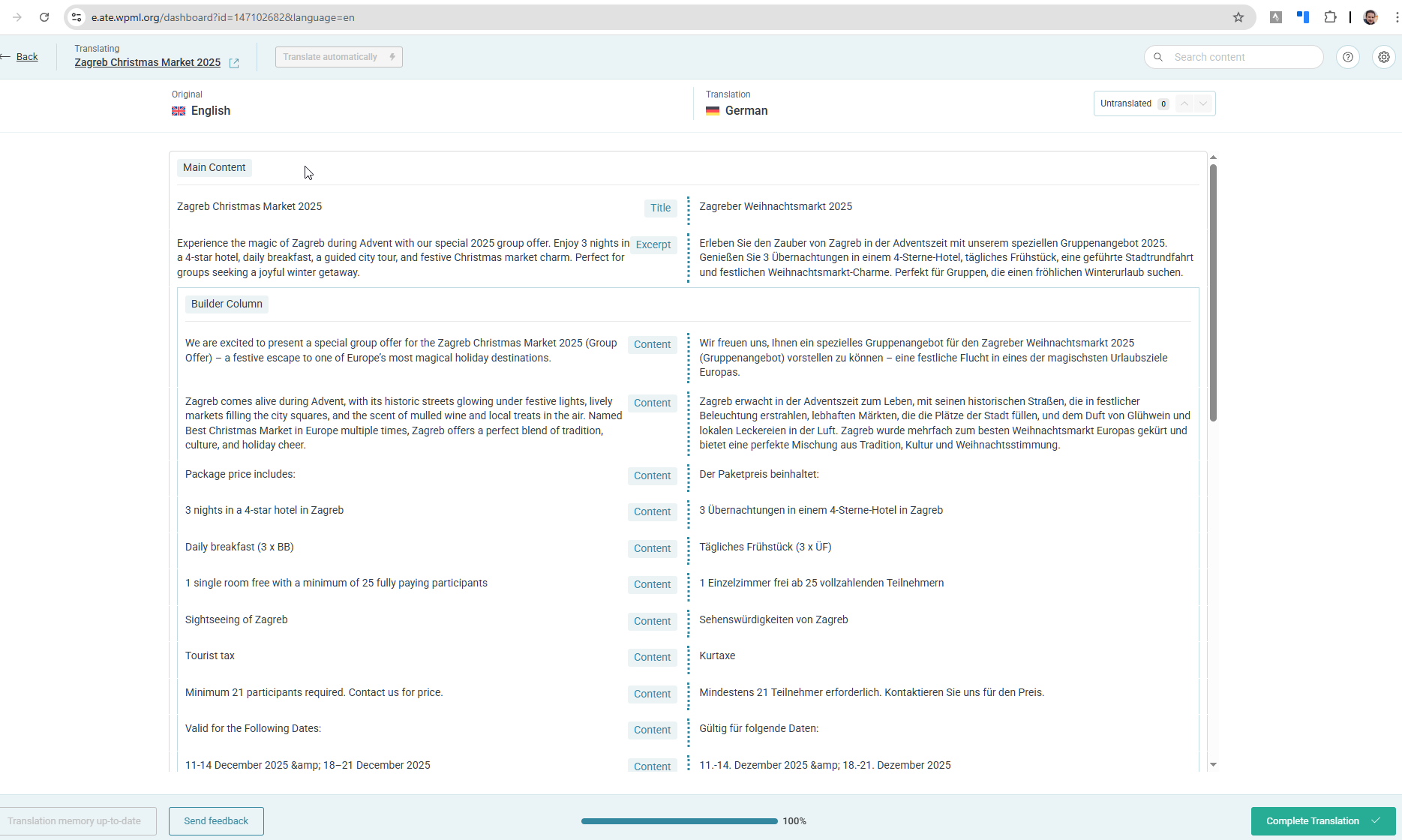 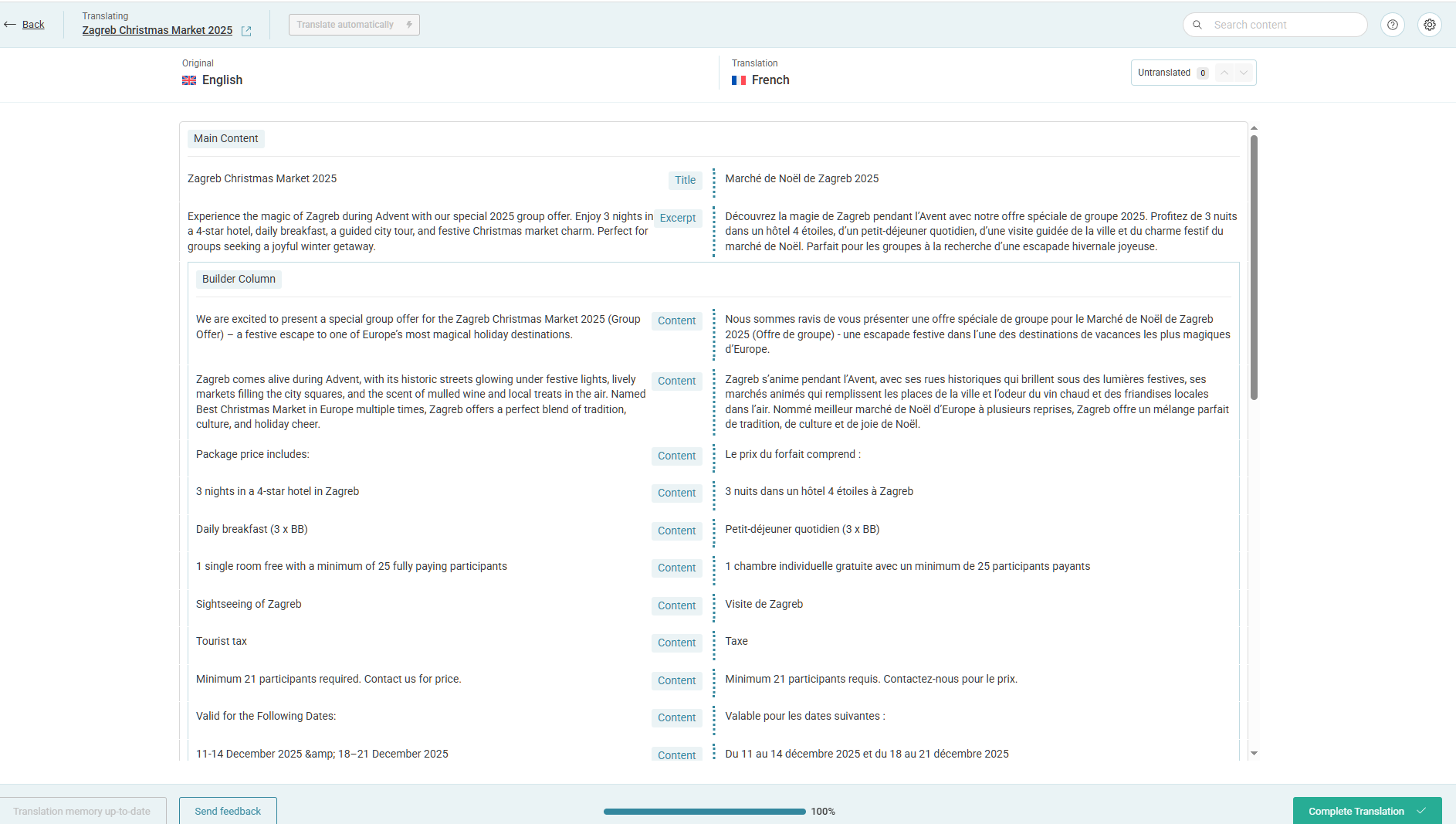 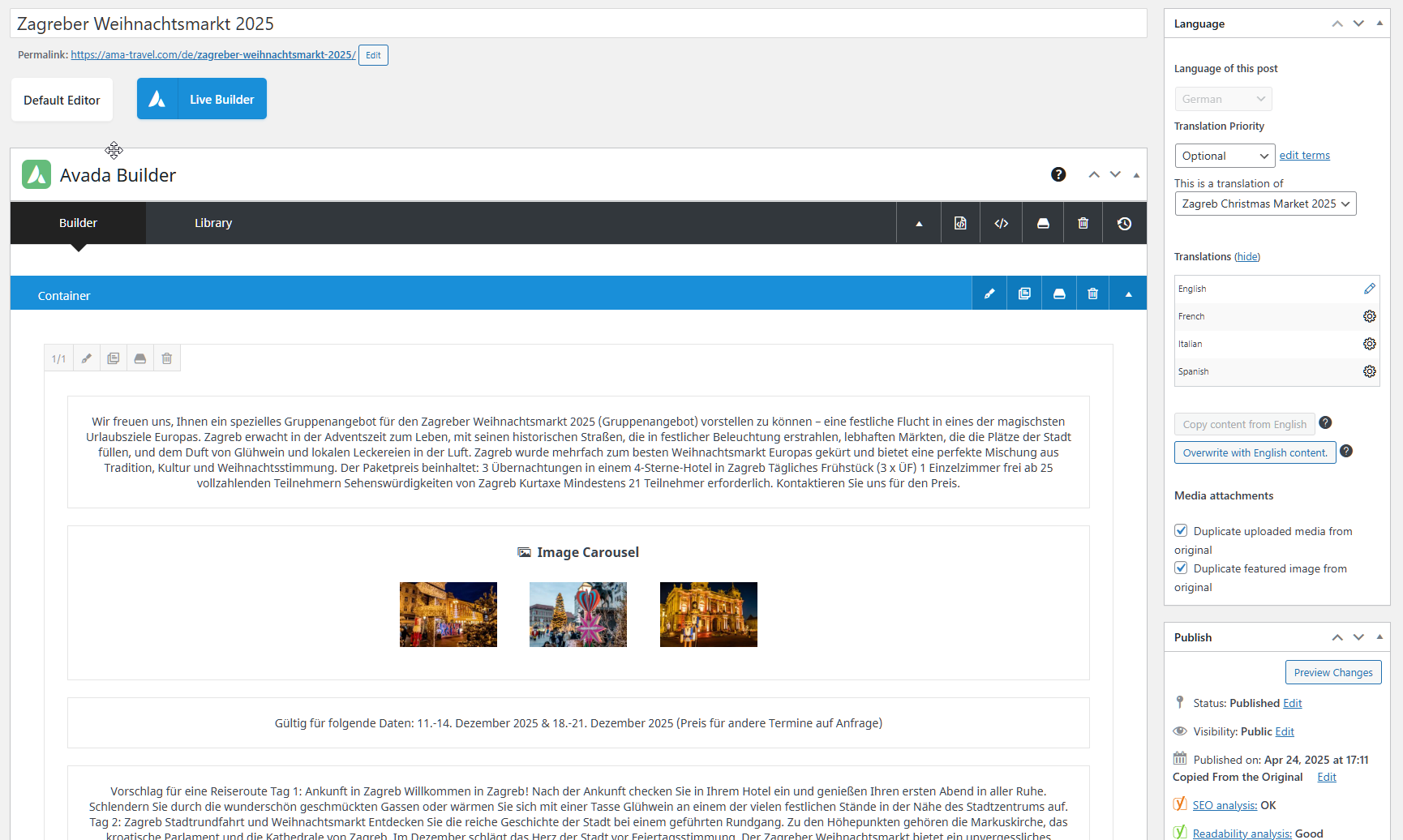 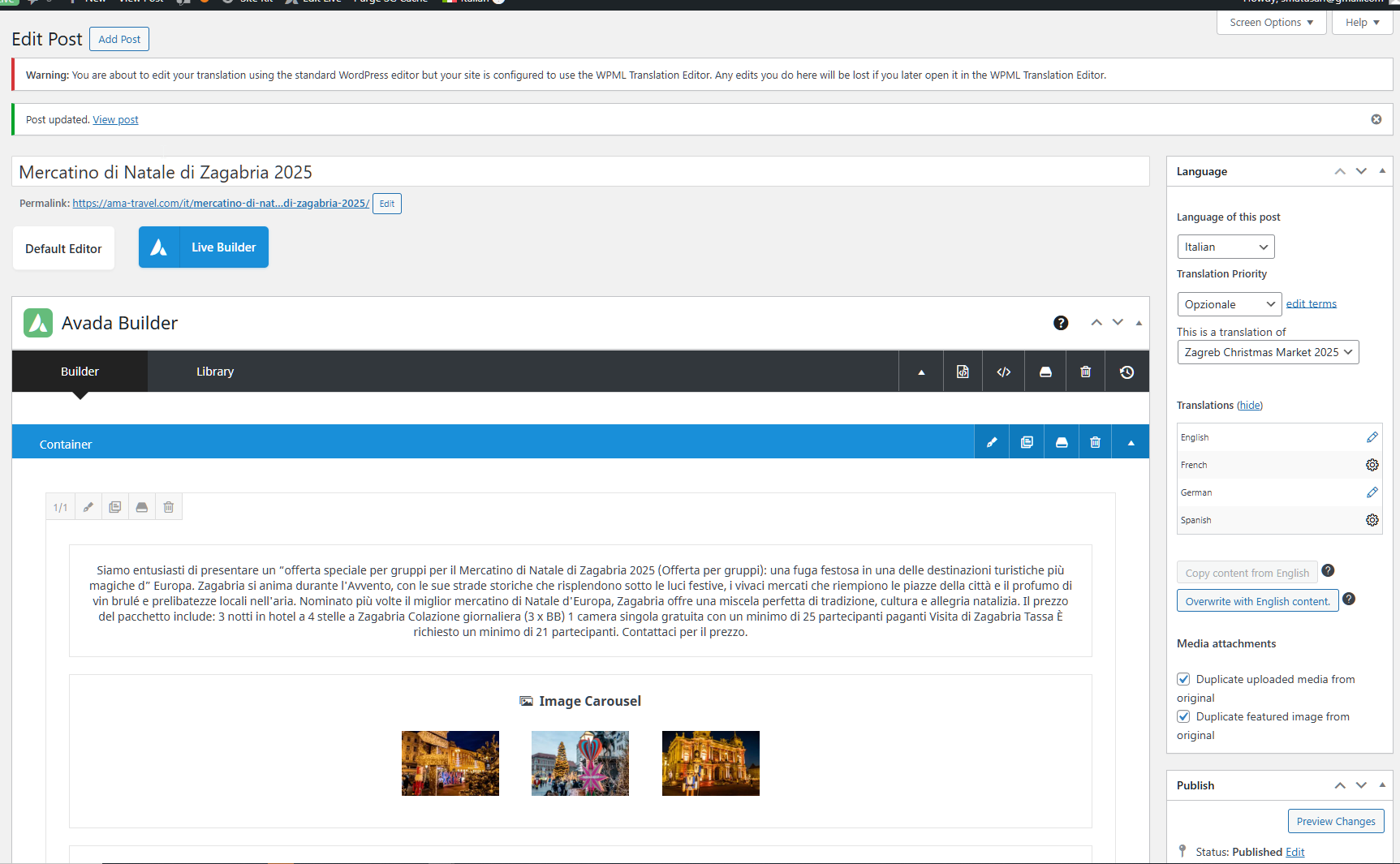 |
| June 19, 2025 at 12:01 am #17148400 | |
|
Bobby WPML Supporter since 04/2015 Languages: English (English ) Timezone: America/Los_Angeles (GMT-08:00) |
Hi Sanjin, When using the automatic translation editor it's important to only use that editor, meaning that after a translation is made we warn against going into the translation manually. I would like to request temporary access (wp-admin and FTP) to your site to test the issue. **Before we proceed It is necessary to take FULL BACKUP of your database and your website. Providing us with access, you agree that a backup has been taken ** I often use the Duplicator plugin for this purpose: http://wordpress.org/plugins/duplicator/ NOTE: If access to the live site is not possible and the staging site does not exist please provide me with a duplicator package created with the duplicator plugin. Thank you, |
| June 23, 2025 at 1:04 pm #17160444 | |
|
Bobby WPML Supporter since 04/2015 Languages: English (English ) Timezone: America/Los_Angeles (GMT-08:00) |
Thank you for the access details! The issue is being caused by the Avada Layouts missing the Post Archives -> Post Archives Content -> Post Card Archives item. The German translation was showing it and using it correctly however the Italian for example was completely missing it which is why the archive page was showing empty. To resolve it I went to Avada -> Archives -> Post Archives Content edit the English version and made a small change then updated. After updating I updated the translation and it is working OK now. Please review the rest of the Avada layouts and ensure that they are translated OK for all languages. Related Documentation: |
| June 23, 2025 at 2:42 pm #17161179 | |
|
sanjinM |
Thank you Bob. It's working now. I had assumed automatic translation would also handle layout changes. |






