
This is the technical support forum for WPML - the multilingual WordPress plugin.
Everyone can read, but only WPML clients can post here. WPML team is replying on the forum 6 days per week, 22 hours per day.
| Sun | Mon | Tue | Wed | Thu | Fri | Sat |
|---|---|---|---|---|---|---|
| - | 8:00 – 12:00 | 8:00 – 12:00 | 8:00 – 12:00 | 8:00 – 12:00 | 8:00 – 12:00 | - |
| - | 12:00 – 16:00 | 12:00 – 16:00 | 12:00 – 16:00 | 12:00 – 16:00 | 12:00 – 16:00 | - |
Supporter timezone: Europe/Zagreb (GMT+01:00)
Tagged: Compatibility
This topic contains 15 replies, has 0 voices.
Last updated by Dražen 18 hours, 26 minutes ago.
Assisted by: Dražen.
| Author | Posts |
|---|---|
| March 9, 2026 at 4:29 pm #17882705 | |
 T4ng |
I did notice that sometimes (and it's not so rare...), image translated are broken in the media translation, or in the front end or in the media library. BUT then, in the media translation, once the page is updated, the french image is broken because it's pasth is: 2025-05/image-francais.png, or 2026-01/image-english.png. Finally, these broken images are also broken for the same reason in the content translation. Best part is: in such case, there's no way to reupload the file - It'll remain broken, whatever I re-upload. The only solution that seems to work is reuploading the original images in the original language. The the metas, then reupload ALL the translated medias, and ALL their meta. It takes ages. Can you please fix this? Thanks 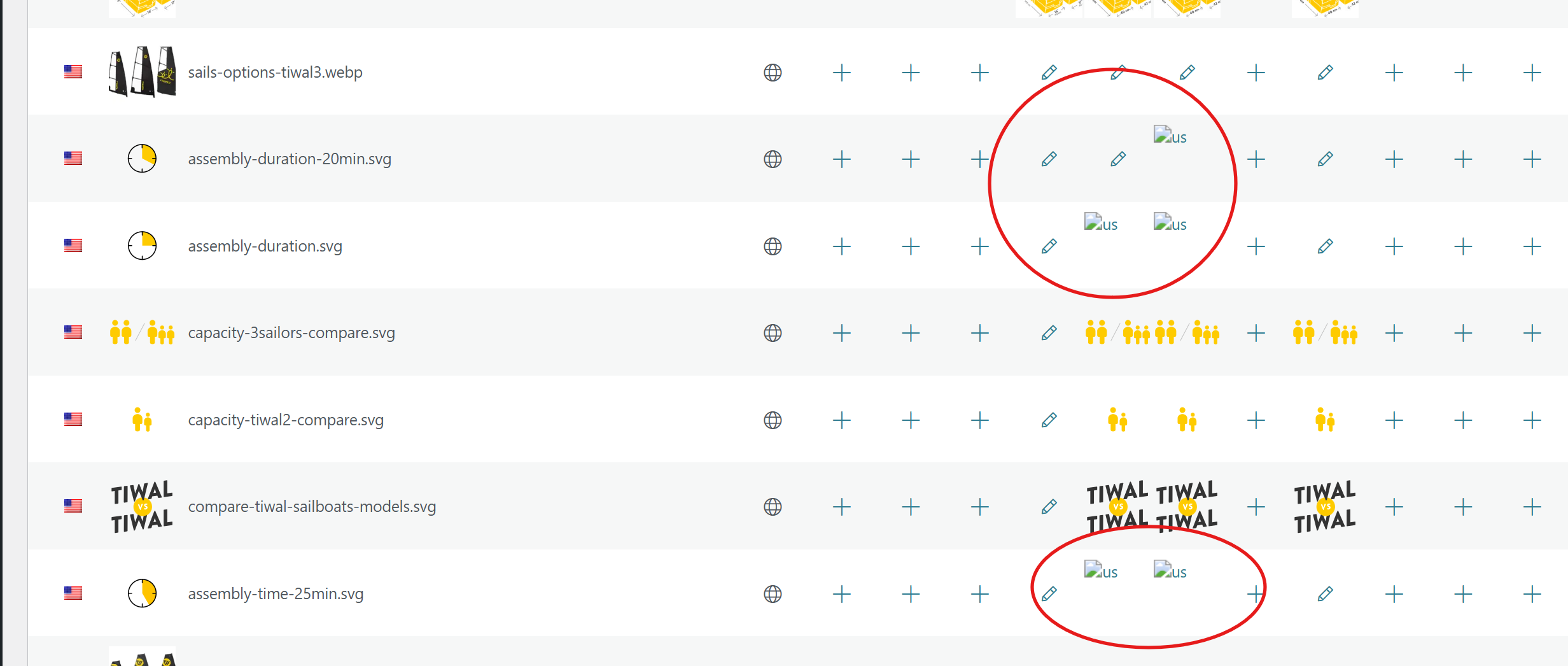 |
| March 10, 2026 at 7:44 am #17884173 | |
 Dražen Supporter Languages: English (English ) Timezone: Europe/Zagreb (GMT+01:00) |
Hello, Thank you for the detailed explanation. From your description it is difficult to determine the exact cause. At the moment we do not have similar open bug reports related to this behavior, so it is possible that the issue is caused by some third-party plugin (for example an image optimization plugin, CDN integration, or similar tool that modifies image paths). Could you please clarify if there are specific steps that consistently trigger the issue? For example: - when translating images via WPML → Media Translation - after editing/updating a page or after syncing media Clear reproduction steps would help us investigate this further. If possible, it would also be helpful to test in a minimal environment (for example on a staging site with only WPML and required plugins active) to see if the issue still occurs. This can help confirm whether the behavior is caused by WPML or by interaction with another plugin or custom code. Please let me know. Regards, |
| March 10, 2026 at 11:50 am #17885138 | |
|
T4ng |
Hi, When the URLs are wrong, the Offload Media "timestamp" subfolder of the path is always right when the filename is translated. In other terms: the timestamps always corresponds to the actual folder of the translated file on the bucket. The only thing wrong it the year/month path, which is the original file's path. When Offload media is disabled, the error still occurs. Now... back to were I was. I was able to complete the stuck media update process after enabling "Automatically detect best options for translating image text" (suggestion by your AI, though I doubt it has anything related with that issue), by deactivating Elementor and Elementor Pro (I already encountered this issue in the pas so was able to fix it). But it didn't solve the issue. Then , I deactivated all plugins except WPML Multilingual CMS and WPML Media Translation, and switched to storefront standart theme. I can't say what exact process leads to the issue. One thing that I think of is that maybe, it occurs on some translations only when the original file is uploaded through the media library, when called from a content page, instead of loading it straight from the admin menu > Media Library. |
| March 10, 2026 at 12:04 pm #17885223 | |
|
Dražen Supporter Languages: English (English ) Timezone: Europe/Zagreb (GMT+01:00) |
Hello, Thank you for the additional testing. This is very helpful. Since the issue still happens even with only WPML Multilingual CMS and WPML Media Translation active and with a default theme, it seems less likely that this is caused by Offload Media or another third-party plugin. At this point, I would like to investigate this further on a staging site. Could you please share access to a staging site where the issue can be reproduced. If the staging site is protected, please also provide the login details using the private reply fields. This will help me test further and determine exactly where the wrong media path is being generated. Regards, |
| March 10, 2026 at 9:49 pm #17887151 | |
|
T4ng |
Hi Dražen, Since I’ve been encountering this issue for a while, I decided to dig into it myself and used Cursor AI to review the code against a few scenarios I suspected might trigger the problem. I believe the findings might worth take a look. The error seems to occur when : This is explained in detail in a (rather extensive, sorry) .md file describing: I didn’t go any further, since it wouldn’t really make sense for me to modify your plugin directly. The document also explains how this explanation remains compatible with the fact that images uploaded via Media Translation, which appear broken in the media translation view and within content translated using the WPML Translation Editor, still work correctly when accessed from the Media Library, then when added within individually translated content. Finally, it notes that other plugins might worsen the situation if they also mishandle attachment data later on, though it emphasizes that the root cause seems to originate in WPML. Would you mind taking a look at it? hidden link Best Regards, |
| March 11, 2026 at 6:59 am #17887518 | |
|
Dražen Supporter Languages: English (English ) Timezone: Europe/Zagreb (GMT+01:00) |
Hello, Thank you for taking the time to investigate this and for sharing the document. I really appreciate the effort you put into analyzing the possible scenarios and documenting your findings this is very helpful. However, in order for us to properly review this and escalate it to our 2nd tier or development team, we still need a reproducible case where we can actually observe and debug the issue. Without being able to reproduce the problem, it is very difficult for us to confirm the root cause or safely implement a fix. At the moment, I tried reproducing the scenario on a clean test installation, but the issue did not occur by default, which means we first need to confirm the exact conditions under which it happens. Could you please provide one of the following so we can investigate further? • access to a staging site where the issue can be reproduced This will allow us to verify your findings, debug the behavior directly, and confirm whether the issue is related to WPML itself or possibly influenced by the specific environment, configuration, or other plugins. Once we have a reproducible example, we will be able to confirm, escalate it properly and work toward a fix. Kind regards, |
| March 13, 2026 at 9:50 am #17894927 | |
|
T4ng |
Hi Dražen, Thanks |
| March 13, 2026 at 11:11 am #17895230 | |
|
Dražen Supporter Languages: English (English ) Timezone: Europe/Zagreb (GMT+01:00) |
Hello, Thank you for testing this further, I appreciate the effort. Yes, testing in a clean environment would indeed be the best way to proceed. You can use the following sandbox site which we use for reproducing issues: - hidden link It already has WPML installed, and you can reproduce the steps there to see if the same behavior occurs. Thanks and regards, |
| March 13, 2026 at 2:11 pm #17895806 | |
|
T4ng |
Hi, |
| March 16, 2026 at 6:04 am #17898709 | |
|
Dražen Supporter Languages: English (English ) Timezone: Europe/Zagreb (GMT+01:00) |
Hello, sorry about that, I have now setup and configured WPML plugins. Please continue and let me know how it goes. Regards, |
| March 19, 2026 at 8:52 am #17910075 | |
|
T4ng |
Hi, Thanks. Best Regards, |
| March 19, 2026 at 9:47 am #17910280 | |
|
Dražen Supporter Languages: English (English ) Timezone: Europe/Zagreb (GMT+01:00) |
Hello, sure, ticket will stay open 14 days from last reply and sandbox 7 days from last login (today) . Regards, |
| March 26, 2026 at 8:05 am #17927997 | |
|
T4ng |
Thanks |
| March 26, 2026 at 9:16 am #17928222 | |
|
Dražen Supporter Languages: English (English ) Timezone: Europe/Zagreb (GMT+01:00) |
Hello, sure you are welcome. I will be waiting for your reply. Regards, |
| March 26, 2026 at 3:54 pm #17929867 | |
|
T4ng |
Hi Drazen. As already explained, the issues seems related with the path update. So here is what I did: 2. Install Enable media replace to be able to change the original date (since the issues seems related to datedfolders) nb: this plugin is installed on our website, but I never use it when images are already translated. Here, I just take advantage of it to be able to "simulate" the upload of translations on a different month 3. From Media Translation, I duplicated this image in French (no specific image), and added a specific image in Spanish At this step, everything is fine. 4. I replaced the image with an other one, with another filename: test-content-image1us-new-file.jpg 5. Moved back to the Media Library: result attached ((screenshot case 1) The Original image is fine: it has the new path and file name. The Spanish image is still fine... orignal path + filename: /wp-content/uploads/2026/03/test-content-image-1-es-150x150.jpg The french one, however, is broken. Just in case I cleared the WPML cache + Clean/Optimize String Tables + Browser cache of course >> Same results. === The case I encounter the most being when: I couldn't replicate that case on your sandbox for now. 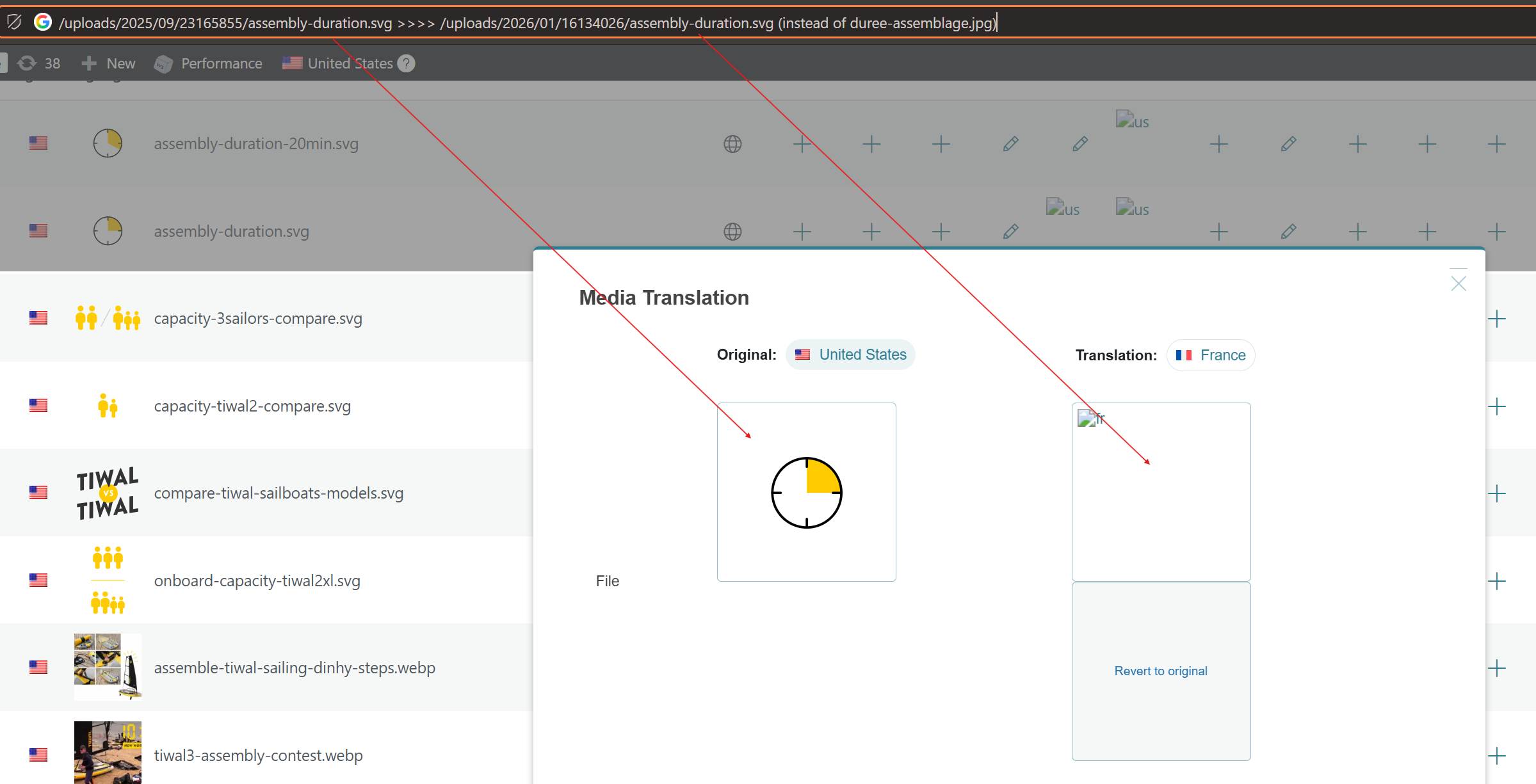 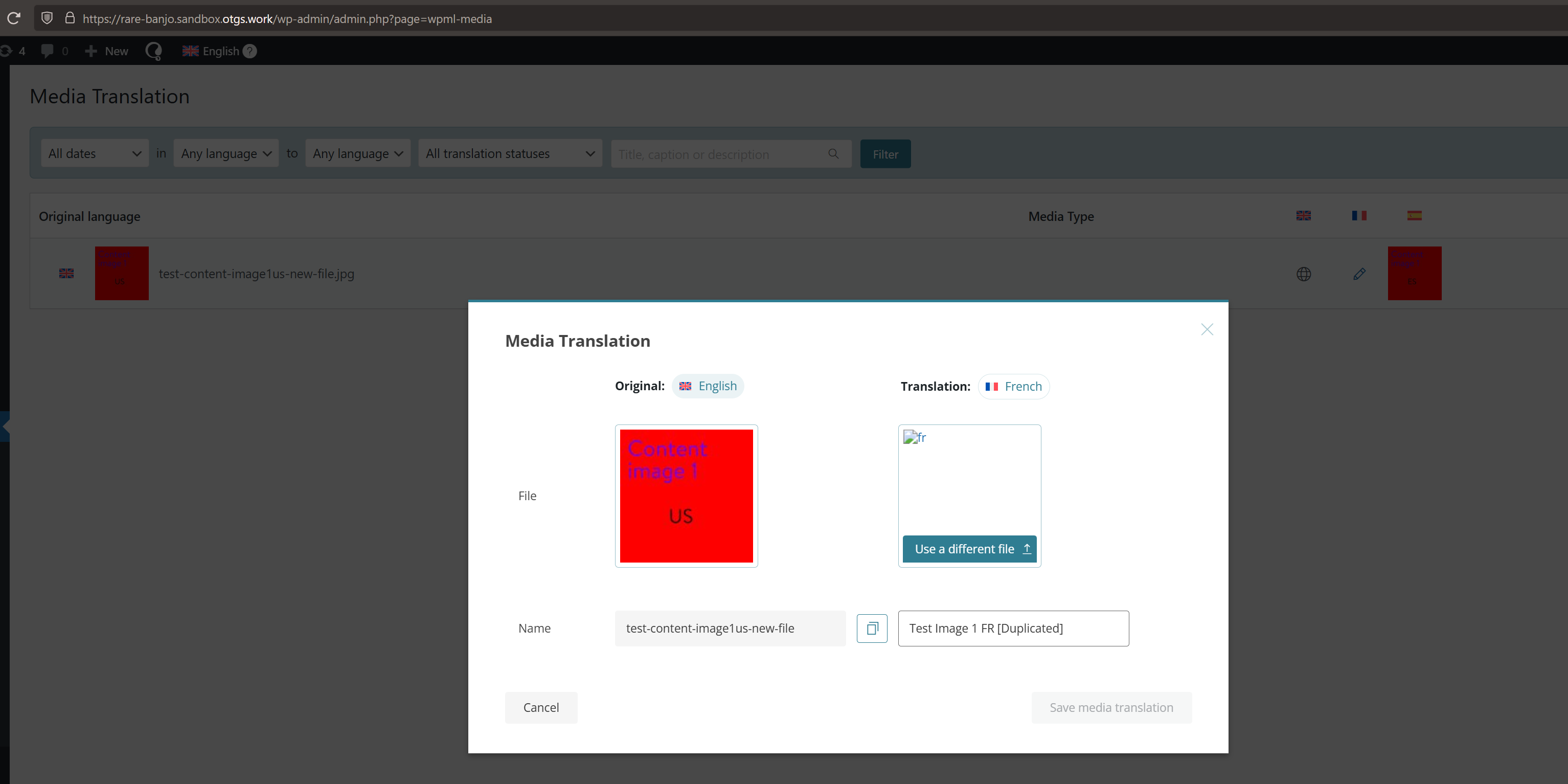 |






