Home›Support›English Support›[Resolved] Your site doesn't meet WPML's minimum requirements - Issue with price in translated products.
[Resolved] Your site doesn't meet WPML's minimum requirements - Issue with price in translated products.
This thread is resolved. Here is a description of the problem and solution.
Problem: The client's site does not meet WPML's minimum requirements, WooCommerce Multilingual & Multicurrency is reported as not installed, and sale prices for variable products are not displayed in English. Solution: First, we recommend modifying how WPML filters cookies during its REST check. Adjust the method in
and set the rule’s Action to: Skip → All remaining custom rules. Clear all caches after this adjustment.
If these solutions do not resolve your issue or seem irrelevant due to being outdated or not applicable to your case, we highly recommend checking related known issues at https://wpml.org/known-issues/, verifying the version of the permanent fix, and confirming that you have installed the latest versions of themes and plugins. If the problem persists, please open a new support ticket at WPML support forum.
This is the technical support forum for WPML - the multilingual WordPress plugin.
Everyone can read, but only WPML clients can post here. WPML team is replying on the forum 6 days per week, 22 hours per day.
Background of the issue:
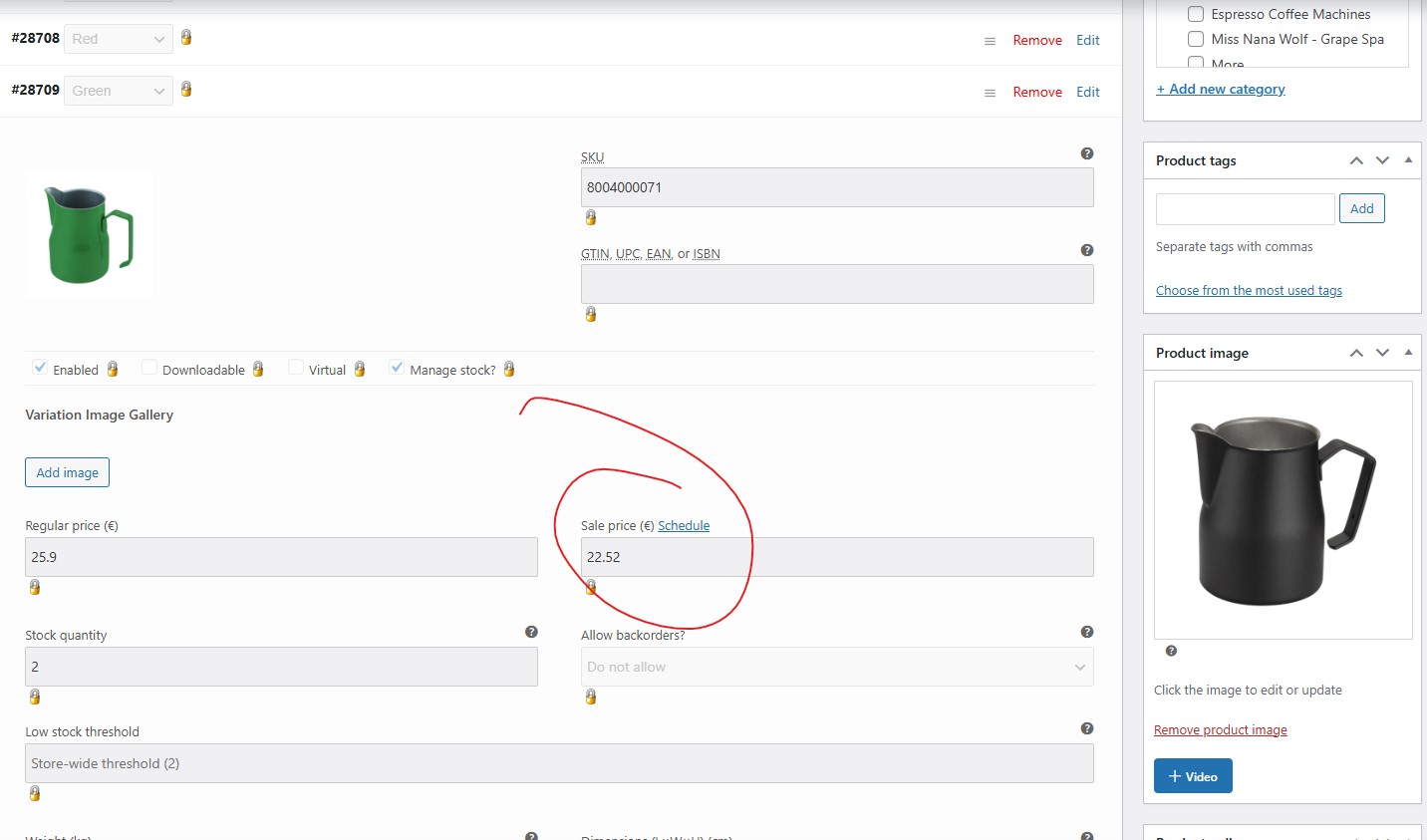
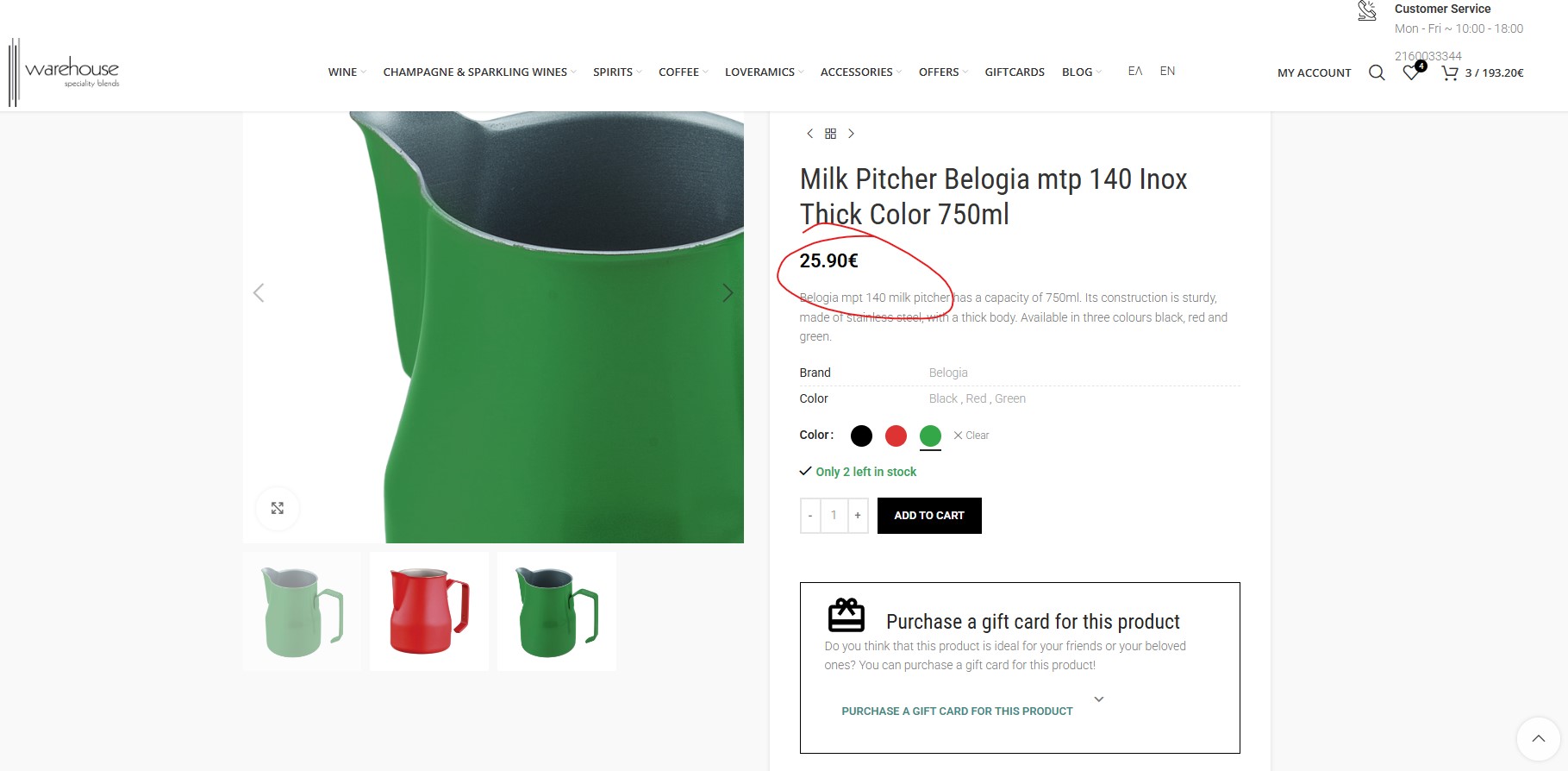
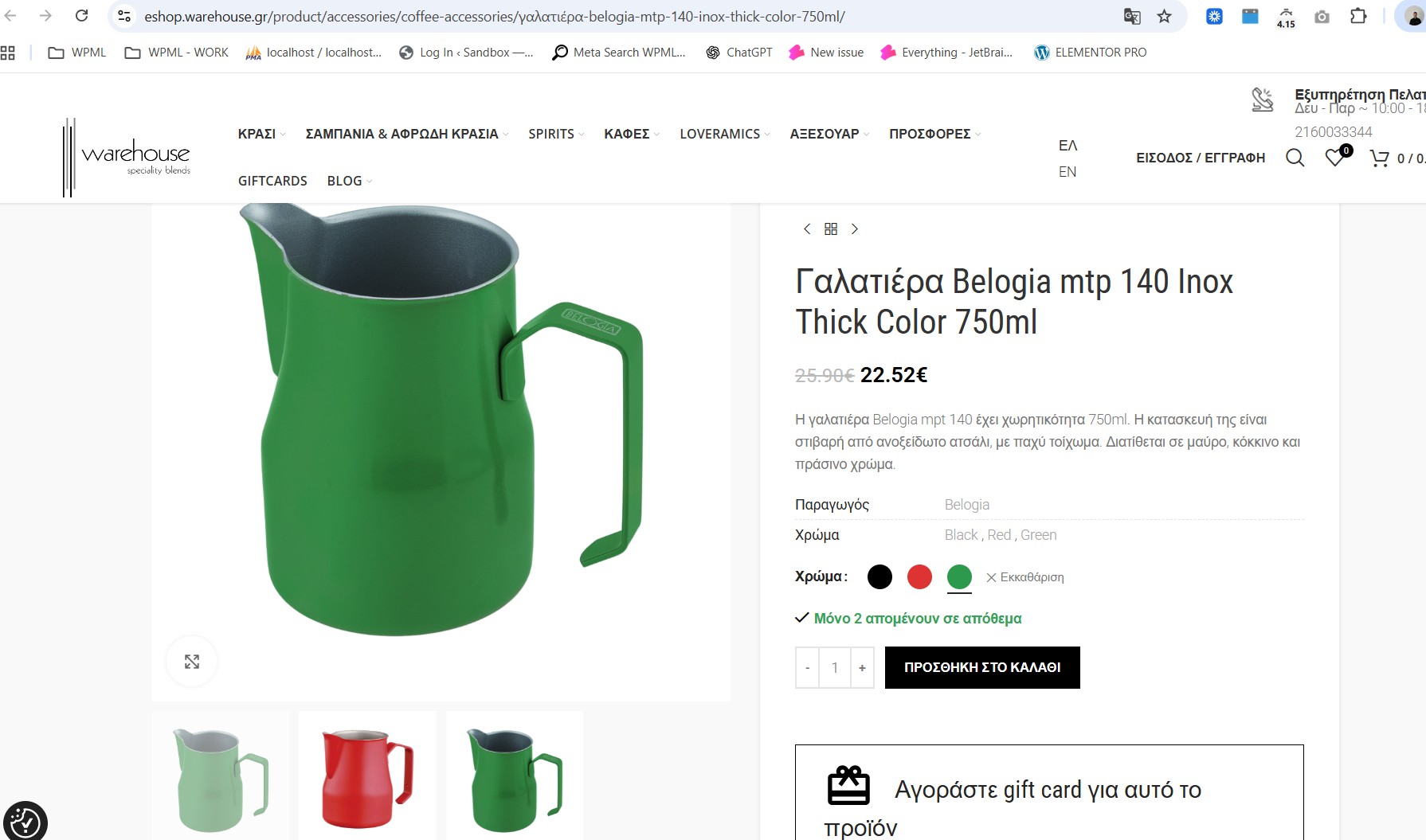
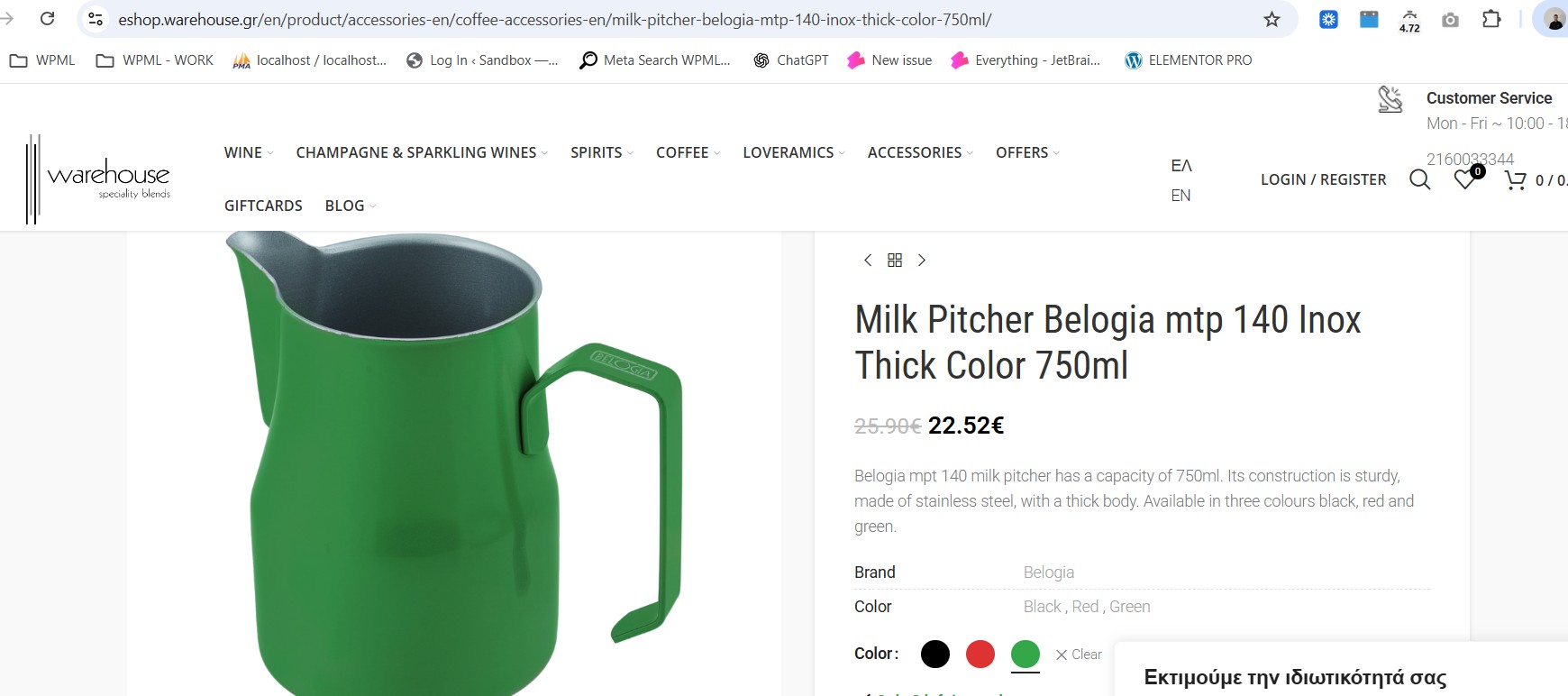
I have recently added warehouse.gr and eshop.warehouse.gr under a CloudFlare paid plan. I am trying to resolve an issue where my site doesn't meet WPML's minimum requirements. When testing through "hidden link", I get 'status':'valid' and 'get_parameters':'valid'. Additionally, WooCommerce Multilingual & Multicurrency is reported as not installed, although it is. I also need to fix an issue with sale prices in variable products for Black Friday. Sale prices are updated in both simple and variable products, but in English, the sale price is only displayed for simple products. The issue can be seen at: hidden link. I expected to see a sale price like in the Greek version: hidden link.
Symptoms:
The site doesn't meet WPML's minimum requirements. WooCommerce Multilingual & Multicurrency is reported as not installed. Sale prices for variable products are not displayed in English, although they are present and displayed in Greek.
Questions:
Why does the site not meet WPML's minimum requirements despite valid status checks?
Why is WooCommerce Multilingual & Multicurrency reported as not installed?
Why are sale prices for variable products not displayed in English?
I will check for wpml_notices and will remove it if it is there.
If not, to troubleshoot this problem, I'll install the Duplicator (hidden link) plugin and generate packages for further debugging purposes. I'll ensure to exclude all media files to maintain a minimal package size.
Languages: English (English )German (Deutsch )French (Français )
Timezone: Europe/Zagreb (GMT+01:00)
In another case we had, we identified that the issue is caused by an interaction between WPML and any of the plugins that stores serialized data inside cookies. WPML performs an internal requirements/REST check that validates cookie values, and because these cookies are serialized, the check fails and incorrectly reports an error.
We have also escalated this case to our developers so they can work on a permanent fix.
As a temporary workaround, can you try modifying how WPML filters cookies during its REST check by adjusting the following method:
Languages: English (English )German (Deutsch )French (Français )
Timezone: Europe/Zagreb (GMT+01:00)
This has been escalated to our 2nd tier team team and may take some debugging time, I'll get back to you as soon as I have any news or questions for you.
Languages: English (English )German (Deutsch )French (Français )
Timezone: Europe/Zagreb (GMT+01:00)
Can you try adding a Custom WAF Rule in Cloudflare to whitelist the endpoint `/wp-json/wpml/v1/rest/status`? So something like this:
1. Log in to the Cloudflare Dashboard and navigate to: Security → WAF → Custom Rules (I believe this is the correct location).
2. Create a new custom rule using an expression similar to:
`(http.request.uri.path contains "/wp-json/wpml/v1/rest/status")`
3. Set the rule’s Action to: Skip → All remaining custom rules.
Clear all the caches after this. Does it still show?
thank you for your help.
The issue is resolved now, the error message stopped!
I get "Great! All WPML requirements are now met. Your site is ready to use WPML."
Thanks again for your time and effort.