Home›Support›English Support›[Resolved] After installing WPML and deleting WPML, I still got double images in library. Could you pls help el...
[Resolved] After installing WPML and deleting WPML, I still got double images in library. Could you pls help el...
This thread is resolved. Here is a description of the problem and solution.
Problem: After installing and then deleting WPML, you noticed duplicated images in your library and are seeking a way to eliminate these duplicates. Solution: If you're experiencing duplicated images in your library after uninstalling WPML, we recommend reinstalling WPML and following our guide to remove second language data, which might help in clearing out duplicates. You can find the guide here: Deleting Languages and Plugin Data by Doing a WPML Reset on Your Site. If this does not resolve the issue, the remaining solution would be to manually select and delete the duplicate images.
Please note that the solution might be irrelevant if it's outdated or not applicable to your case. We highly recommend checking related known issues at https://wpml.org/known-issues/, verifying the version of the permanent fix, and confirming that you have installed the latest versions of themes and plugins. If the problem persists, please open a new support ticket at WPML Support Forum.
This is the technical support forum for WPML - the multilingual WordPress plugin.
Everyone can read, but only WPML clients can post here. WPML team is replying on the forum 6 days per week, 22 hours per day.
Background of the issue:
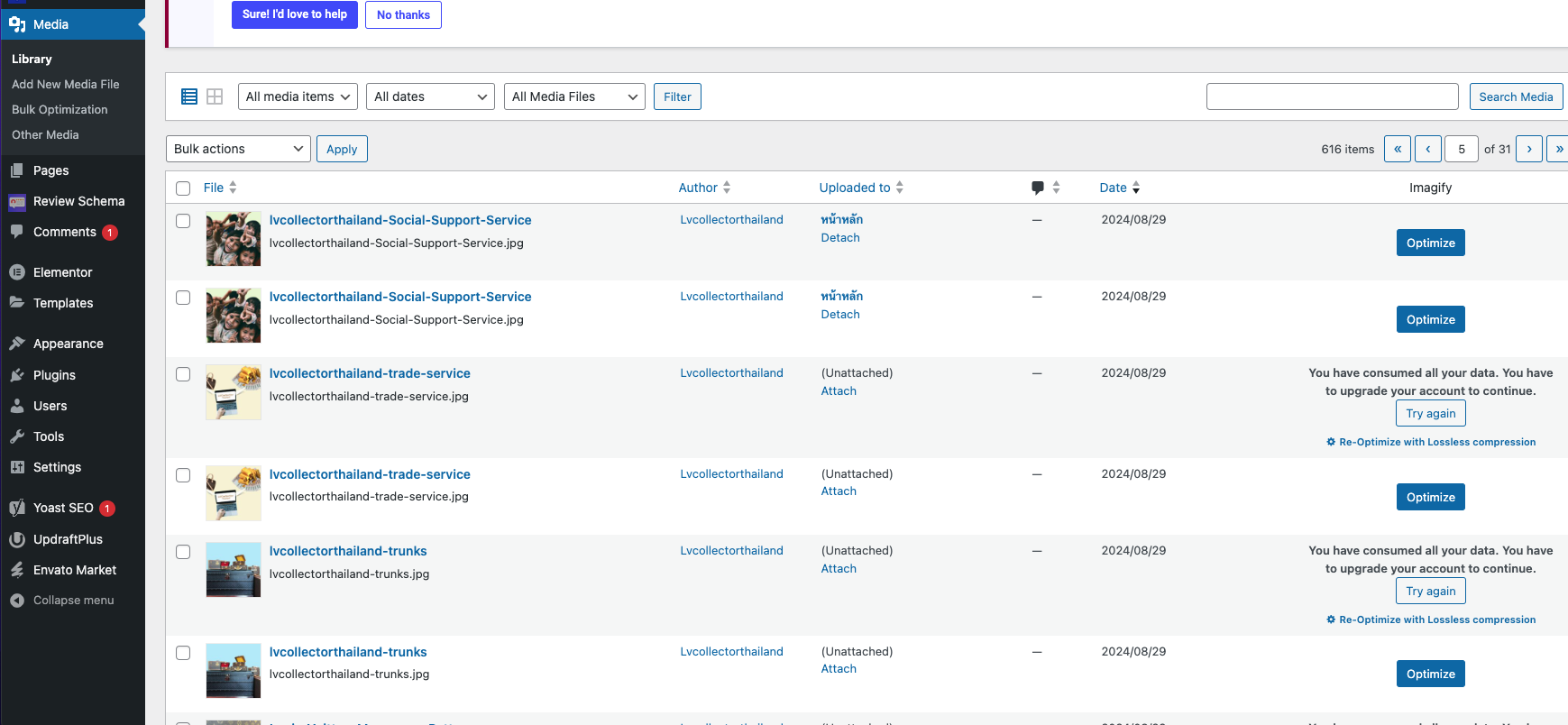
After installing and deleting WPML, I noticed double images in the library. I am trying to delete the duplicated images and keep the original image. You can log in and edit using the following credentials: User: hidden link Pass: v9VEzFR2CB. The issue can be seen here: hidden link
Symptoms:
I expected to see one image without duplication, but the image duplication still exists.
Questions:
How can I eliminate the duplicated images in the library?
Why are images duplicated after installing and deleting WPML?
I am apologized, if possible Pls HELP ME FIX this ASAP (i am very late for this project) Thank you so much for your kindness!
I am afraid now that WPML is removed, there is no WPML data so all of these images are the same. You can try re-installing WPML and following next guide to remove 2nd language data:
I have reinstalled WPML and follow your instructions
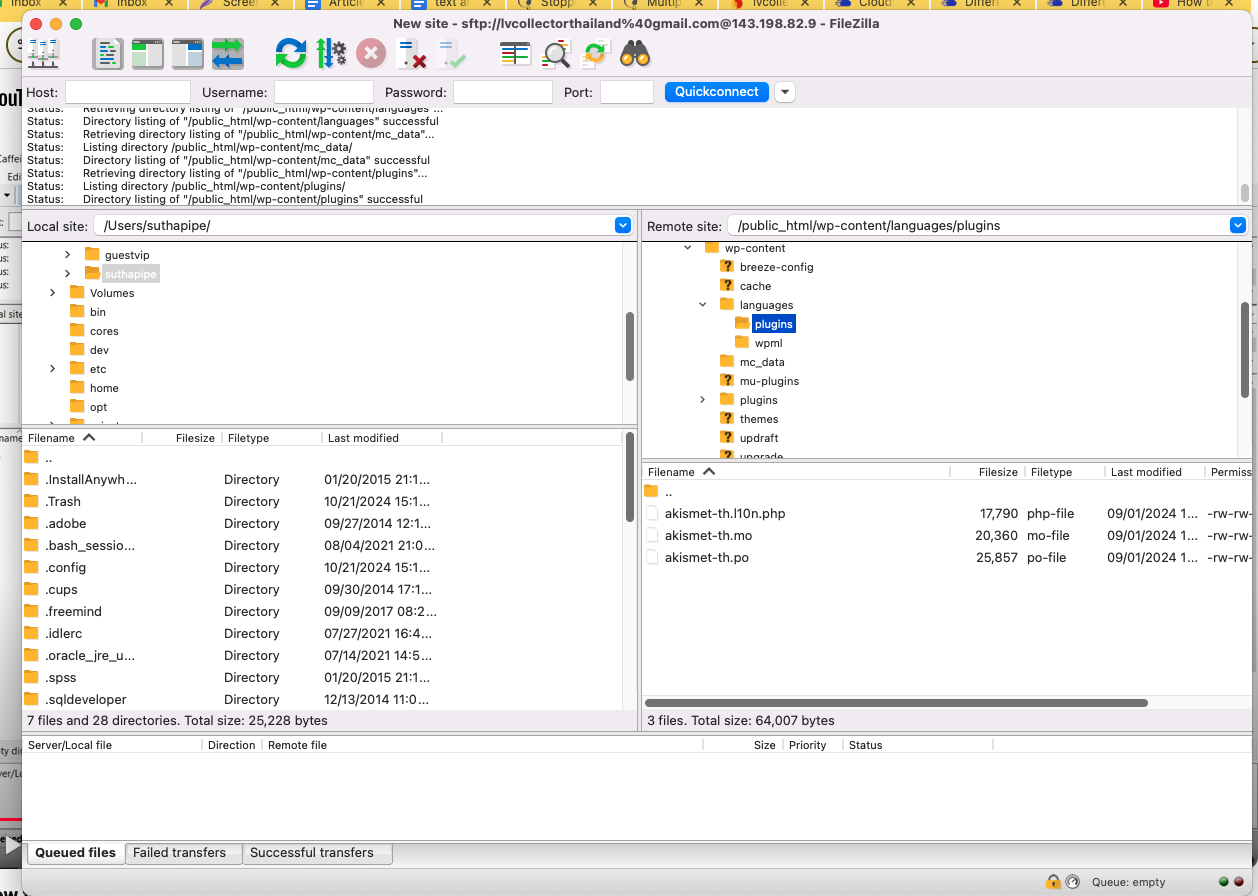
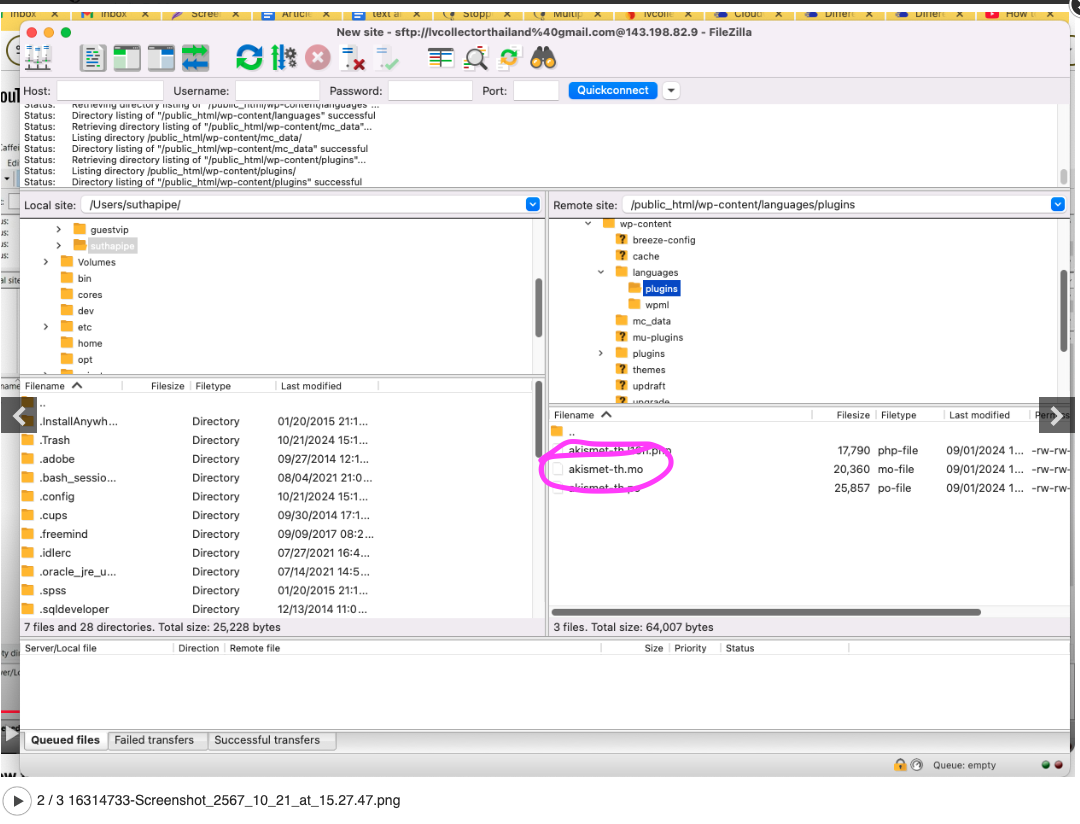
1)See attachment pls, should i delete akismet po and mo files ? or keep them as it is?
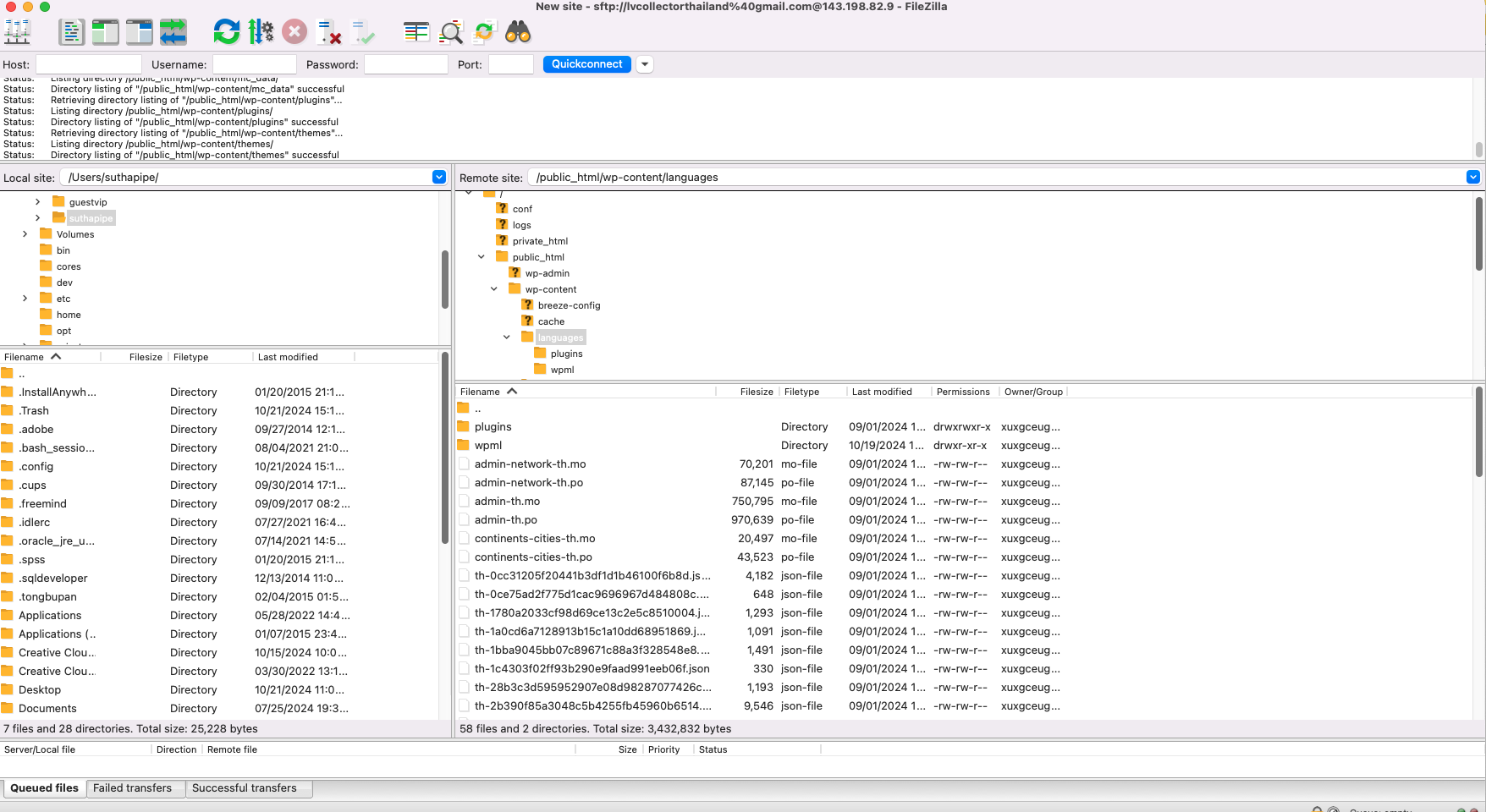
2) see attachment, Under ../wp-content/languages/ there is no theme folder (only plugins and wpml folders) ,what should i do? pls kindly advise?
Thank you very much
Pipe
pls note duplicated image is solved, but i want to make sure to delete all the unneccessary things and follow the correct method 🙂
if you wish to remove the translation for that plugin in other languages, then yes you can also delete those files, but only in languages you are not using anymore.
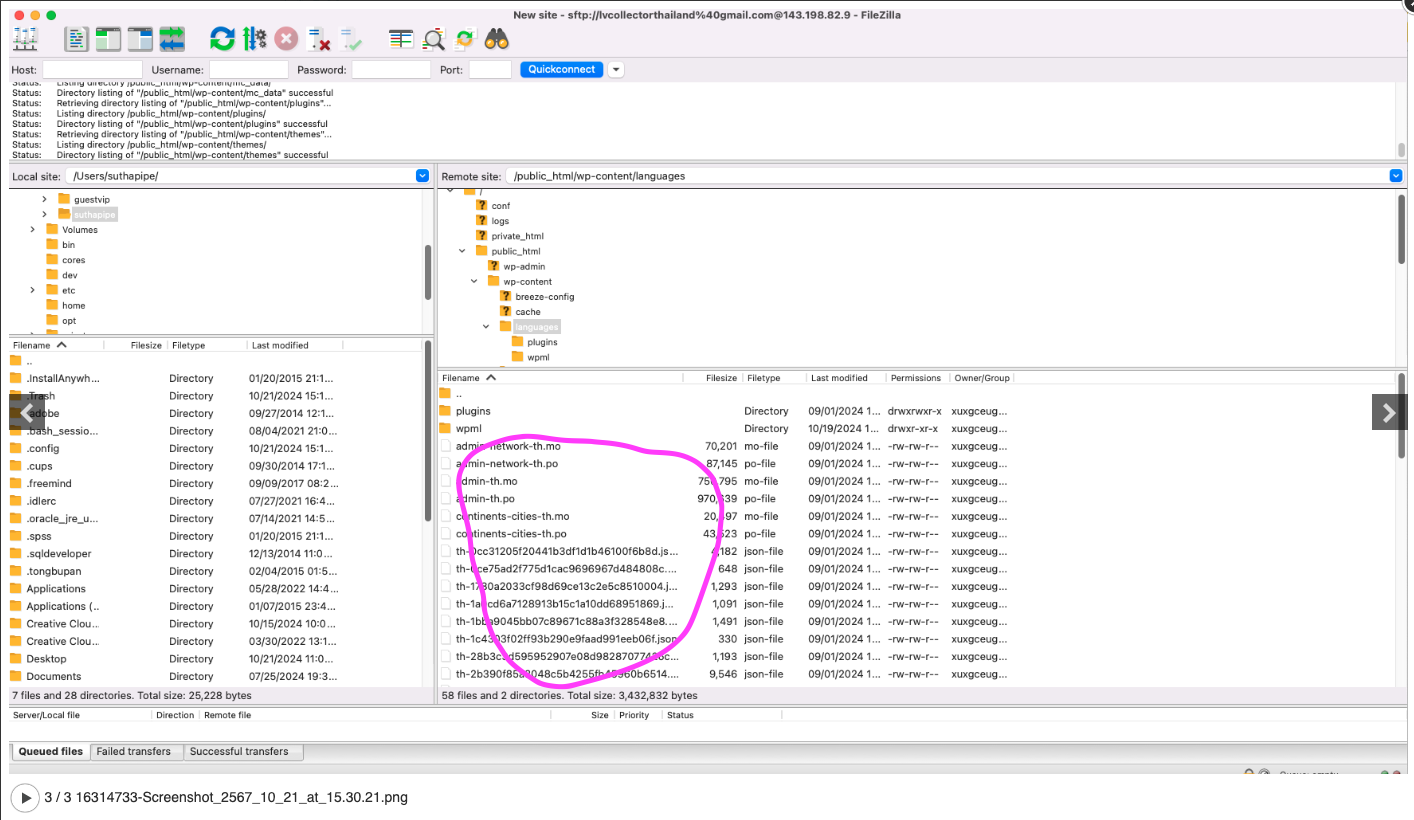
those are translation files coming from plugin/themes you are using, not WPML. WPML files created are only in wpml folder. But if you are not using anymore TH language anywhere, you can delete all language files starting / finishing with TH language code.
I am not sure what language you removed or not using, but as said if you are not using TH language anymore, you can delete those files, shared in the image with me.