This thread is resolved. Here is a description of the problem and solution.
Problem:
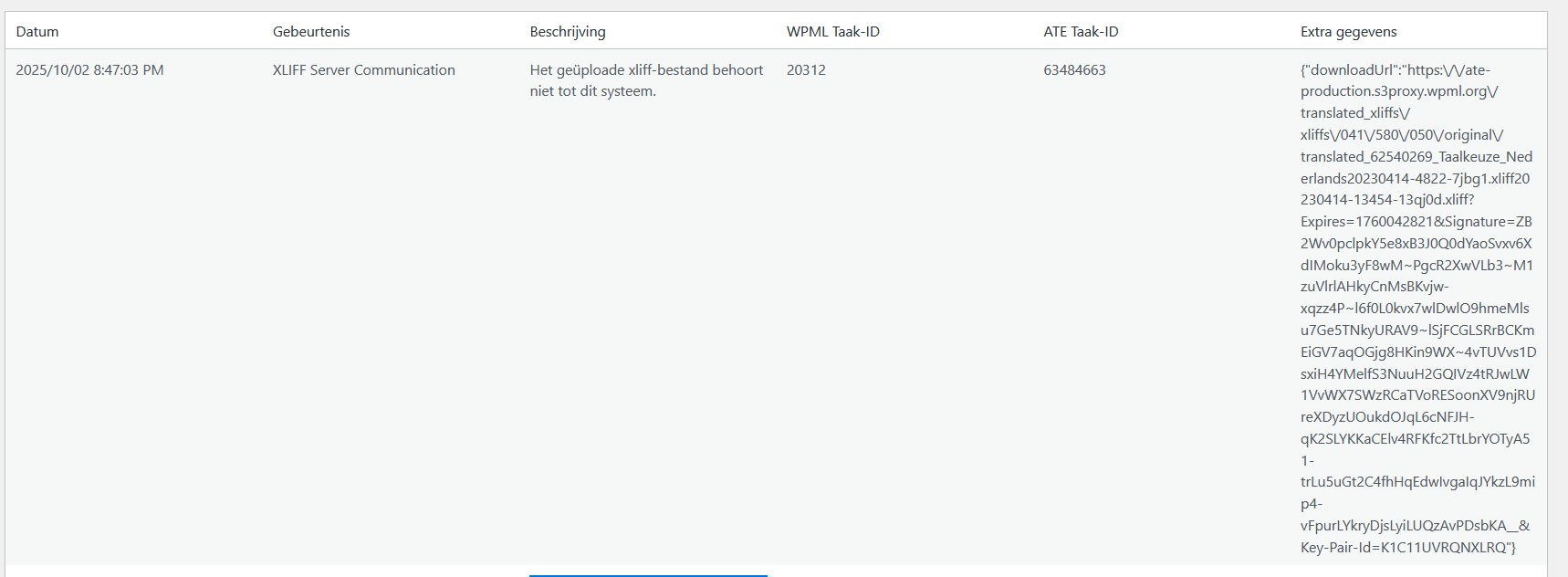
The client is experiencing issues with the automatic translation of new WooCommerce products from Dutch to English or German using WPML. Despite updating the credit card information for the pay-as-you-go service, some parts of the products are only partially translated, requiring manual intervention to complete translations.
Solution:
We recommend the following steps to resolve the issue:
1. Reconnect to WPML.org: Navigate to WPML → Support and re-authenticate or re-login to ensure your site is properly linked to your WPML account and credits.
2. Check Translation Credits: In WPML → Translation Management → Automatic Translation, verify that you have available credits and there are no warning messages about your pay-as-you-go plan.
3. Clear Caches: Clear all caches if your site uses caching plugins or server-side cache, as old cache can interfere with translation jobs.
4. Translation Jobs Review: In WPML → Translations, check if jobs are assigned to local translators (not automatic) and reassign them for automatic translation.
5. Test Automatic Translation: In WPML → Translation Management, select a few new products and send them for automatic translation. After a few minutes, verify if all fields are fully translated.
6. Ensure all custom fields and product attributes are set to be translatable in WPML → Settings → Custom Fields Translation.
If these steps do not resolve the issue, it may be necessary to manually inspect product translation jobs for inconsistencies, especially focusing on which specific product fields remain untranslated and whether they are configured for translation in WPML settings. Additionally, ensure that the site is correctly registered and showing a connection with the correct WPML.org account.
If the problem persists, we highly recommend checking related known issues at https://wpml.org/known-issues/, verifying the version of the permanent fix, and confirming that you have installed the latest versions of themes and plugins. Should these steps not provide a resolution, please open a new support ticket for further assistance at WPML support forum.
This is the technical support forum for WPML - the multilingual WordPress plugin.
Everyone can read, but only WPML clients can post here. WPML team is replying on the forum 6 days per week, 22 hours per day.
This topic contains 2 replies, has 1 voice.
Last updated by 4 months, 2 weeks ago.
Assisted by: Carlos Rojas.