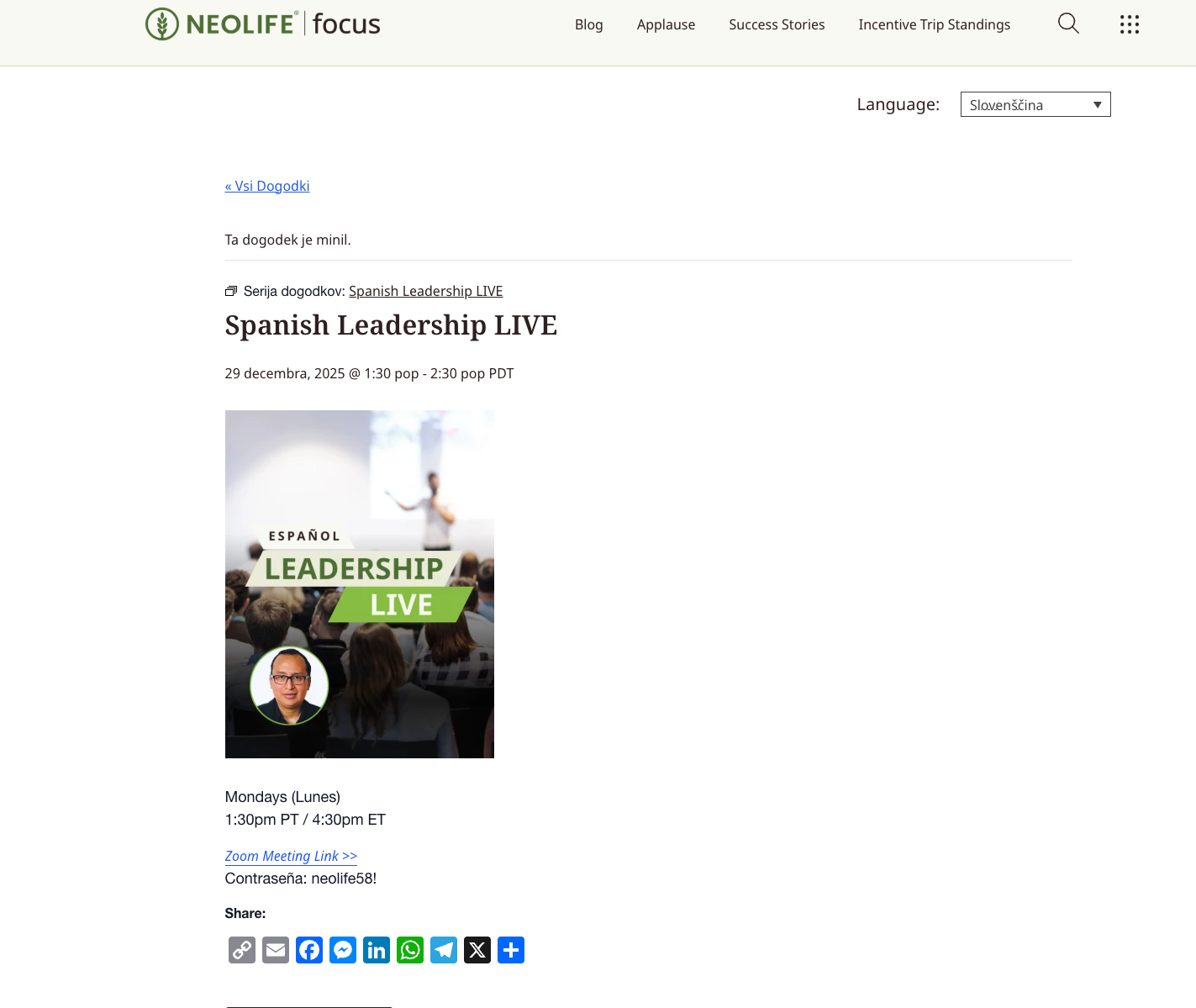
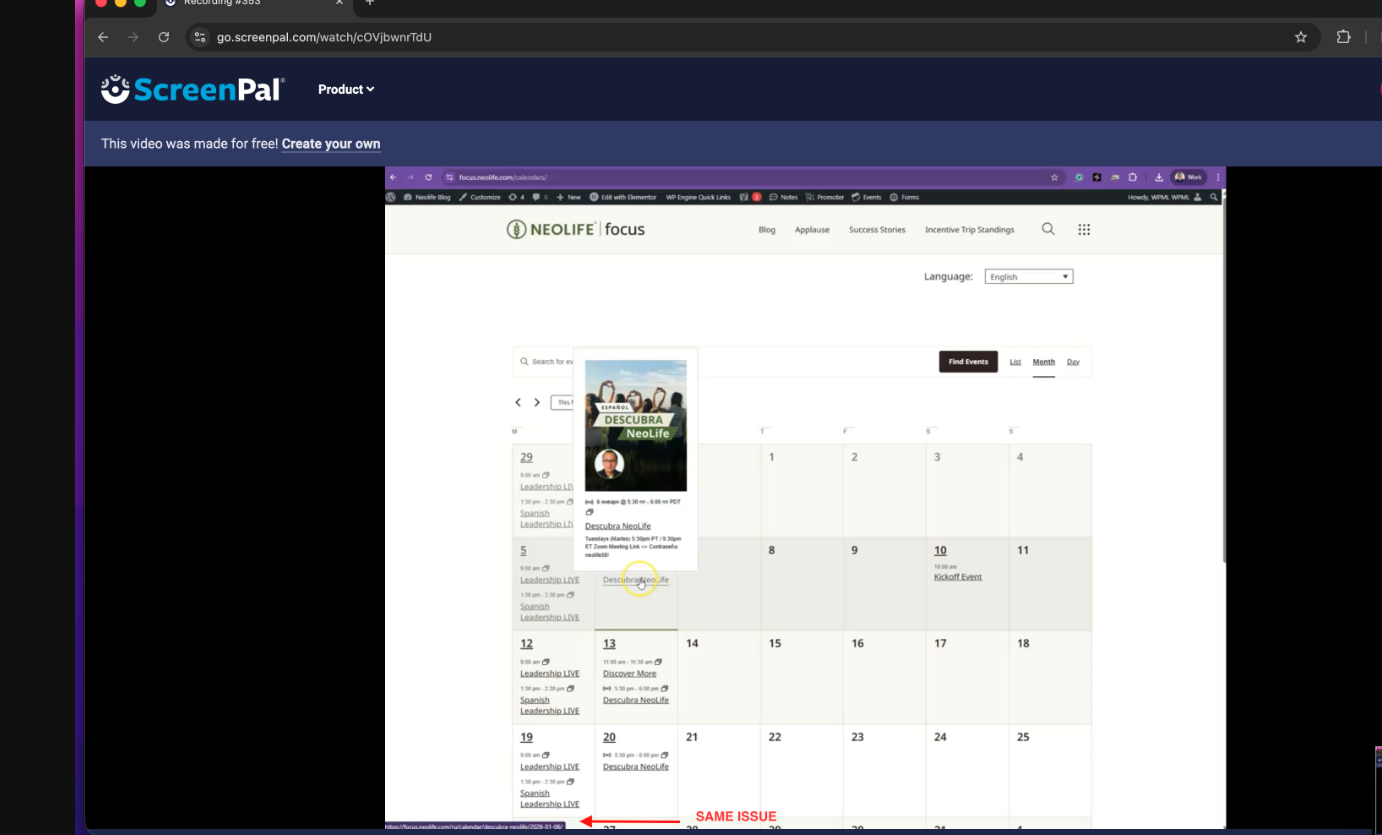
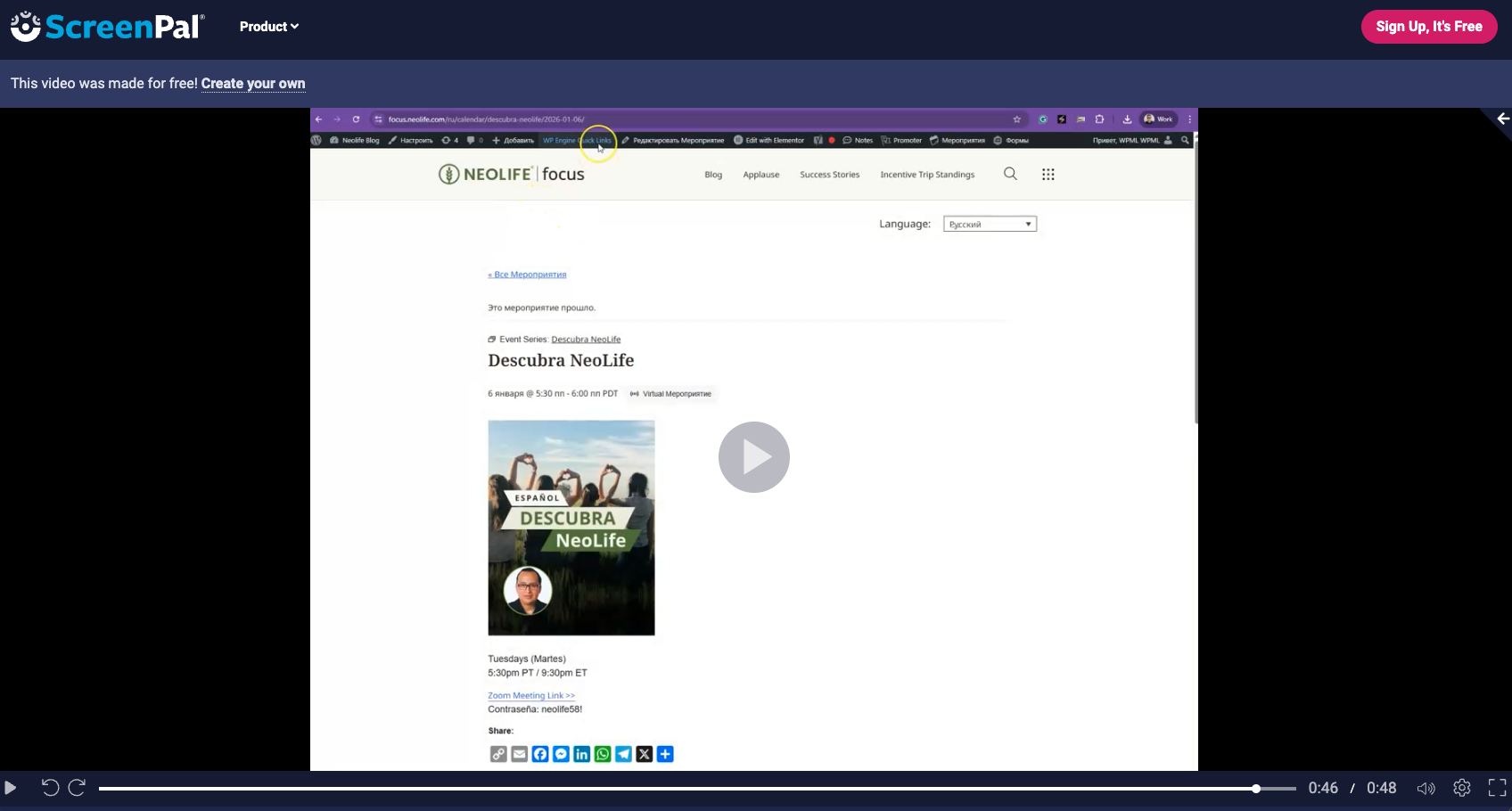
This thread is resolved. Here is a description of the problem and solution.
Problem: The client is experiencing an issue with The Events Calendar plugin where the language changes unexpectedly when navigating or clicking on the month view, even without interacting with the language dropdown. Additionally, each event sometimes displays in a random language. Solution: It's due to the caching by the hosting provider. We recommend asking the hosting provider to exclude the domain from the cache, specifically for the calendar functionality and it fixes the issue.
Please note that this solution might be outdated or not applicable to your specific case. We highly recommend checking related known issues at https://wpml.org/known-issues/, verifying the version of the permanent fix, and confirming that you have installed the latest versions of themes and plugins. If the problem persists, please open a new support ticket at WPML support forum.
This is the technical support forum for WPML - the multilingual WordPress plugin.
Everyone can read, but only WPML clients can post here. WPML team is replying on the forum 6 days per week, 22 hours per day.
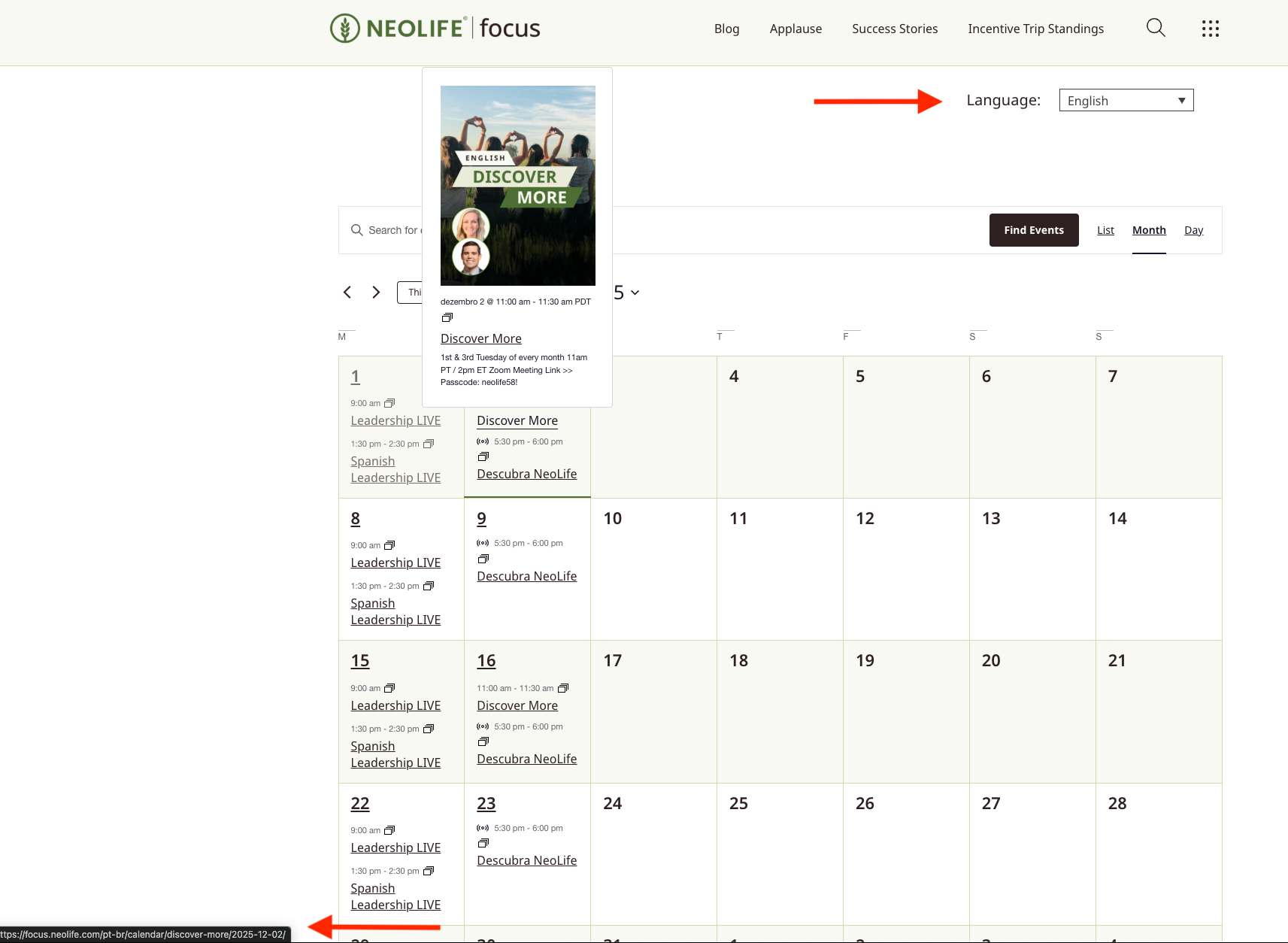
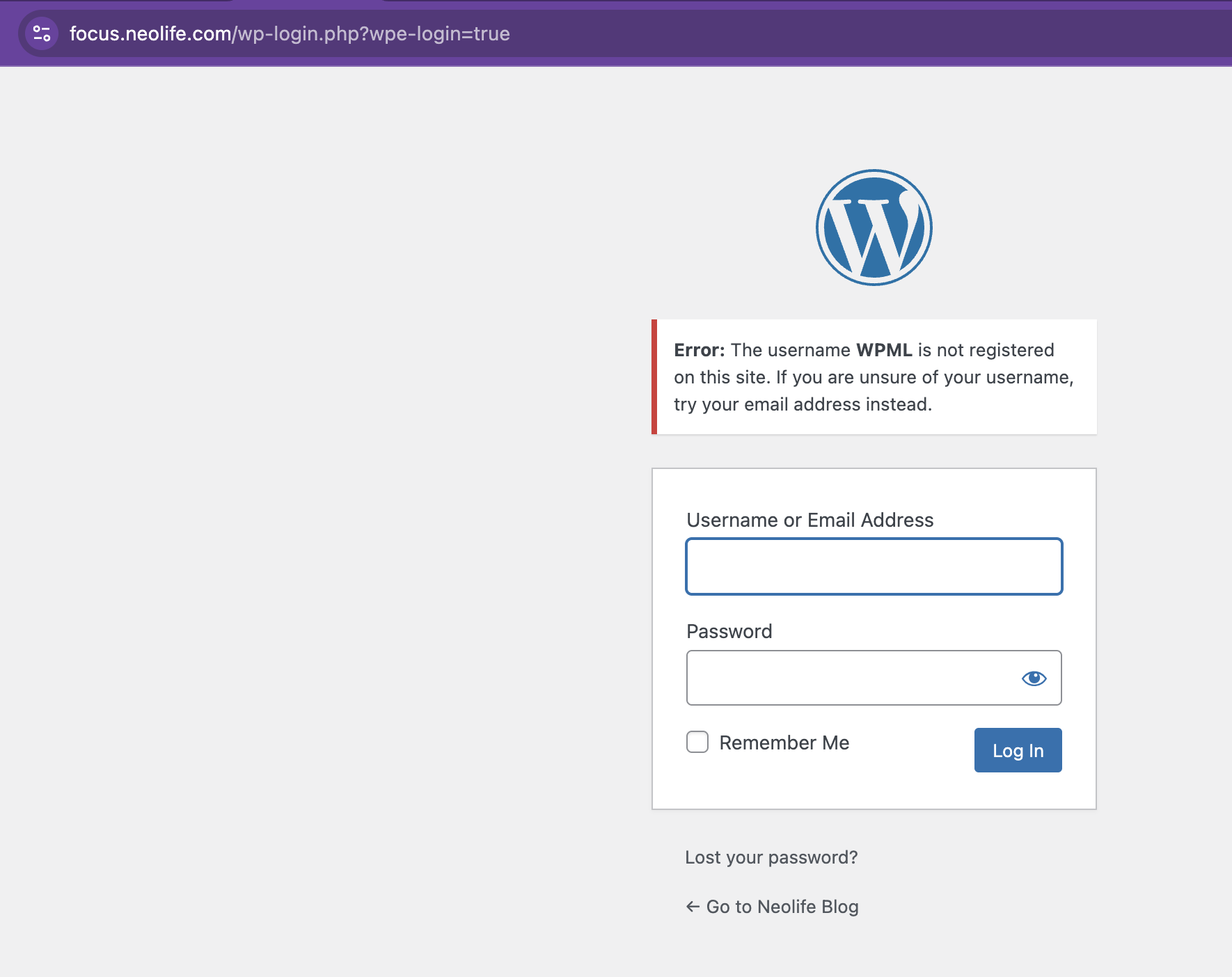
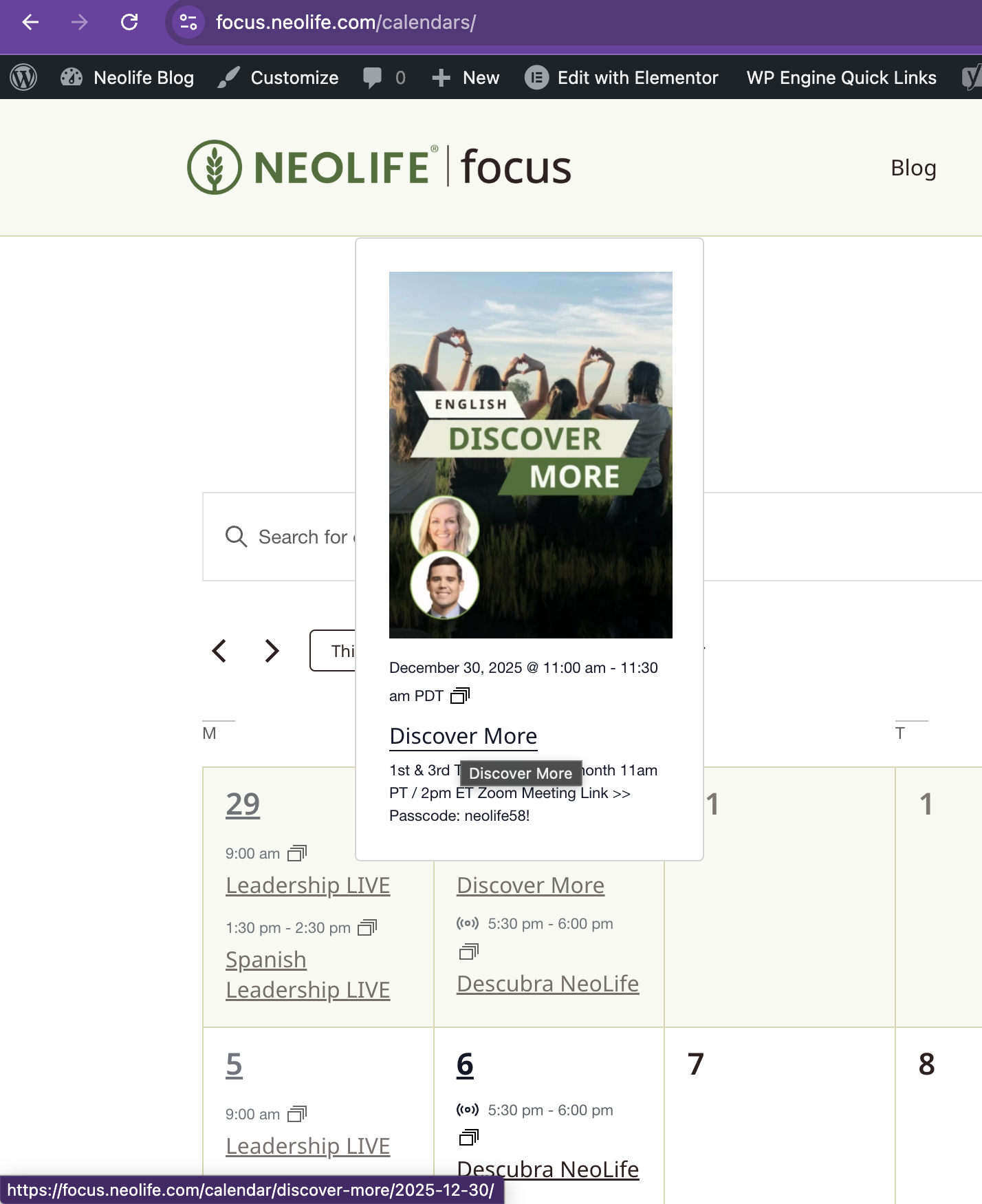
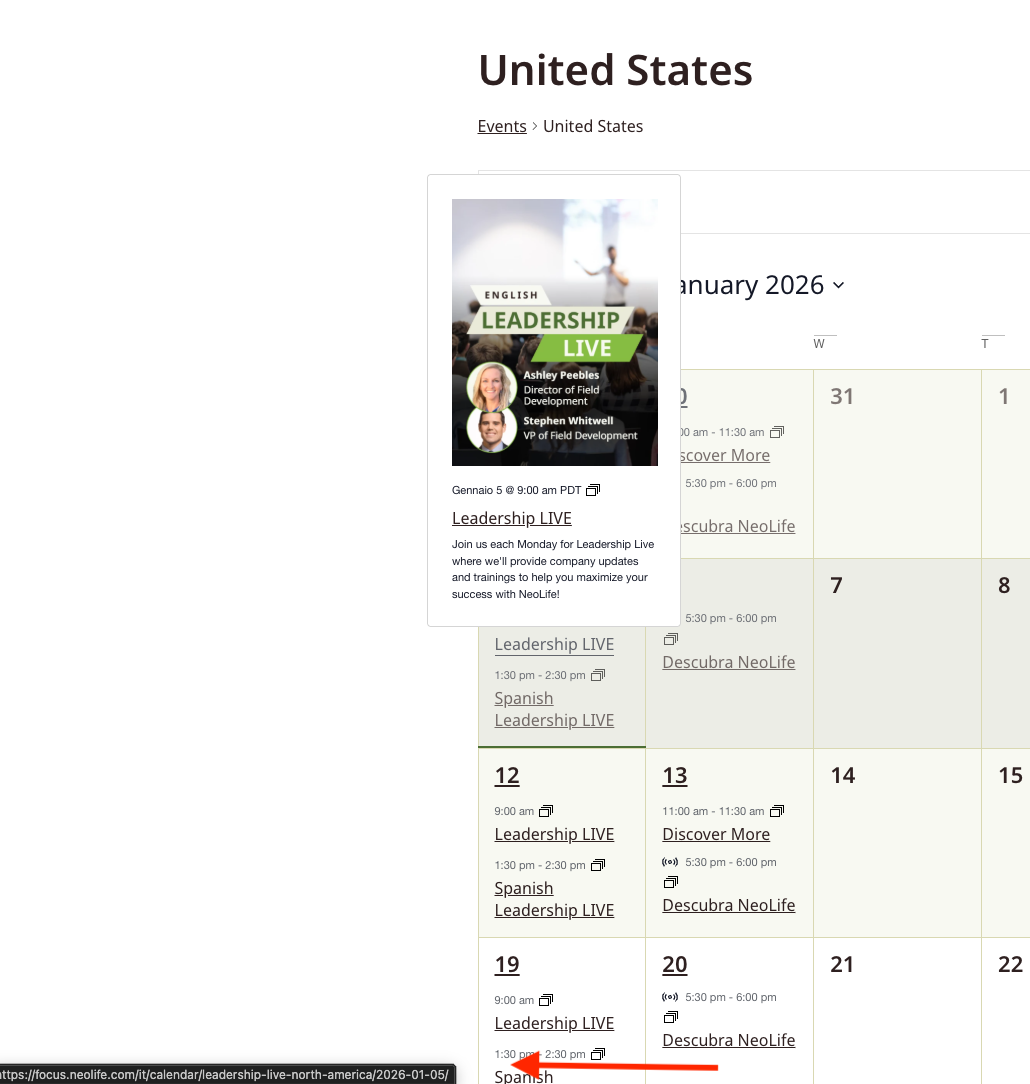
There is an issue with the plugin integration with events calendar (hidden link), I set it up correctly using the translation just in the events but when you navigate or click on the month view the language changes even though you have not interacted with the language dropdown. It also picks a random language for each event. (Please see attached screenshots)
Thanks for your reply. I will require temporary access (WP-Admin and FTP) to a test site where the problem has been replicated, if possible. This will enable me to provide better assistance and determine if any configurations need to be modified.
Please note that it is important to have a backup for security purposes and to prevent any potential data loss. You can use the UpdraftPlus plugin (https://wordpress.org/plugins/updraftplus/) to fulfill your backup requirements.
Your upcoming reply will be treated with confidentiality and will only be visible to you and me.
✙ To resolve the issue, I may need your consent to deactivate and reactivate plugins and the theme, as well as make configuration changes on the site if necessary. This emphasizes the significance of having a backup.
While checking the debug info, I see that the WordPress Memory Limit is below the requirements. The minimum requirements are 128M, but we do recommend 256M and the debug information of your site shows it set to 40M. Please check this link for more details https://wpml.org/home/minimum-requirements/.
You can increase it by adding the following code in your wp-config.php file, right before the /* That’s all, stop editing! Happy publishing. */ line:
Thanks for your reply. I’ve checked, and I can see the issue you’re referring to. Before we proceed with further investigation, I have a few questions and suggestions:
- Are you planning to translate the Events? I noticed that you currently only have Events in English.
- The WPML plugins are not updated yet. Could you please create a backup and update them to the latest version?
- In WPML > Settings > Post Types Translation > Events (tribe_events), the current setting is Translatable – use translation if available or fallback to default language. Would you like Events to fall back to the primary language if a translation is not available for a specific language?
The plugins are up to date on the live site. I can't not updated them in staging or dev because it would required another registration and we are using it for the Production site but they are all up to date in PRD and the issue it's the same.
We are planning on translate events. Basically this events are open to all the countries listed, when a user adds an event eventually they will add it in their language of origin and we will translate it to english.
In WPML > Settings > Post Types Translation > Events (tribe_events), the current setting is Translatable – use translation if available or fallback to default language. Would you like Events to fall back to the primary language if a translation is not available for a specific language?
Yes we will like for the events to be in english which is the primary language.
No, the same issue happened at first tried, I didn't even touched the dropdown and the language switched. You can see it in the month view, all of them have random language URLS. Please we need to solve this issue. We are about to launch the events and this is the only thing holding us now.
Thanks for your reply. I can see the issue on the other dates hidden link
I will need a snapshot of the site to troubleshoot this further locally. Alternatively, with your permission, I can create one myself. For this purpose, I typically recommend using the free plugin "Duplicator." If you're already familiar with Duplicator (https://wordpress.org/plugins/duplicator/), please skip the following steps and simply send me the archive file you downloaded. https://wpml.org/de/faq/provide-supporters-copy-site/
To guide you further, please adhere to these instructions:
1. View the Duplicator instructions video: hidden link
2. If the archive file exceeds 400MB, please use Duplicator's file filters to exclude cache, wp-uploads directory, media, and archive files.
Once you have the archive file ready, kindly share the link with us. You can utilize platforms like Google Drive, Dropbox, or similar for file sharing, as the snapshot file might be large.
Please note that your next reply will be private, visible only to you and me. You can paste the file link there. Rest assured that once the issue is resolved, I will delete the local site.
Thanks for your patience. I've imported your Website into my local server, and everything seems to work fine hidden link . The issue seems to be isolated to your server for some reason and I will escalate this to our 2nd Tier Support for further investigation. I will come back to you once I've feedback.
I look at your video and you are having exactly the same problem in your local server, I can see the urls having a random language and when you clicked on the event I could see the language changing as well. The screenshots are from your recording. Please review since if it's happening in your local server as well the issue is not the server.
Thanks for your patience. I’ve received feedback from our 2nd Tier Support. Since the events in the calendar work correctly in the local environment but not on your staging or production site, he shared a few suggestions with me.
I suspected the issue is related to WP Engine caching. To test this, I temporarily disabled WP Engine caching on your staging site by commenting out most of the code below the “Localized Language Stuff” section in the wp-config.php file.
Now the events load the correct languages, and please refer to this screen recording for details: hidden link
Would you like me to apply the same change to your production site for testing purposes? If so, please ensure you have a full backup of the production site and let me know once it’s ready.
Test site: hidden link
Please test this on an incognito browser and clear your browser cache.