[Resolved] Translate WP User Manager Multiple Select Field Values
This thread is resolved. Here is a description of the problem and solution.
Problem: The client is migrating a user database from Ultimate Memberships Pro to WordPress User Management and needs to ensure that custom field value strings are correctly assigned to the new domain in WPML for proper translation in both English and French. Solution: 1. Correct a typo in the plugin code:
Then, go to "Users > Custom fields" and edit at least one option from the multiselect field. Afterward, translate all options in "WPML > String Translation". 2. Modify the code to handle comma-separated string outputs for multiselect fields:
Edit \wp-content\plugins\wp-user-manager\includes\fields\types\class-wpum-field-multiselect.php<br />Replace the entire get_formatted_output() function with the provided code snippet that includes WPML translation filters.
We have contacted the plugin authors to update their code accordingly. If the solution provided does not resolve your issue or seems outdated, please check related known issues, verify the version of the permanent fix, and confirm that you have installed the latest versions of themes and plugins. If further assistance is needed, we highly recommend opening a new support ticket at WPML support forum.
This is the technical support forum for WPML - the multilingual WordPress plugin.
Everyone can read, but only WPML clients can post here. WPML team is replying on the forum 6 days per week, 22 hours per day.
Background of the issue:
I am migrating a client's user database and directory from Ultimate Memberships Pro to WordPress User Management because it is supposed to be compatible with WPML. I have reproduced the custom fields used to categorize members and filter lists in the new user directory. The strings for the custom field values and their translations are in the WPML database but are assigned to domains for Ultimate Memberships Pro. I deleted an ihc domain string hoping WPML would reassign it to the correct domain, but it didn't work. This is crucial for the directory to work in English and French. The directory is here: hidden link
Symptoms:
The strings for custom field values are in the WPML database but assigned to the wrong domain, preventing proper translation.
Questions:
How can I reassign custom field value strings to the correct domain in WPML?
Why are the custom field value strings not appearing in the correct domain for translation?
What steps can I take to ensure the directory works in both English and French?
Languages: English (English )Spanish (Español )German (Deutsch )
Timezone: Europe/Madrid (GMT+01:00)
Hi,
could you please share the exact URL of the page shown in your screenshot? I checked the link you provided, but the fields there don’t match what I see in your image.
I would eventually also need to request temporary access (WP-Admin and FTP) to your site
– preferably to a test site where the problem has been replicated if possible –
in order to be of better help and check if some configurations might need to be changed
Your next answer will be private which means only you and I have access to it.
❌ Please backup your database and website ❌
✙ I would additionally need your permission to de-activate and re-activate Plugins and the Theme, and to change configurations on the site. This is also a reason the backup is really important.
✙ Please add the Links to the […] Edit Screen, the Page/Post where you insert the […] and the corresponding Front End Page/Screen
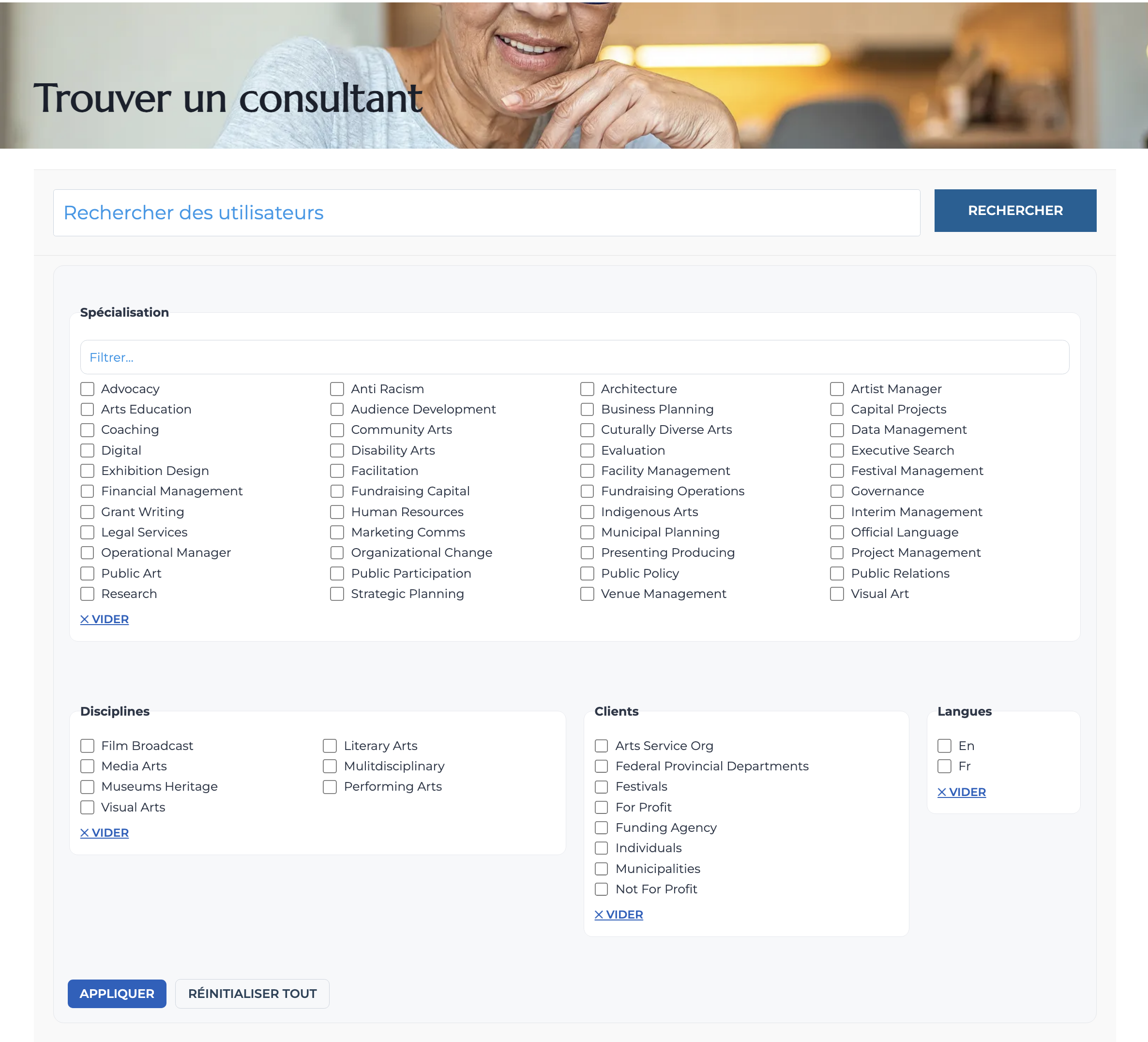
I have discovered a bit more with the help of Robert from WPUM's support. He discovered that one of the mulit-select fields (Frequent Disciplines) is available for string translation. But I noticed that even though all the multi-select values in that field have translations, they do not appear in the directory.
And the other multiselect fields have entries in the string translation table, those entries have only the field label available for translation. Check out wpum-field-groups-wpum-field-group-16, wpum-field-groups-wpum-field-group-17 and wpum-field-groups-wpum-field-group-44. This is the name of the multi-select field. But where wpum-field-groups-wpum-field-group-15 has both the name of the field and the multiselect values available to translation, the other have only the name of the field.
Languages: English (English )Spanish (Español )German (Deutsch )
Timezone: Europe/Madrid (GMT+01:00)
Hi,
Thanks for the information!
First, please note that it isn’t possible to update a text domain. A text domain is part of the __() (getText) function that WordPress uses for translations. Changing it would require modifying the underlying code. You can find more details in the WPML documentation here: How to use gettext.
For example, in the linked documentation, you’ll see this format:
__( 'Thank you!', 'my-plugin-domain' );
The part after the string ('my-plugin-domain') is the text domain.
In your case, since you’re using a plugin that automatically handles those fields, things work a bit differently. I’ve scanned the text domain and can confirm that some strings (like “Advocacy”) don’t appear, while others (like “Consulting Specialization”) do show up in String Translation, but not on the frontend, as you mentioned.
Let’s check if this could be a compatibility issue. Please install the affected plugin on this hidden link">test installation along with its WPML add-on, and see if you can reproduce the issue there.
The plugin hidden link">documentation doesn’t indicate that any specific settings are required. It’s possible that the strings aren’t being called properly — for example, if the code is executed with the wrong priority.
If we can reproduce the issue, we can then look for a possible workaround or contact the plugin authors if needed.
Once I upload and activate WPUM I start seeing this among the debug display messages. It's only a notice but it seems on point.
Notice: Function _load_textdomain_just_in_time was called incorrectly. Translation loading for the wp-user-manager domain was triggered too early. This is usually an indicator for some code in the plugin or theme running too early. Translations should be loaded at the init action or later. Please see Debugging in WordPress for more information. (This message was added in version 6.7.0.) in /var/www/sites/classy-harmonica/wp-includes/functions.php on line 6121
On the test site I have:
1.) Installed WPUM, the WPUM-WPML integration plugin, WPUM Custom Fields
2.) Created a field group called "Entertainment preferences" with a multi-select field called "Spices I like".
3.) Populated that multi-select field with the options "Salt", "Pepper", "Cumin", "Coriander", "Mustard.
4.) Assigned options in that field to the default user, 'demo' and a new user I created, 'cmkl'
I observe:
1.) The name of the multi-select field, 'Spices I like' is available as a string for translation.
2.) The values for the multi-select field (the names of the spices) are not.
3.) When I view a user's profile page, I see the strings I found translated into french, as expected.
So I ran this by ChatGPT. Apparently WPUM’s multi-select choices (the option labels for custom fields) aren’t auto-registered with WPML’s String Translation.
It generated a function to register the strings which allows me to see them in the String Translation table. I've added the translations and the directory now works in both languages.
The function seems pretty specific to my site insofar as it hard-codes the names of the fields to be translated. But I imagine that could be generalized.
- Go to "Users > Custom fields" and edit at least one of the options from that multiselect field.
- Go to "WPML > String Translation" and translate all options.
2) The second issue is that the plugin formats the field output as a comma-separated string. So we need to edit the code and translate each label using the textdomain from String Translation.