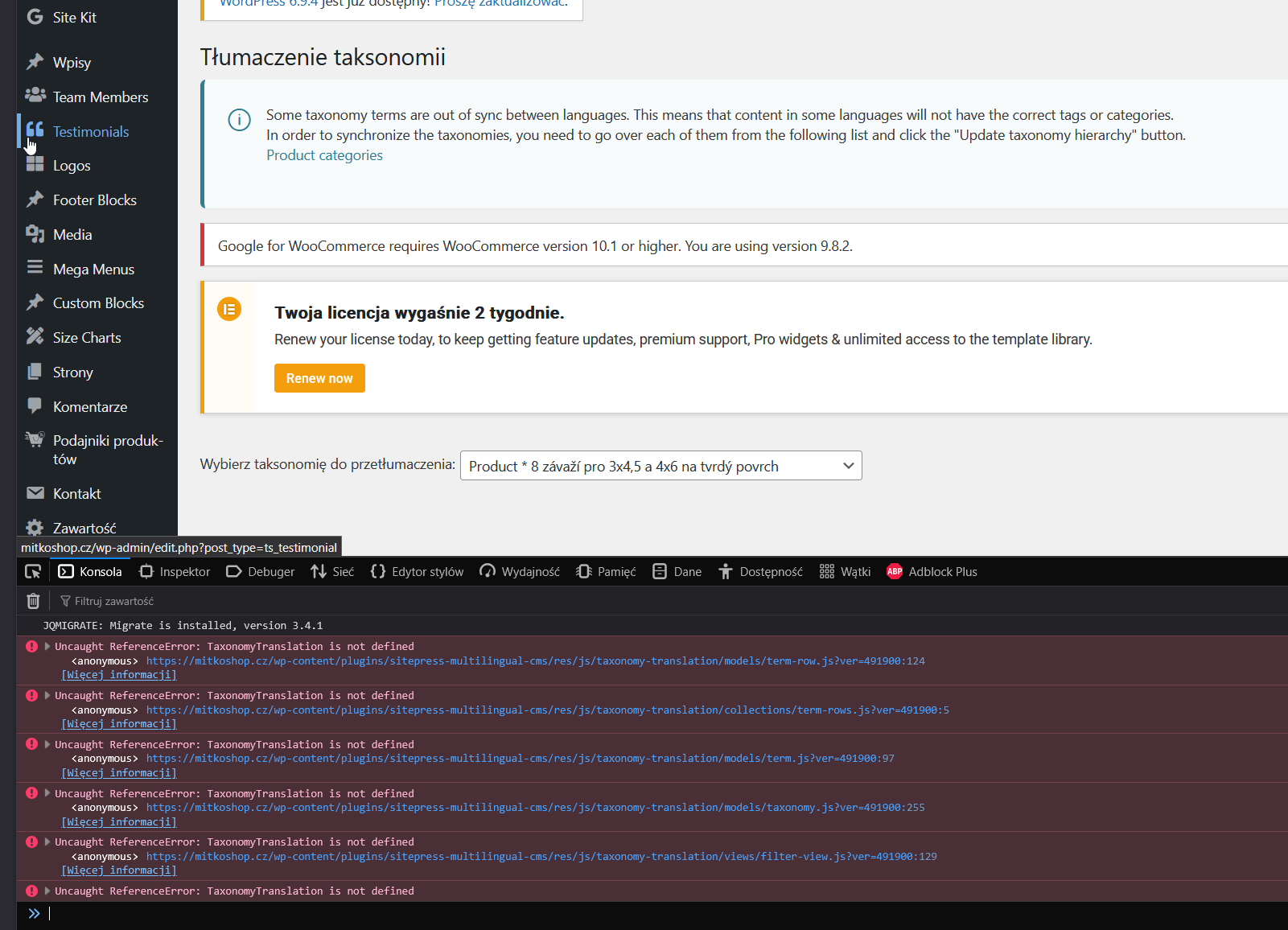
This thread is resolved. Here is a description of the problem and solution.
Problem:
The client is experiencing an issue with their website.
Solution:
We recommend first deactivating all plugins except for WPML, WooCommerce Multilingual (WCML), and WooCommerce to check if the problem persists. This step helps identify if a third-party plugin is causing the issue. Additionally, updating WordPress to the latest version can provide recent improvements and fixes that might resolve the problem. Before proceeding with these steps, ensure to create a full backup of your database.
If these steps do not resolve your issue, or if the solution provided here becomes outdated, we highly recommend checking related known issues at https://wpml.org/known-issues/, verifying the version of the permanent fix, and confirming that you have installed the latest versions of themes and plugins. If the problem persists, please do not hesitate to open a new support ticket with us for further assistance at WPML support forum.
This is the technical support forum for WPML - the multilingual WordPress plugin.
Everyone can read, but only WPML clients can post here. WPML team is replying on the forum 6 days per week, 22 hours per day.