
This is the technical support forum for WPML - the multilingual WordPress plugin.
Everyone can read, but only WPML clients can post here. WPML team is replying on the forum 6 days per week, 22 hours per day.
| Sun | Mon | Tue | Wed | Thu | Fri | Sat |
|---|---|---|---|---|---|---|
| 9:00 – 18:00 | 9:00 – 18:00 | 9:00 – 18:00 | 9:00 – 18:00 | 9:00 – 18:00 | - | - |
| - | - | - | - | - | - | - |
Supporter timezone: Asia/Yerevan (GMT+04:00)
Tagged: Exception
This topic contains 16 replies, has 0 voices.
Last updated by Christopher Amirian 19 hours, 31 minutes ago.
Assisted by: Christopher Amirian.
| Author | Posts |
|---|---|
| February 25, 2026 at 8:11 am | |
 yoshihikoh |
Dear support team toolset>view>view loop>japanese Regards, 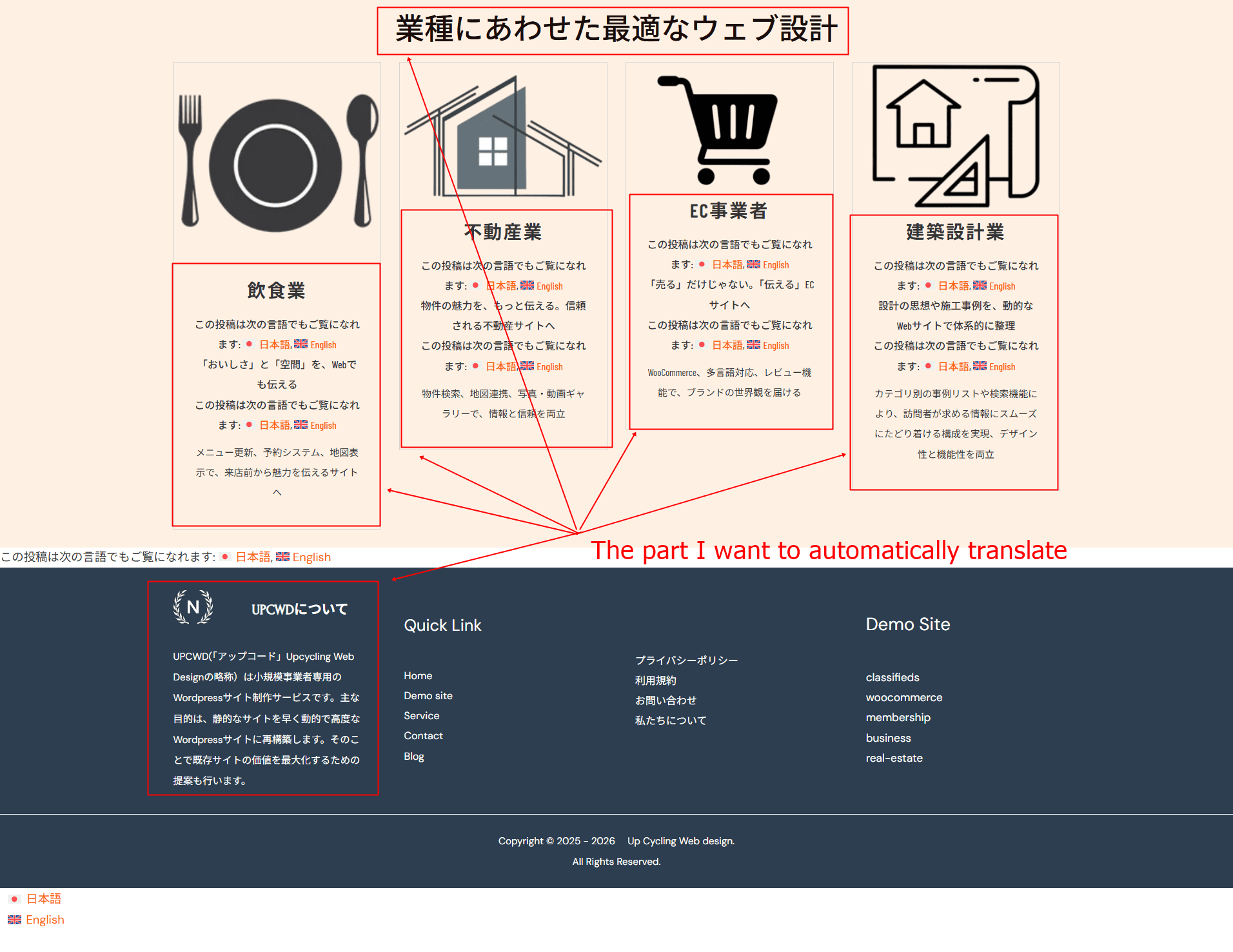 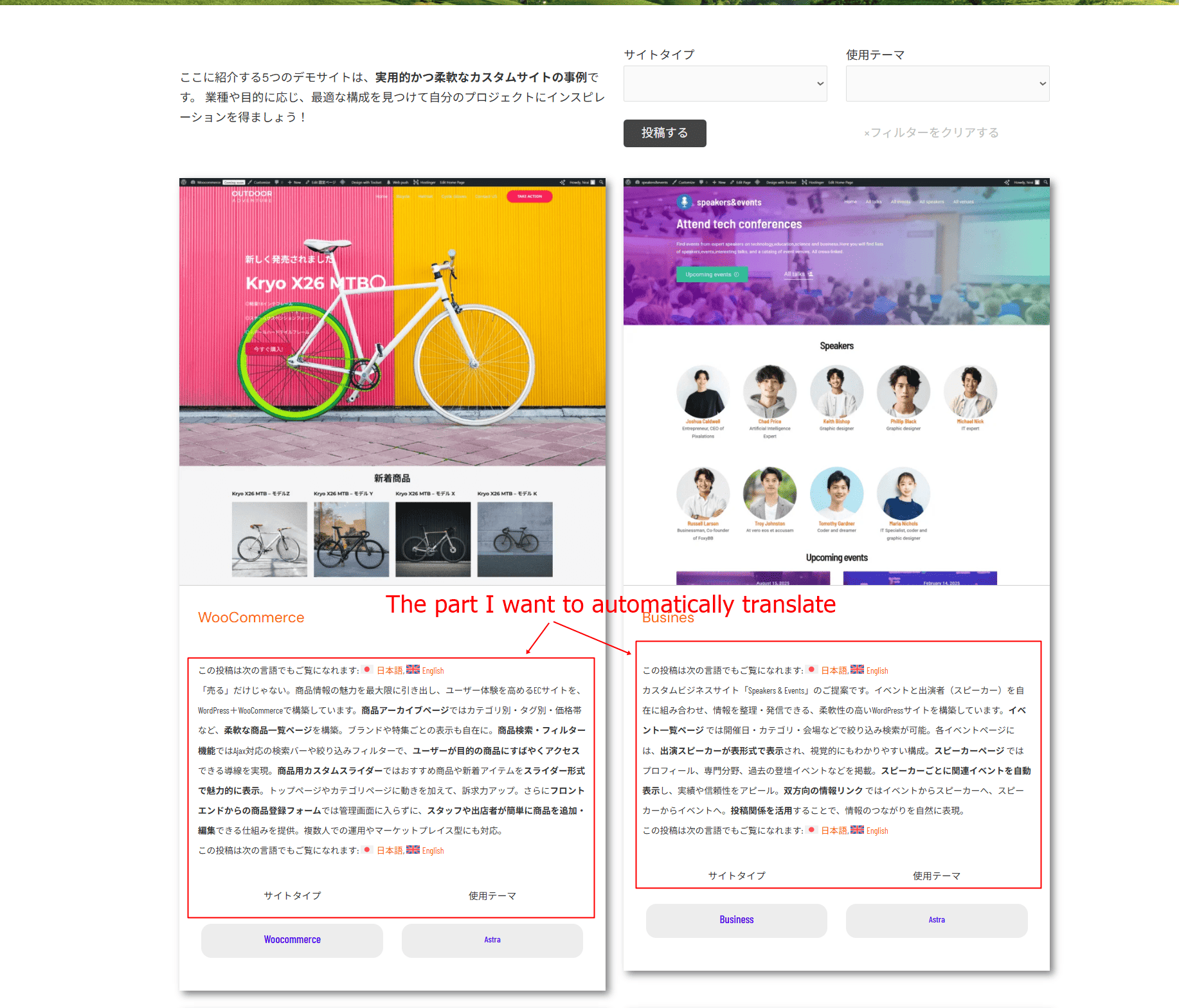 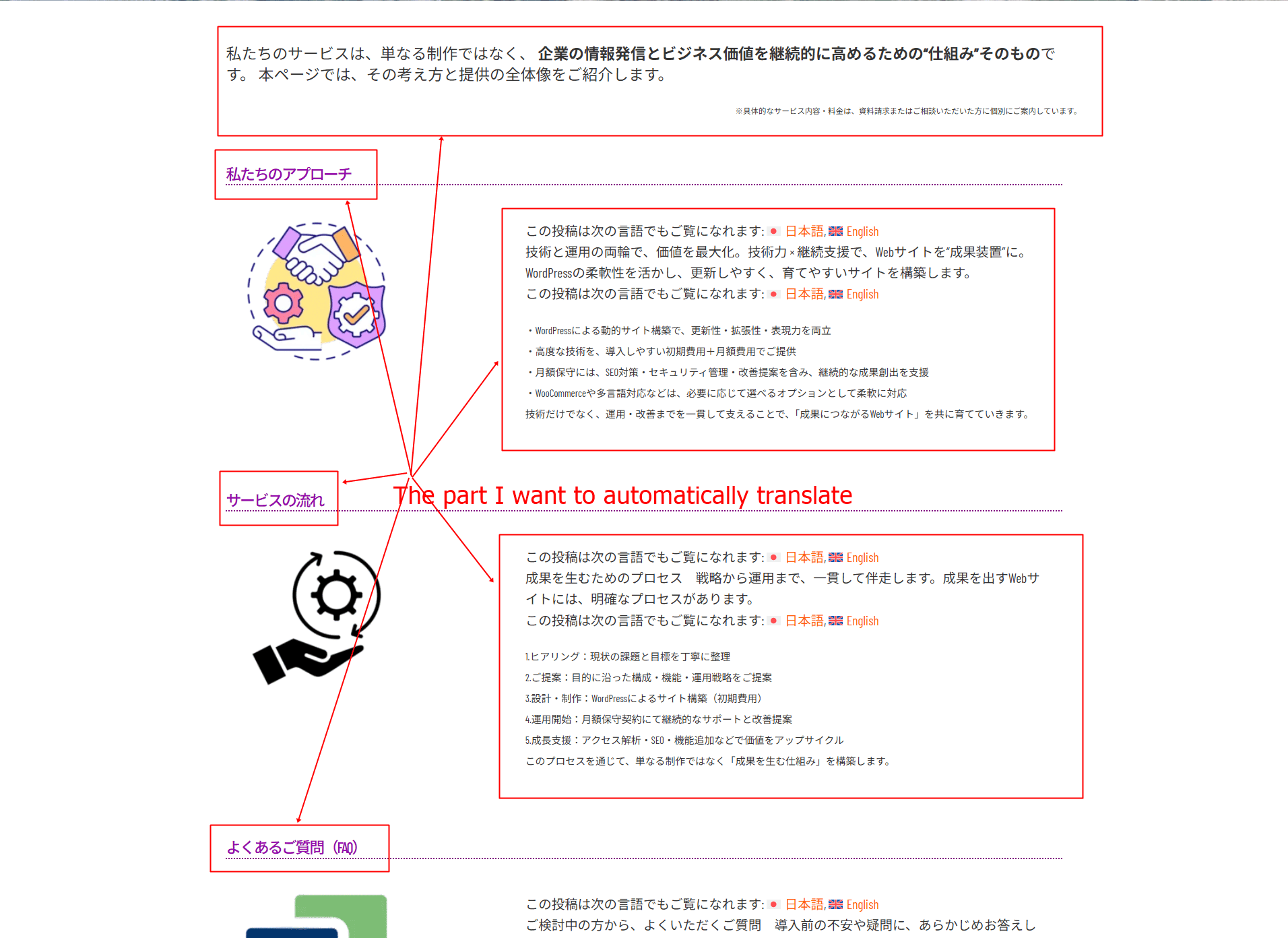 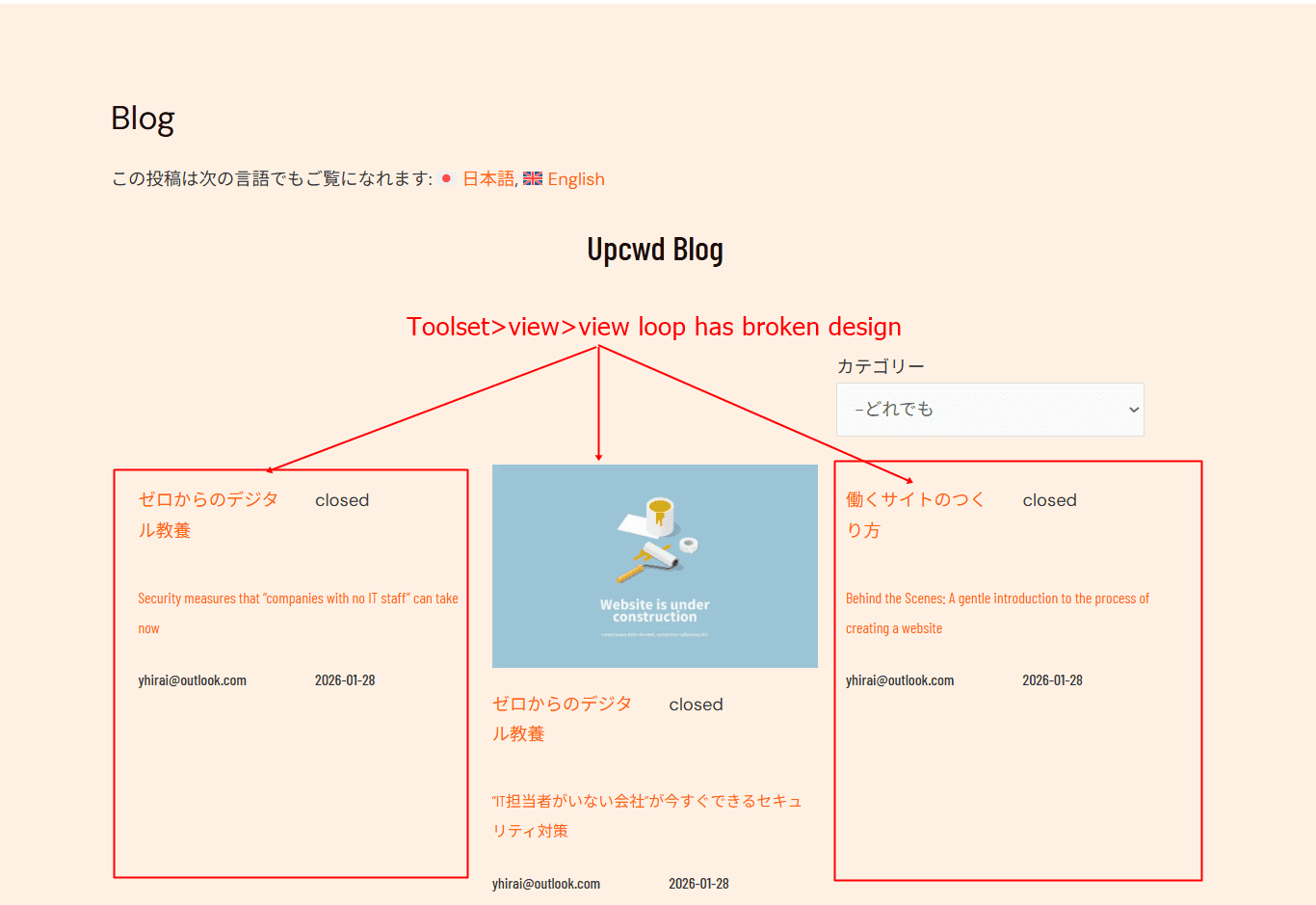 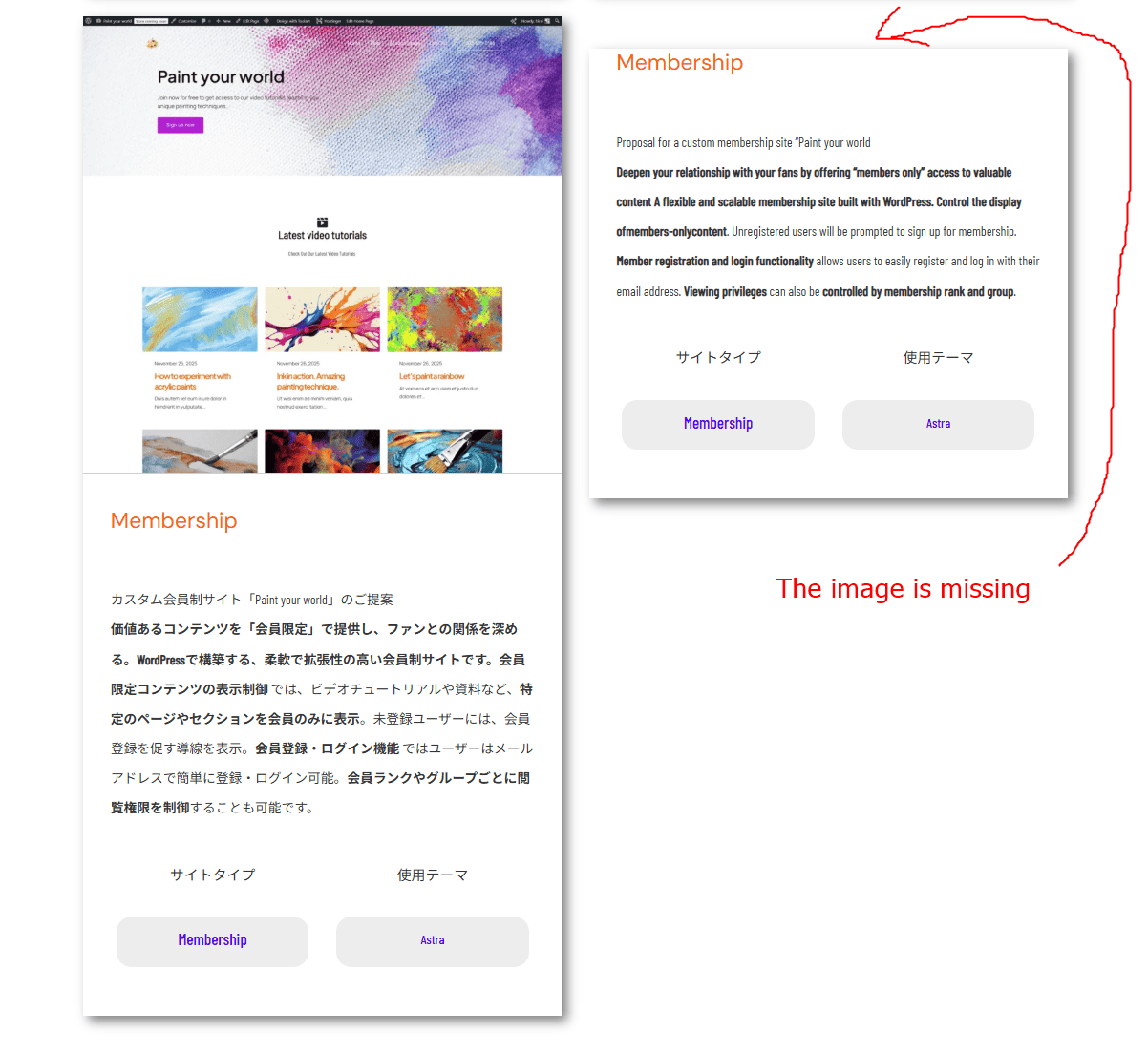 |
| February 25, 2026 at 12:24 pm #17851441 | |
 Christopher Amirian WPML Supporter since 07/2020 Languages: English (English ) Timezone: Asia/Yerevan (GMT+04:00) |
Hello and welcome to WPML support. Let's go with the issues one by one and then after fixing each we will go for the other one. For the homepage, you use a View. If you click on the view on the homapge edit screen and check the right sidebar you will see that under content selection section, the view loops through a custom post type called "Specific Solutions". If you check the WordPress Dashboard > specific solutions you will see this page: hidden link As you can see the custom post type is not translatable and you need to make it translatable following the steps below: - Go to WordPress Dashboard > WPML > Settings > Post Types Translation After that the English version of the homepage should show the content in English. Please follow the steps and get back to us with theresults so we can continue. As I did not know if you have a backup or not, I did not touch anything and asked you to do the steps. Thanks.  |
| February 26, 2026 at 12:54 pm #17856508 | |
|
yoshihikoh |
Dear christpher, I appreciate your support. However,I followed the instructions exactly, and the results are as shown in the attached image, so please refer to the attached image. 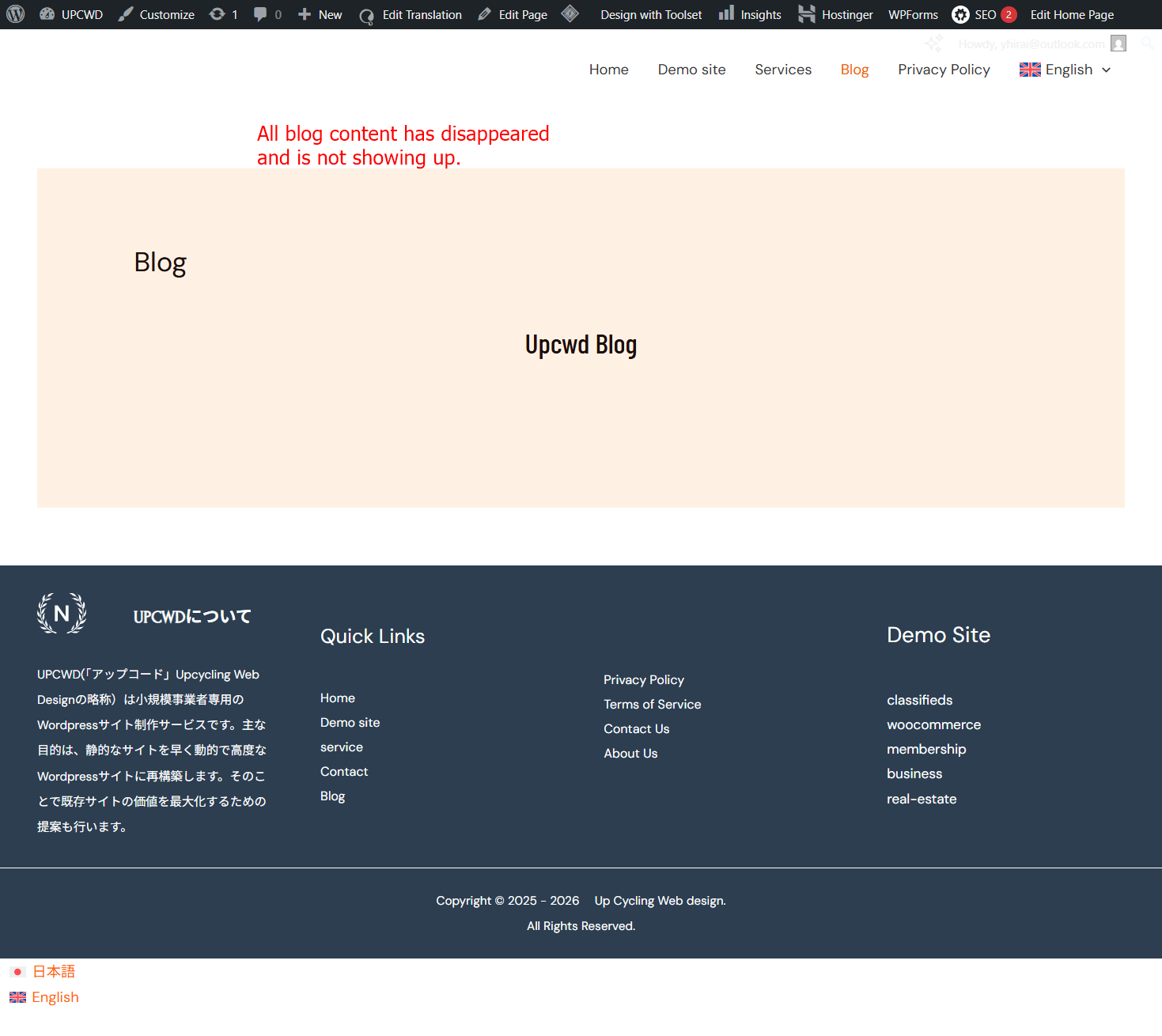 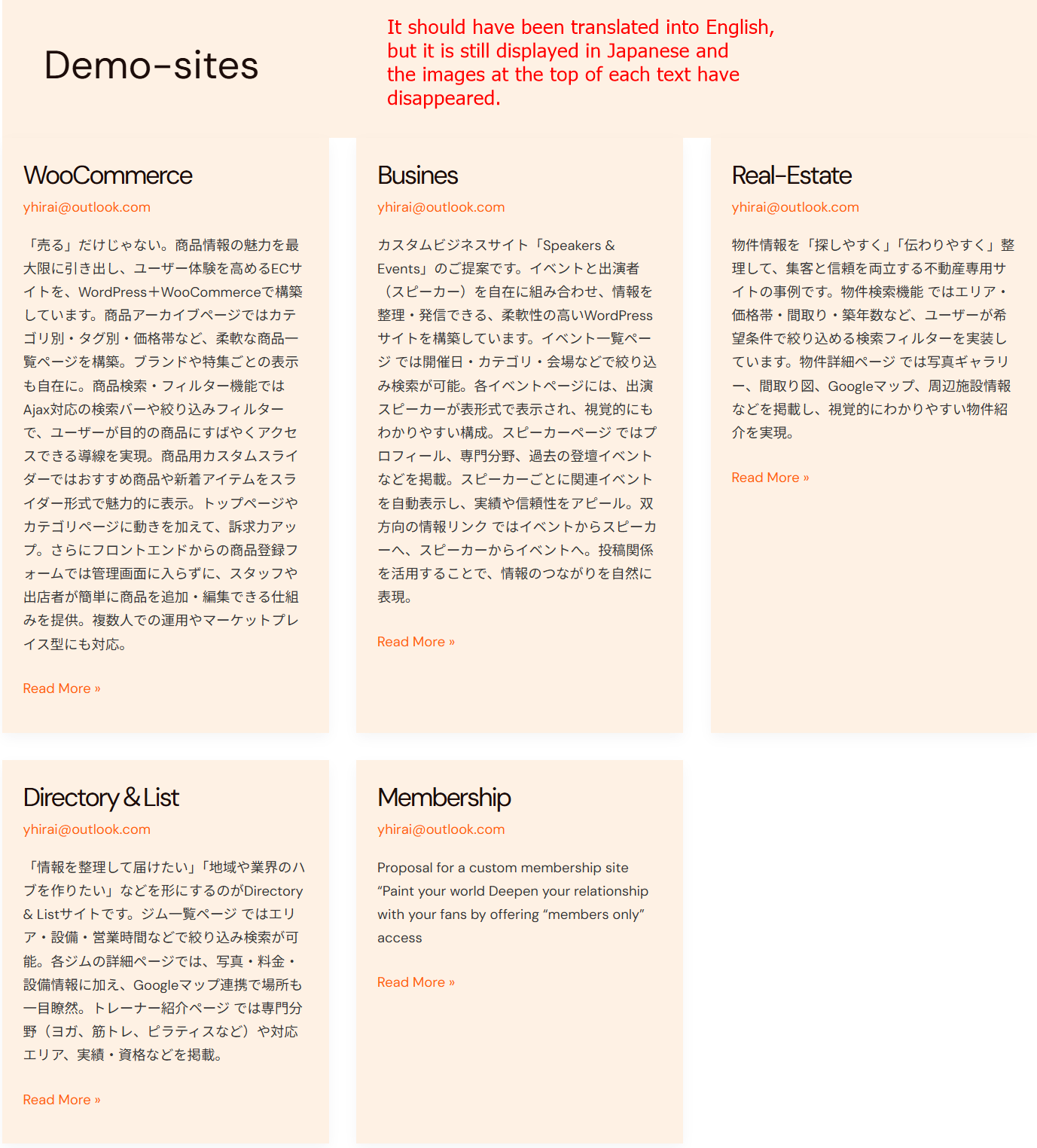 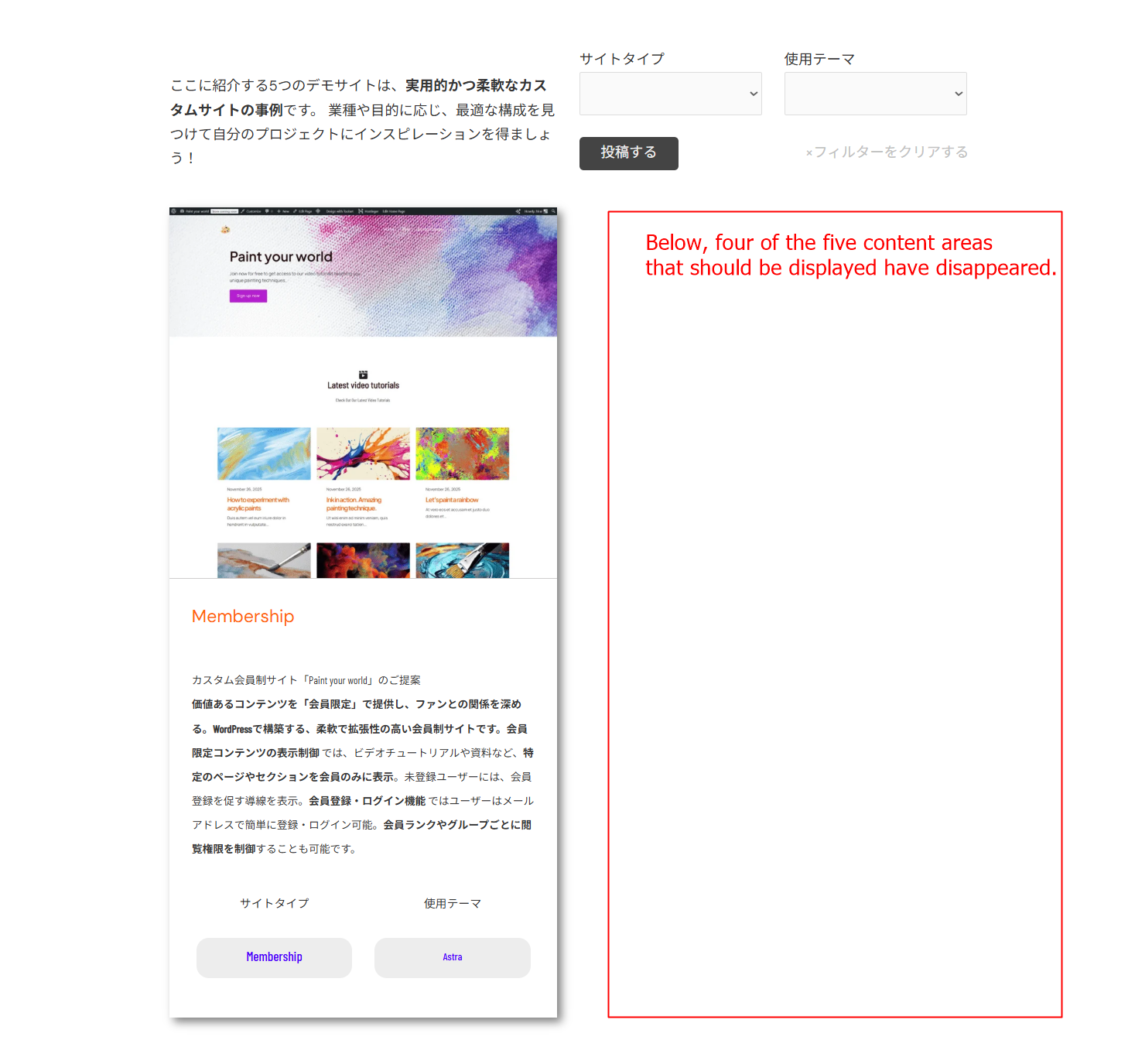  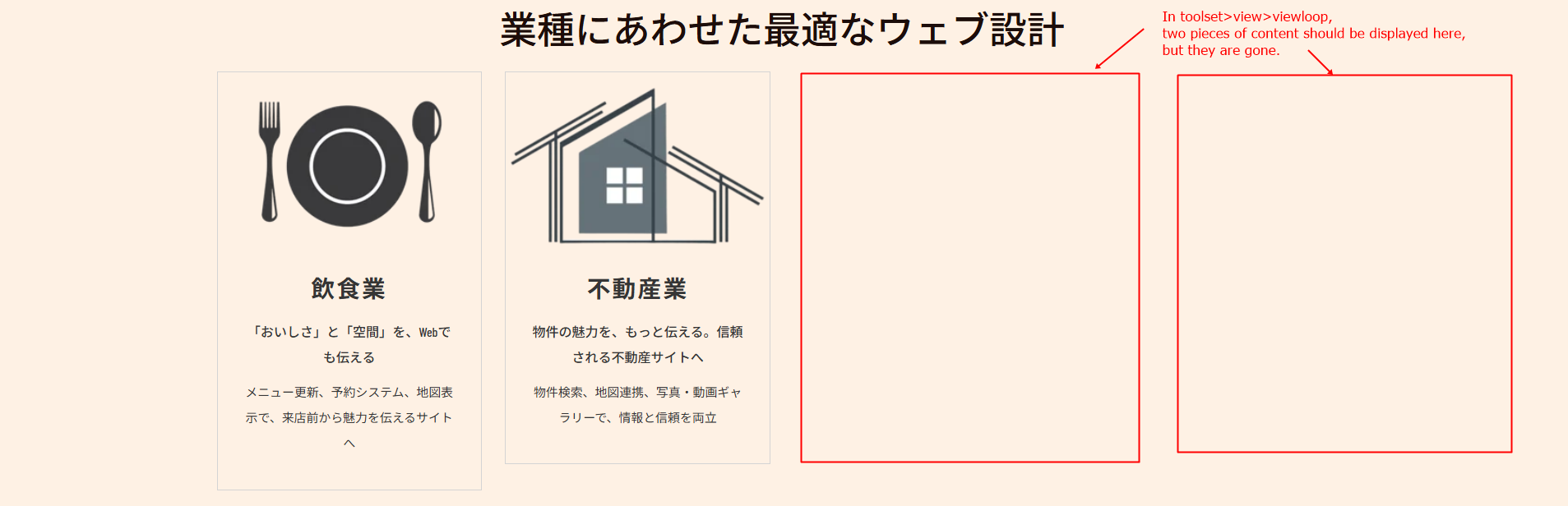 |
| February 27, 2026 at 12:00 pm #17859682 | |
 Paola Mendiburu WPML Supporter since 11/2020 Languages: Spanish (Español ) Italian (Italiano ) Timezone: Europe/Madrid (GMT+01:00) |
Hello! This is Paola and I will continue with the ticket as Christofer is off. I see that you have switch off WPML plugins. Do you give me permission to activate plugins again? I can hide english language if you want. |
| February 28, 2026 at 12:26 pm #17861752 | |
|
yoshihikoh |
Hello Paola. Thank you for contacting us. Best Ragards, |
| March 1, 2026 at 11:20 am #17862625 | |
|
Christopher Amirian WPML Supporter since 07/2020 Languages: English (English ) Timezone: Asia/Yerevan (GMT+04:00) |
Hi Yoshihiko, I enabled WPML, and I think you followed the steps correctly, but I do see that the blog section does not show the 2 blog items. As we still need to check that I will address that issue first and then for the other issues. I will need a version of the website that I can do troubleshooting without the fear of breaking the website. Do I have permission to install the Cloudways Migrator plugin? https://wordpress.org/plugins/bv-cloudways-automated-migration/ That will help me to copy the website to our server and check why this is happening. Thanks. |
| March 2, 2026 at 12:39 am #17863137 | |
|
yoshihikoh |
Hello, christpher, I have installed the Cloudways Migrator plugin and would like to wait for your support. Yoshihiko |
| March 2, 2026 at 11:43 am #17864291 | |
|
Christopher Amirian WPML Supporter since 07/2020 Languages: English (English ) Timezone: Asia/Yerevan (GMT+04:00) |
Hi Yoshihiko, Thank you very much. The copying process started. After it is finished, I will start the troubleshooting. Thanks. |
| March 2, 2026 at 11:59 am #17864336 | |
|
Christopher Amirian WPML Supporter since 07/2020 Languages: English (English ) Timezone: Asia/Yerevan (GMT+04:00) |
Hi Yoshihiko, Unfortunately, the size of the website is too big and system did not allow to do the migration,. I wonder if you can contact your hosting service provider and ask them to provide a copy/staging version of the website? You can then give us the login information for that version by setting the next reply as private. That way we will be able to deactivate plugins and do troubleshooting without the fear of breaking the website. Thanks. |
| March 3, 2026 at 1:01 pm #17868502 | |
|
Christopher Amirian WPML Supporter since 07/2020 Languages: English (English ) Timezone: Asia/Yerevan (GMT+04:00) |
Hello and thank you for the information. Unfortuately the authentication code is needed anyway. (Please check the attached screenshot) I do not need to have access to Hostinger; I just need a staging website that is online and I can access the WordPress Dashboard and do changes without the fear of breaking the website. I did a Google search and found this that might help you achieve that: hidden link Thanks.  |
| March 4, 2026 at 12:43 am #17870334 | |
|
yoshihikoh |
Hello, Christopher I've disabled two-factor authentication for the entire site. Yoshihiko |
| March 4, 2026 at 5:29 pm #17872718 | |
|
Christopher Amirian WPML Supporter since 07/2020 Languages: English (English ) Timezone: Asia/Yerevan (GMT+04:00) |
Hello Yoshihiko, Thank you for providing the login information. I found a better solution in Hostinger options to create a staging version of the website so I can do the troubleshooting online without fear of breaking a live website. It is in progress and it should be wpml.upcwd.com. After the process is finish I will try to address the first issue and find a solution. Then I will go for the other ones. Thank you for your patience till I get into the bottom of this. Thanks.  |
| March 5, 2026 at 3:43 pm #17875574 | |
|
Christopher Amirian WPML Supporter since 07/2020 Languages: English (English ) Timezone: Asia/Yerevan (GMT+04:00) |
Hello, The staging website is created and I spent more than 2 hours without any results. The strange thing is that if I create a test page it works with no issues and the view you used for the Specific Solutions post type shows with no issues. But it is not working on the homepage. I reported this to the second-tier support and wating for their reply. Thank you for your patience. |
| March 10, 2026 at 4:34 pm #17886376 | |
|
Christopher Amirian WPML Supporter since 07/2020 Languages: English (English ) Timezone: Asia/Yerevan (GMT+04:00) |
Hello, Thank you for your patience. The issue with the listing translation was that the Custom post Type VIEWS and CONTENT TEMPLATE was set as translatable for some reason in WP Dashboard > WPML > Settings > Post Types Translation. I set it as not translatable and now the translation shows. Please check the screenshot. For the icons, please change the name of the pictures you uploaded for those icons to something that is not in Japanese characters. Use English characters. You are welcome to use the Japanese characters for the alt or met ainformation, but not for the file name of the picture. That should fix the issue with the icon. Thanks.   |
| March 13, 2026 at 1:06 am #17894141 | |
|
yoshihikoh |
Hello, christpher I will always be grateful for your support. I look forward to hearing from you. Regards、 |










