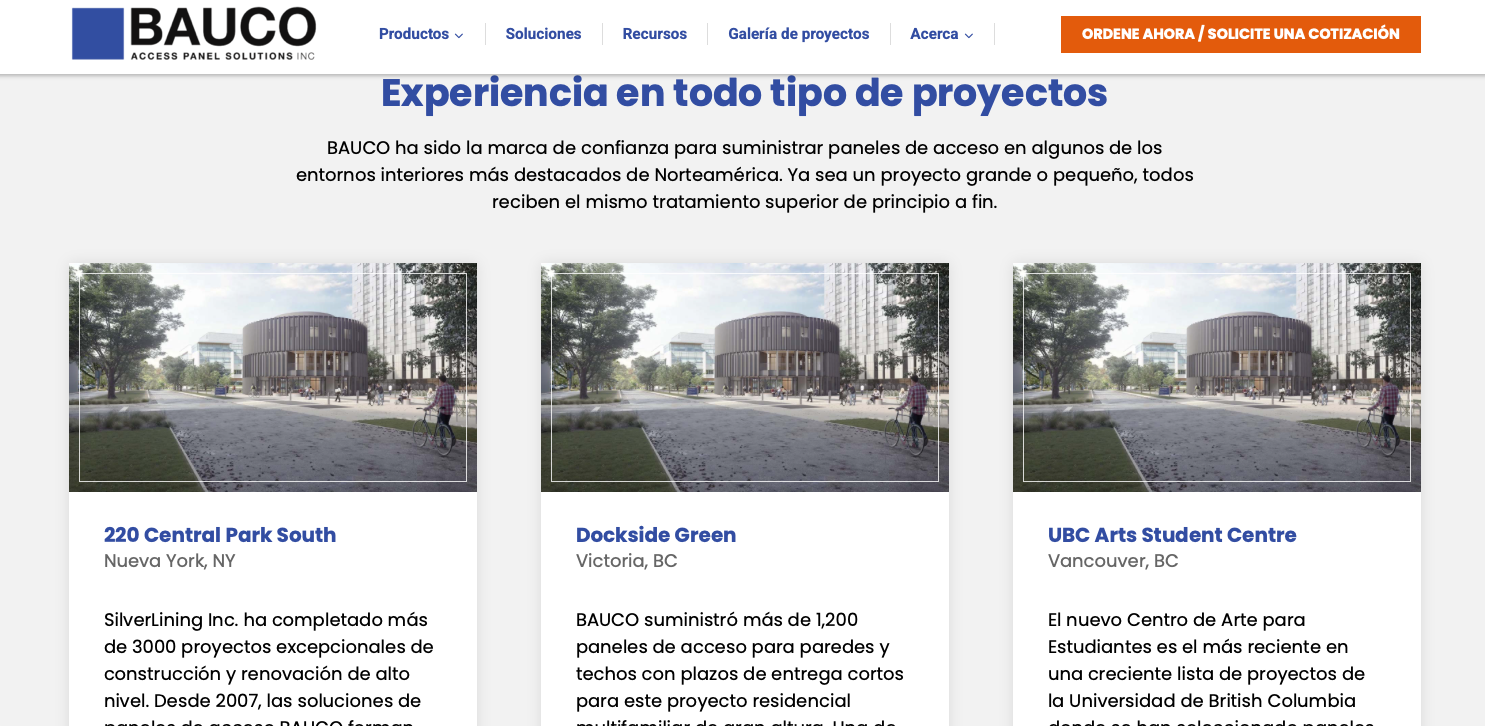
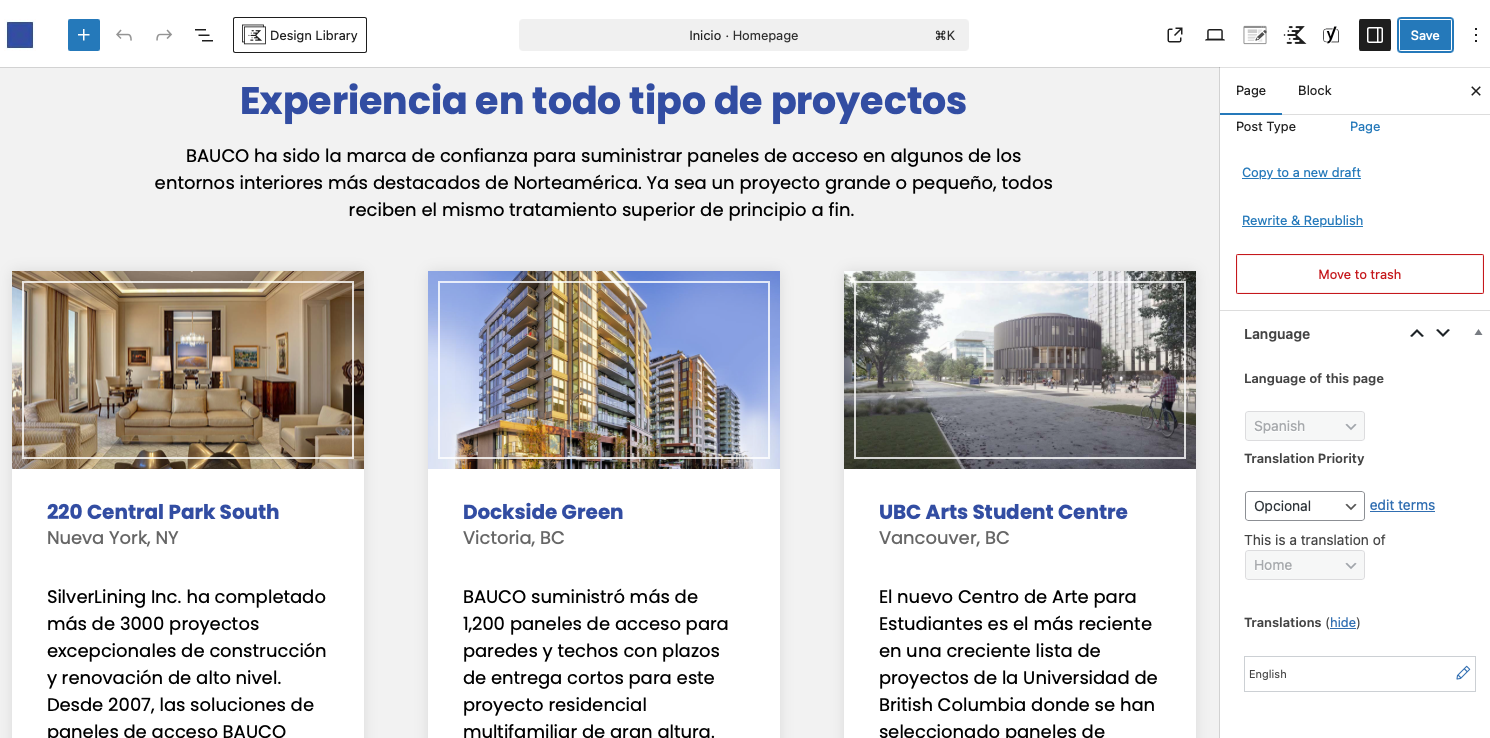
The feature image for a custom post type is not showing when using the Kadence Advance Query Loop. The feature images show correctly when viewing each language in the WordPress editor, but the front end shows a placeholder for the additional language page.
Attached is a screenshot of the WP dashboard and the front end of the site.
I'm enabling a private message for the following reply. Privacy and Security Policy
We have strict policies regarding privacy and access to your information. Please see: https://wpml.org/purchase/support-policy/privacy-and-security-when-providing-debug-information-for-support/ **IMPORTANT**
- - Please back up the site files and database before providing us access. --
-- If you have a staging site where the problem can be reproduced, it is better to share access to the staging site.--
In addition, I created a test site which you can access here: hidden link
WPML is installed and configured. I also installed the Kadence Blocks + PRO plugins.
Is it enough to replicate the problem, or is the Kadence theme also needed?
I was unable to replicate the problem on the test site. With the Query Loop (ADV) block, the featured images of the translated posts are showing correctly on the translated page. You can see my test page in Spanish here: hidden link.
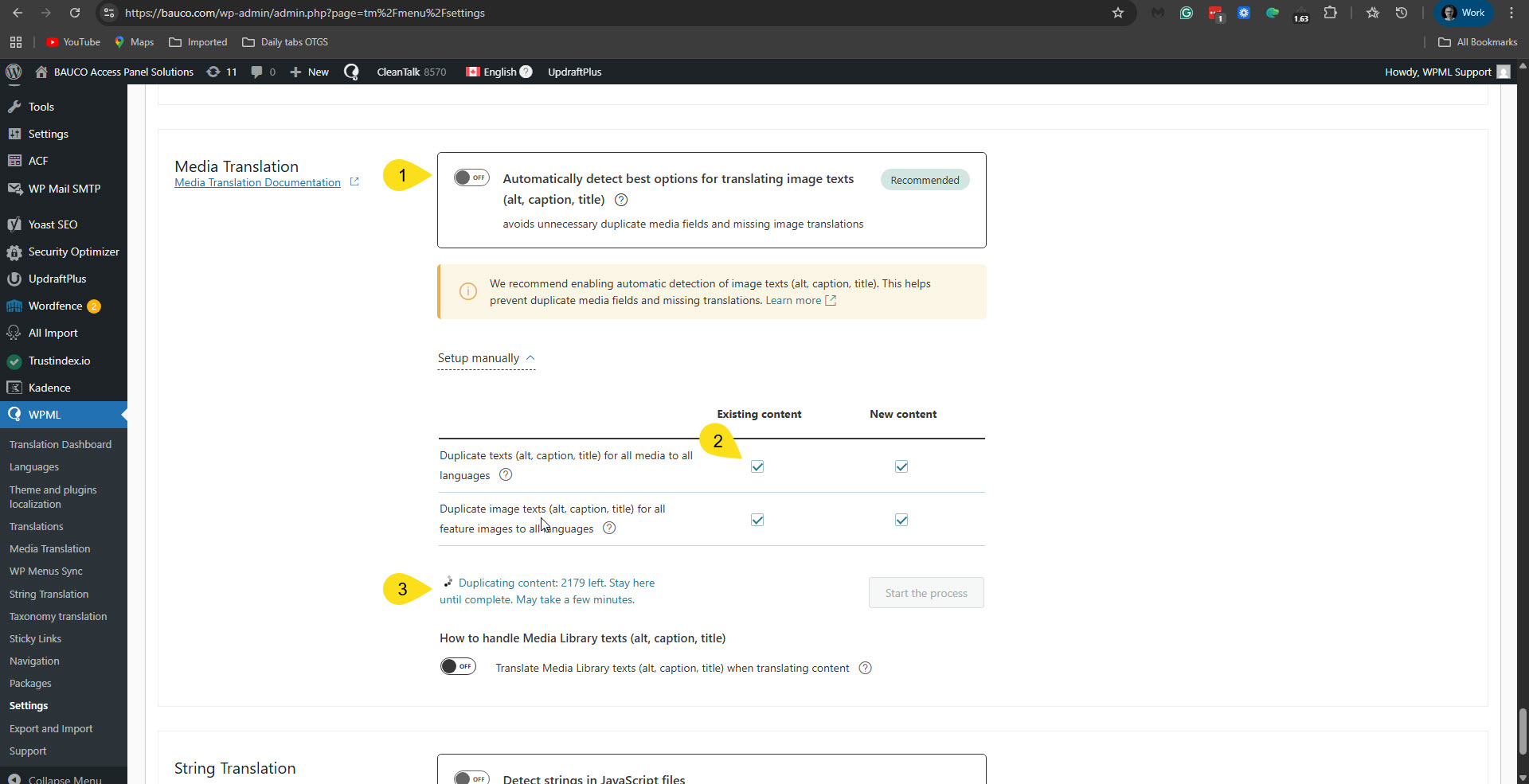
I tried the following things. In WPML -> Settings -> Media translation, I disabled the option to automatically detect the best translation options for image text, and ran the duplication process for the existing content. Please see the attached screenshot mt-options.jpg. Unfortunately, it didn't fix the problem. Then I switched to automatic again. I also temporarily deactivated the Media translation add-on, but it didn't help either.
It seems like a specific issue that only occurs on your site. Therefore, we suspect a collision with the theme or another plugin might cause this problem. If possible, get your site down to a minimum environment, switching to a default WordPress theme like TwentyTwenty-Four and activating only WPML, Strings Translation, Kadence Blocks - PRO Extension, and Kadence Blocks — Page Builder Toolkit for Gutenberg Editor.
First, check whether the problem persists when only the theme is switched to TwentyTwenty-Four (for example). If it persists, deactivate all plugins except WPML and its add-ons, and Kadence Blocks — PRO Extension and Kadence Blocks — Page Builder Toolkit for Gutenberg Editor. Then, please check if the problem persists. If it does not persist, start by activating the plugins individually and checking when the issue comes back, then report to me which plugin was the culprit.
**** Important! Please make a full site backup (files and DB) before you proceed with those steps****
*** If your site is live, you might want to try those procedures in a staging environment or a snapshot of your site on your local server or another server. ***
If you don't have a staging site or can't proceed with this on your production site, please allow me to take a copy of your site. For this, I must install a plugin like Duplicator or All-in-One Migration. Please let me know if you agree.
Please note that my weekends are Friday to Saturday. If you need further assistance, I'll be available to continue checking this issue and helping you next week.
Thank you for the efforts you have made, and providing the details.
I agree with the creation of the staging site, please proceed with installing the Duplicator or All in One Migration plugin in order to create the staging site.