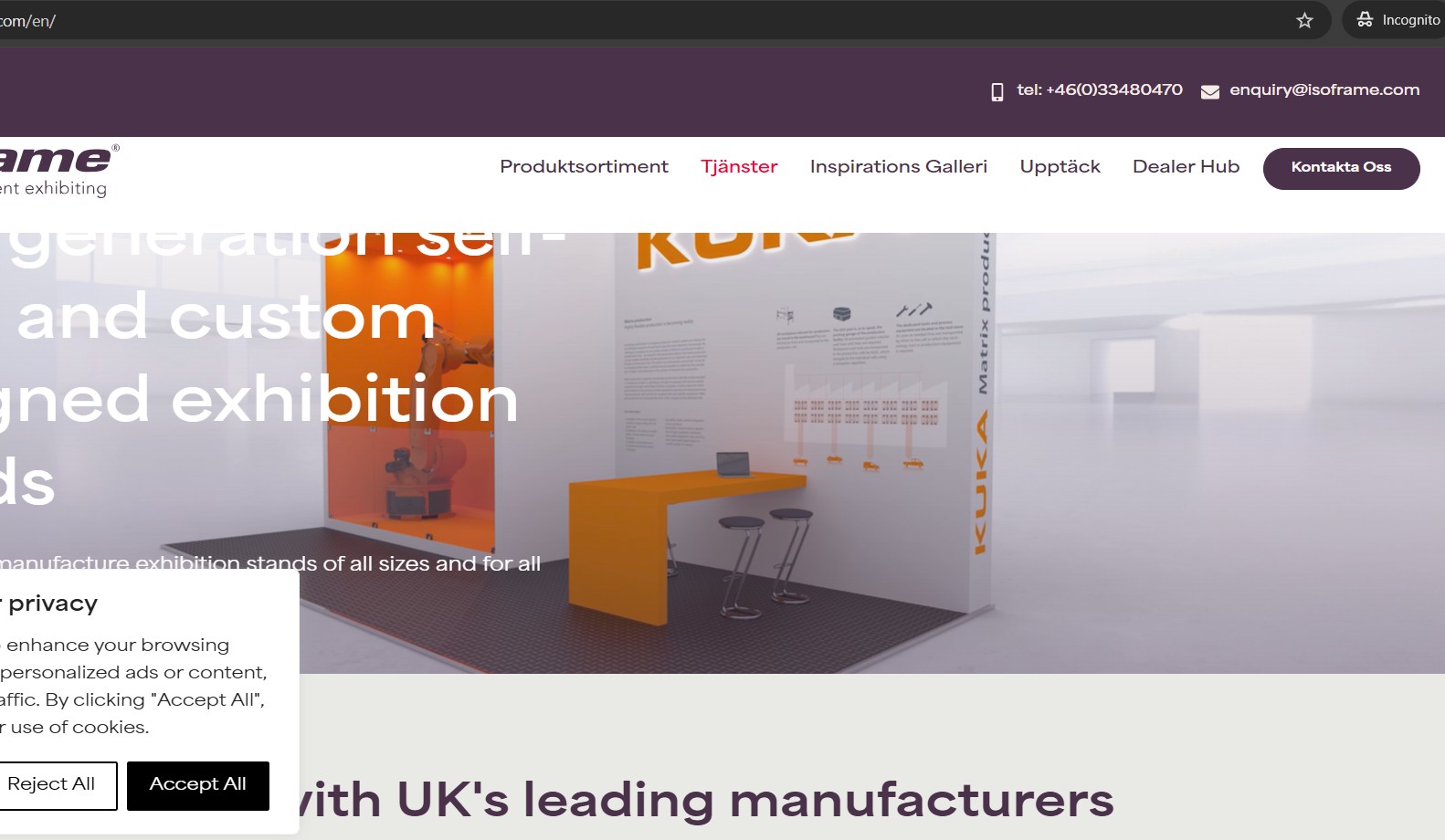
I checked the site and found that the English home page was not created/linked correctly. Because of this, when visiting any /en/ URL, WordPress redirects visitors back to the default (Swedish) home page.
After completing and linking the English home page translation, the site now correctly loads the /en/ pages and the language switcher works as expected.
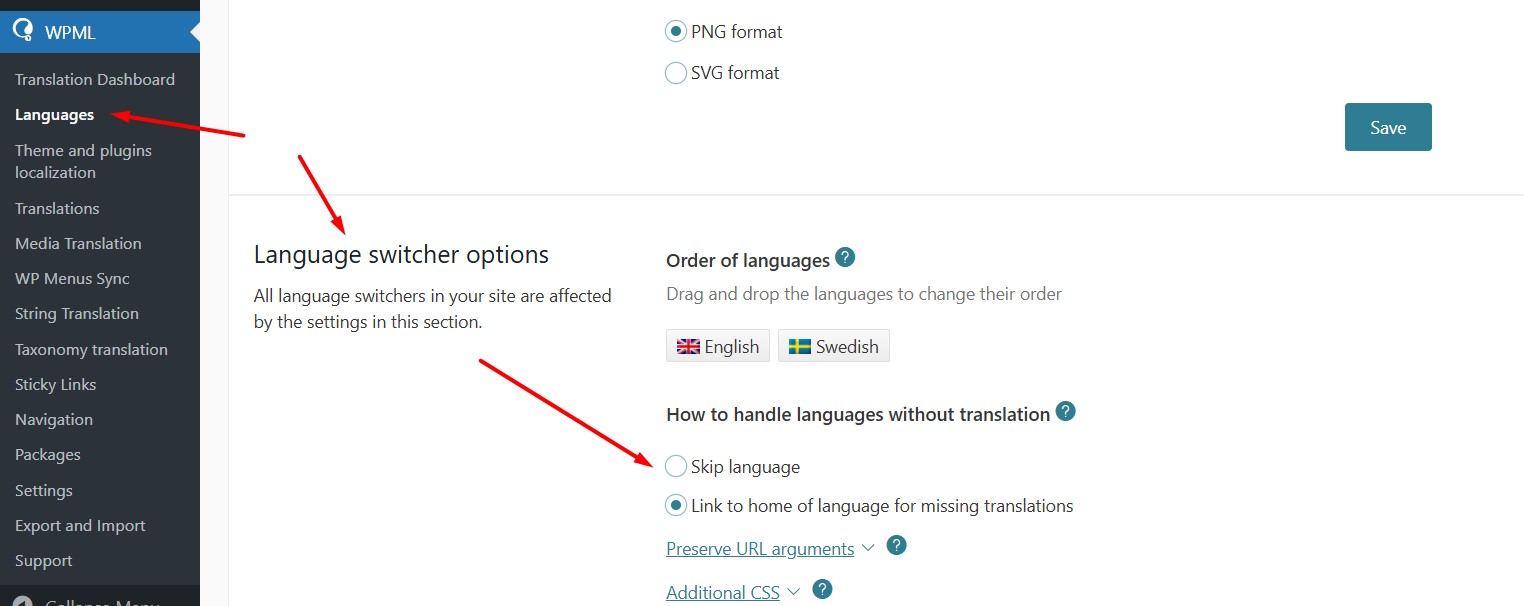
Additionally, if a translation does not exist, you can prevent users from being redirected by hiding the secondary language flag. This can be done from WPML >> Languages > Language Switcher options by enabling the Skip language option.
Please let me know if this resolves the issue or if you need further assistance.
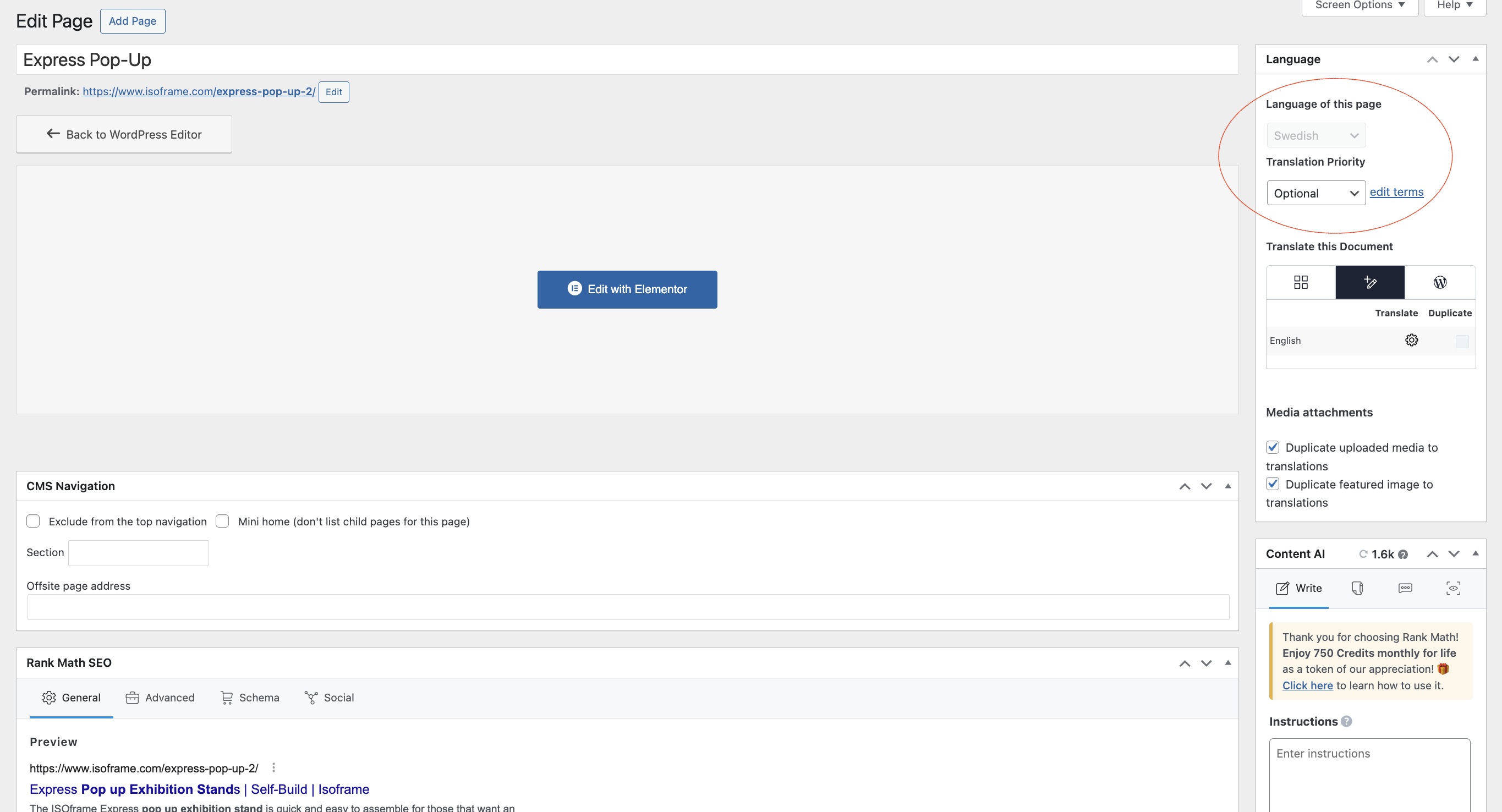
All of my /en/ pages are sat in draft and the language isn't being recognised, there isn't an option to recognise the page as English and then align to the Swedish page.
The system is asking if I want a translation, I don't want a translation, I want to define the pages as English and tie them to there Swedish counterpart.
Thank you for the clarification. It looks like the English page already exists and you want to link it with the German page instead of translation. You should be able to do it by following the below steps:
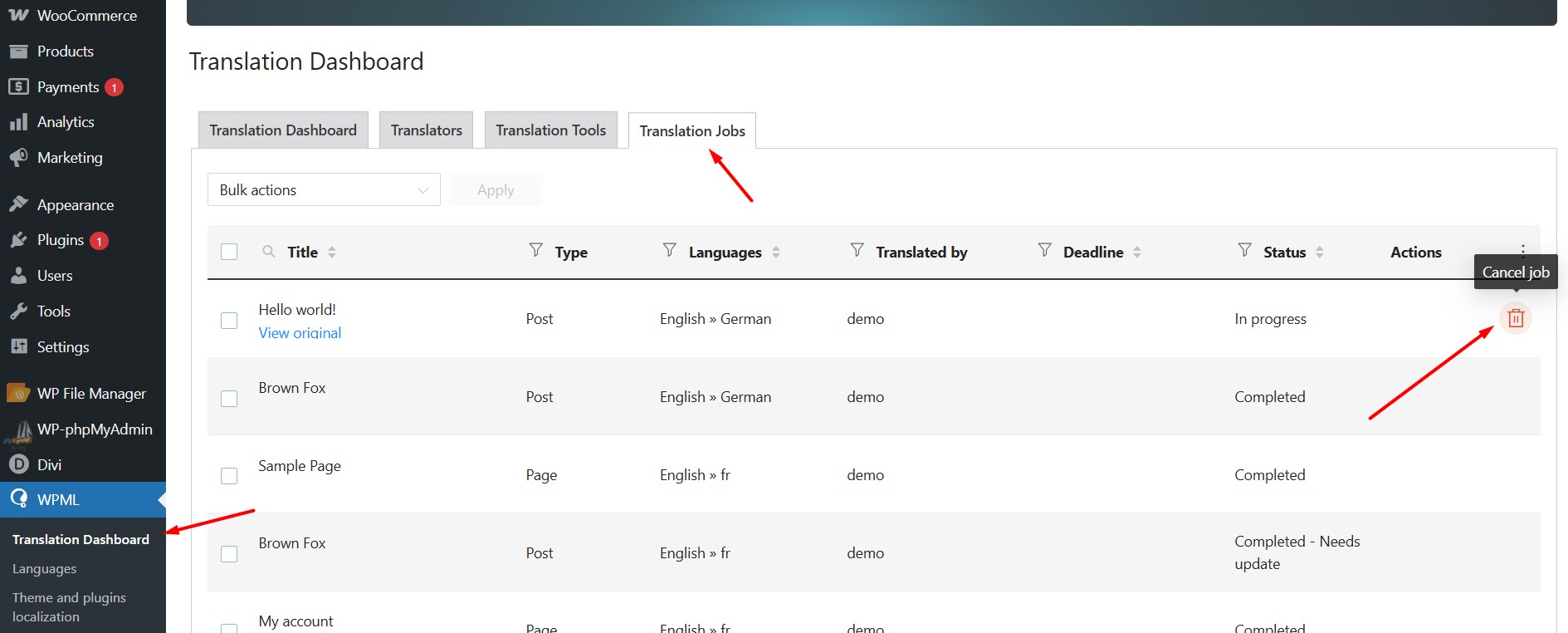
1. Go to WPML >> Translation Dashboard > Translation Jobs
2. Cancel the stuck jobs by pressing the little trash icon.
3. Open the English language page in edit mode.
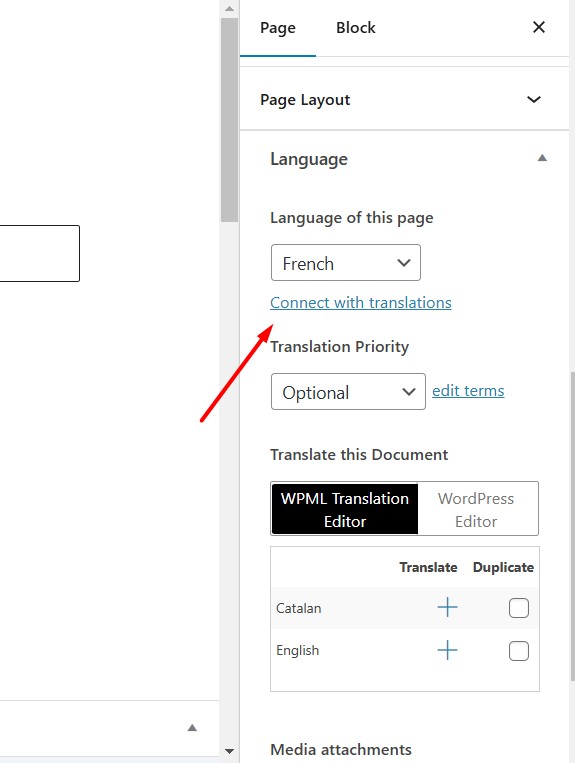
4. Assign the correct language from “Language of this page” dropdown.
5. Disable the WPML Translation Editor and enable the WordPress Editor.
6. Click on the “Connect with translations” link in the Languages meta box.
7. Search for the Spanish page that you want to link and press the OK button.
8. Another dialogue will appear if you want to change the default language of the post, you may uncheck the checkbox and press the Assign button.