Skip to content Skip to sidebar

This is the technical support forum for WPML - the multilingual WordPress plugin.

Everyone can read, but only WPML clients can post here. WPML team is replying on the forum 6 days per week, 22 hours per day.

Sun Mon Tue Wed Thu Fri Sat
- 10:00 – 17:00 10:00 – 17:00 10:00 – 17:00 10:00 – 17:00 10:00 – 17:00 -
- 18:00 – 19:00 18:00 – 19:00 18:00 – 19:00 18:00 – 19:00 18:00 – 19:00 -

Supporter timezone: Asia/Kathmandu (GMT+05:45)

This topic contains 2 replies, has 1 voice.

Last updated by Shekhar Bhandari 1 month, 1 week ago.

Assisted by: Shekhar Bhandari.

Author Posts
March 10, 2026 at 5:54 pm #17886698

baraA

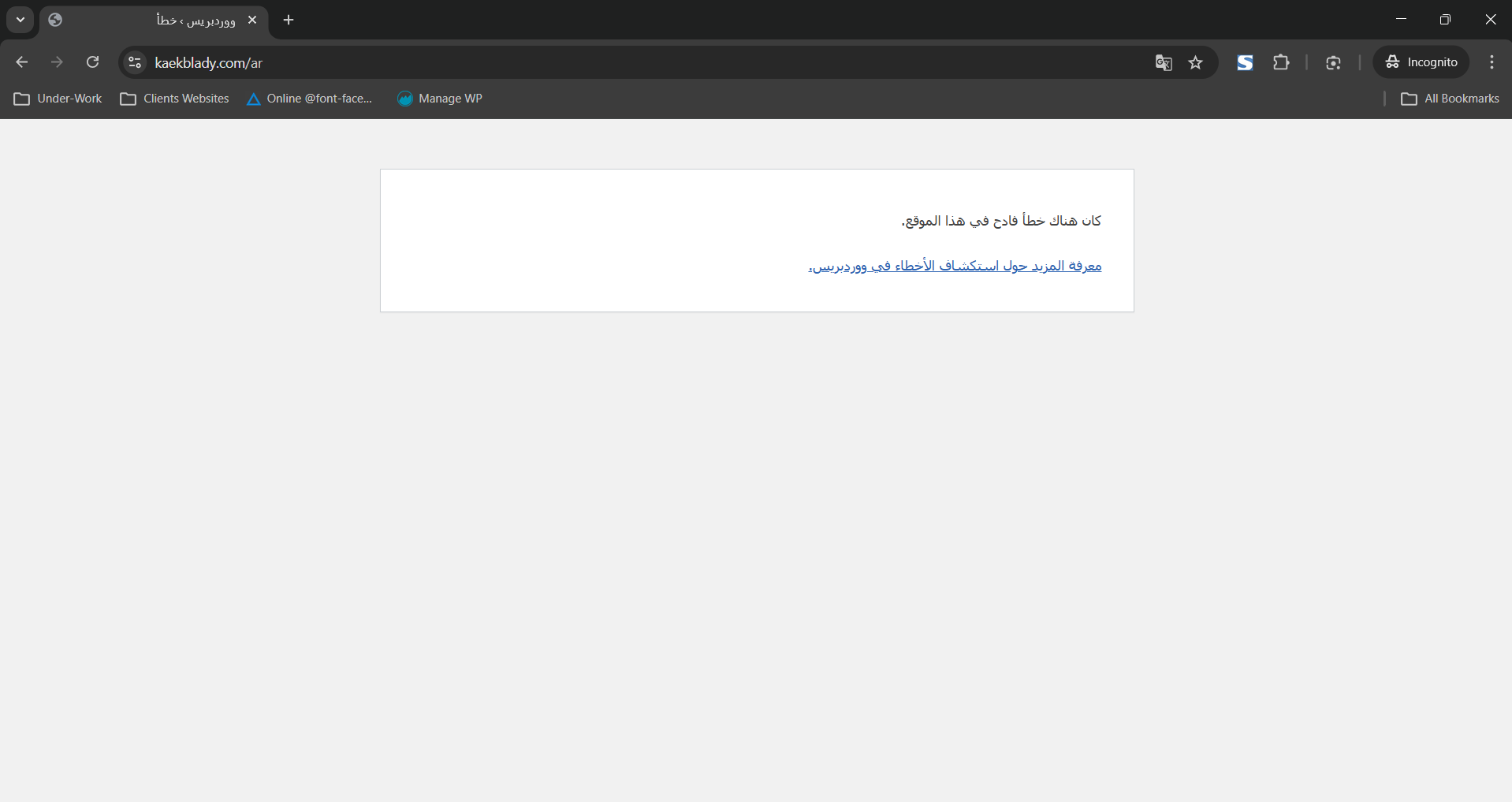
there were some duplicates products on my sute in the Secondary Language (AR). I enabled the automatic trasnlation feature and deleted the duplicate products and my website now doesnt work on the AR version.

March 10, 2026 at 6:57 pm #17886898

baraA

Im waiting for a response. My website is still down

March 11, 2026 at 5:35 am #17887371

Shekhar Bhandari
WPML Supporter since 03/2015

Languages: English (English )

Timezone: Asia/Kathmandu (GMT+05:45)

Hello there,

Thank you for contacting WPML support. I'd be happy to assist you on this issue.

It looks like there is some php error happening on your site which is creating the problem, being so can you please follow the below steps and share me the results.

1. Add the following code to your wp-config.php

define('WP_DEBUG', true);
define( 'WP_DEBUG_LOG', true );
define( 'WP_DEBUG_DISPLAY', true );

https://wpml.org/documentation/support/debugging-wpml/

2. Repeat the action of creating the problem.

3. Copy and paste the contents of debug.log (log file inside the /wp-content/ directory) here for me to see.

Look forward to your reply.

Thanks

The topic ‘[Closed] My Website shows Critical Error on the Secondary (AR) Translation.’ is closed to new replies.