Please get back to me after you fix the errors on your site and increase the WP Memory Limit. Also, please tell me whether the button is a regular Elementor button or a button from the Ultimate Addons for Elementor Pro plugin.
Hello! So I increased the WP Memory Limit and also solved the PHP problem. It seems to me that WPML has problems with the translation of internal MEDIA links. Because if I put in the button an internal PAGE link, it works perfectly. The problem is I need these specific buttons to open a PDF file, and I need the link to the PDF, to be an internal link.
I'm still checking your issue.
I've discovered it is a regular Elementor button and not a button from the Ultimate Addons for Elementor Pro plugin.
I tried to replicate it on a test site, but couldn't.
There, it works fine when I set the button to internal links with a media file.
Please let me know if you allow me to make the following test on your site.
A. Upload a new test PDF file.
B. Create a new test page.
C. Translate it.
I want to see if it works in this case.
Do you allow me to proceed?
Otherwise, please allow me to take a copy of your site. To do this, I must install a plugin such as Duplicator or All-in-One Migration. Please let me know if you agree.
In addition to the above, I have further discoveries.
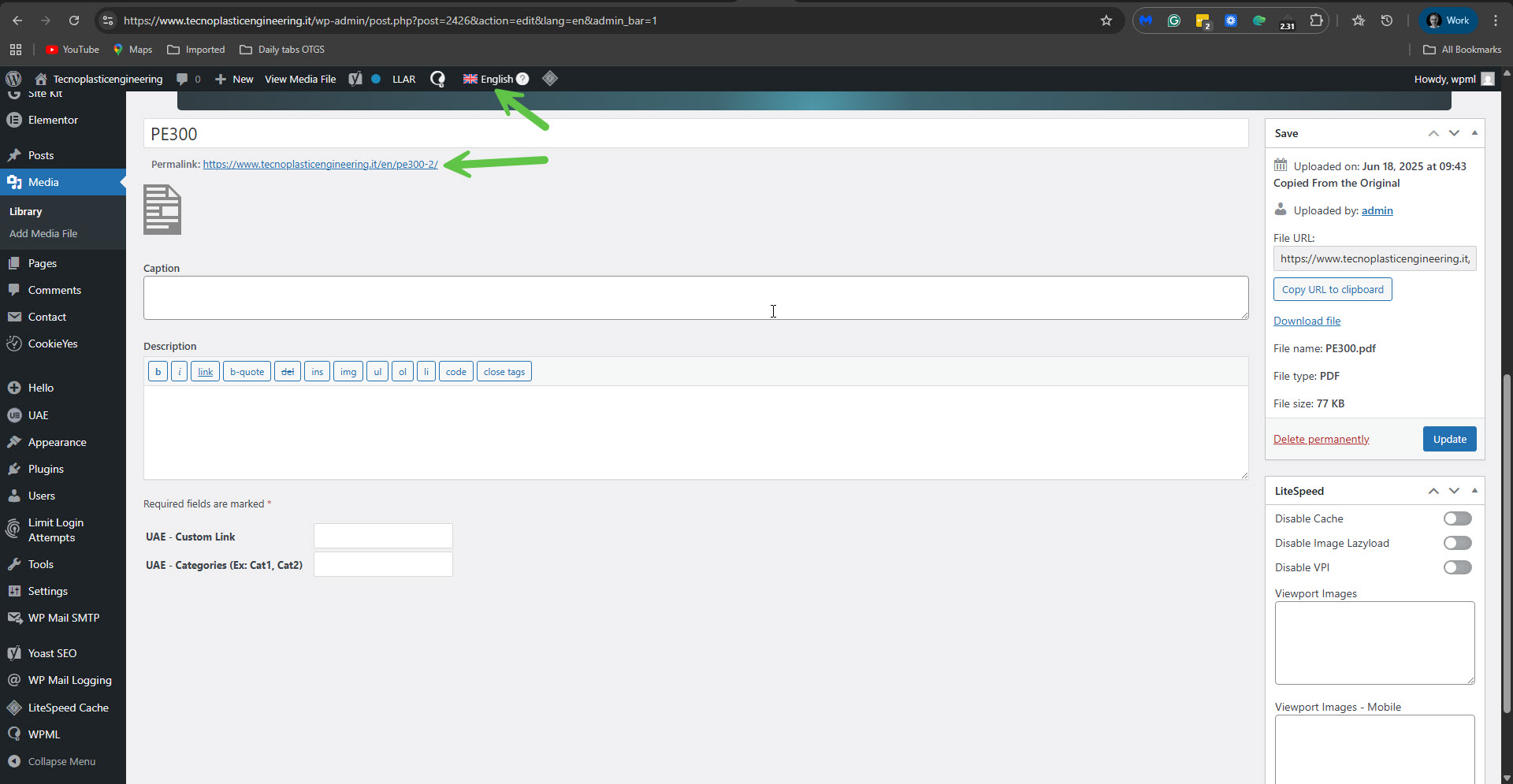
I've found out the correct link to the English PDF is, for example, this: hidden link. Please notice the -2 at the end of the URL. You can also see it on the media attachment post here: hidden link. You will need to click 'Translate Anyway'. Please see the attached screenshot.
So, as I mentioned, it works on my test site. I'm unsure why it is not working on your site. I need your permission, please, to proceed with the things I requested in my previous reply.
Please note that my weekends are Friday to Saturday. If you need further assistance, I'll be available to continue checking this issue and helping you next week.
Okay, I understand. I prefer not to translate the PDF media using the ‘Translate anyway’ option, as this could create issues if I later need to update either the original page or its translation. If there is no other way, I'm going to put a manual link inside the button, since it seems to me this is the only way to make the link appear also in the English version of the page.
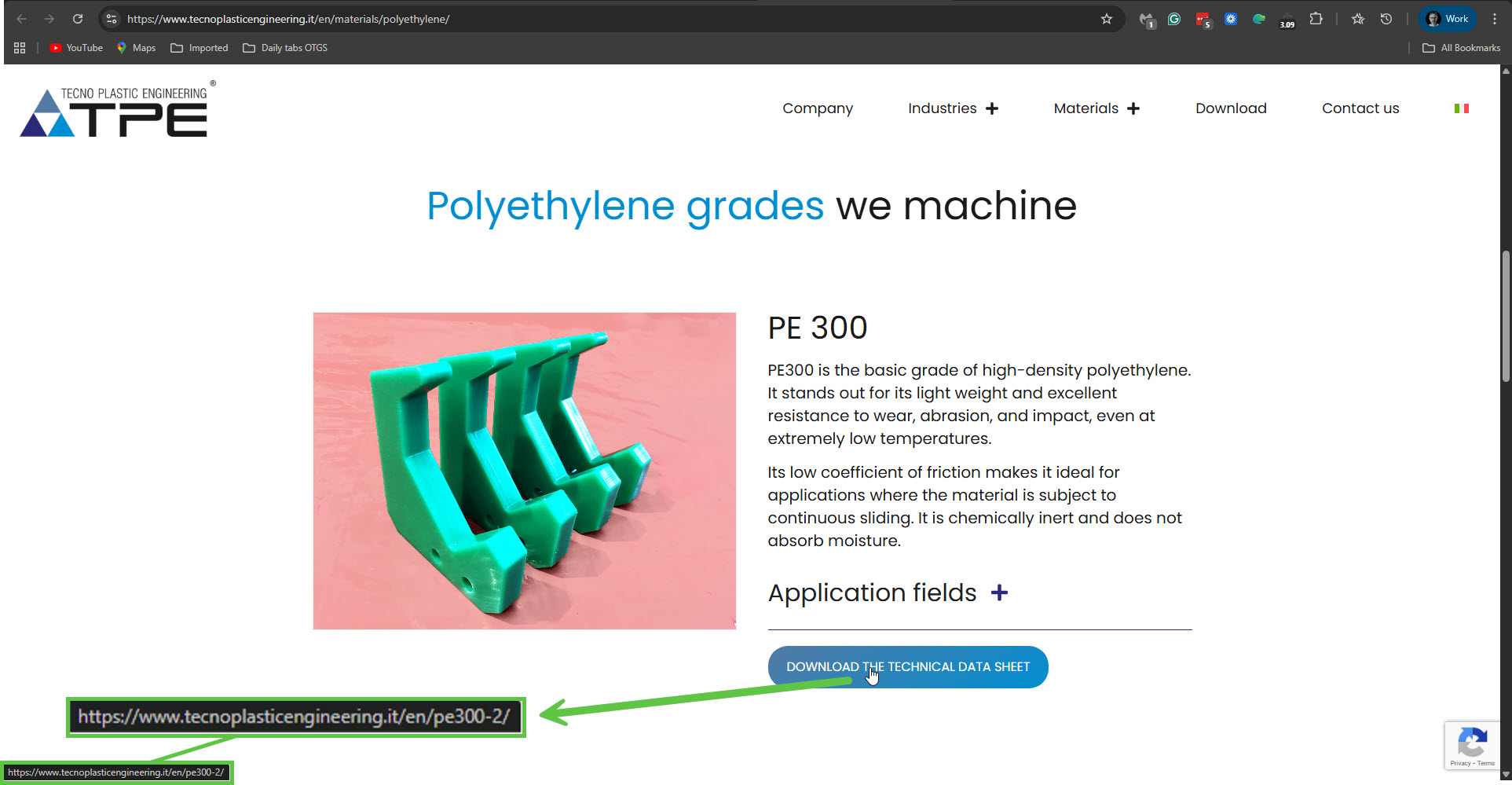
Currently, I can see that the links to the PDF files on the English version of your site work. Please see the attached screenshot. I assume you have either applied the workaround or have found the fix for this problem. Is everything alright regarding this issue now?
If you need further help with this issue, please respond to my requests (from Jan 29) to try things on a new page on your site, or take a copy of it.