Skip to content Skip to sidebar

This thread is resolved. Here is a description of the problem and solution.

Problem:
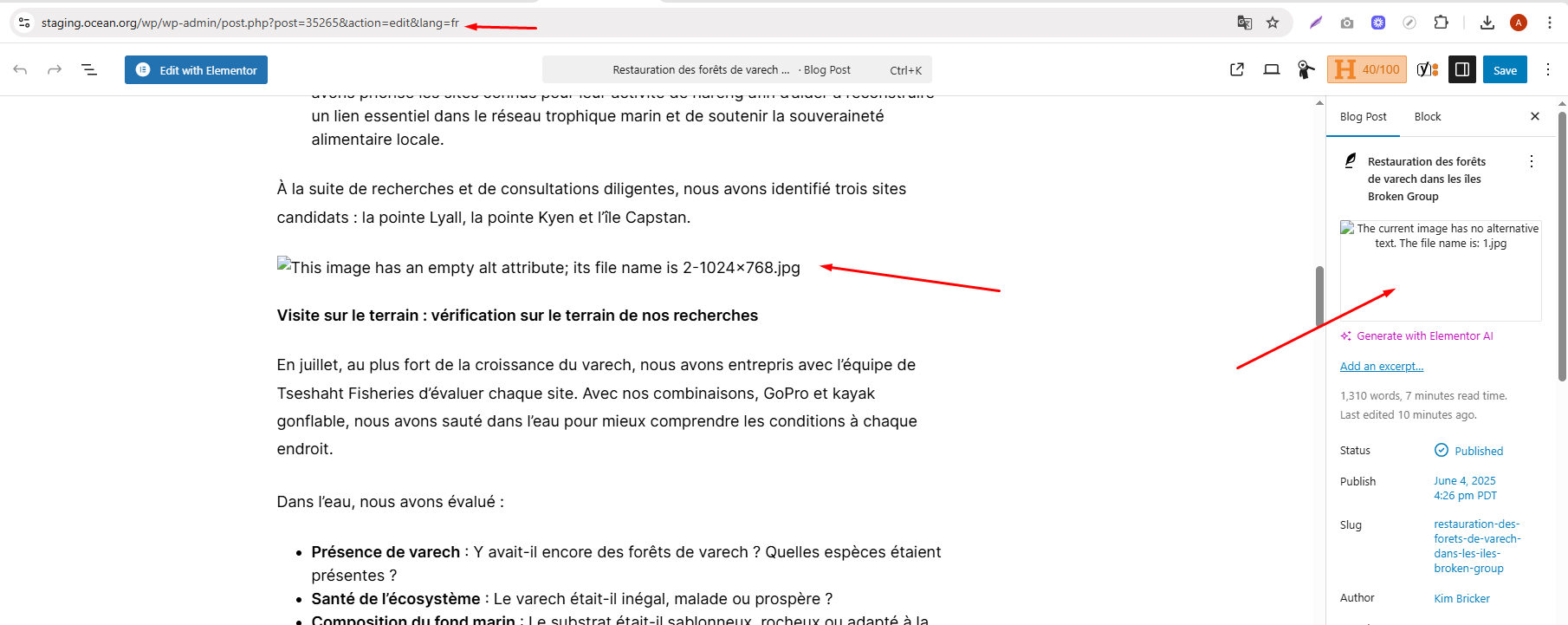
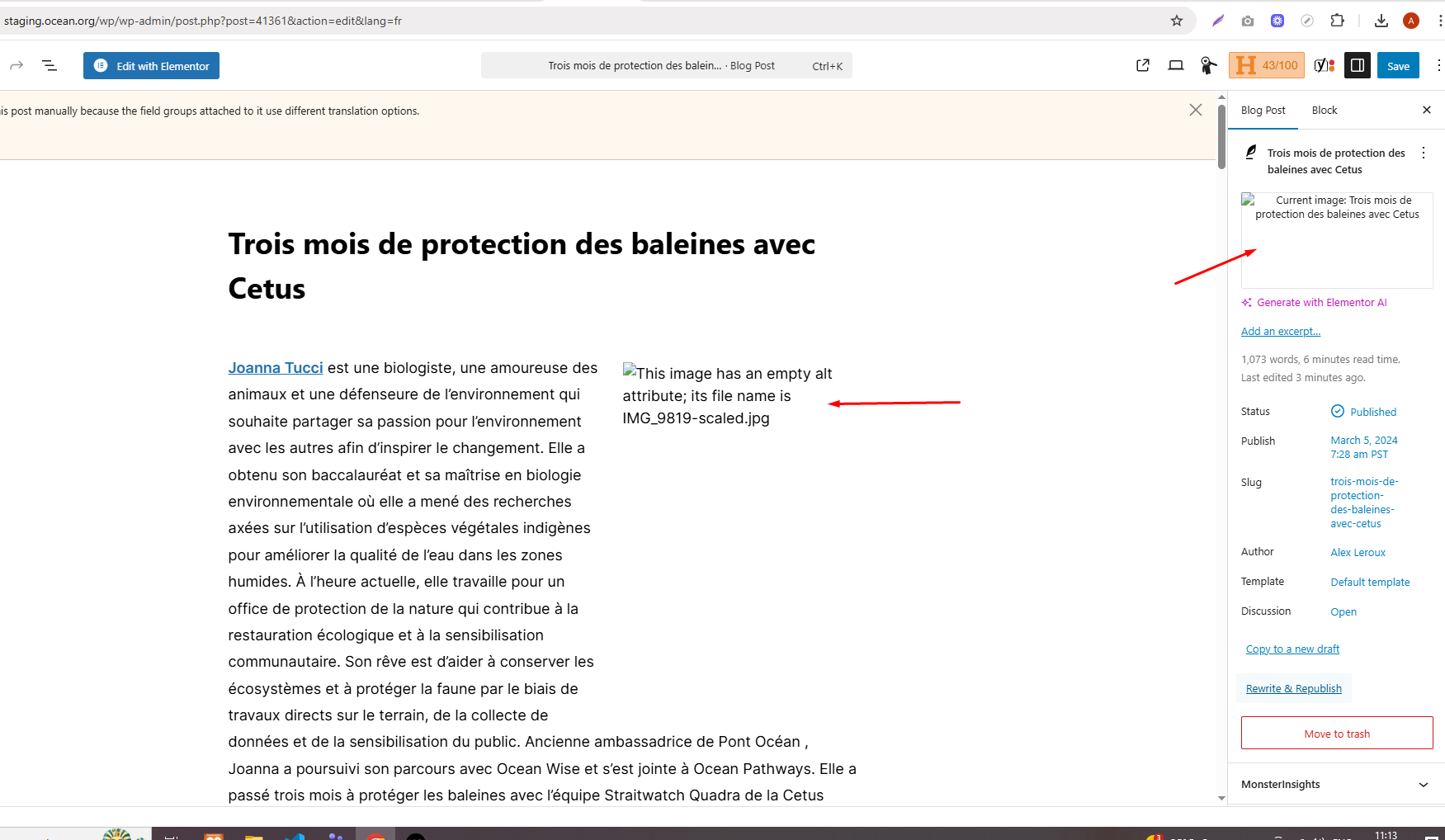
You are duplicating your blog posts, but images, including the featured image and images added within the WordPress editor, are not duplicating correctly in the French version. They appear as broken links.
Solution:
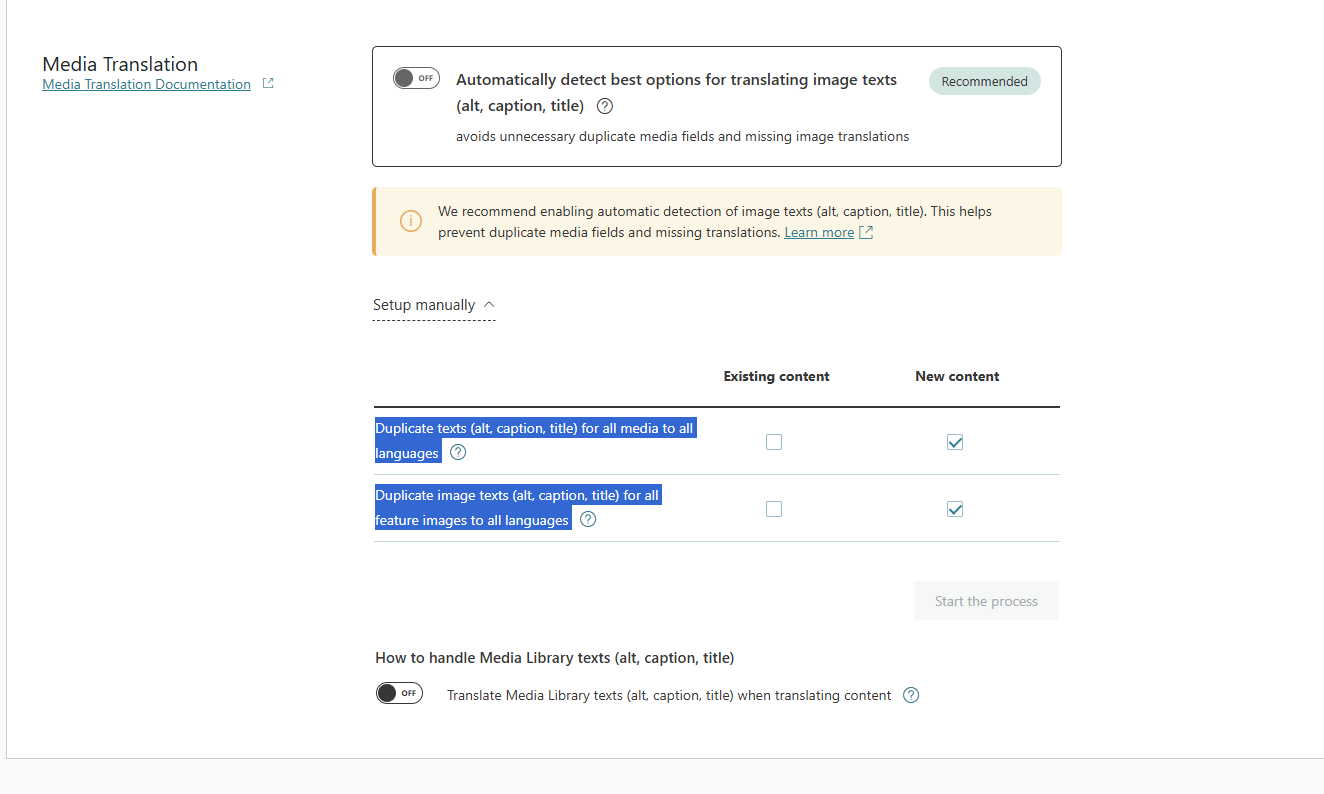
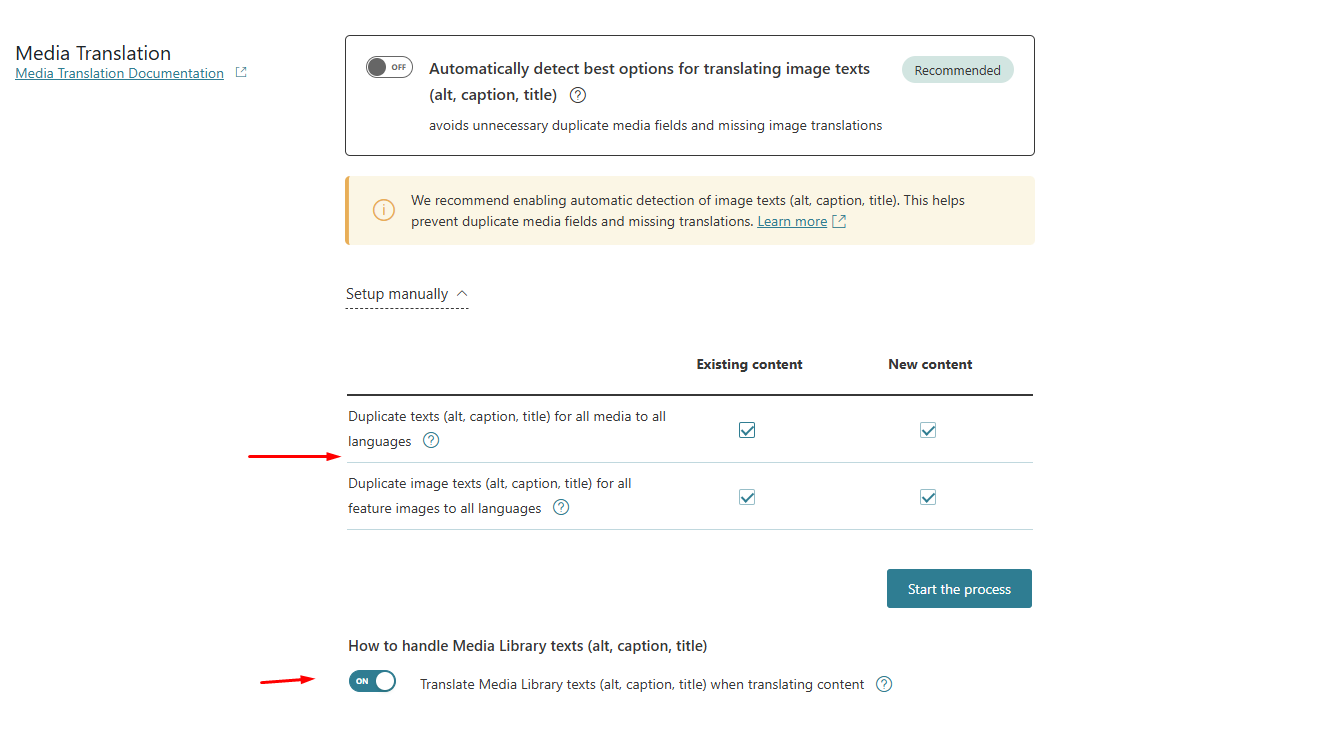
First, ensure you have backed up your database. Then, in WPML's media translation settings, select the options to "Duplicate texts (alt, caption, title) for all media to all languages" and "Duplicate image texts (alt, caption, title) for all feature images to all languages". Start the duplication process after these settings.
It's important to note that WPML does not duplicate the image files themselves but the media texts associated with them after translation. For more details on how WPML handles media translation, you can visit the following links:

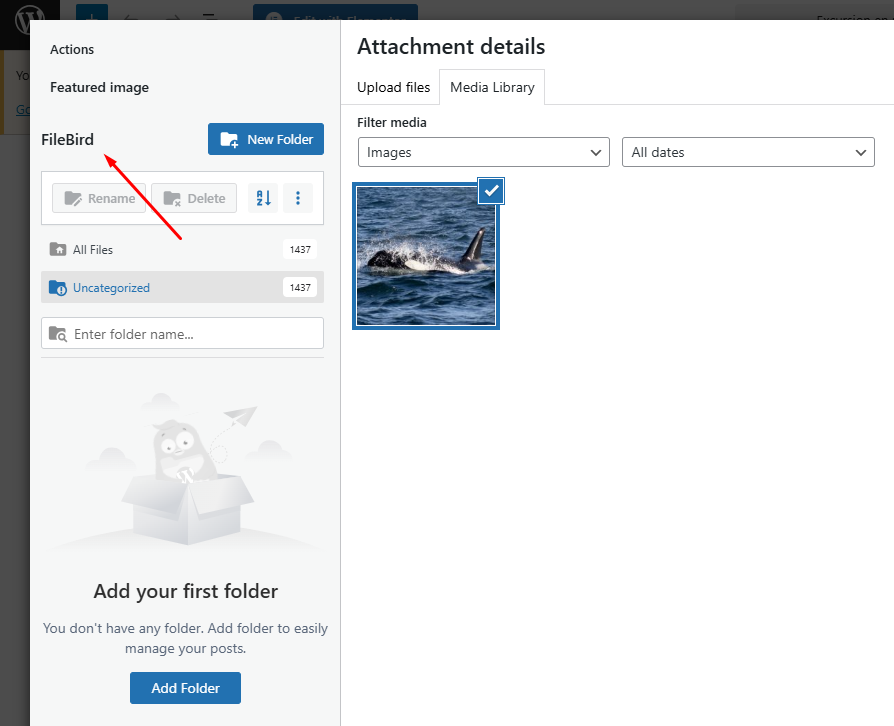
Additionally, WPML is fully compatible with the Filebird plugin, which can be integrated as per the documentation here:
Filebird and WPML Integration

If this solution does not resolve your issue or seems outdated, we recommend checking related known issues at https://wpml.org/known-issues/, verifying the version of the permanent fix, and confirming that you have installed the latest versions of themes and plugins. If the problem persists, please open a new support ticket.

This is the technical support forum for WPML - the multilingual WordPress plugin.

Everyone can read, but only WPML clients can post here. WPML team is replying on the forum 6 days per week, 22 hours per day.

Tagged: 

This topic contains 6 replies, has 1 voice.

Last updated by Andrey 3 months, 2 weeks ago.

Assisted by: Andrey.

Author Posts
October 28, 2025 at 5:14 am #17524076

jordonR

Background of the issue:
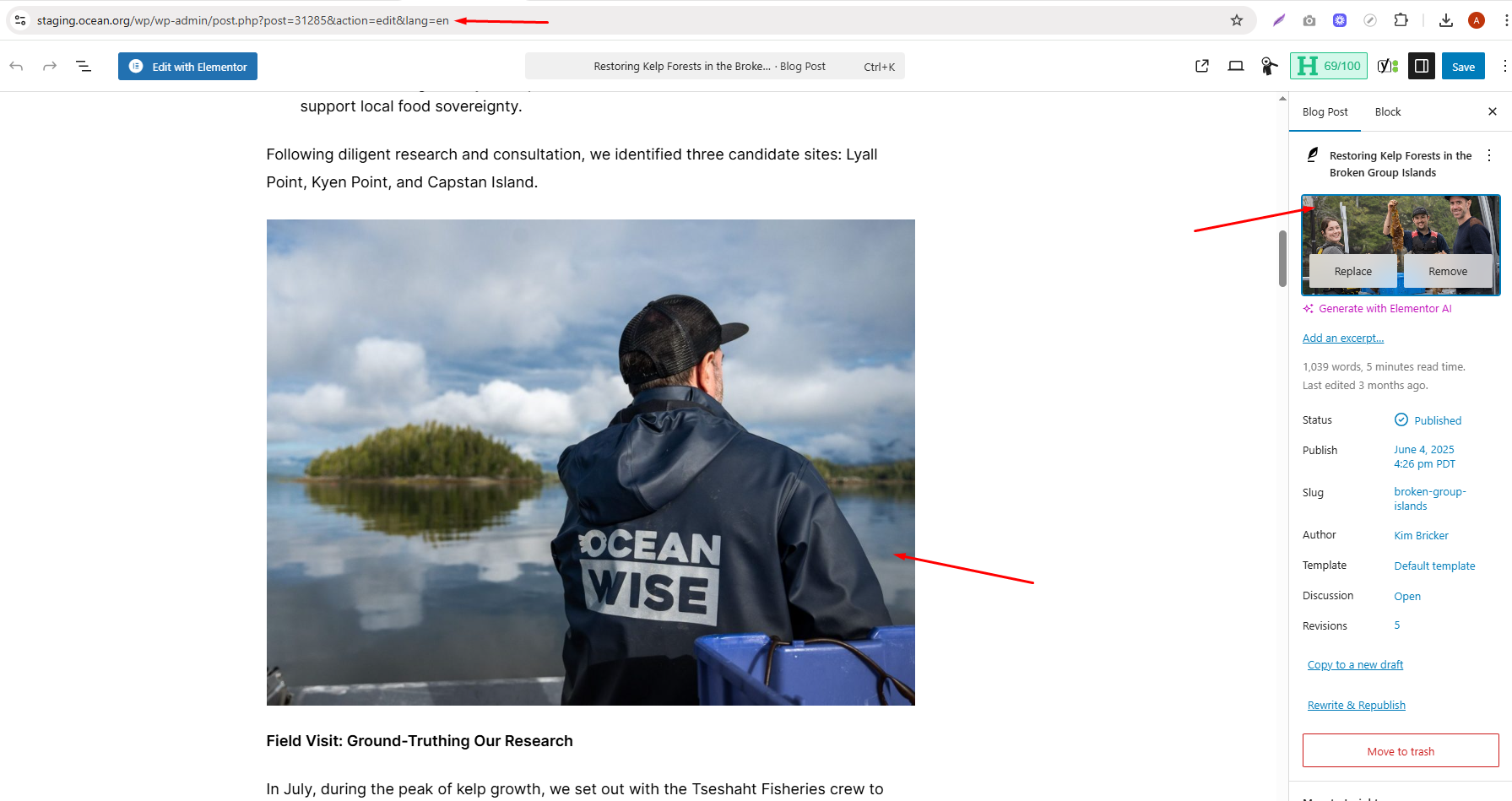
I’m duplicating my blog posts, and everything else is working properly. However, the images — including the featured image and images added within the WordPress editor — are not duplicating in the French version.

Symptoms:
The images appear as broken links in the French version of the duplicated blog posts.

Questions:
Could you let me know how to ensure images are duplicated correctly in the translated version?

October 28, 2025 at 5:30 am #17524154

jordonR

Yeah, the plugin is already activated, and the option “Automatically detect best options for translating image texts (alt, caption, title)” is turned on. I don’t see any other relevant options there.

Do I need to configure something manually or check the “Duplicate existing media” setting? I have attached the screenshot. Kindly tell me the perfect setting so that I can duplicate the images perfectly.

Screenshot_5.png
October 29, 2025 at 8:23 pm #17530715

Andrey
WPML Supporter since 06/2013

Languages: English (English ) Russian (Русский )

Timezone: Europe/Kyiv (GMT+02:00)

Thank you for contacting WPML support.

Yes, have you tried to run the media option for existing content? You need to select "Duplicate texts (alt, caption, title) for all media to all languages", "Duplicate image texts (alt, caption, title) for all feature images to all languages", and start the process.

Before making any changes, please back up your database.

November 3, 2025 at 1:00 pm #17541161

jordonR

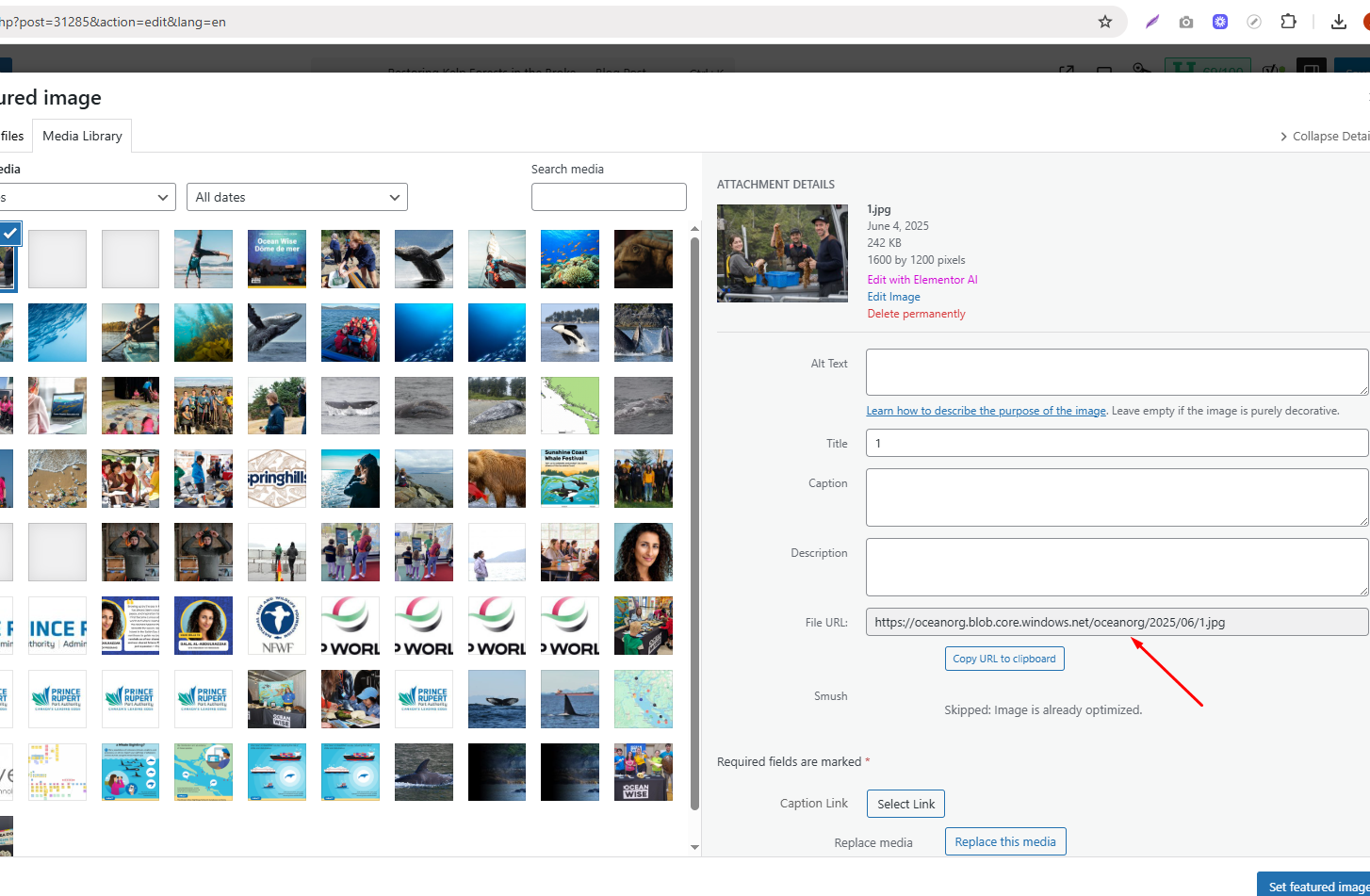
As you can see in this screenshot, I am using this Filebird plugin, so make sure that WPML supports this and it is safe to duplicate the existing media.

Screenshot_6.png
November 3, 2025 at 1:32 pm #17541322

Andrey
WPML Supporter since 06/2013

Languages: English (English ) Russian (Русский )

Timezone: Europe/Kyiv (GMT+02:00)

WPML is fully compatible with Filebird plugin.
https://wpml.org/plugin/filebird/

https://wpml.org/documentation/getting-started-guide/media-translation/

I want to mention that WPML does not duplicate image files itself. Sometimes, it duplicates the media texts (like alt text, captions, and titles) after translation.

You can find more details here:
https://wpml.org/documentation/getting-started-guide/media-translation/#frequently-asked-questions
hidden link

November 4, 2025 at 5:52 am #17543851

jordonR

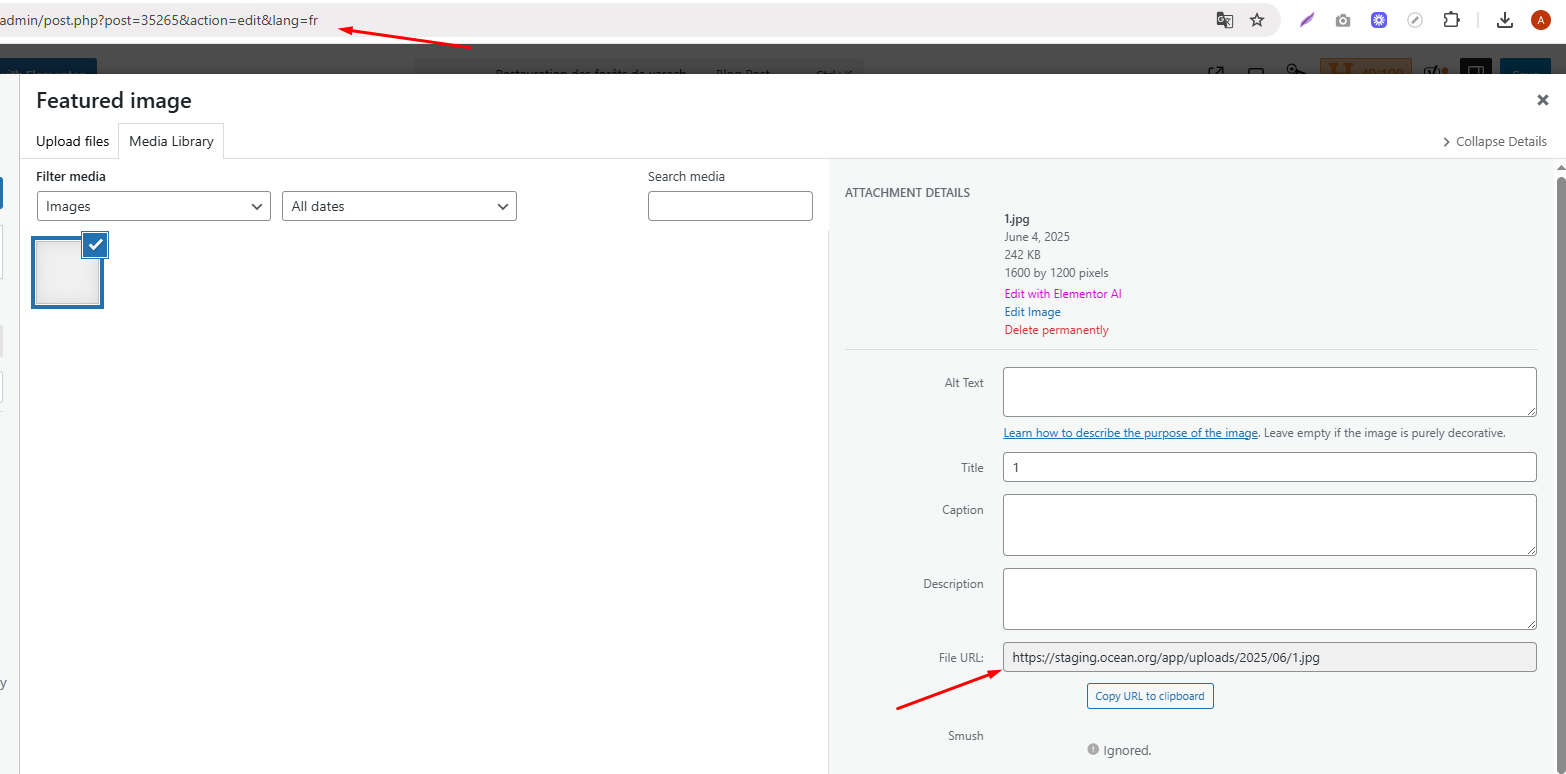
As you can see in both screenshots, I have completed the duplication of the existing content and cleared the WPML caches, but I am still experiencing the same issue. The images appear broken on the French (FR) version of the page after translation. I need to resolve this issue because I currently have to manually re-add the images to the FR page, which is very time-consuming. I need the images to be duplicated automatically.

Screenshot_8.png
Screenshot_7.png
November 4, 2025 at 12:54 pm #17545587

Andrey
WPML Supporter since 06/2013

Languages: English (English ) Russian (Русский )

Timezone: Europe/Kyiv (GMT+02:00)

I need to request temporary access (wp-admin and FTP) to your site—preferably to a test site where the problem has been replicated if possible—in order to be of better help. When you log in to leave your next reply, you will find the needed fields below the comment area. The information you will enter is private, meaning only you and I can see and access it.