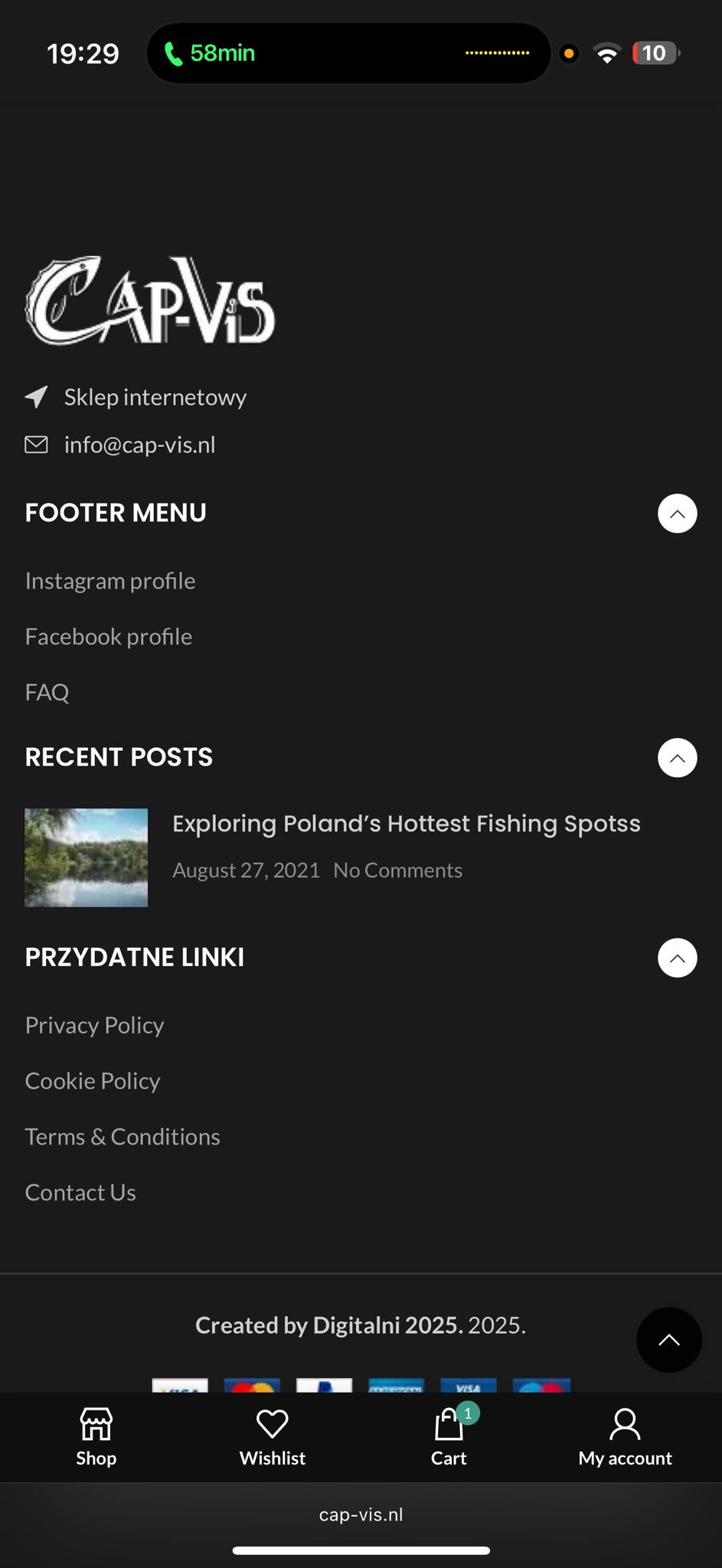
Background of the issue:
I am trying to update the text content in different languages using Elementor, including the FOOTER MENU and the product carousel. I also want the new logo to remain visible. The issue can be seen on this page: hidden link.
Symptoms:
On different browsers, the information is either not updated or appears in the wrong language. The FOOTER MENU and carousel under selected products show inconsistently, and the logo keeps switching back and forth with the old 'Woodmart' logo.
Questions:
Why is the content not updating or appearing in the wrong language across different browsers?
Why does the logo keep reverting to the old 'Woodmart' logo?
Today, the support team helped with fixing the duplicated logo issue, but now we have a complete mix-up across different browsers and computers — sometimes the logo changes, sometimes the data or sliders show differently, and everything keeps switching back and forth in a loop.
Could you please increase the WordPress memory limit (WP Memory Limit) to at least 256 MB? WPML requires at least 128 MB.
Your current values are:
PHP Memory Limit 512M
WP Memory Limit 40M
To do this, you need to connect to your website's server and open the wp-config.php file in a text editor. The file is located in the WordPress root directory.
Add this code to the wp-config.php file to increase WordPress's memory:
define ('WP_MEMORY_LIMIT', '256M');
Add this just before this comment:
// That's all, stop editing! Happy blogging.
The current values can be viewed under WPML > Support > WordPress.
These settings can be restricted directly by your hosting provider. Therefore, I recommend contacting them and asking them for assistance.
After the limit has been adjusted, please edit the original content and then update the translation again.
If this does not solve the issue, please let us know.
Best regards,
Andreas
The topic ‘[Closed] Still problem edit WPML (CACHE)?’ is closed to new replies.