Skip to content Skip to sidebar

This thread is resolved. Here is a description of the problem and solution.

Problem:
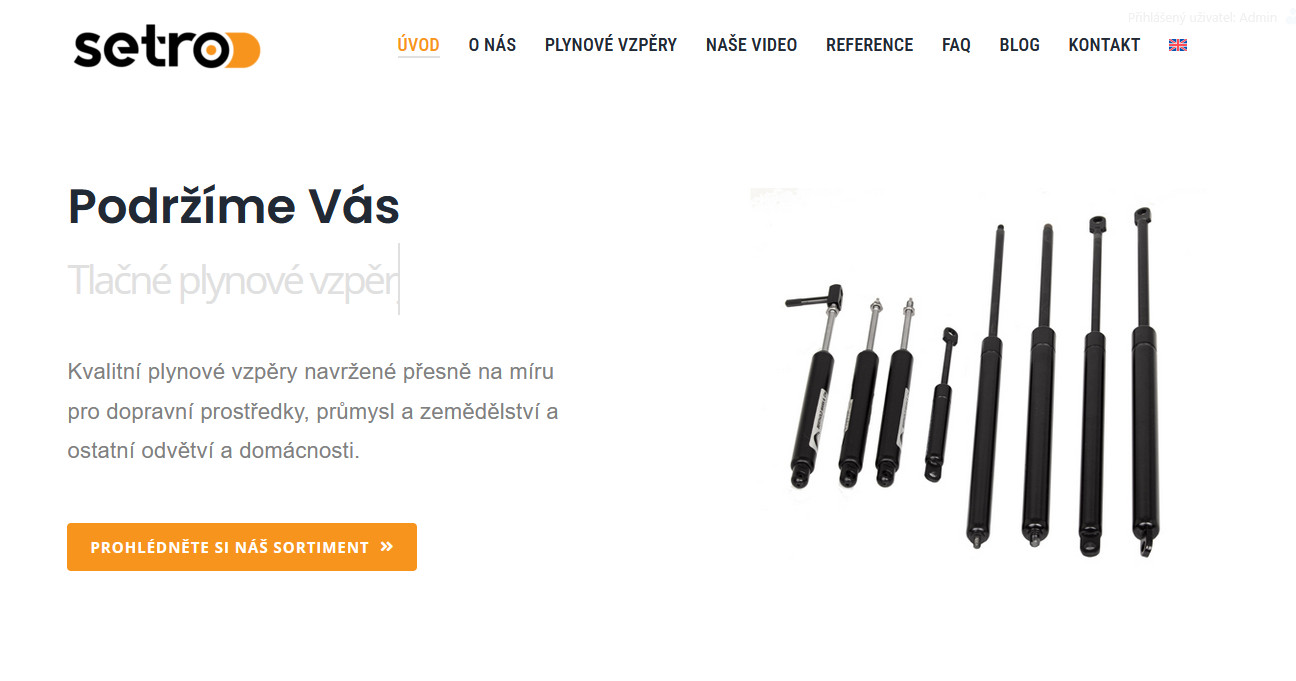
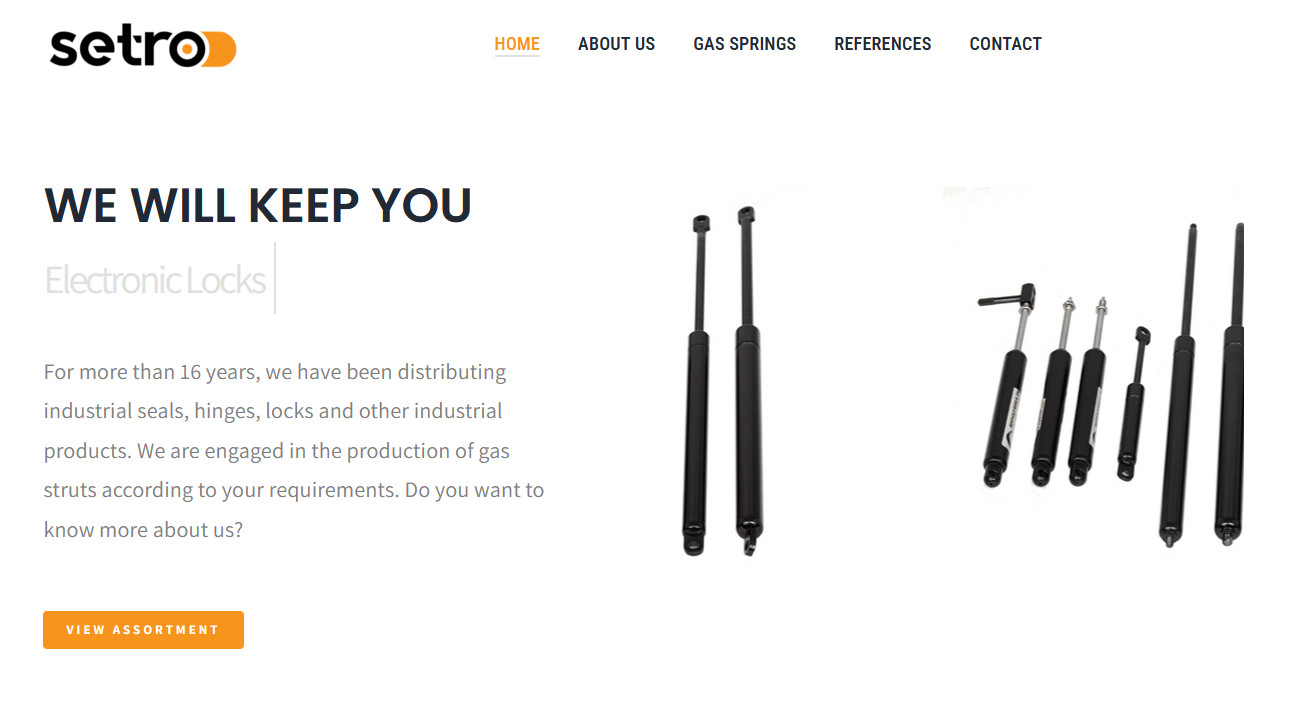
You are trying to add a language switcher to the menu on your website, but the switcher icon does not appear in the menu.
Solution:
We have identified that the issue might be due to the Avada Header (Header setro 2 – Home page – cs) not being translated into English. To resolve this, please translate the header into English by navigating to Avada > Layout Sections, and clicking the plus sign to add a translation to English.

If this solution does not resolve your issue or seems irrelevant due to being outdated or not applicable to your case, we recommend opening a new support ticket. Additionally, we highly recommend checking related known issues at https://wpml.org/known-issues/, verifying the version of the permanent fix, and confirming that you have installed the latest versions of themes and plugins. For further assistance, please visit our support forum at WPML support forum.

This is the technical support forum for WPML - the multilingual WordPress plugin.

Everyone can read, but only WPML clients can post here. WPML team is replying on the forum 6 days per week, 22 hours per day.

Tagged: 

This topic contains 3 replies, has 0 voices.

Last updated by Lucas Vidal de Andrade 2 months ago.

Assisted by: Lucas Vidal de Andrade.

Author Posts
November 14, 2025 at 11:53 am

ivanaS

Background of the issue:
I need help with the WPML plugin on my website hidden link. I am trying to add a language switcher to the menu so that it appears in both the main Czech language and the secondary English language.

Symptoms:
Switcher icon doesn't appear in the menu.

Questions:
How can I make the language switcher icon appear in the menu?

November 14, 2025 at 4:42 pm #17579954

Lucas Vidal de Andrade
WPML Supporter since 11/2023

Languages: English (English )

Timezone: Europe/Vienna (GMT+01:00)

Hey there,

I've checked your website and noticed that your Avada Header (Header setro 2 – Home page – cs) is not translated into English. Please add its translation and let me know if that fixes the issue.

To add a translation to it, please go to Avada > Layout Sections, and click the plus sign to add a translation to English.

November 18, 2025 at 4:38 pm #17588945

ivanaS

Hi, I'm solving a problem with a website where I use WPML. There are currently 2 languages - the main one is Czech and the second one is English.

I'm using a custom Page Title Bar Layout Section. But I can't solve the problem - the Page title bar is not displayed on the Home page (neither in CS nor in EN version).

I've already tried to resolve this with Avada support, their statement is that something is wrong with the WPML configuration:
"Please completely reset WPML and start from scratch. Currently, assigning layout sections to layouts is not working due to some issue on the WPML side. After deactivating it, it works fine."

I'm trying to set it up again, but there's still some problem...

The home page should contain:
Header (Logo + menu)
Page Title Bar Layout Section (1/2 + 1/2 column) - texts on the left and image slider on the right

Other pages should contain:
Header (Logo + menu)
Page Title Bar Layout Section (Page title + Breadcrumbs)

I still can't set it up correctly so that it displays correctly.

These are the same settings as on the sister website hidden link (it belongs to the same company - the visual is almost identical - and it works without problems here)

November 18, 2025 at 7:09 pm #17589451

Lucas Vidal de Andrade
WPML Supporter since 11/2023

Languages: English (English )

Timezone: Europe/Vienna (GMT+01:00)

Please open a new ticket to address this issue, since it's unrelated to the first one you shared here.