Background of the issue:
I am trying to use WPML with WooCommerce. EN is my main language, and NL is the second. When I look at an EN product in WooCommerce and click the Translate button to open the WPML translation editor (legacy), I encounter an error. Link to a page where the issue can be seen: hidden link
Symptoms:
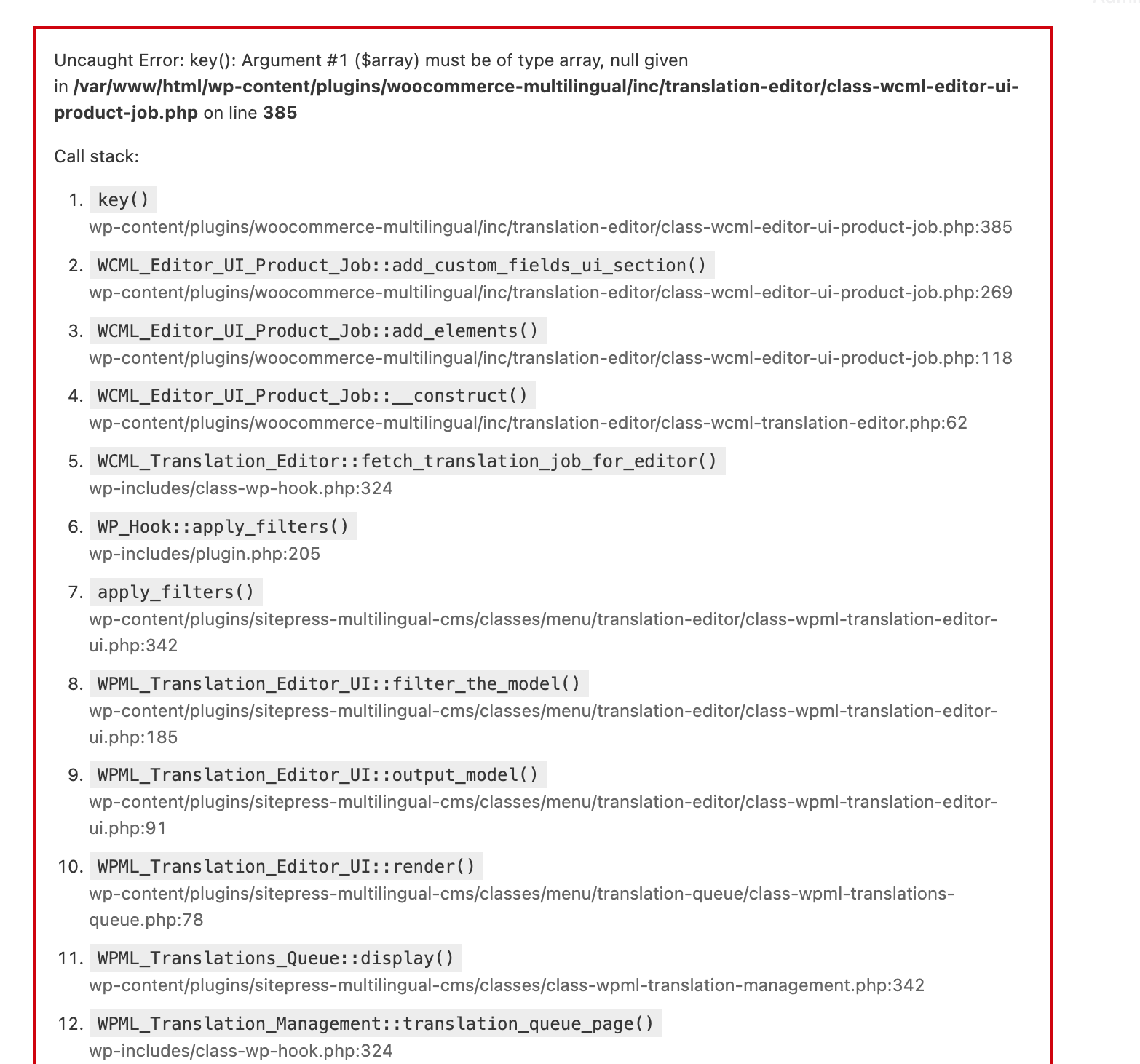
Uncaught Error: key(): Argument #1 ($array) must be of type array, null given in /var/www/html/wp-content/plugins/woocommerce-multilingual/inc/translation-editor/class-wcml-editor-ui-product-job.php on line 385. The error occurs when trying to open the WPML translation editor.
Questions:
Why am I getting an error when trying to open the WPML translation editor?
How can I resolve the error related to the key() function in the translation editor?
Problem
Fatal error when opening the Legacy Translation Editor for a WooCommerce variable product after editing any variation.
Error:
key(): Argument #1 ($array) must be of type array, null given in class-wcml-editor-ui-product-job.php on line 385
WPML is set to use the Legacy Editor.
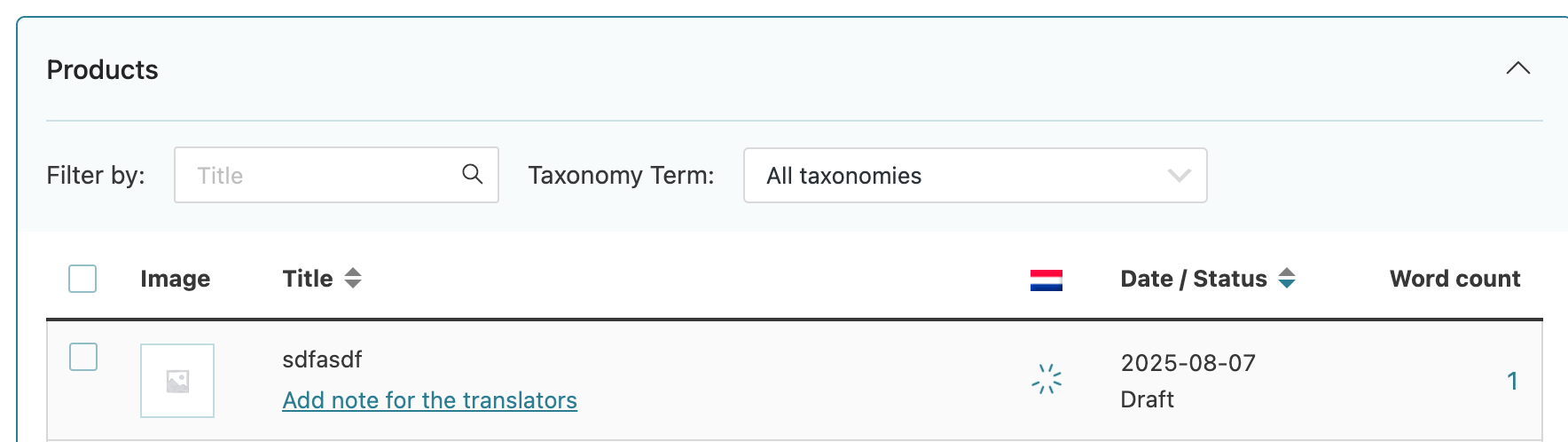
In WPML > Translation Management, affected products show a spinning loading icon under the language flag.
Translation jobs for these products are not accessible or cancelable.
No visible way to reset the job.
What we tried:
- Reproduced the issue with a clean test product step-by-step:
Created new product → changed to variable → added variations
Entering data into any variation field (e.g. price, weight) triggers the error
- Confirmed issue happens only when variation data is present
- Filled in all fields for all variations → error still occurs
Advanced Translation Editor is disabled, and Legacy Editor is selected
No “trash icon” or cancel option appears for the gear icon
Stuck translation jobs do not appear in Translation Queue
The following tools are missing from WPML > Support > Troubleshooting:
“Fix incomplete jobs”
“Delete jobs from professional translation service”
“Synchronize post meta fields”
Ran available troubleshooting tools:
“Remove ghost entries”
“Synchronize product data”
Confirmed that the now-deprecated Translation Management plugin is no longer available
PHP version is 8.3.20 on production and 8.3.21 on staging
Same plugins and settings on staging — issue does not occur there
❓ What we need help with
How to fully delete or reset the stuck translation job(s) showing a gear icon and spinning status
How to prevent this error when entering data into a product variation
Whether this is a known issue in the WCML_Editor_UI_Product_Job logic
What the new procedure is (in WPML’s current plugin architecture) for handling broken jobs, now that the Translation Management plugin and its cleanup buttons are deprecated
I can not disable all plugins on production to re-activate them one by one. My hope was to do that on stage, but there the error can not be reproduced.
Sorry for the delay, I was off during the weekend (Friday-Saturday).
1. To cancel the stuck job, please go to the WPML >> Translation Management > Translation Jobs tab and press the little trash icon in front of the stuck job.
2. As this issue only arises on live sites. So, to further debug this issue without affecting your live site, I have set up a fresh WP site on a test server(cloudways). Please migrate your site to our test server and let me know once the migration process completes.
I shared the migration details in my previous private reply.