Skip to content Skip to sidebar

This is the technical support forum for WPML - the multilingual WordPress plugin.

Everyone can read, but only WPML clients can post here. WPML team is replying on the forum 6 days per week, 22 hours per day.

Sun Mon Tue Wed Thu Fri Sat
9:00 – 18:00 9:00 – 18:00 9:00 – 18:00 9:00 – 18:00 9:00 – 18:00 - -
- - - - - - -

Supporter timezone: Asia/Yerevan (GMT+04:00)

This topic contains 5 replies, has 0 voices.

Last updated by Christopher Amirian 2 weeks, 2 days ago.

Assisted by: Christopher Amirian.

Author Posts
March 5, 2026 at 7:03 am #17873626

Aakash Pandey

Hi,
We have created a custom post type called “Products”, but it is not translating automatically. At the moment, we have to translate it manually. Could you please take a look and help us resolve this issue?
We are about to launch our website and are currently stuck because of this problem.

March 5, 2026 at 9:06 am #17874052

Christopher Amirian
WPML Supporter since 07/2020

Languages: English (English )

Timezone: Asia/Yerevan (GMT+04:00)

Hi,

Welcome to WPML support. Would you please provide the debug information to know better about your website setup?

https://wpml.org/faq/provide-debug-information-faster-support/

If the product is not translatable, you can make it translatable following the steps below:

https://wpml.org/documentation/getting-started-guide/translating-custom-posts/

After that, you can simply go to WordPress Dashboard > WPML > Translation Dashboard.

There you will see a new section called products. You can select the items and send them for automatic translation.

Thanks.

March 5, 2026 at 9:37 am #17874177

Aakash Pandey

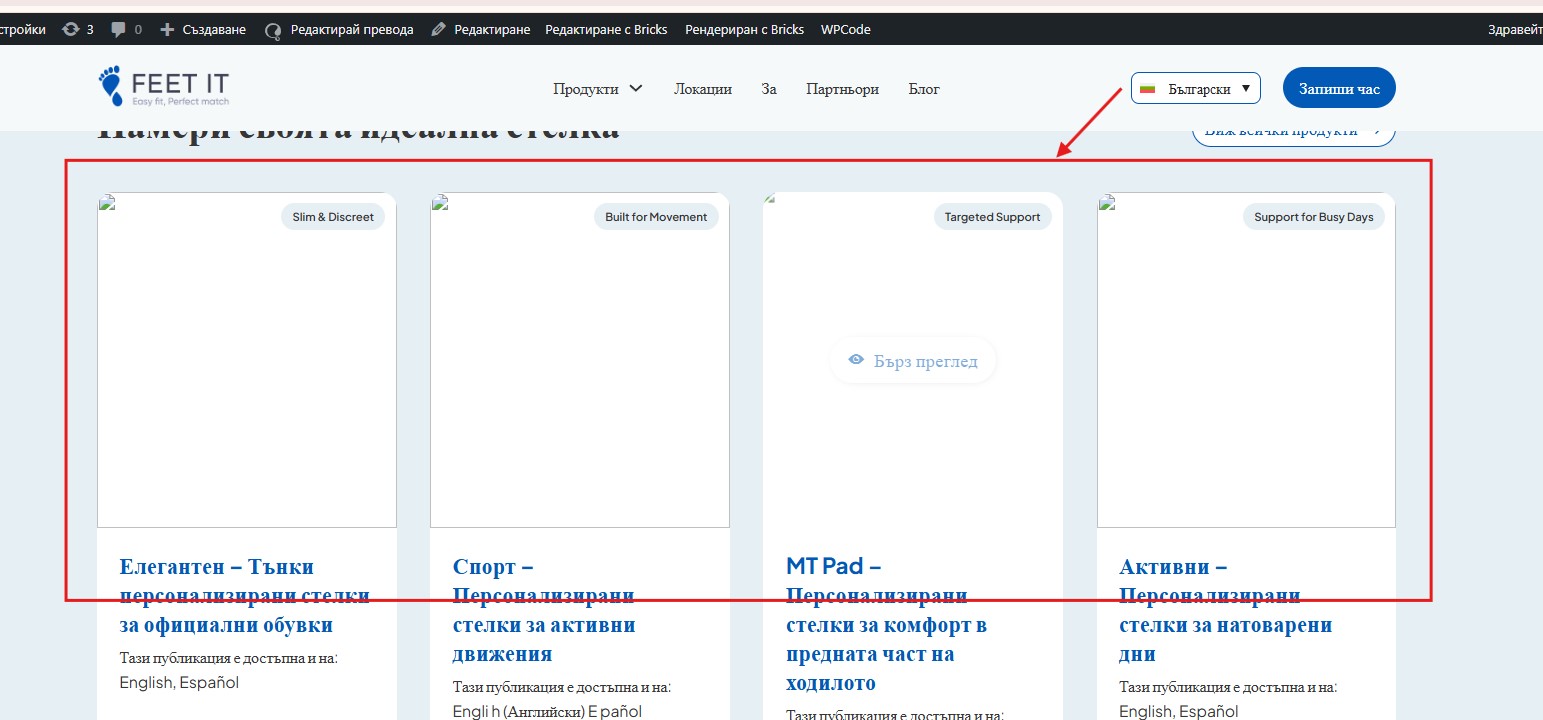
I have tried multiple solutions, but the content is still not translating. WPML shows the content as translated in the dashboard, but it is not appearing translated on the frontend. Also, when we translate the page or products, the images disappear. Could you please help us check if any settings might be incorrect? We would appreciate your assistance in resolving this as soon as possible.

Screenshot 2026-03-05 150627.jpg
Screenshot 2026-03-05 150713.jpg
March 5, 2026 at 3:38 pm #17875528

Aakash Pandey

Hey team is there any update?

March 5, 2026 at 4:04 pm #17875647

Christopher Amirian
WPML Supporter since 07/2020

Languages: English (English )

Timezone: Asia/Yerevan (GMT+04:00)

Hi,

Let me see if I understand correctly, you managed to do the translation and the issue is now only the media used in the translation correct?

Because your initial question was whether the product is not possible to be translated.

Now for media first, please make sure that you set the automated media option from WPML > Settings> Media.

If the problem persists, I'd appreciate it if you could give me the URL/User/Pass of your WordPress dashboard after you make sure that you have a backup of your website.
It is absolutely important that you give us a guarantee that you have a backup so if something happens you will have a point of restore.

Make sure you set the next reply as private.

Please give me the exact URL of a product that have an issue translating so I can check.

Thanks.

March 8, 2026 at 2:04 pm #17880189

Christopher Amirian
WPML Supporter since 07/2020

Languages: English (English )

Timezone: Asia/Yerevan (GMT+04:00)

Hi,

Sure I will be more than happy to check both sending the items for automatic translation and the images.

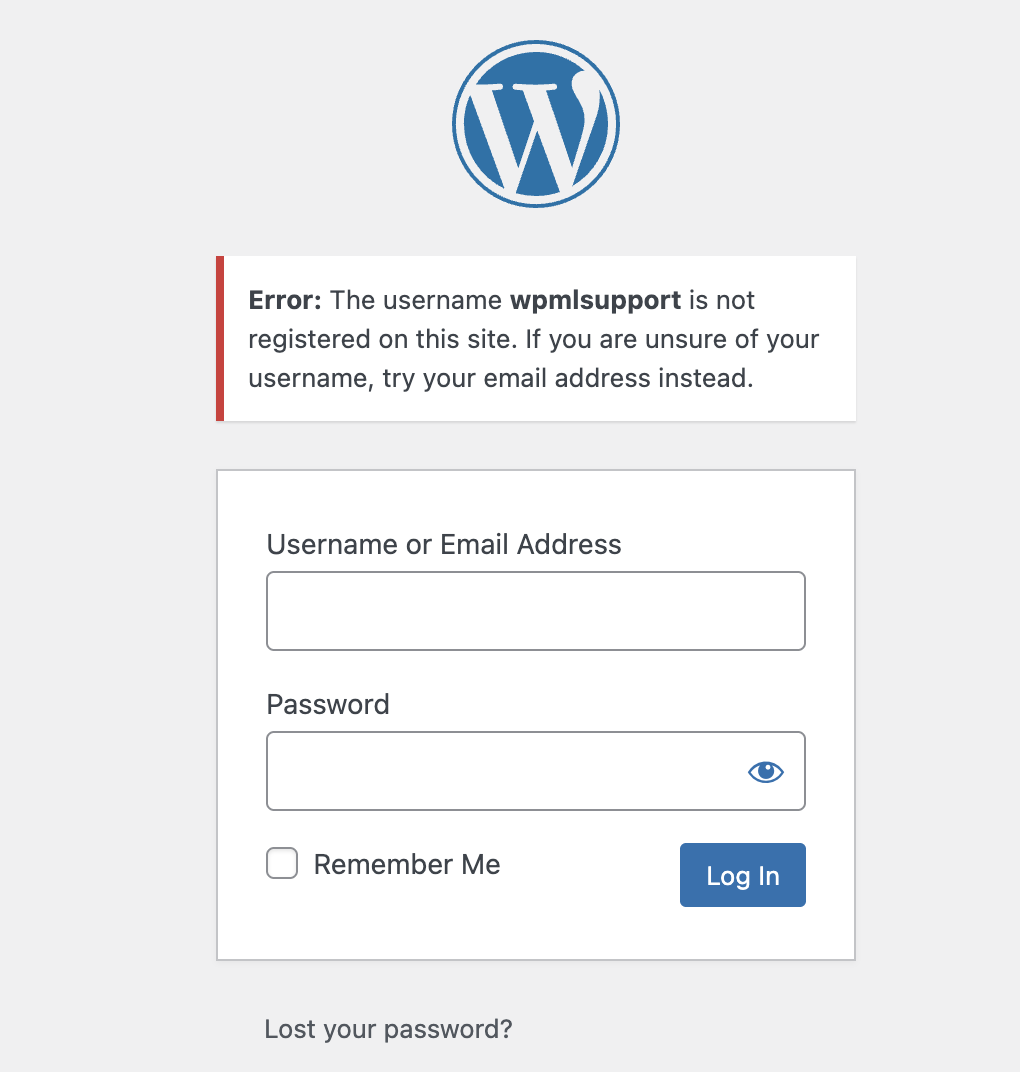
But unfortunately, the given user/pass does not work for me. May I ask you to double-check and see why it is?

Screenshot 2026-03-08 at 6.01.57 PM.png

The topic ‘[Closed] Custom post type isnt tranlating’ is closed to new replies.