I'm Ashraf from the WPML Dev team and I'm here to try to help you resolve your issue.
I'd like to ask you please to give me access to your site wp-admin so that I can start looking into what can be going wrong for you and get more information. For that I've marked your next reply as "private" to protect login credentials you're going to provide. Thanks in advance!
I did some checks according to the issue reported here.
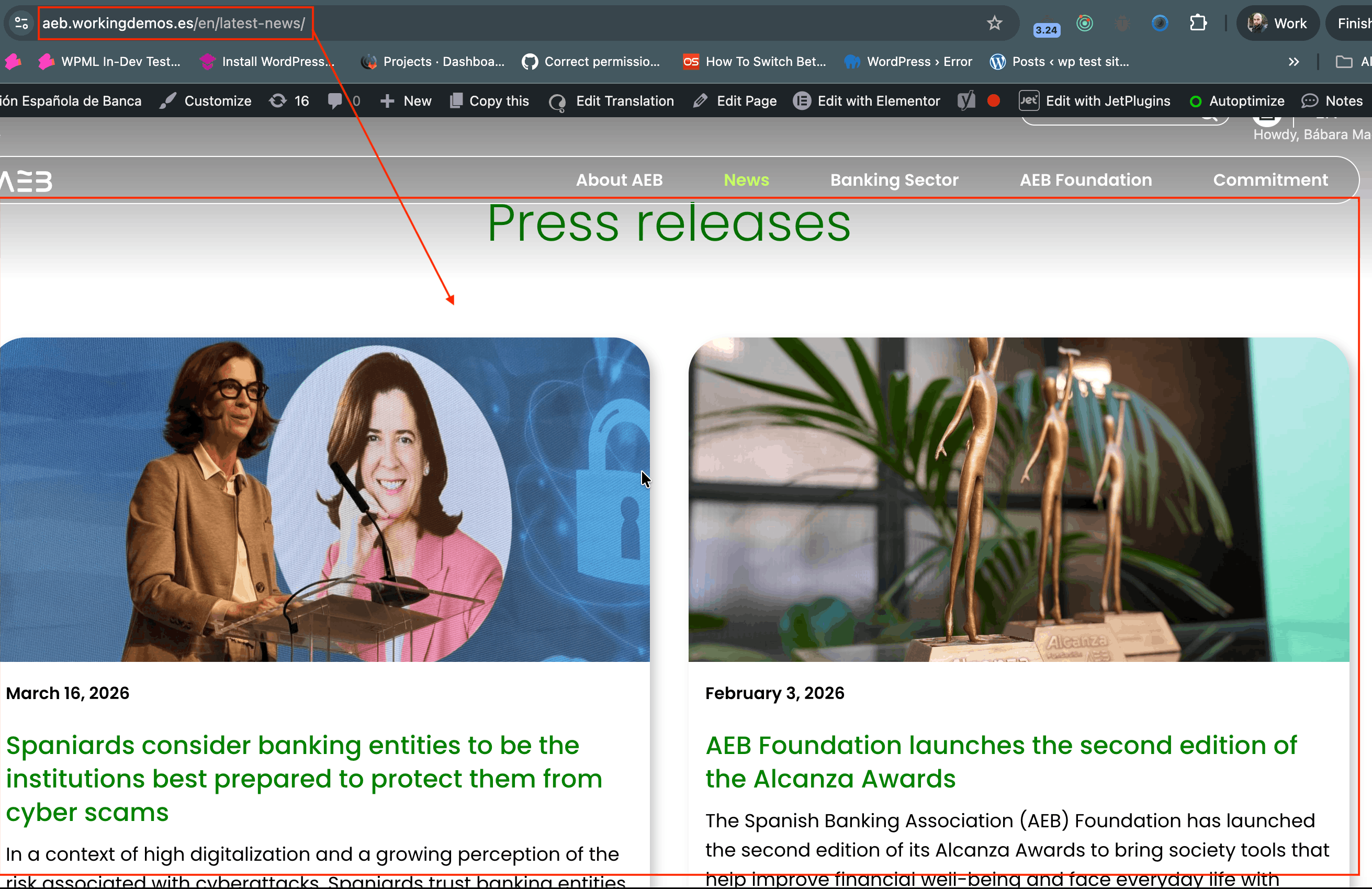
During my initial check I noticed that same result you showed in the screenshot for hidden link, but when I checked again I noticed 2 things:
1. When I'm logged-in to your site I can see the page displaying content correctly (see screenshot "when logged in - EN content is showing.png")
2. When I try while not logged-in, one time I see the page partially showing content, another time I see the page is asking me to provide password to display it, I tried to enter password to see how it looks but I get "Incorrect password" error. (see screenshot "when not logged in - En content not showing.png" and "when not logged in-EN page asks for password.png")
I also accessed the page in wp-admin and checked its English (translated) content and it seems to be alright. (see screenshot "editing EN post-the content is correct-page translated correctly.png")
I think that there might be a compatibility issue coming from the "Password Protected" which is already installed on your site, this compatibility issue seems to affecting the rendering of pages created with a page builder (Elementor in your case). I suggest that you do the following:
1. Deactivate the "Password Protected" plugin
2. Clear all cache on your site
3. Check the hidden link on frontend when you're both logged-in and logged-out as WordPress admin
If the content is showing correctly then this indicates a problem with the "Password Protected" plugin and I think I would worth it to contact their support to find a fix.