Skip to content Skip to sidebar

This thread is resolved. Here is a description of the problem and solution.

Problem:
The client was updating their About Page and encountered issues saving the update. After switching from Divi to the Regular Editor and back to Divi, the default language page (English) became blank, while the translated page was still displaying correctly.

Solution:
We informed the client that the issue with the content disappearing is expected behavior when switching editors in Divi and is not related to WPML. We suggested that the client contact Divi support to see if there is a revision of the pages that can be used to restore the content. Divi support article on restoring deleted content

Additionally, we explained that once the client restores the page, WPML will recognize the changes and mark the translations with a 'needs update' icon. The latest translation will still be displayed on the front end, even if the translations are not immediately updated. Eventually, the client will need to update the translations to change their status from 'needs update' to 'translated'.

If this solution does not apply to your situation, or if it seems outdated, we recommend checking the related known issues, verifying the version of the permanent fix, and confirming that you have installed the latest versions of themes and plugins. If the issue persists, please open a new support ticket with us.

This is the technical support forum for WPML - the multilingual WordPress plugin.

Everyone can read, but only WPML clients can post here. WPML team is replying on the forum 6 days per week, 22 hours per day.

This topic contains 3 replies, has 3 voices.

Last updated by Mateus Getulio 1 year, 8 months ago.

Assisted by: Mateus Getulio.

Author Posts
April 7, 2024 at 3:13 pm #15491803

isabelleS-3

Tell us what you are trying to do?
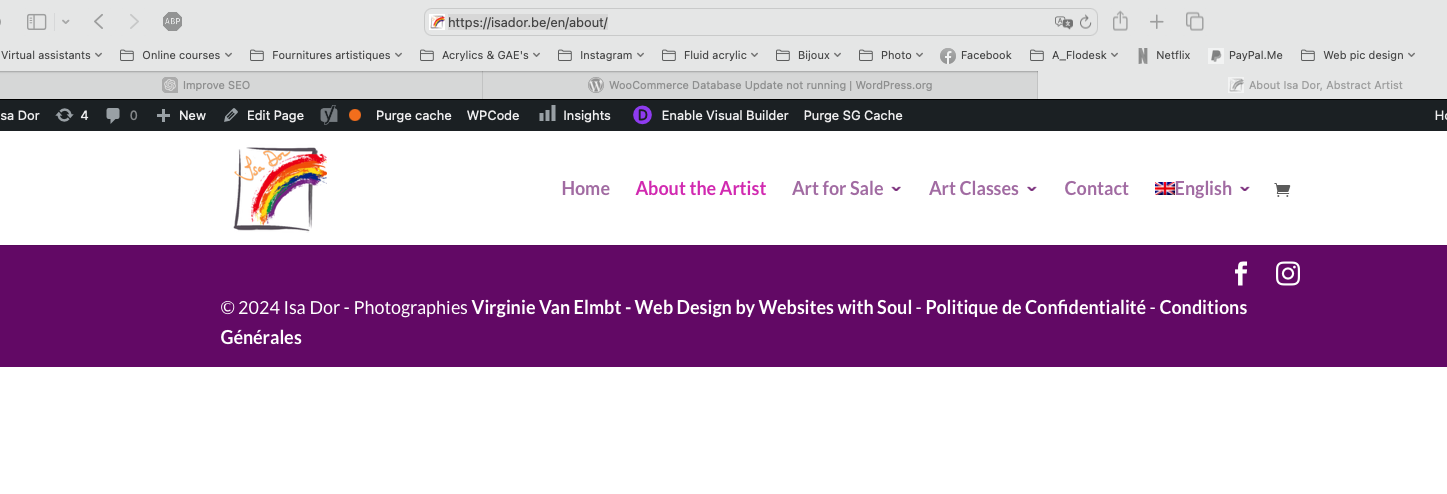
I was updating my About Page and had some trouble saving the update. I finally managed by switching from Divi to Regular Editor and back to Divi. But the default language page (English) has gone blank/empty while the translated page still shows up OK.

Is there any documentation that you are following?
No

Is there a similar example that we can see?
don't know

What is the link to your site?
hidden link

Capture d’écran 2024-04-07 à 17.12.05.png
April 8, 2024 at 8:15 am #15492952

Dražen
Supporter

Languages: English (English )

Timezone: Europe/Zagreb (GMT+02:00)

Hi,

Thank you for contacting WPML support. While you are waiting for one of my colleagues to take this ticket and work on it, let me provide you with the first debugging steps and try to help with the issue quickly.

I am afraid this is expected with Divi and not related to WPML, I think there is even a popup warning you may lose content if you switch editors.

I suggest contacting Divi if there is some revision of pages you can use to restore your content.

- hidden link

Regards,
Drazen

April 8, 2024 at 10:23 am #15493597

isabelleS-3

Thank you Drazen, I thought so!

One more thing: If I rebuild my page in the default language, will I be forced to retranslate it or is it possible for me to keep the translated page as it is now?

Thanks for your help

Isabelle

April 8, 2024 at 12:46 pm #15494168

Mateus Getulio
Supporter

Languages: English (English ) Portuguese (Brazil) (Português )

Timezone: America/Sao_Paulo (GMT-03:00)

Hello Isabelle,

The moment you restore the page, WPML will automatically recognize that it has been changed and will change the icon of the translations to the 'needs update' icon.

However, it should continue to display the latest translation available for the home page even if you don't update the translations right away.

So in theory, if you restore a revision of the home page in the original language, it should be working automatically to all languages in the front end.

Although at some point you'll have to update the translation to change its status from needs update to translated.

Thank you,
Mateus

April 8, 2024 at 2:43 pm #15494969

isabelleS-3

Thank you very much, I appreciate your help. I've build up the page anew and everything's fine.
Have a nice day!