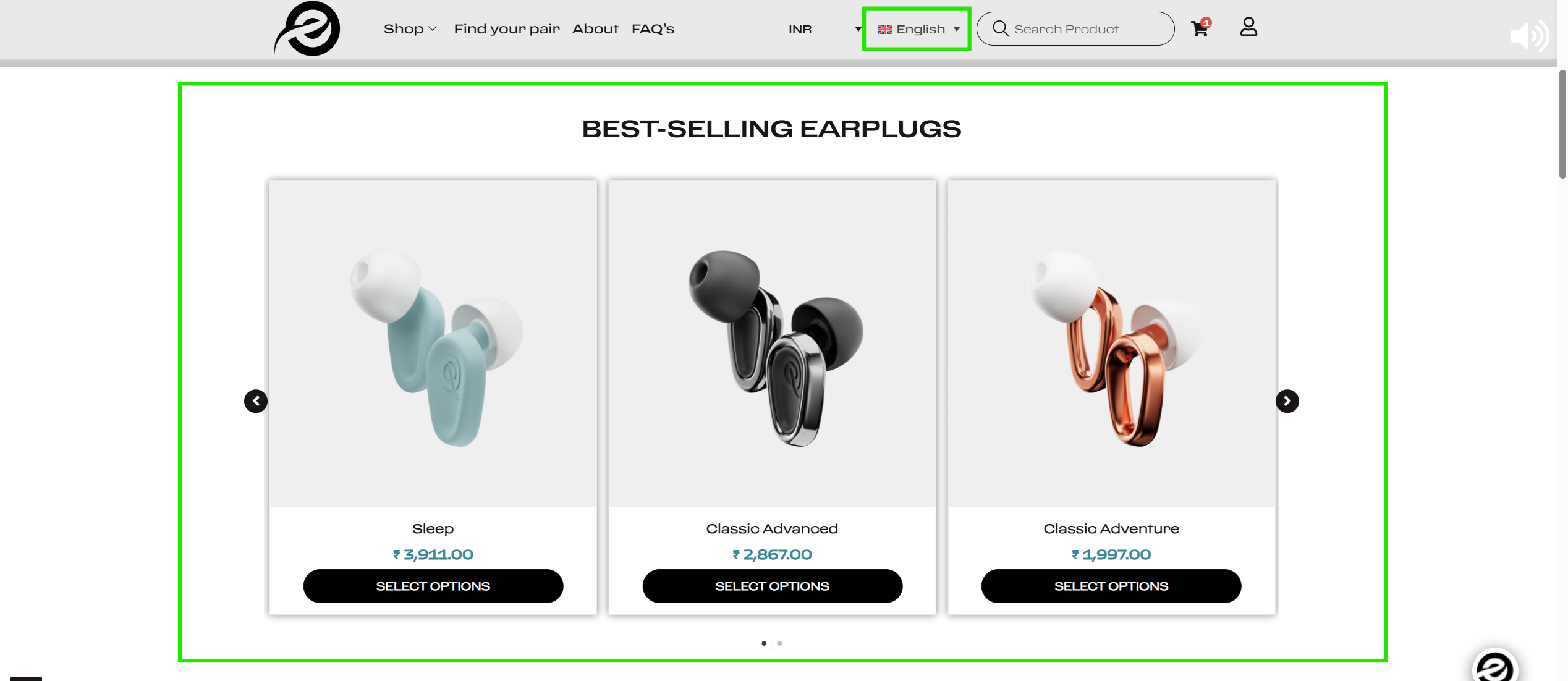
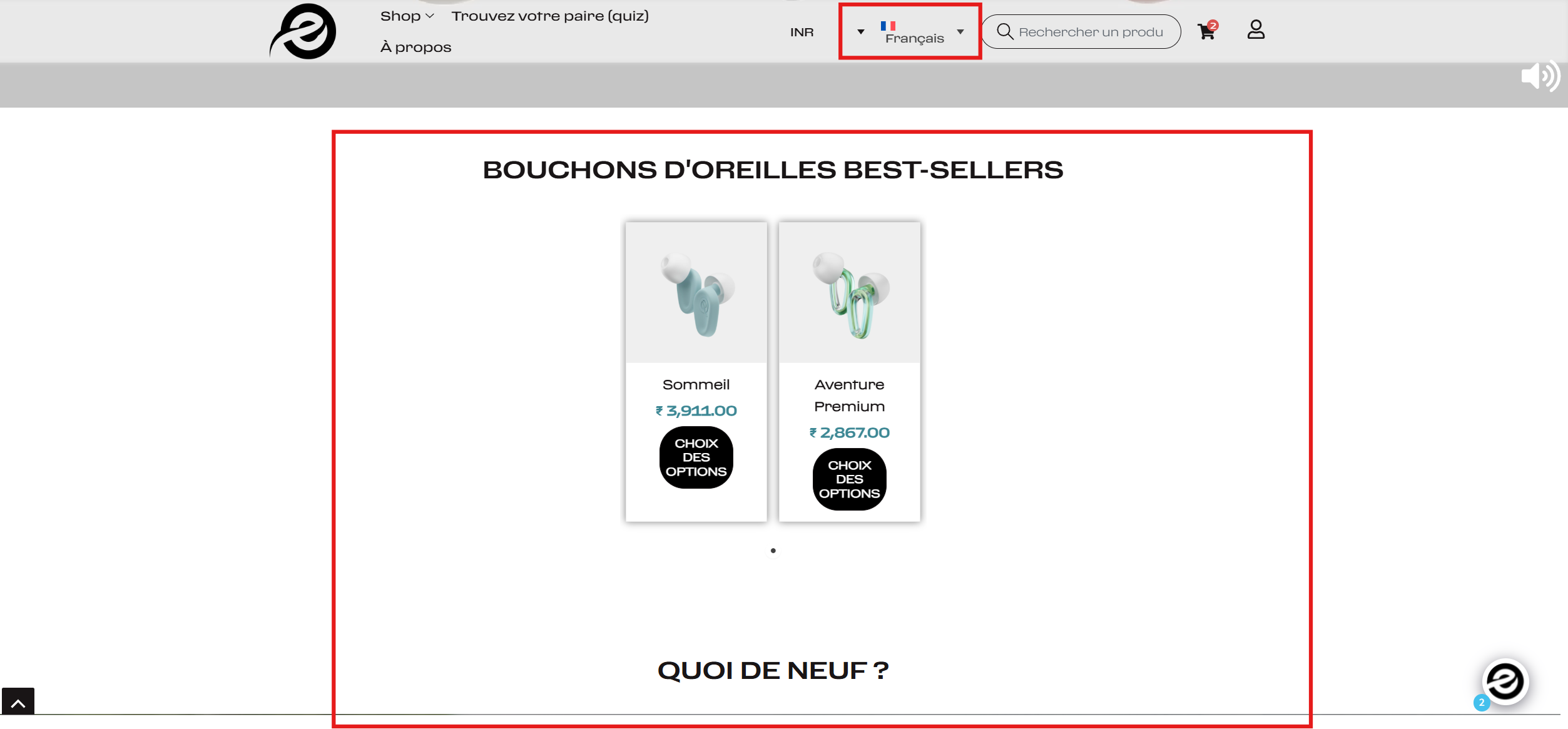
This thread is resolved. Here is a description of the problem and solution.
Problem:
The client is experiencing an issue where the product section layout breaks when switching the website language from English to another language, such as French. The products, which should display in a 3-column layout, are misaligned and only two products are displayed.
Solution:
If you're facing a similar issue with your product layout when changing languages, we recommend the following steps:
1. Ensure you take a backup of your site for safety.
2. Update all your plugins, including Elementor Pro and WPML, to their latest versions.
3. Update your Astra theme to the latest version.
4. Open the default language home page in Edit mode and make a minor change, such as adding a space or a plus sign in the page title, then update the page. Remove the change and update the page again.
5. Send the home page for translation again from WPML >> Translation Dashboard.
6. Clear all types of cache (site/server/CDN) to see if the issue resolves.
If this solution does not apply to your case, or if it seems outdated, we highly recommend checking related known issues at https://wpml.org/known-issues/, verifying the version of the permanent fix, and confirming that you have installed the latest versions of themes and plugins. If the problem persists, please open a new support ticket.
This is the technical support forum for WPML - the multilingual WordPress plugin.
Everyone can read, but only WPML clients can post here. WPML team is replying on the forum 6 days per week, 22 hours per day.