This thread is resolved. Here is a description of the problem and solution.
Problem: When the site is in English, the Slider Revolution functions normally, but when switching to Spanish, only the first slide displays correctly while the second and third slides show a white screen. Solution: We recommend changing the URL structure to 'Different languages in directories' in WPML → Languages → Language URL format. After making this change, please resave the permalinks by navigating to Settings → Permalinks → Save Changes to refresh the rewrite rules properly.
If this solution does not resolve the issue or seems outdated, we highly recommend checking related known issues at https://wpml.org/known-issues/, verifying the version of the permanent fix, and confirming that you have installed the latest versions of themes and plugins. If the problem persists, please open a new support ticket at WPML support forum.
This is the technical support forum for WPML - the multilingual WordPress plugin.
Everyone can read, but only WPML clients can post here. WPML team is replying on the forum 6 days per week, 22 hours per day.
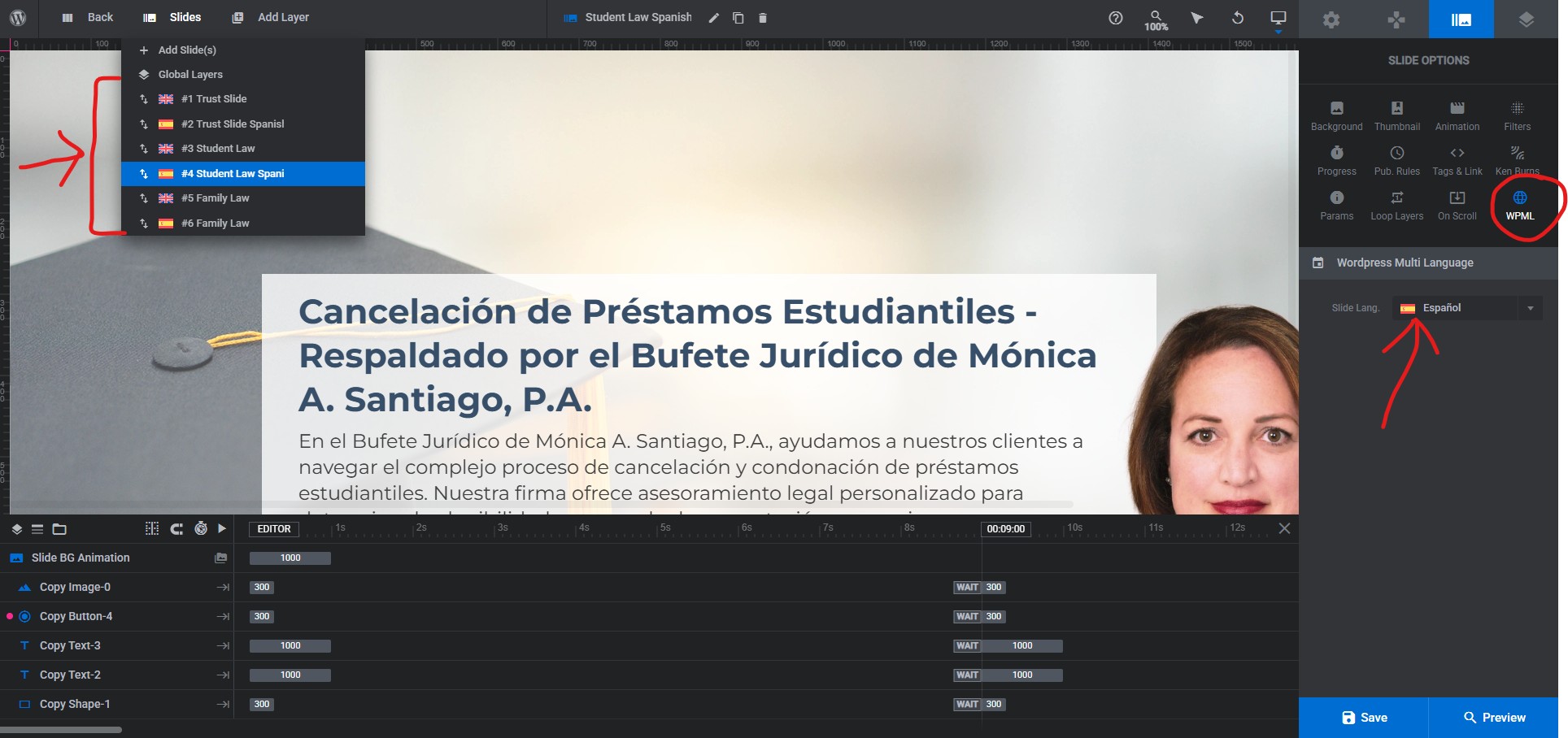
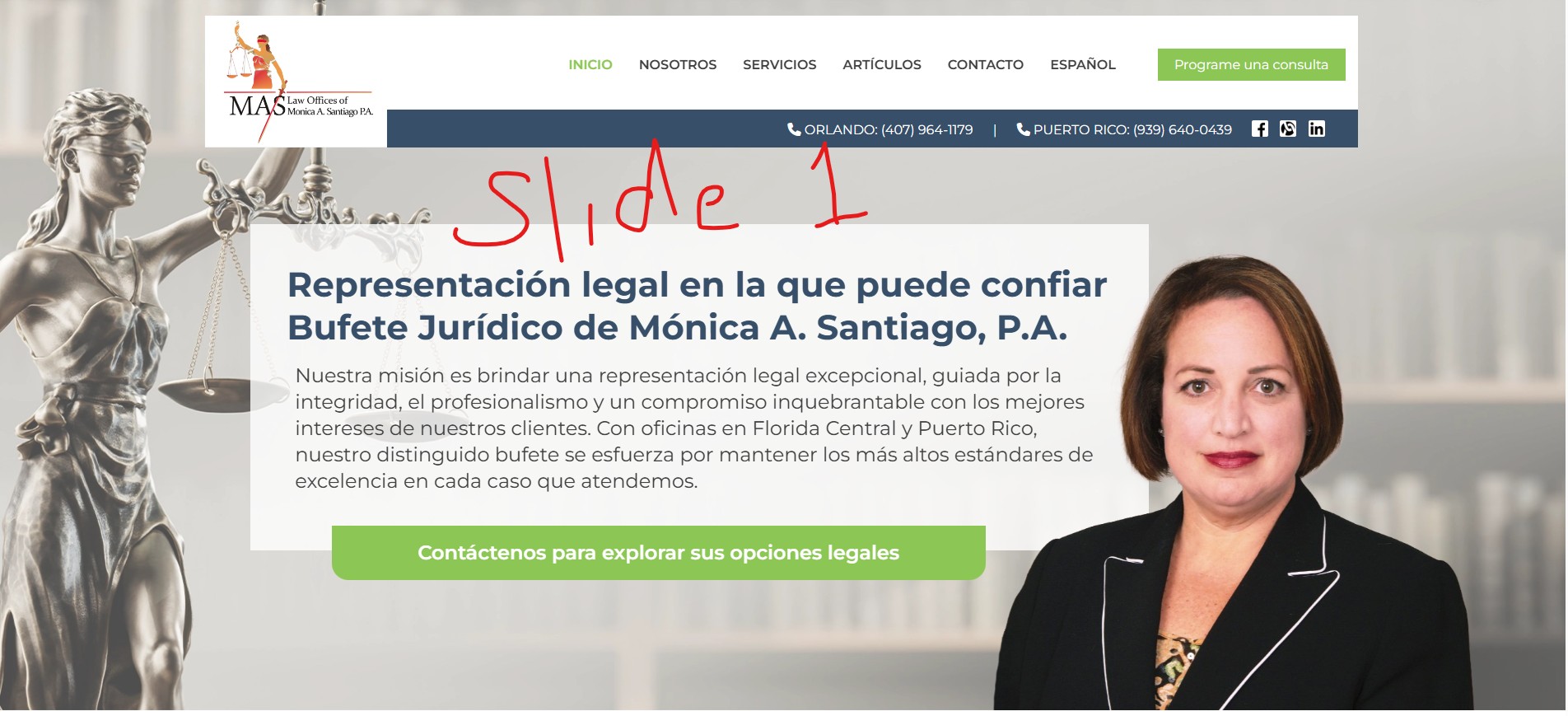
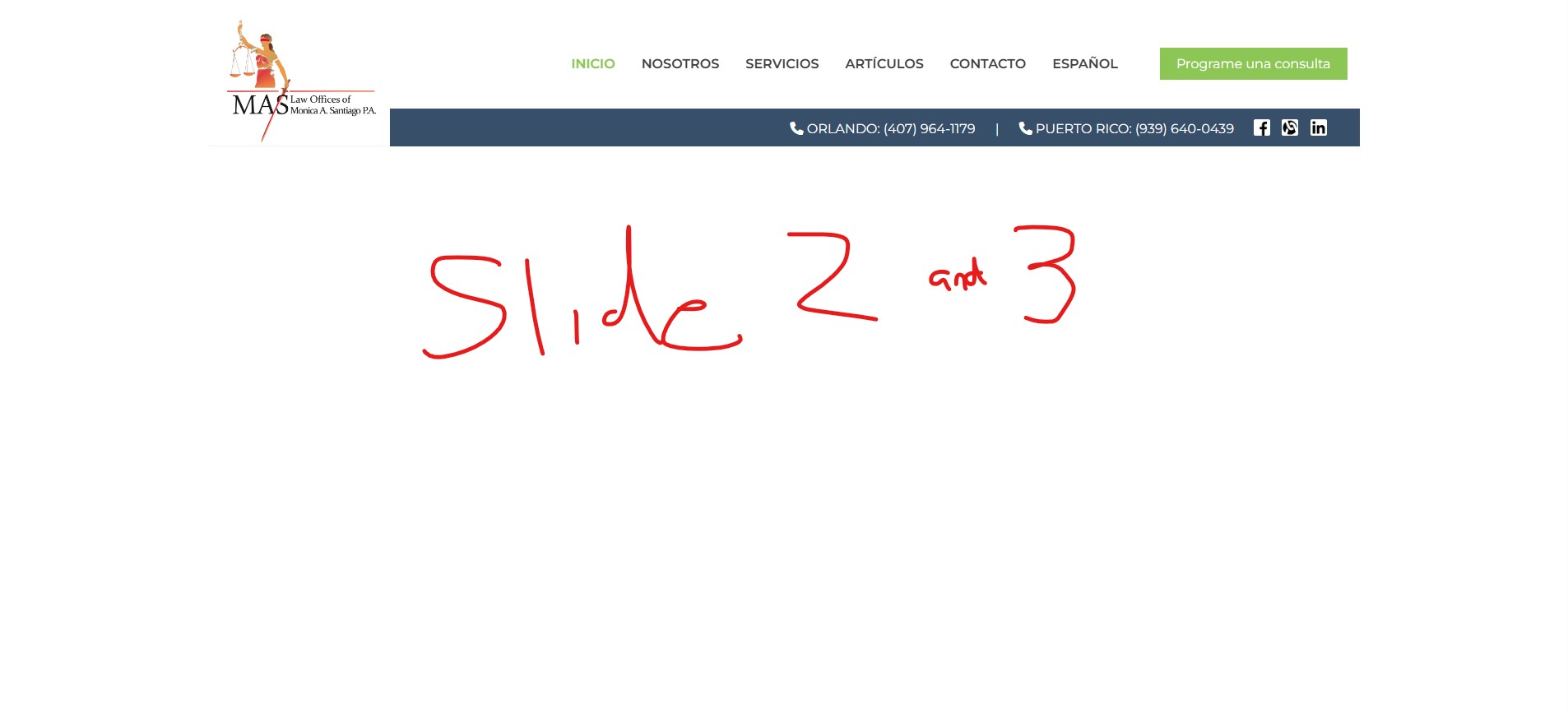
I built a slider using slider revolution and it has 3 slides which have been translated using the WPML settings by creating duplicate slides and setting the WPML language. When the site is in english the slider functions normally. When the site changes to spanish, only the first of the three slides shows. When the slider transitions to the second and third slide it just shows a white screen and I cannot figure out why.
I was just playing around with it trying to figure out what could be causing the issue and I found that if I reorder the slides in spanish, whichever slide I put in the first position shows live, no matter what order I put them in, slides two and three are always white screens.
These articles explain the correct setup for creating multilingual sliders with Revolution Slider and WPML.
If the issue still persists after following the steps, I will need temporary access to your site (WP-Admin and FTP), preferably to a staging or test site where the issue can be reproduced. This will allow me to investigate more thoroughly.
When you submit your next reply, you’ll find private fields below the comment area where you can safely share the credentials. The information entered there is visible only to you and to me.
I’ve reviewed your setup, and it appears that changing the URL structure to “Different languages in directories” in WPML → Languages → Language URL format fixes the issue.
Would this solution work for you?
If you proceed with this change, please make sure to resave the permalinks afterward by going to:
Settings → Permalinks → Save Changes
This ensures the rewrite rules are refreshed properly. Let me know if everything works as expected after that.