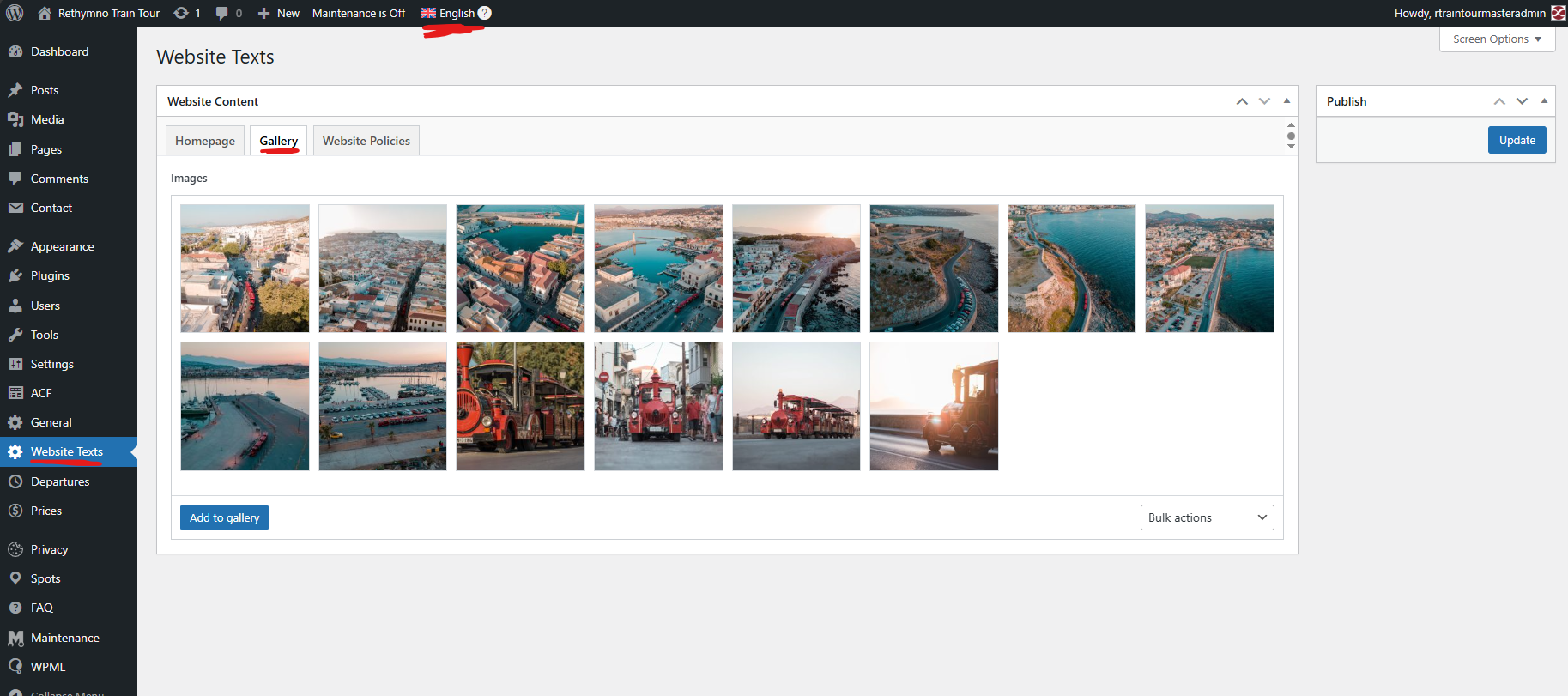
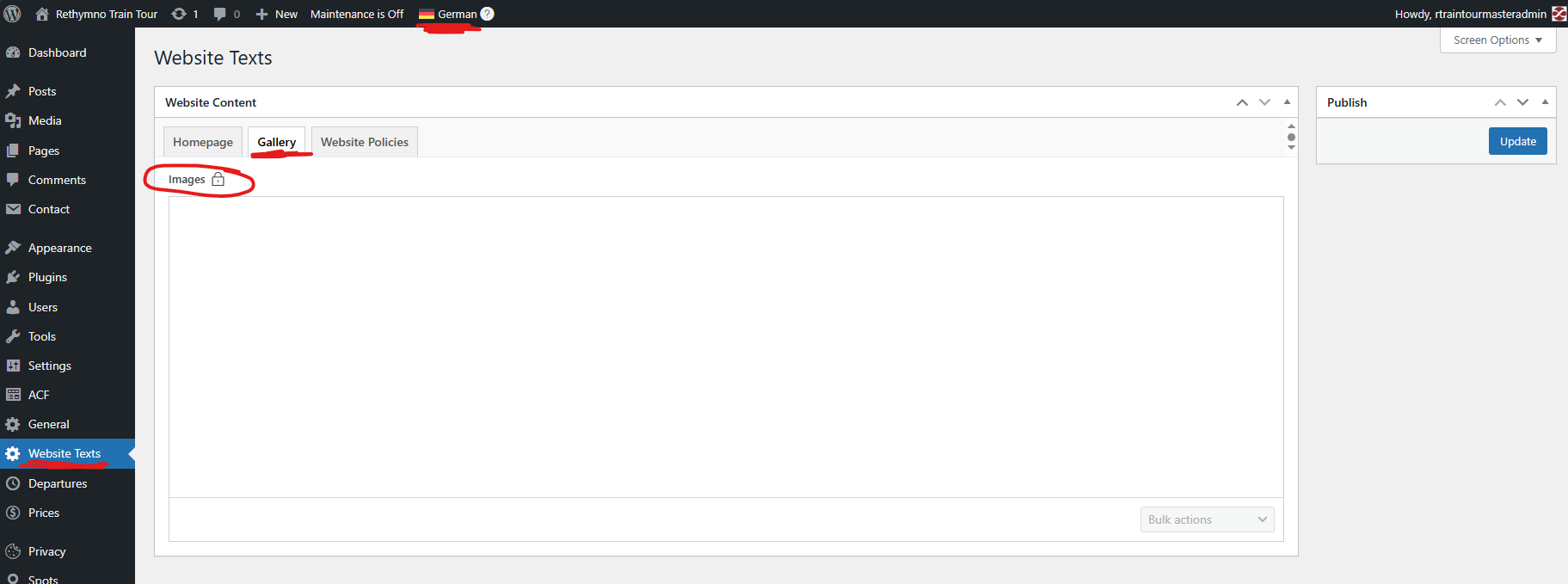
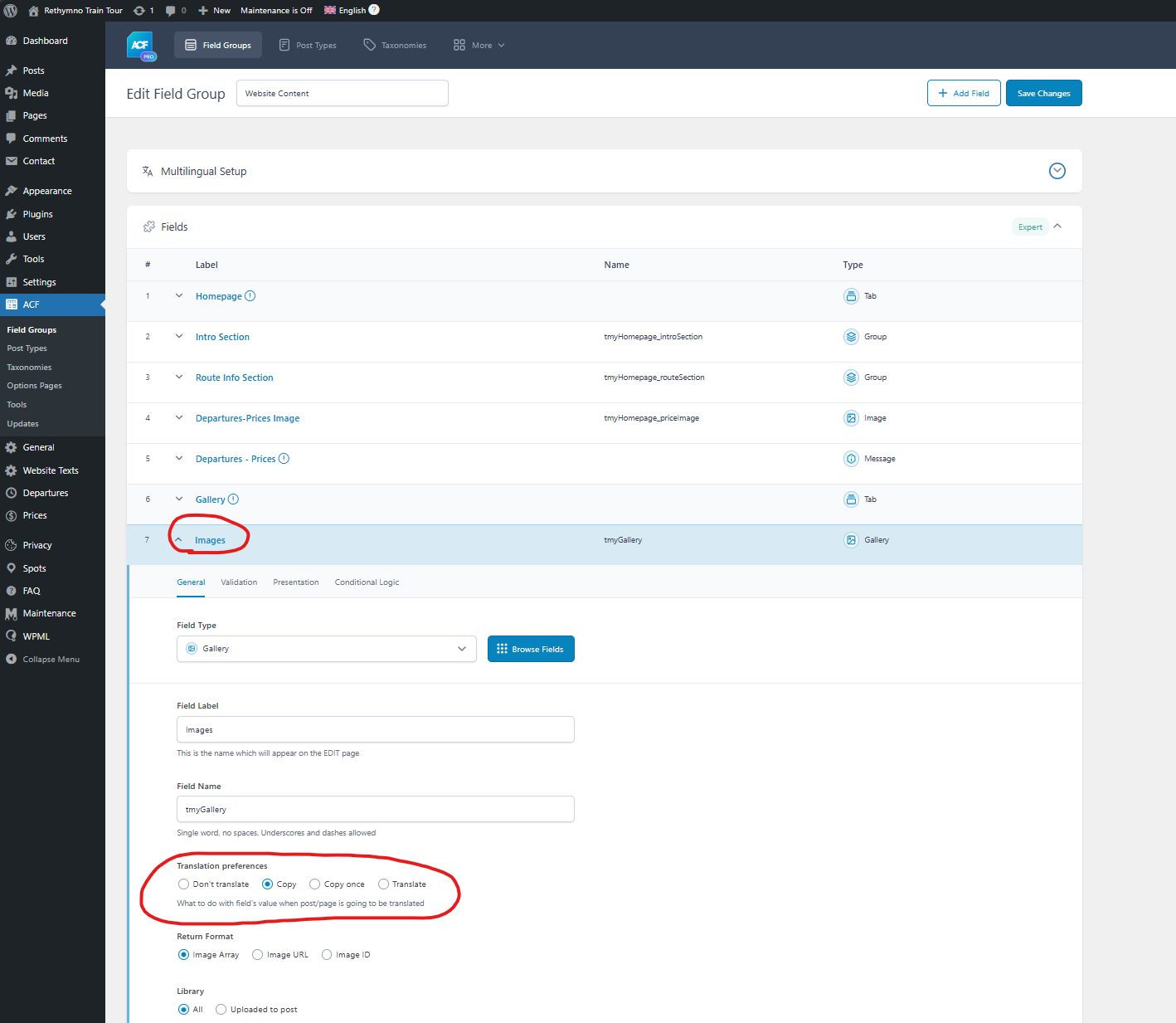
Hi, I am having trouble with an ACF gallery field which "Translation preferences" is set to "Copy". The main language is english. It works fine for Greek language but I am having problems with the rest of the languages. I am getting a blank field.
Also is there a way for these fields to automatically save the same data to other languales when a change is made to the main language? Now when I make a change in english, I have to go to greek and just hit update in order for the change to appear.
Languages: English (English )Vietnamese (Vietnamese )
Timezone: Asia/Ho_Chi_Minh (GMT+07:00)
Hi Stelios,
I'm Long from the WPML Development team, I'm happy to help you with this issue.
I understand the issue here is that the gallery images are not displayed when you switch the ACF options page to a second language.
I can reproduce the issue on my demo site with the option "Automatically detect best options for translating image texts" enabled on the settings page WPML > Settings.
However, please note that, when enabling this option, WPML will use the best option to display the images in the frontend for translated content. So you don't need to worry about the images in the admin area.
If you still want to show the translation images in the admin area, you can disable this option, click on "Setup manually" and enable options:
- Duplicate texts (alt, caption, title) for all media to all languages
- Duplicate image texts (alt, caption, title) for all feature images to all languages
for Existing content column and click on "Start the process". It would take a few seconds/minutes to duplicate all images into second languages.
Then you can edit the options page in the English language and click Update again.