This thread is resolved. Here is a description of the problem and solution.
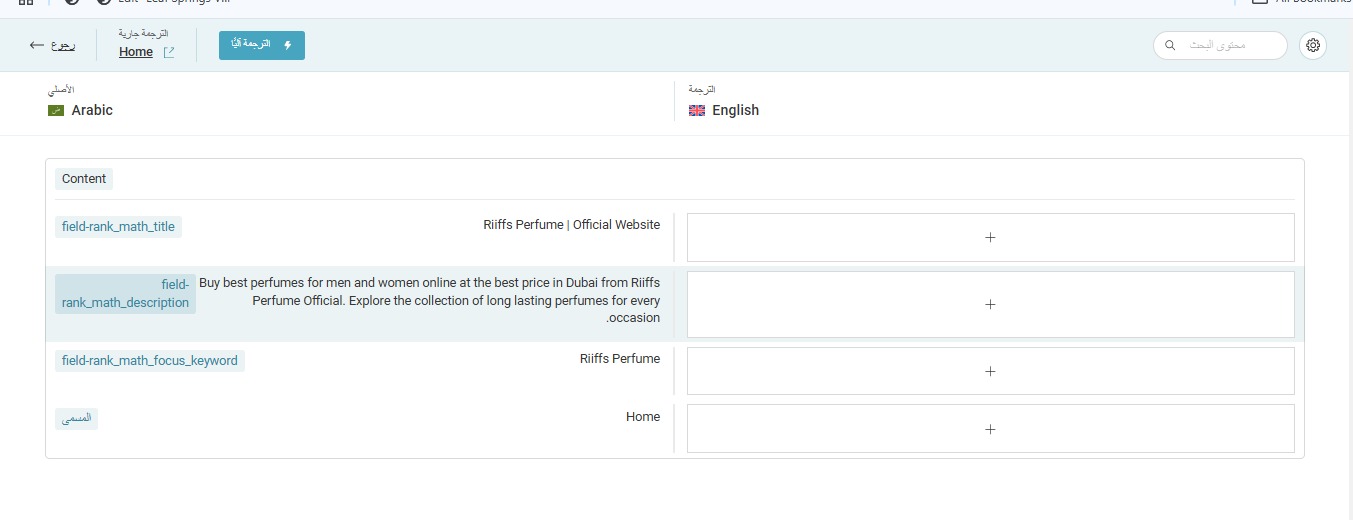
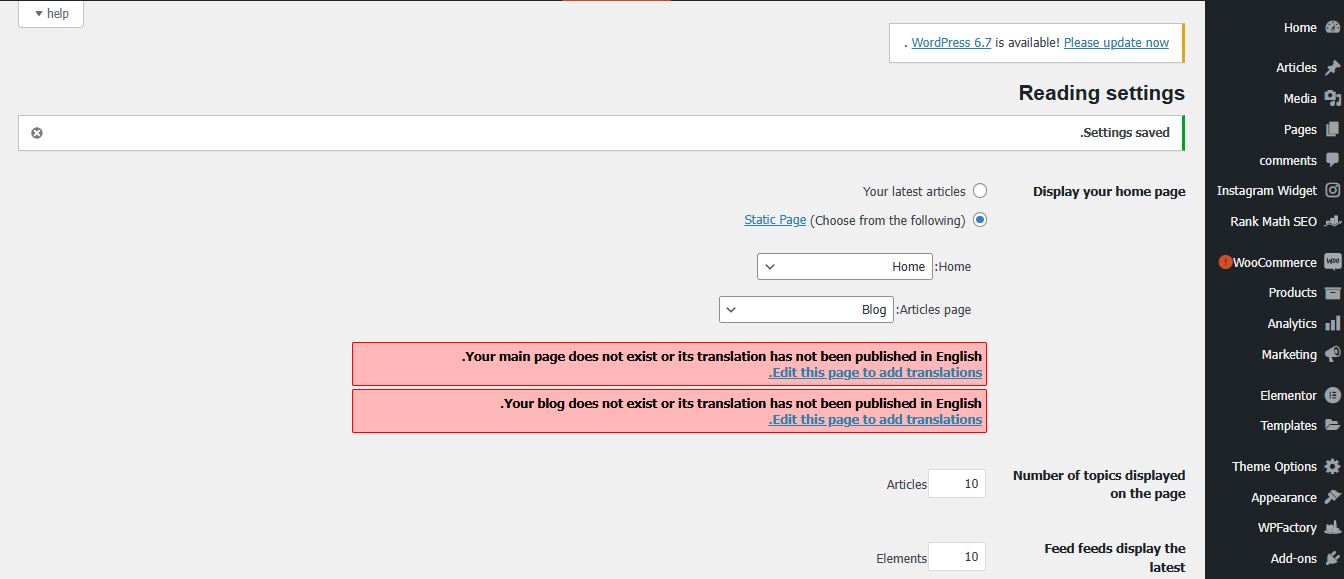
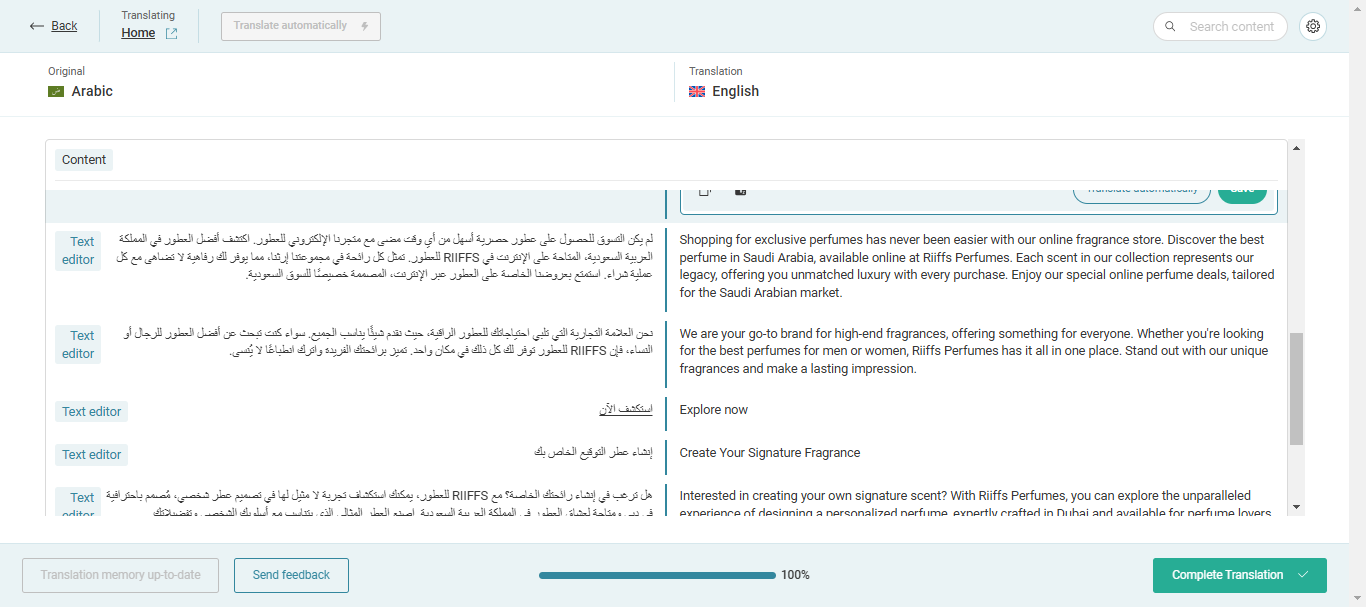
Problem: The client is setting up WPML to translate their site's frontend content from Arabic to English but faces issues with missing content in the WPML Translator. Only the Title and SEO Meta are being fetched, and the main body text is absent. Solution: We found that the in-progress translation of the homepage was likely initiated before the Arabic content was fully added, resulting in missing content. We completed this old job, and now all content should be available for translation when translating the homepage from Arabic into English. Regarding the error message in Settings -> Reading, it indicates the need to create translations for the home and blog pages. Completing the homepage translation should resolve this message. If the client does not display a blog page, they can disregard the message about translating the blog page.
If this solution does not resolve your issue, or if it seems outdated or irrelevant to your case, we highly recommend checking related known issues at https://wpml.org/known-issues/, verifying the version of the permanent fix, and confirming that you have installed the latest versions of themes and plugins. If further assistance is needed, please open a new support ticket at WPML support forum.
This is the technical support forum for WPML - the multilingual WordPress plugin.
Everyone can read, but only WPML clients can post here. WPML team is replying on the forum 6 days per week, 22 hours per day.
Background of the issue:
I am trying to set up WPML for translating my site's frontend content from Arabic to English. My site is hidden link. I have set up the plugin, but I am facing issues with the translation process.
Symptoms:
When I open my Home page for translation, the content in Arabic that needs to be translated is missing in WPML Translator. Only the Title and SEO Meta are being fetched.
Questions:
How can I ensure that all content, including the main body text, is available for translation in WPML?
What steps should I follow to set up translation for WooCommerce products and categories?
I want to check this problem on your site. Currently, I can't even see it because it is behind server protection. If you need further help with this, please share the access details to your site with me. I'm enabling a private message for the following reply. Privacy and Security Policy
We have strict policies regarding privacy and access to your information. Please see: https://wpml.org/purchase/support-policy/privacy-and-security-when-providing-debug-information-for-support/ **IMPORTANT**
- - Please backup the site files and database before providing us access. --
-- If you have a staging site where the problem can be reproduced, it is better to share access to the staging site.--
I'm sorry, but the server protection details are not working. I can't get to hidden link and log in. Please see the attached screenshot. Please provide the correct server protection details. I'm enabling a private message for the following reply.
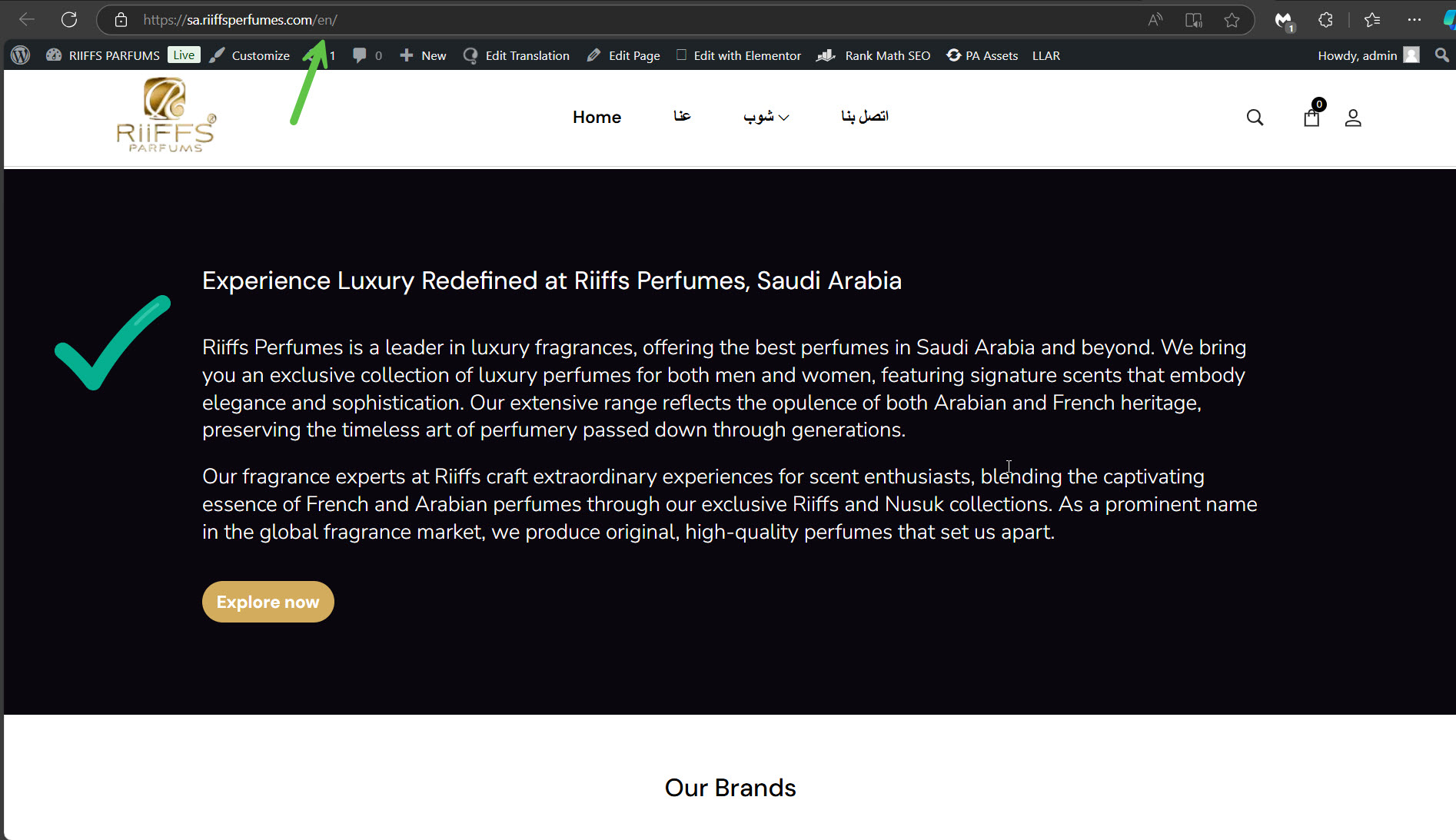
The in-progress translation of the homepage was probably a job before you added content to the Arabic homepage, which is why most of the content was missing. I completed this old job, and you will see that you have all the content available for translation when you translate the homepage from Arabic into English. Please see the attached screenshot content-av.jpg.
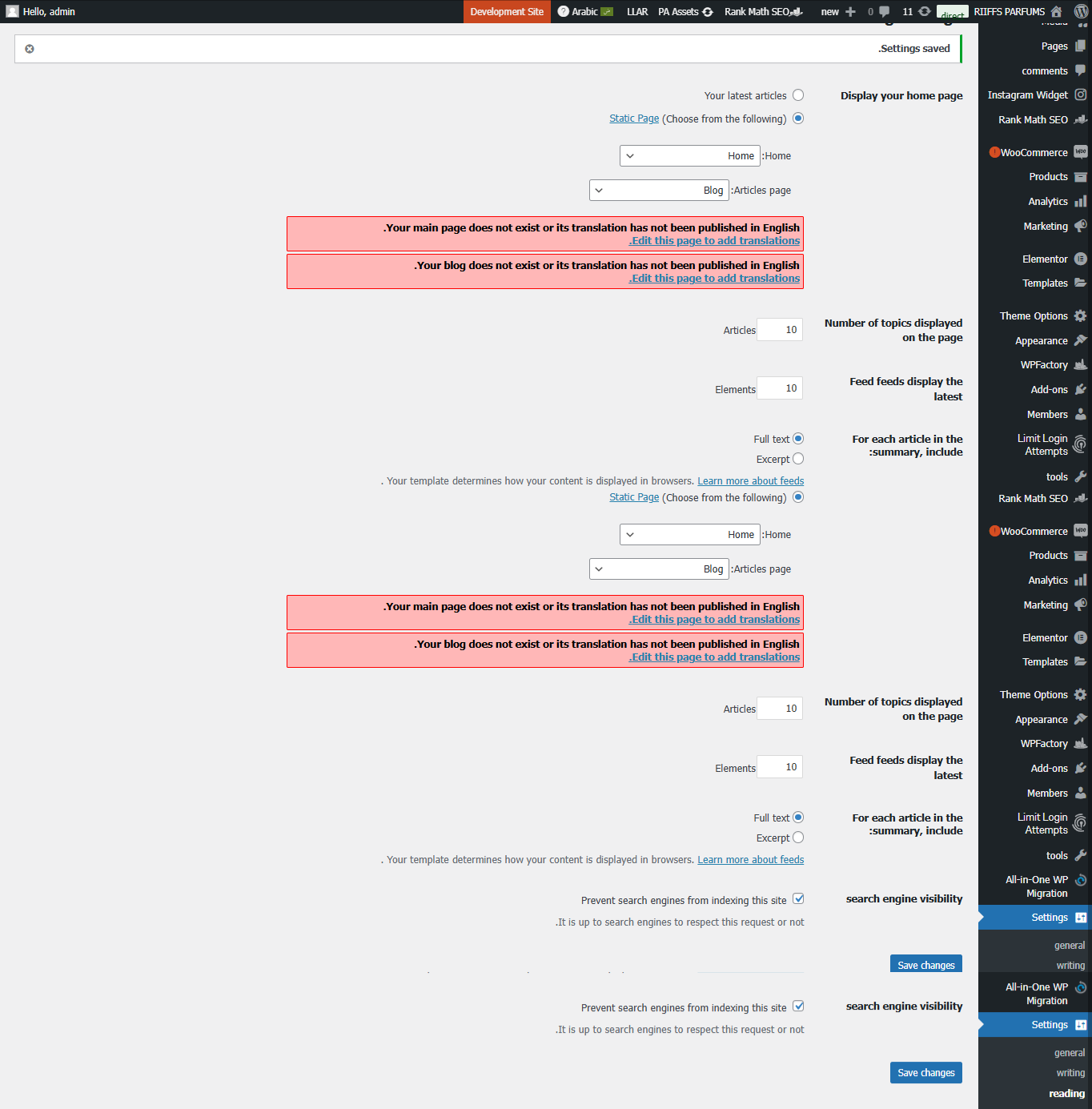
The message in Settings -> Reading told you to create translations for the home and blog pages. Once the translation of the homepage is completed, that message will disappear. If you are not displaying a blog page on your site, you can disregard the message about it. Otherwise, you need to translate the blog page.
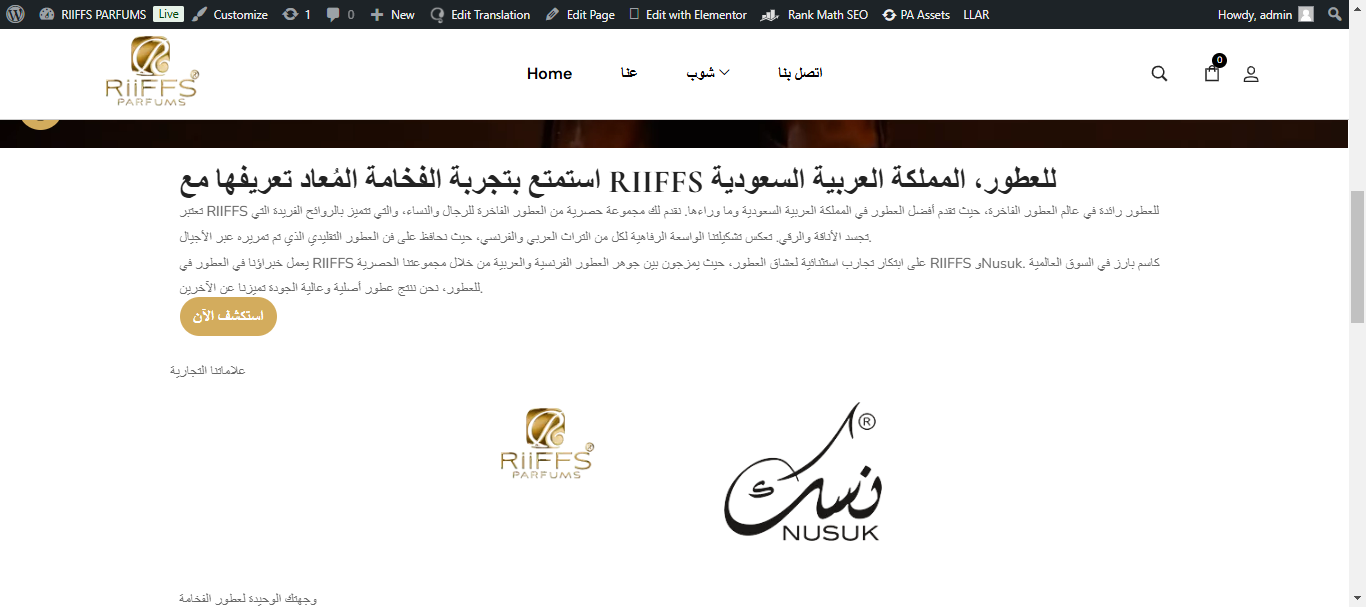
I could see that the translation was still in progress. I then edited that translation again and switched to the previous version of the Advanced Translation Editor, which allowed me to complete the job. Now, the English translation is shown on the front end. Please see the attached screenshot, en-ok-on-the-front.jpg.
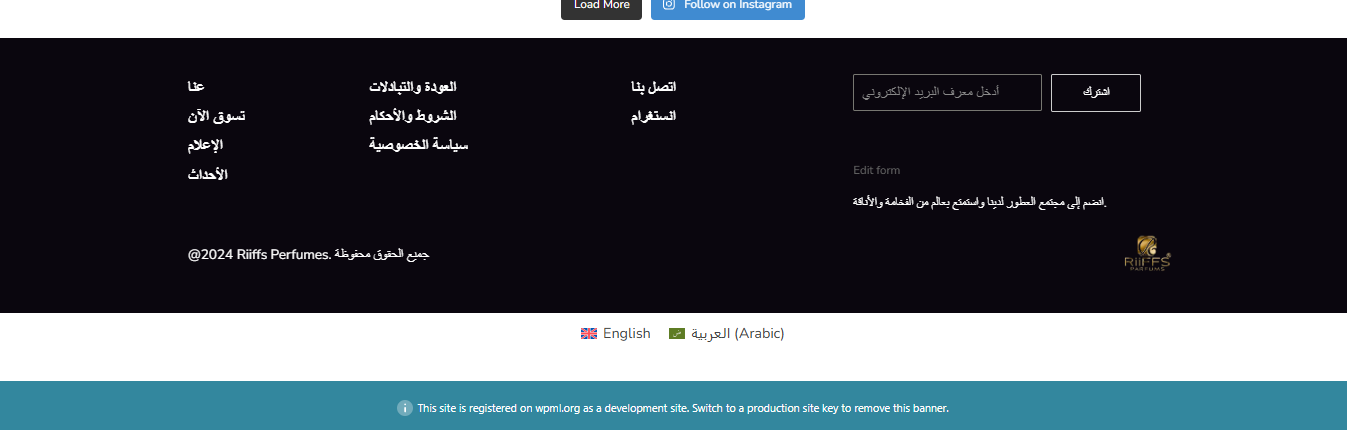
Please note that RST API is not enabled on your site. Please see the attached screenshot, no-rest.jpg. This can block some features of WPML and WordPress. You can read about it here.
I am facing certain issues regarding the translation
Sites :
hidden link - netherlands hidden link - Saudi Arabia hidden link - france hidden link - Qatar
Where to Check : At the Header, Shop > perfumes / perfumes for men/ perfumes for women/ niche perfumes
Credentials : Same for all websites. as been shared with you in a private message earlier.
1. In the category page, the sidebar filter translation is not visible
I have added the translation inside the template, but it is not showing in the frontend
Sidebar template : Enzian Shop Sidebar
2. Also I had translated the woocommerce categories and the ACF content present in them, but after translation, the translated categories in english is missing the products that are present in the original category.
So in the frontend, 'no product is present for this category' is shown.
Check the attached image for more details.
Link : hidden link
Please do the changes in all the sites and also share the procedure you followed to resolve the above issue.
Thanks
New threads created by Itamar and linked to this one are listed below:
In our technical support forum, we focus on one issue per ticket. Otherwise, tickets can get cluttered and confusing for both users and supporters. I've split this ticket into a new ticket. This is the link to the new ticket.