Skip to content Skip to sidebar

This thread is resolved. Here is a description of the problem and solution.

Problem:
If you're experiencing issues with custom CSS in Elementor not displaying correctly after translating your site using WPML, where the CSS attribute content remains unchanged across translations.
Solution:
1. We recommend setting up a minimal installation of WordPress, WPML, and all necessary WPML add-ons, and themes to replicate the issue. This helps in identifying and solving the problem more efficiently.
2. If the issue persists, you can manually edit the translated page and adjust the CSS directly. Access the second language page from Pages > All and click 'edit with Elementor', or go to the page in the frontend and click 'Edit with Elementor' in the top bar.
3. Alternatively, remove your custom CSS from Elementor and add it to your theme via Appearance > Customize > Additional CSS.
4. Follow the errata and workarounds provided by WPML for known issues with Elementor and custom CSS at https://wpml.org/errata/elementor-custom-page-css-not-copied-correctly-in-translations/.

Please note that this solution might be outdated or not applicable to your specific case. We highly recommend checking related known issues at https://wpml.org/known-issues/, verifying the version of the permanent fix, and confirming that you have installed the latest versions of themes and plugins. If the issue persists, please open a new support ticket at our support forum.

This is the technical support forum for WPML - the multilingual WordPress plugin.

Everyone can read, but only WPML clients can post here. WPML team is replying on the forum 6 days per week, 22 hours per day.

Tagged: ,

This topic contains 10 replies, has 0 voices.

Last updated by Dražen 4 months ago.

Assisted by: Dražen.

Author Posts
September 30, 2025 at 2:51 am #17442441

itH-7

Background of the issue:
I am trying to translate my English site to another language using WPML. I encountered an issue with custom CSS in Elementor.

Symptoms:
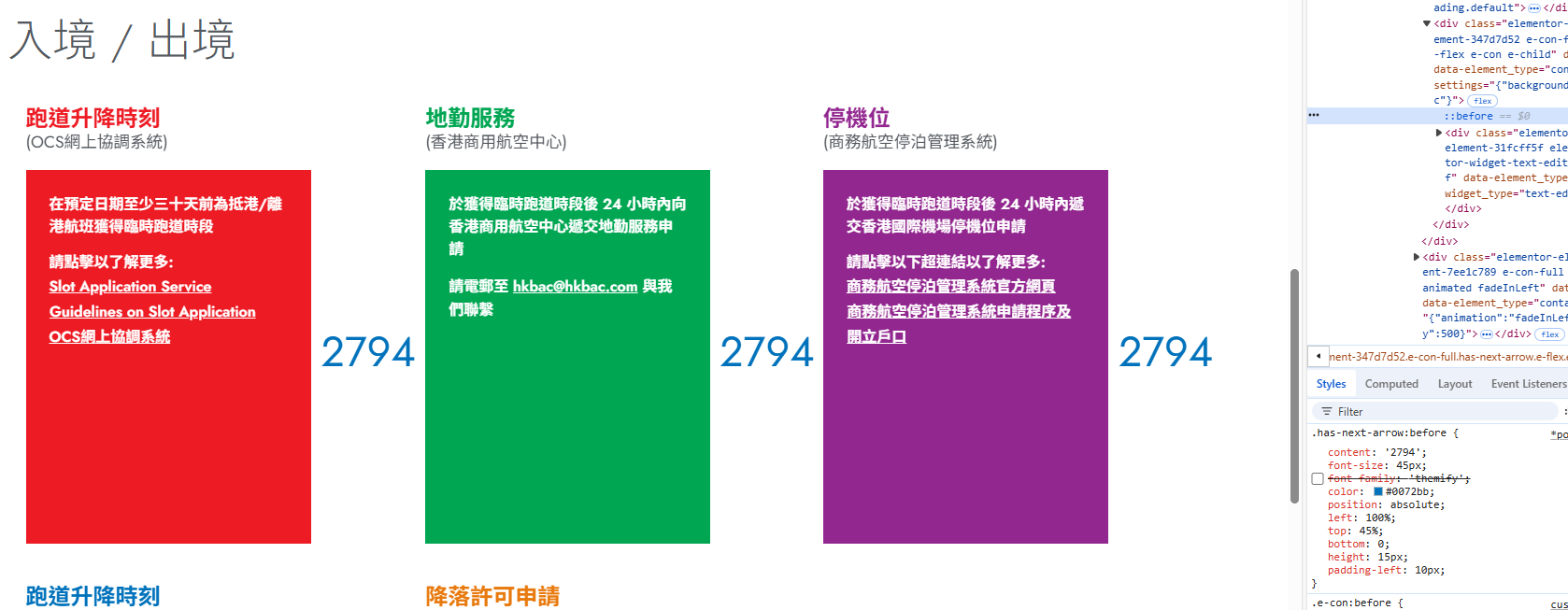
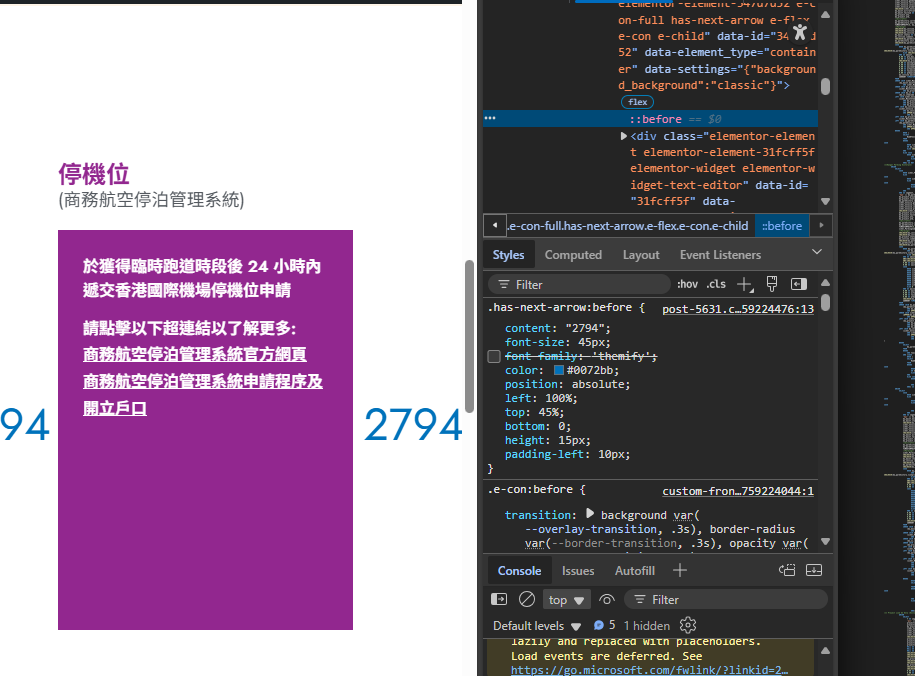
The CSS attribute content: '2794' became content: '2794'.

Questions:
Why is the custom CSS in Elementor not displaying correctly after translation?
How can I fix the CSS content issue in Elementor when using WPML?

September 30, 2025 at 5:53 am #17442585

Dražen
Supporter

Languages: English (English )

Timezone: Europe/Zagreb (GMT+02:00)

Hello,

I created a minimal installation of WordPress, WPML, and all necessary WPML add-ons, and themes.

You can access the WordPress dashboard using the link below:

- hidden link

Try to replicate the issue with a simple example page.

This will help us to report the probable issue to the compatibility team and solve the possible problem faster.

Regards,

Drazen

September 30, 2025 at 6:34 am #17442652

itH-7

I need Elementor and Elementor pro to replicate the issue.

September 30, 2025 at 6:50 am #17442666

Dražen
Supporter

Languages: English (English )

Timezone: Europe/Zagreb (GMT+02:00)

Hello,

I have added it for you and activated.

Please continue.

Regards,
Drazen

September 30, 2025 at 7:38 am #17442901

itH-7

I have replicated the issue, please check below 2 url.

hidden link
hidden link

螢幕擷取畫面 2025-09-30 153803.png
September 30, 2025 at 8:26 am #17443106

Dražen
Supporter

Languages: English (English )

Timezone: Europe/Zagreb (GMT+02:00)

Hello,

thanks, I can see and confirm it.

I have escalated this further to our compatibility team for a permeant fix. In the meantime, as workaround you can edit manually translated page and adjust the CSS manually.

I will update when I have some news.

Regards,
Drazen

September 30, 2025 at 8:33 am #17443139

itH-7

may i know how can i manually translated page and adjust the CSS manually?

September 30, 2025 at 8:40 am #17443165

Dražen
Supporter

Languages: English (English )

Timezone: Europe/Zagreb (GMT+02:00)

Hello,

sure, it is the same as you do in your default language.

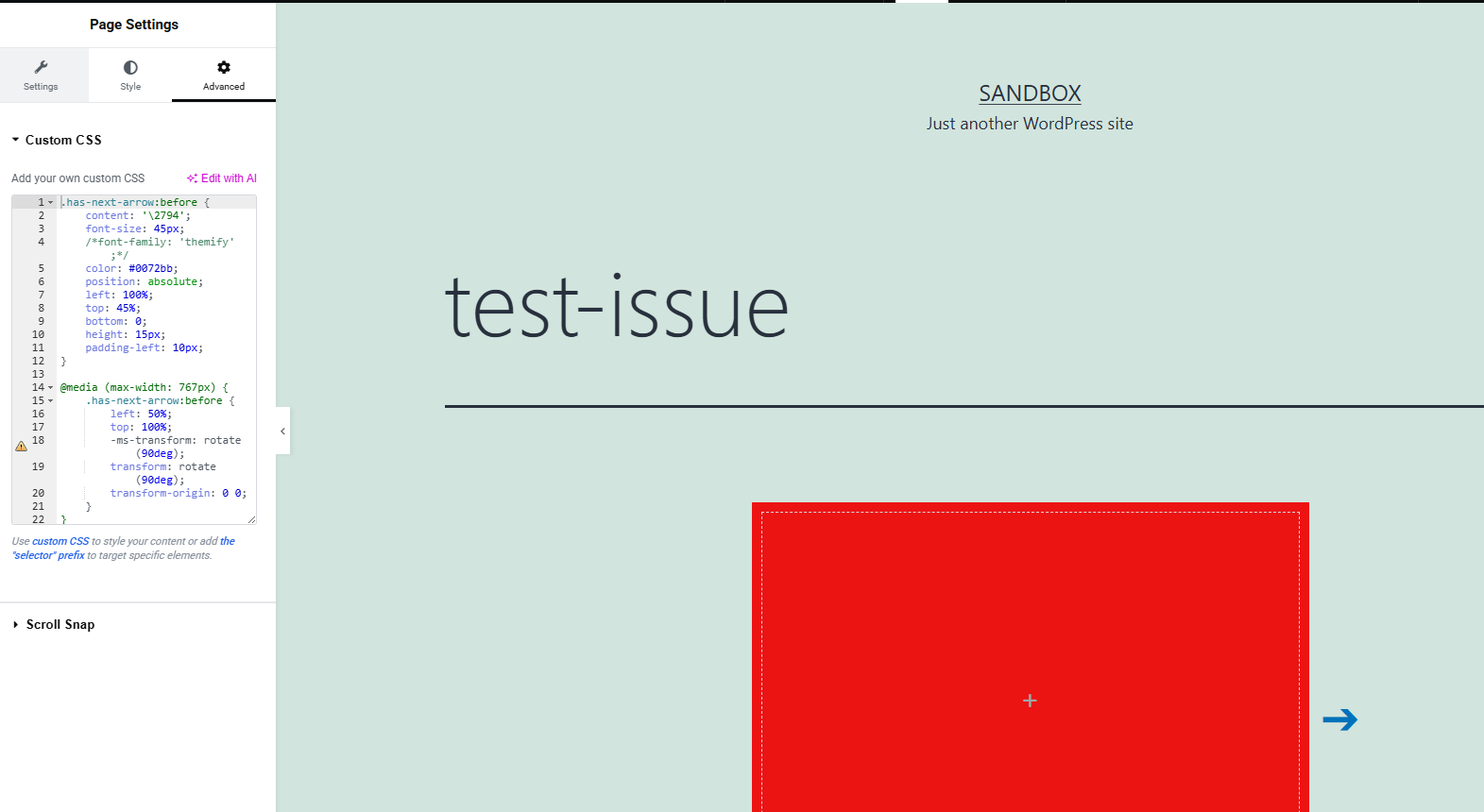
You can find the 2nd language page from Pages > All and click edit with Elementor, or just go to the page in frontend and in the top bar click Edit with Elementor.

Regards,
Drazen

test-issue-–-Sandbox-09-30-2025_10_39_AM.jpg
September 30, 2025 at 9:31 am #17443443

itH-7

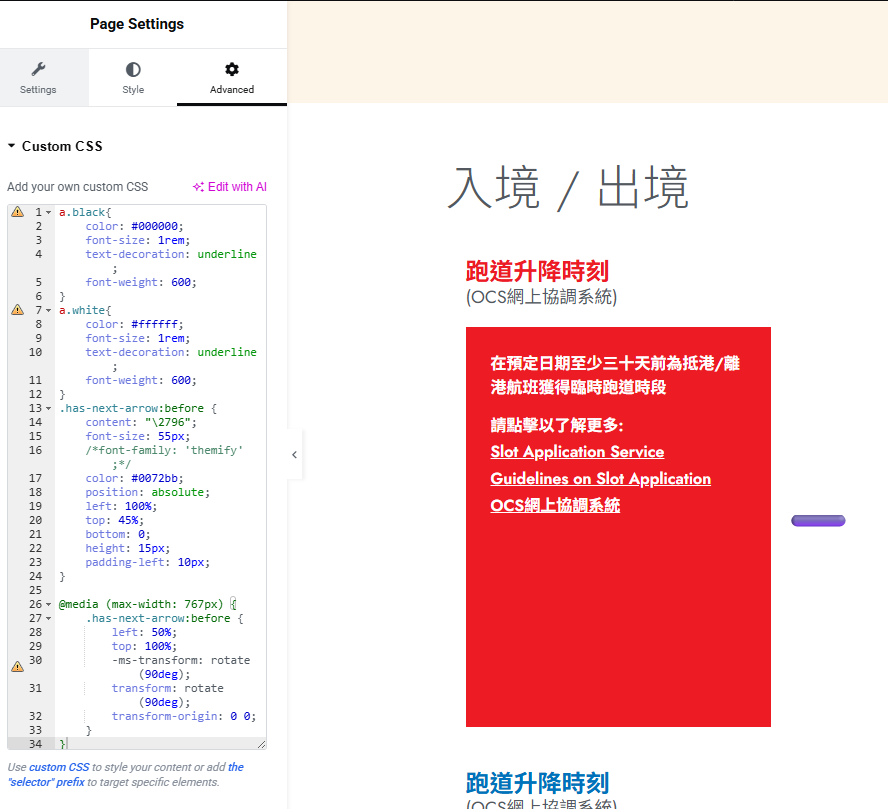
I have updated the css following your step, but the page still using the old css?

螢幕擷取畫面 2025-09-30 173015.png
螢幕擷取畫面 2025-09-30 173042.png
September 30, 2025 at 9:44 am #17443547

Dražen
Supporter

Languages: English (English )

Timezone: Europe/Zagreb (GMT+02:00)

Hello,

seems you are right, please then remove your custom css from Elementor and add your Custom CSS to your theme. For example via Appearance > Customize > Additional CSS or if you have it in your theme options.

Regards,
Drazen

October 1, 2025 at 5:56 am #17447151

Dražen
Supporter

Languages: English (English )

Timezone: Europe/Zagreb (GMT+02:00)

Hello,

issue is escalated to our devs for a fix in the future versions, in the meantime you can follow next errata and workarounds mentioned there:

- https://wpml.org/errata/elementor-custom-page-css-not-copied-correctly-in-translations/

Regards,
Drazen