Home›Support›English Support›[Resolved] custom post not showing in the backend in the language for translation
[Resolved] custom post not showing in the backend in the language for translation
This thread is resolved. Here is a description of the problem and solution.
Problem: The client was unable to view the custom post type 'properties' in Greek on their website. They encountered an 'invalid post type' error when switching from English to Greek. Solution: We identified that the custom post types (CPTs) 'Properties' were created via Advanced Custom Fields (ACF). The issue was that the translation for the CPT was missing. We advised the client to go to ACF -> CPT -> properties and add the necessary translation. Once the translation was added, the CPT became available under the Greek language.
If this solution does not resolve your issue, or if it seems outdated, we recommend checking the related known issues and verifying that you have installed the latest versions of themes and plugins. If the problem persists, please open a new support ticket.
This is the technical support forum for WPML - the multilingual WordPress plugin.
Everyone can read, but only WPML clients can post here. WPML team is replying on the forum 6 days per week, 22 hours per day.
Background of the issue:
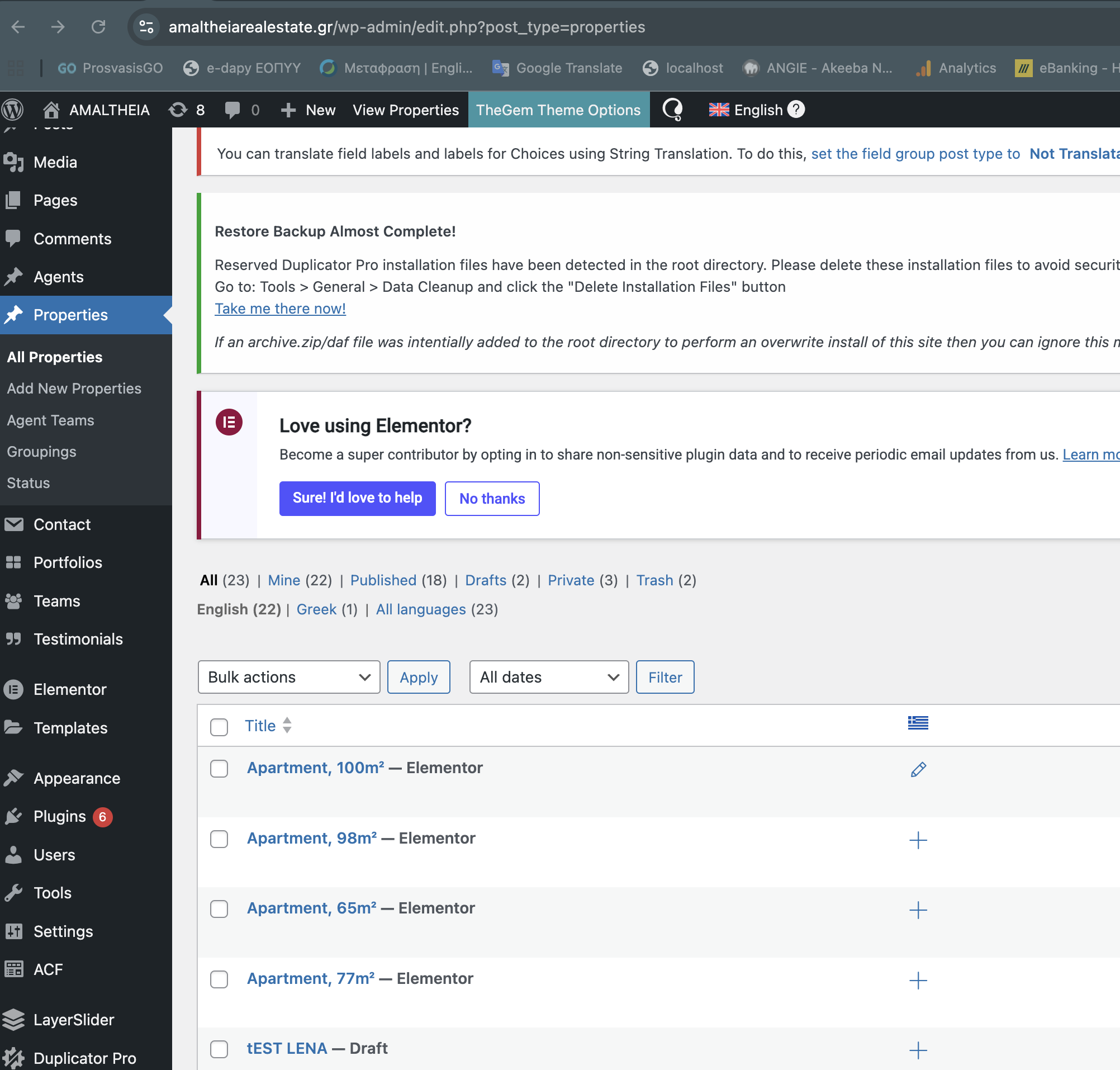
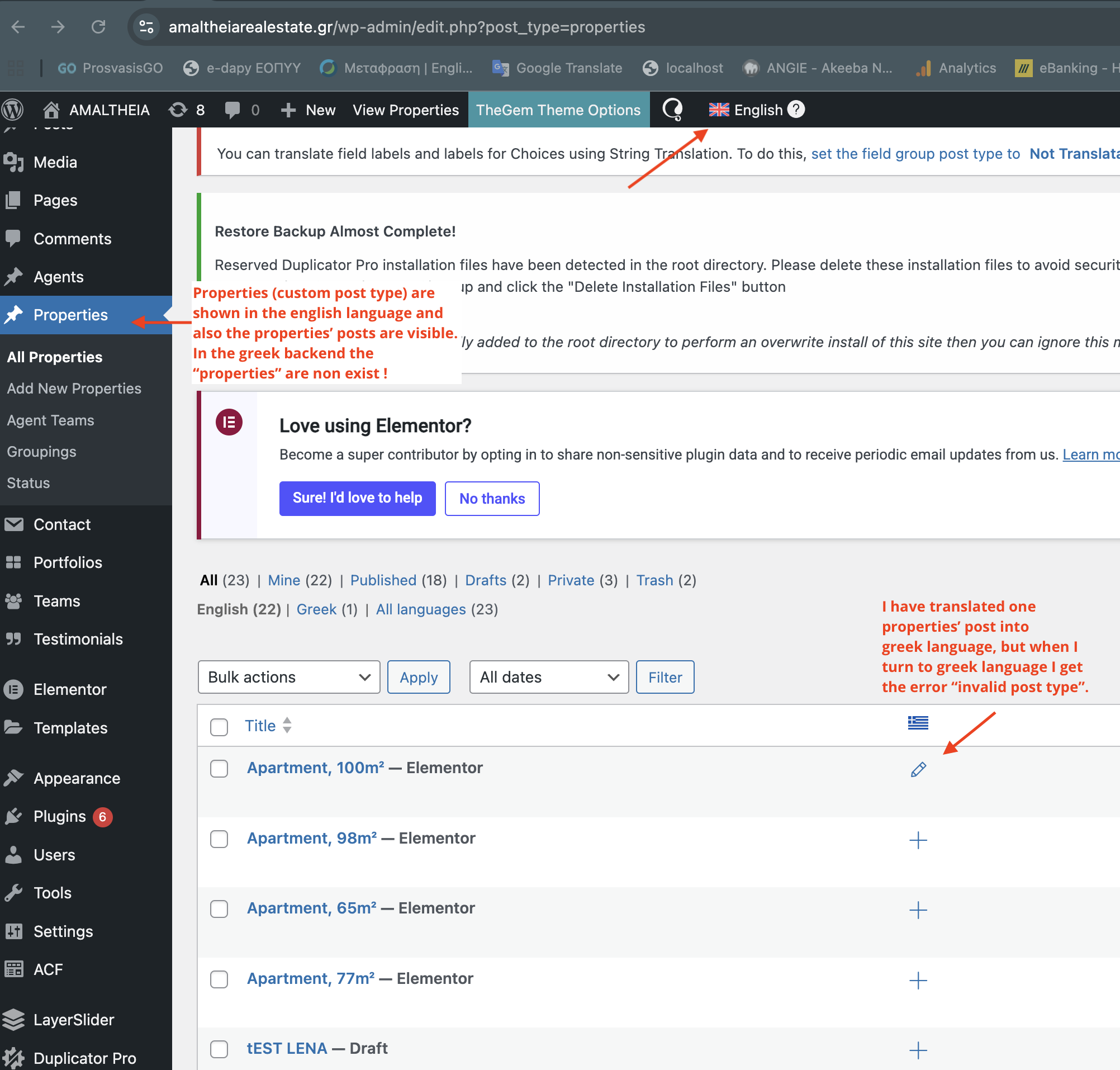
I have a custom post named "properties" (post_types=properties) which is a category that stores all my posts about properties. In English, I can see the category properties and all the posts under it. I am trying to view this in Greek on my site hidden link.
Symptoms:
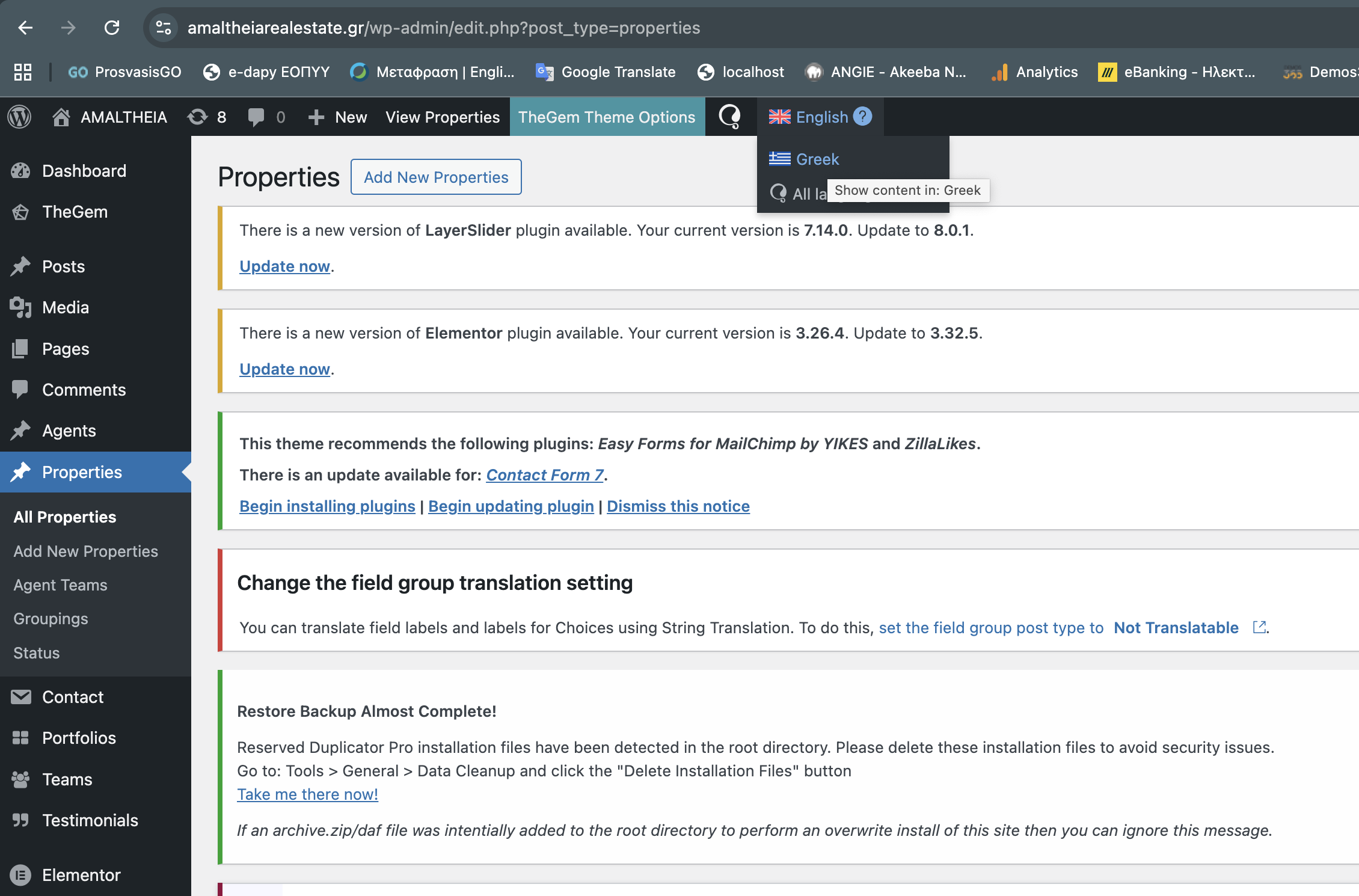
In Greek, this custom post category is gone, and when I try to switch from English to Greek, I get an error "invalid post type".
Questions:
Why is the custom post type 'properties' not showing in Greek?
How can I resolve the 'invalid post type' error when switching languages?
How are these CPTs for Properties created? Are they custom or coming from a third party plugin?
There is a possibility this might be cause due to some compatibility issue.
I would like to request temporary access (wp-admin and FTP) to your site to test the issue.
(preferably to a test site where the problem has been replicated if possible)
**Before we proceed It is necessary to take FULL BACKUP of your database and your website. Providing us with access, you agree that a backup has been taken **
I often use the Duplicator plugin for this purpose: http://wordpress.org/plugins/duplicator/
You will find the needed fields for this below the comment area when you log in to leave your next reply.
The information you enter is private which means only you and I have access to it.
NOTE: If access to the live site is not possible and the staging site does not exist please provide me with a duplicator package created with the duplicator plugin.