Home›Support›English Support›[Resolved] Trying to purchase a product on the French site shows a empty cart message
[Resolved] Trying to purchase a product on the French site shows a empty cart message
This thread is resolved. Here is a description of the problem and solution.
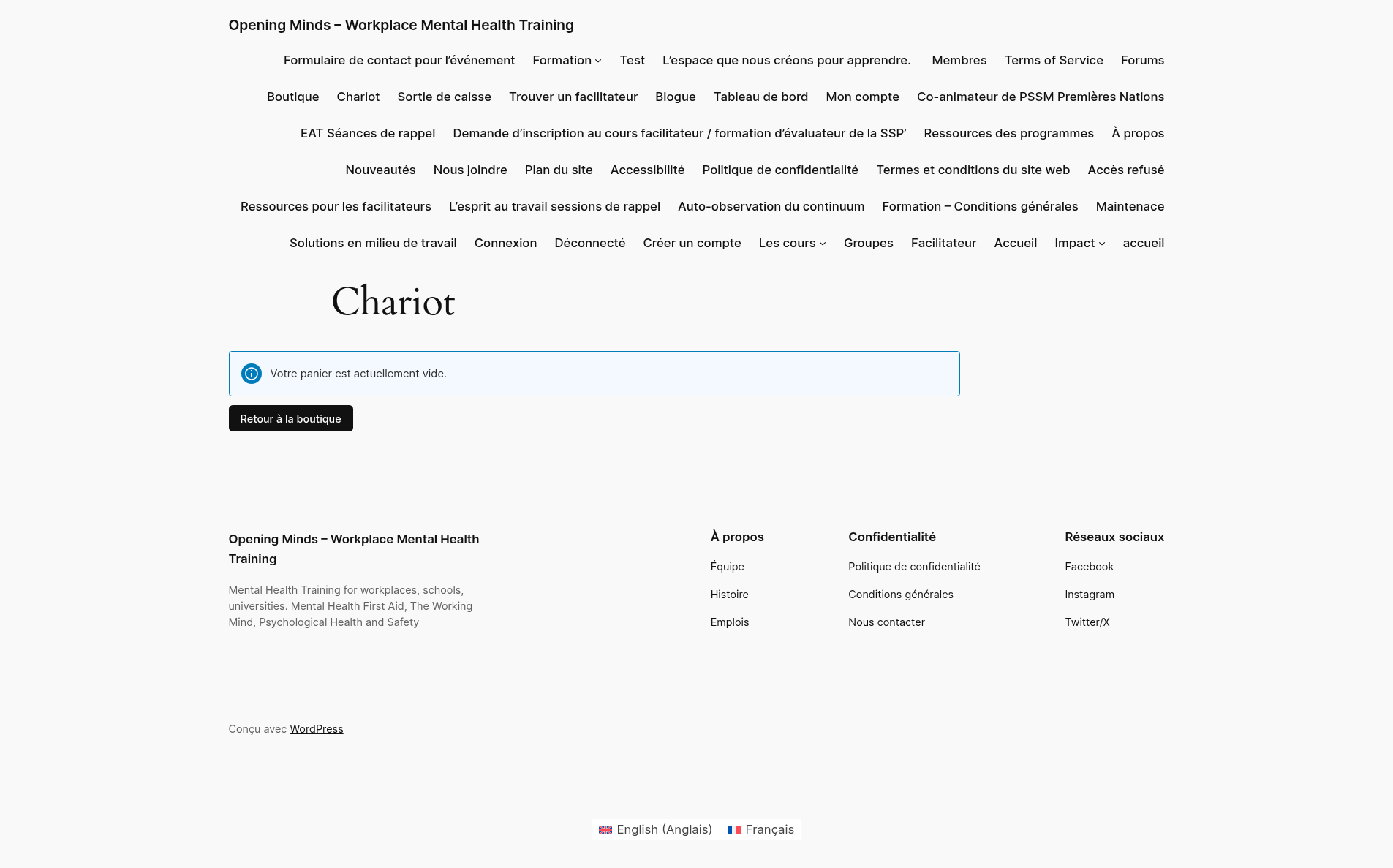
Problem: The client was unable to add products to the cart on the French version of their site while logged out, receiving a 'your cart is empty' message, despite the product being publicly available. This issue did not occur on the English site. Solution: We recommended the client to: 1. Create a full site backup or a staging site. 2. Update any outdated plugins or themes. 3. Flush any cache memory. 4. Deactivate all plugins, including WPML ones, and activate a default WordPress theme. 5. Reactivate WPML plugins, WooCommerce, and WooCommerce Multilingual. 6. If the issue disappeared, reactivate the theme and other plugins one by one to identify the culprit. Additionally, we ran WPML and WCML troubleshooting as described in the guide (WPML Troubleshooting Options). After these steps, the products appeared in the cart on the French version of the staging site.
If this solution does not resolve your issue or seems outdated, please check related known issues at https://wpml.org/known-issues/, verify the version of the permanent fix, and confirm that you have installed the latest versions of themes and plugins. We highly recommend opening a new support ticket if the problem persists. For further assistance, please visit our support forum at WPML Support Forum.
This is the technical support forum for WPML - the multilingual WordPress plugin.
Everyone can read, but only WPML clients can post here. WPML team is replying on the forum 6 days per week, 22 hours per day.
Background of the issue:
I am trying to purchase a product on the French site while logged out. The product is publicly available. Here is the link to the page where the issue can be seen: hidden link
Symptoms:
When I try to add the product to my cart on the French site while logged out, I receive a 'your cart is empty' message when trying to view the cart after adding the product. This issue does not occur on the English site.
Please follow these steps to isolate the cause of the issue:
- Create a full site backup or create a staging site with a copy of the live site (you can use the WP Staging plugin for free)
- Update any outdated plugins or themes
- Flush any cache memory that might exist
- Deactivate all plugins, including the WPML ones
- Activate a default WordPress theme, like Twenty Twenty
- Activate the WPML plugins, WooCommerce, and WooCommerce Multilingual
- If the issue disappeared, start by activating the theme and then the rest of the plugins, one by one, until the issue appears again and you find the culprit
Can you tell me the results of the steps described above?
On a staging site I've changed to a default theme and tested with just WPML and WooCommerce related plugins active and am still seeing the issue with the cart.
When I'm on the English checkout page I can see the products in the cart but when I try to navigate to the French checkout page I see the attached message.
I would like to ask your authorization to create a copy of the staging site in order to escalate this ticket to our 2nd tier of support for further testing.
I have escalated this ticket to our 2nd tier of support, where our specialists will take a deeper look at this issue and will try to isolate its cause.
I will get back to you as soon as I get more information.
Our 2nd-tier specialists suspect that the cause of the problems might be a configuration in Cloudflare. Please deactivate Cloudflare and double-check if the issue has disappeared.
Figured out what the issue was. Turns out the whole time it was WP Engine's EverCache® for WooCommerce feature. I disabled it and now the cart is working while logged out in French.