[Resolved] when we change language on page then page layout will be me-sup
This thread is resolved. Here is a description of the problem and solution.
Problem: The client was experiencing layout issues when switching languages on their website, which could be due to theme compatibility or incorrect language settings. Solution: 1. Verify the correct language assignment for affected pages in the WordPress admin. 2. Temporarily switch to a default WordPress theme like Twenty Twenty-Three to check if the issue persists, indicating a theme-related problem. 3. Clear all caches to ensure changes take effect. 4. Update all WPML plugins, the site theme, and other plugins to their latest versions. 5. If the issue persists, consider advanced troubleshooting such as custom CSS or page builder configurations.
Hi there,
I converted the chat into this forum ticket so we can continue working together on solving these issues.
The menu and the HTML issues are already solved. The only remaining problem is with the text at the top bar. Could you share the URL where this text can be edited?
However, I can't access the site with the credentials you shared; it seems the password was modified. Please share the updated credentials in your next message, which I have set private.
The first step you must do is to translate this content to all languages: hidden link
Then I need you to tell me where the information from the [free_shipping_rotating] shortcode can be edited. This is where we will be able to translate the content.
So, here are the steps to follow:
- Translate the post hidden link to all languages
- Get the URL to edit the content in the [free_shipping_rotating] shortcode to decide how to translate it
- Probably edit the translated posts (from the first step) to update the translation
So, you must use the gettext functions to print the text and save the changes. Then you need to translate hidden link and translate the strings from the code in WPML -> String Translation.
Here are the steps organized:
- Change the code in the functions.php to use the gettext
- Go to WPML -> Theme and plugins localization -> Scan the theme
- Go to WPML -> String Translation -> Search the strings and translate them (I used the earmuffz domain, but you can use any)
- Translate the content hidden link to all languages
Everything is working correctly now. The only step missing is to translate this string hidden link (I added the language code as a prefix to the translation as a test so you can see it is working)
another big problem I am facing.
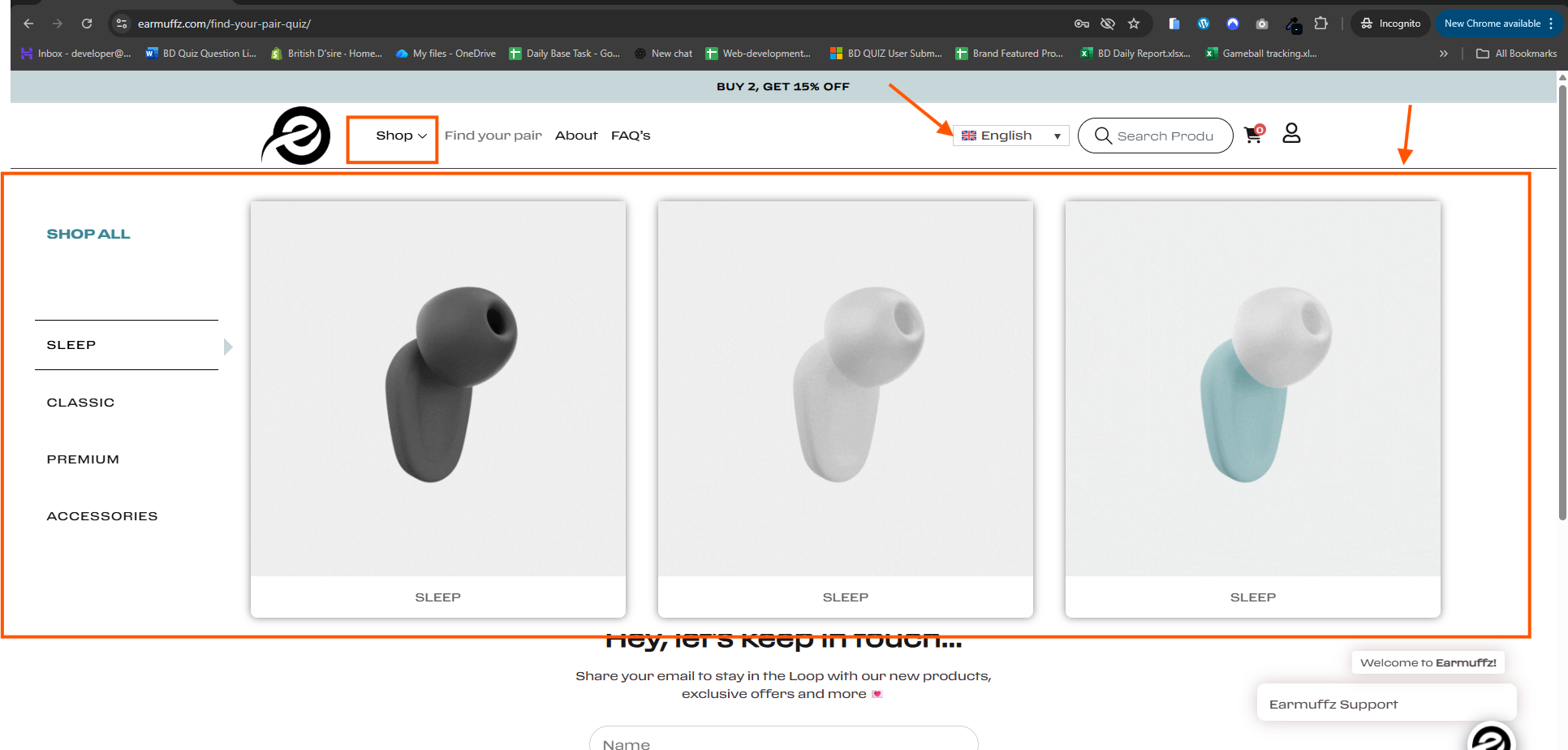
In the English language, "Mega Menu" opened --(i have shared a screenshot), but when I changed the language to other, the "Mega Menu" option is not showing.
Can you please take a look and let me know how we can fix this ?
New threads created by Carlos Rojas and linked to this one are listed below: