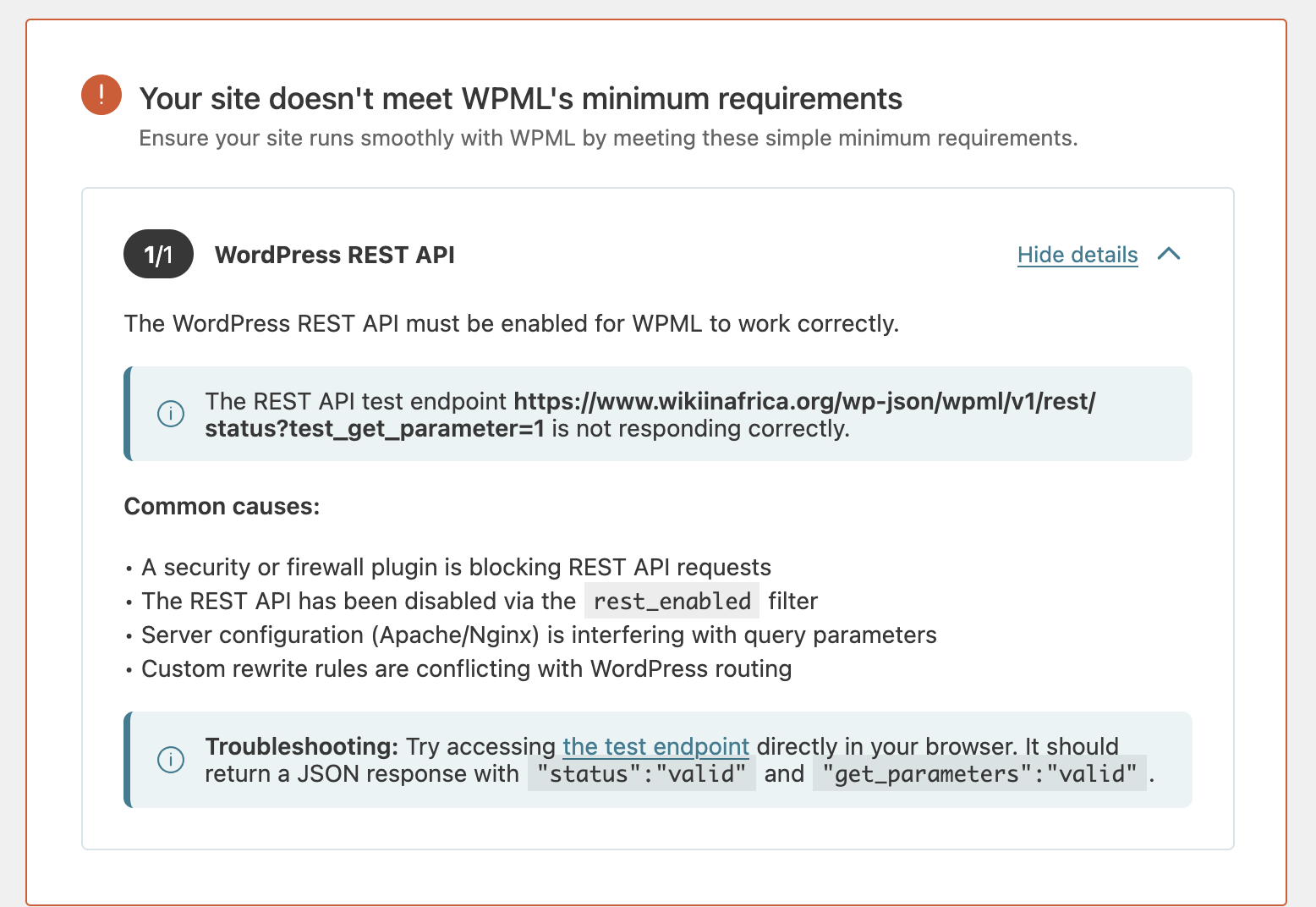
[Resolved] Your site doesn't meet WPML's minimum requirements. error
This thread is resolved. Here is a description of the problem and solution.
Problem: You are trying to view the Translation Dashboard on your site but encounter an error message indicating that the REST API test endpoint is not responding correctly, despite it being valid when tested. Solution: We moved your site to a minimal environment, switching the theme to 2024 and deactivating all plugins except WPML. This process helped us identify that the WP-Ban plugin (https://wordpress.org/plugins/wp-ban/) is causing the issue. This plugin has not been tested with the latest three major releases of WordPress and is not officially compatible with WPML. We recommend deactivating the WP-Ban plugin to resolve the error.
If this solution does not apply to your case, or if it becomes outdated, we highly recommend checking related known issues at https://wpml.org/known-issues/, verifying the version of the permanent fix, and confirming that you have installed the latest versions of themes and plugins. Should you need further assistance, please open a new support ticket at WPML support forum.
This is the technical support forum for WPML - the multilingual WordPress plugin.
Everyone can read, but only WPML clients can post here. WPML team is replying on the forum 6 days per week, 22 hours per day.
Background of the issue:
I am trying to view the Translation Dashboard on my site, but I encounter an error message. I clicked the Fix Now button, which led to another message indicating that the REST API test endpoint hidden link is not responding correctly. However, when I test the endpoint, it says it is valid.
Symptoms:
The error message states that the REST API test endpoint is not responding correctly, despite it being valid when tested.
Questions:
Why is the REST API test endpoint showing as not responding correctly when it is valid?
How can I resolve the error message on the Translation Dashboard?
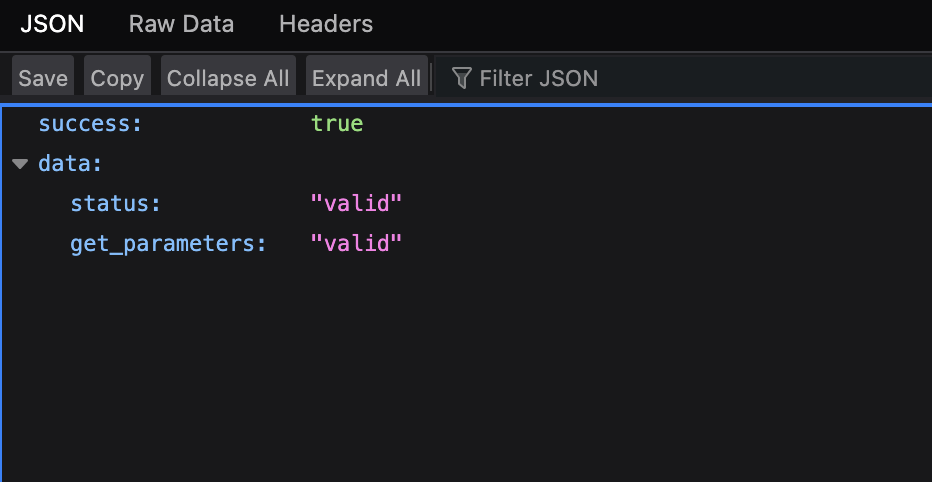
I can see that there is a valid rsponse here: hidden link
However, have you tried our AI agent advice to raise WP Memory Limit?
Here are the instructions again: You can do it from the wp-config.php file in your WordPress installation. Insert this code in that file:
Could you please perform that procedure and see if it helps?
If it does not help, we suspect a theme or another plugin conflict is causing this problem. If possible, get your site into a minimum environment, switching to a default WordPress theme like TwentyTwenty-Four and activating only WPML.
First, check whether the problem persists when only the theme is switched to TwentyTwenty-Four (for example). If it persists, deactivate all plugins except WPML and Strings Translation. Then, please check if the problem persists. If it does not continue, start by activating the plugins individually and checking when the issue comes back, then report to me which plugin was the culprit.
**** Important! Please make a full site backup (files and DB) before you proceed with those steps****
*** If your site is live, you might want to try those procedures in a staging environment or a snapshot of your site on your local server or another server. ***
I’ve increased the memory limit to 256MB, deactivated all plugins except WPML, and switched to the Twenty Twenty-Five theme. Unfortunately, the same error message is still displaying.
If you need further help with this, please share the access details to your site with me. I'm enabling a private message for the following reply.
Privacy and Security Policy
We have strict policies regarding privacy and access to your information. Please see: https://wpml.org/purchase/support-policy/privacy-and-security-when-providing-debug-information-for-support/ **IMPORTANT**
- - Please back up the site files and database before providing us access. --
-- If you have a staging site where the problem can be reproduced, it is better to share access to the staging site.--
Hi, and thanks for the access details to the dev site.
I have moved the site to a minimal environment when the theme is switched to 2024, and all the plugins are deactivated except WPML. This made me discover that the problem is the WP-Ban plugin: https://wordpress.org/plugins/wp-ban/. When this plugin is deactivated, the error message that states that the REST API test endpoint is not responding correctly no longer appears. As you can see in the above link, this plugin has not been tested with the latest 3 major releases of WordPress. It is also not officially compatible with WPML. We strongly recommend that you don't use this plugin.
Everything is working perfectly now. I noticed that the error only disappears a few minutes after the plugin is deactivated, which is likely why I missed it the first time when I deactivated all plugins except WPML.