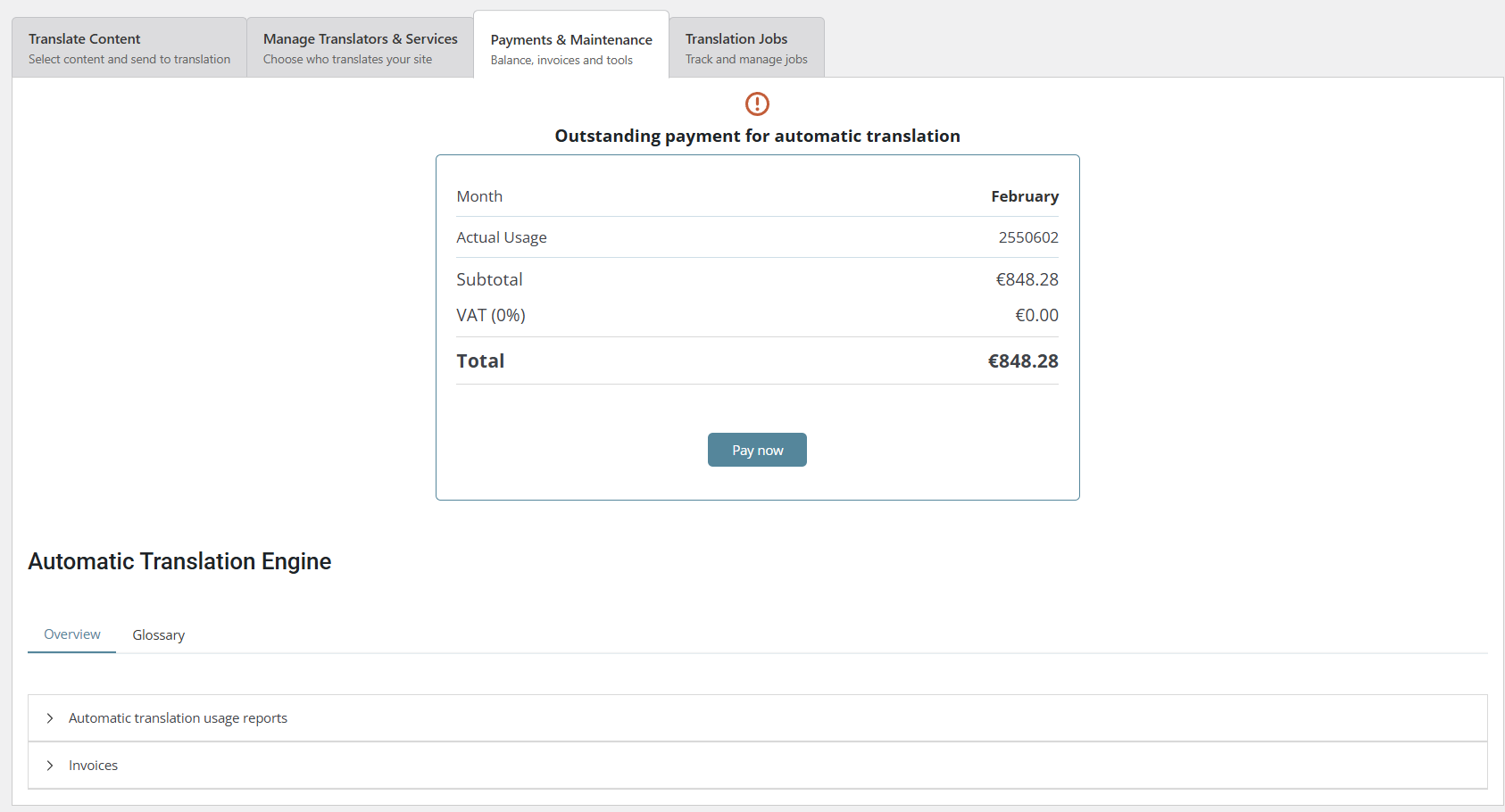
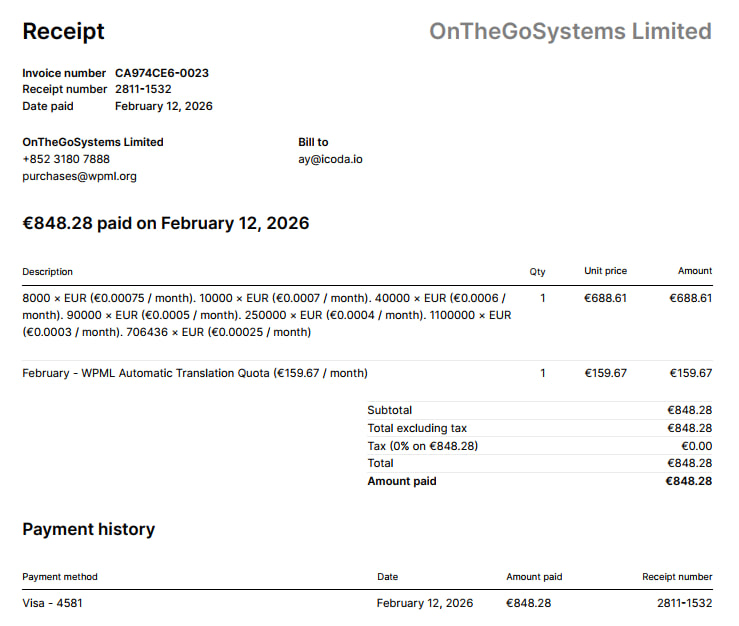
I already have invoices issued in my WPML account. However, the previous Polish credit card associated with those invoices has been blocked and can no longer be charged.
Because of this, I updated the company (legal entity) details in my WPML.org account to a US-based company and added a new US credit card as the payment method.
Before proceeding with payment, I would like to clarify which company details apply to the existing invoices and any future charges:
- the original Polish legal entity, or
- the currently active US legal entity set in my account.
To avoid any legal or accounting mismatch, could you please:
1) confirm which company details are currently associated with the outstanding invoices,
2) check whether the invoice(s) should be updated or reissued to match the new US company details before payment, and
3) confirm whether updating the company details on WPML.org is sufficient for billing and invoices, or if the same information also needs to be updated inside the WPML plugin in WordPress — and if so, where exactly this can be done?
If you are using Automatic Translation, these invoices differ from the WPML subscription invoices.
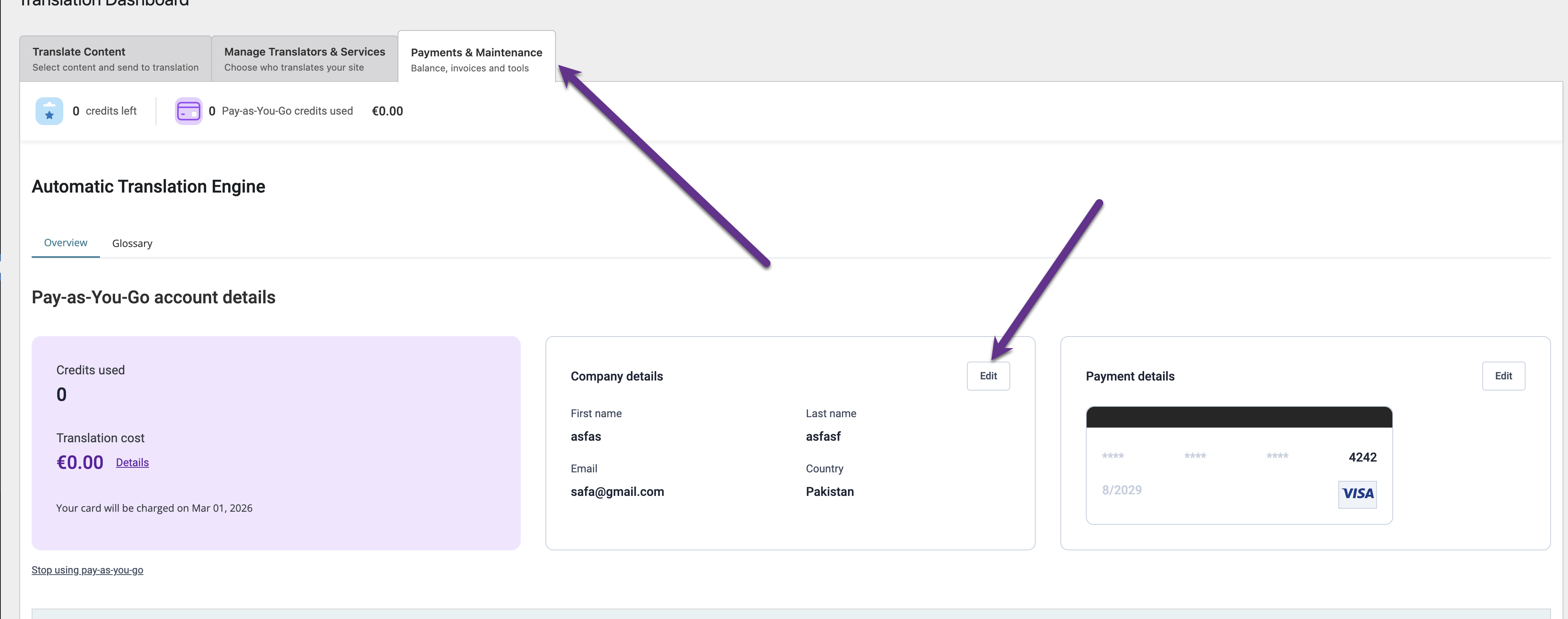
For those, you need to update billing information through your site's backend, where you're using automatic translation: go to WPML > Translation Dashboard > Tools. From there, click the specific tab for billing details.
So, I went into the site’s backend section you mentioned, but I don’t see any option to add information about a new legal entity — it only allows adding a new card.
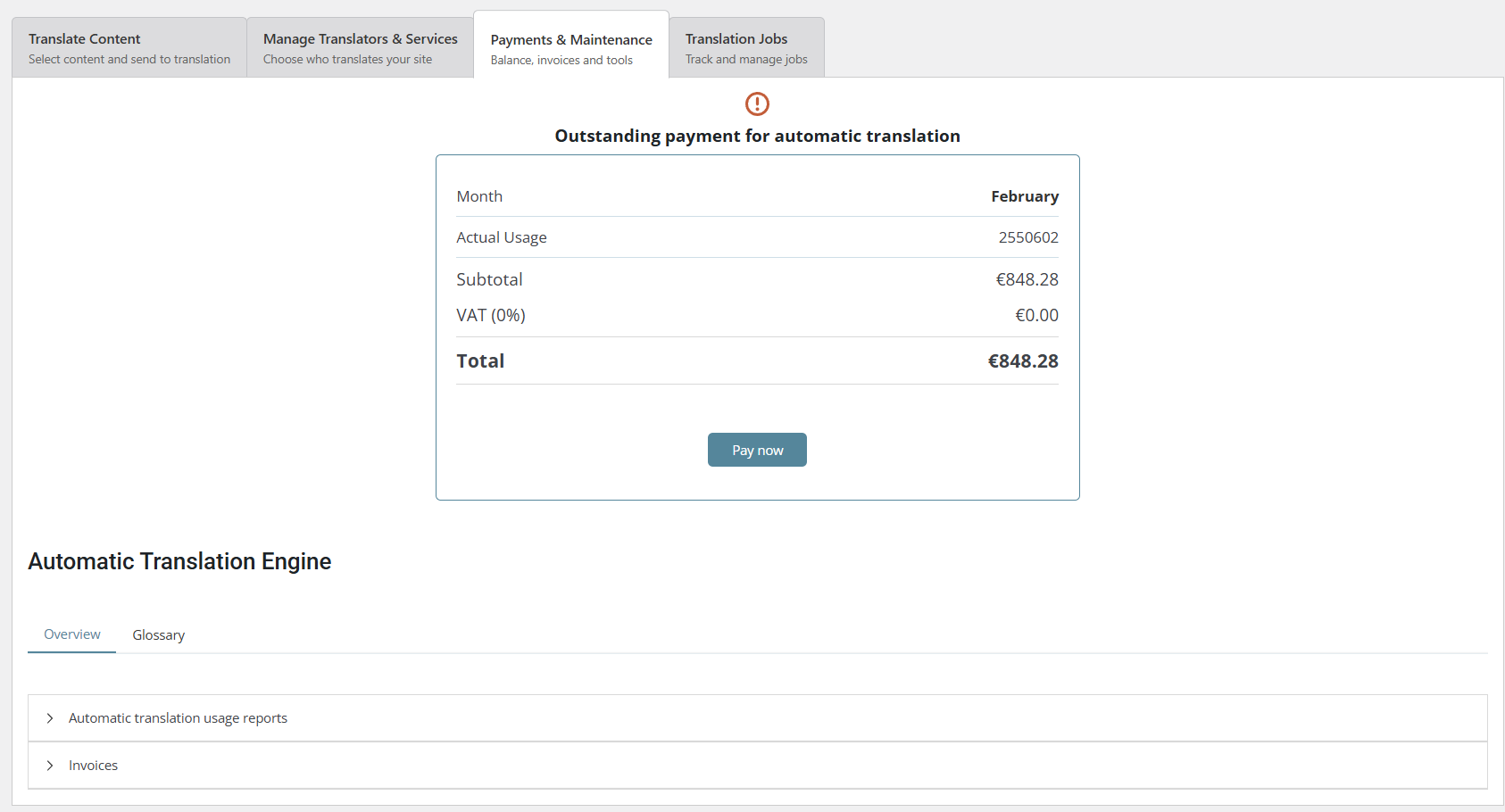
From what I understand, there’s no way for us to pay the €848.28 and have the billing issued to the new legal entity, correct?
We are not able to change the billing information for already generated invoices, as far as I know. The billing information needs to be updated before the invoice is generated, but I will do my best to see if we can update it.
I'm happy to take a closer look at this.
I would like to kindly request temporary access (wp-admin and FTP) to your site in order to examine the issue thoroughly. The necessary fields can be found below the comment area. When you log in to leave your next reply, please be assured that the information you enter is private and will only be visible to you and me.
Our Debugging Procedures
I will thoroughly review various settings in the backend to determine if the issue can be resolved. While I will not make changes that affect the live site, it is still advisable to back up the site before granting us access. Should further debugging be necessary, I will create a duplicate and work in a separate, local development environment to avoid any impact on the live site.
- Before granting us access, please ensure that the site files and database are backed up.
If you do not see the wp-admin/FTP fields, please refrain from posting your website details, as they will be made public. Kindly request I enable the private box if you do not see the required wp-admin/FTP fields. You can find the private box by following this link: hidden link