Background of the issue:
I am trying to manage a multilingual website with 5 languages using WPML. Each product is created with Elementor and includes a template with custom post types. The custom post types are translated, but the product translations are not using the Elementor builder for the description. Instead, they are using the raw description from the latest update. The issue can be seen on this page: hidden link
Symptoms:
The translated product pages are not displaying the designed description created with Elementor. Instead, they show a short, default description.
Questions:
Why is the translated product not using the Elementor builder for the description?
How can I ensure the translated product pages display the designed description?
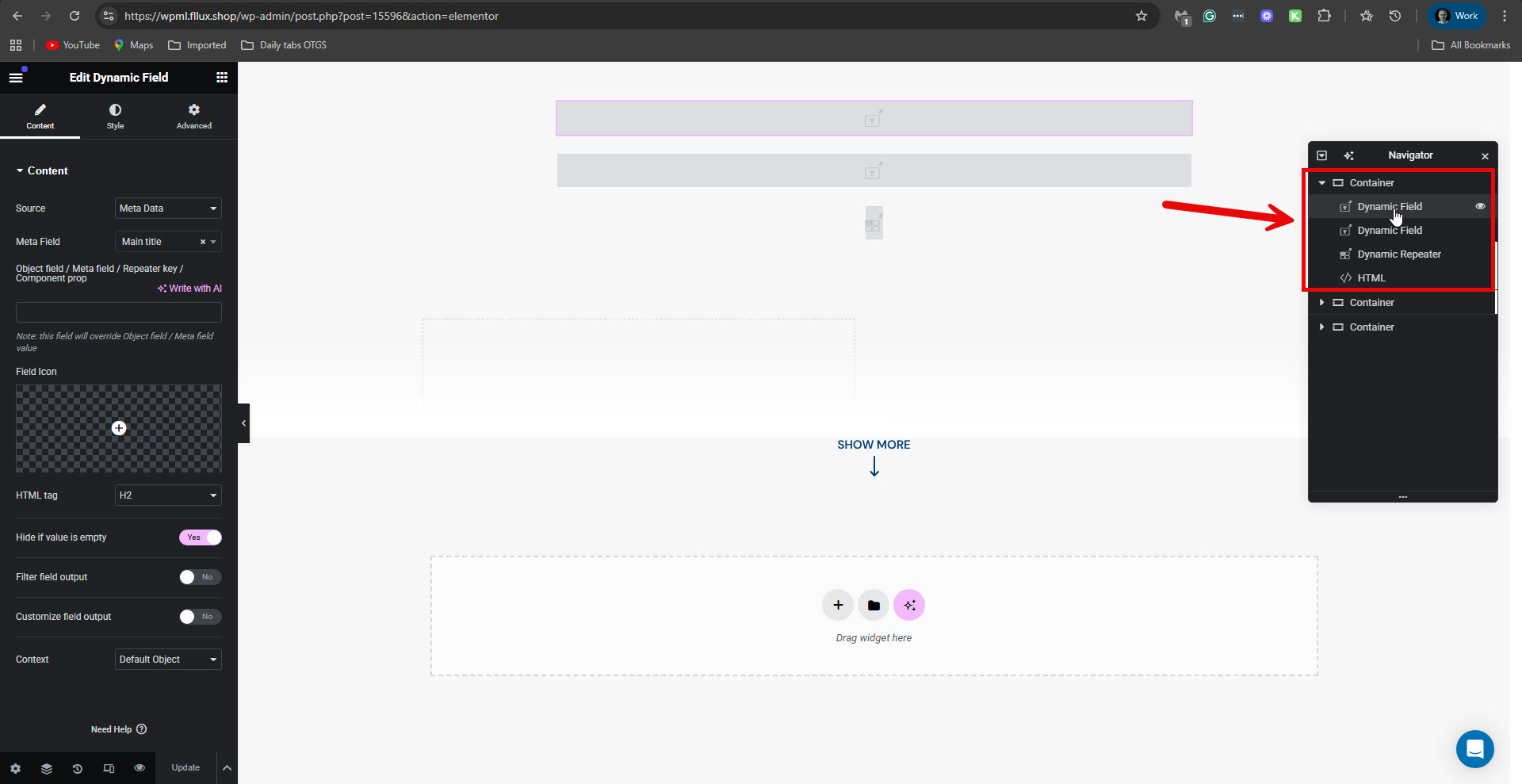
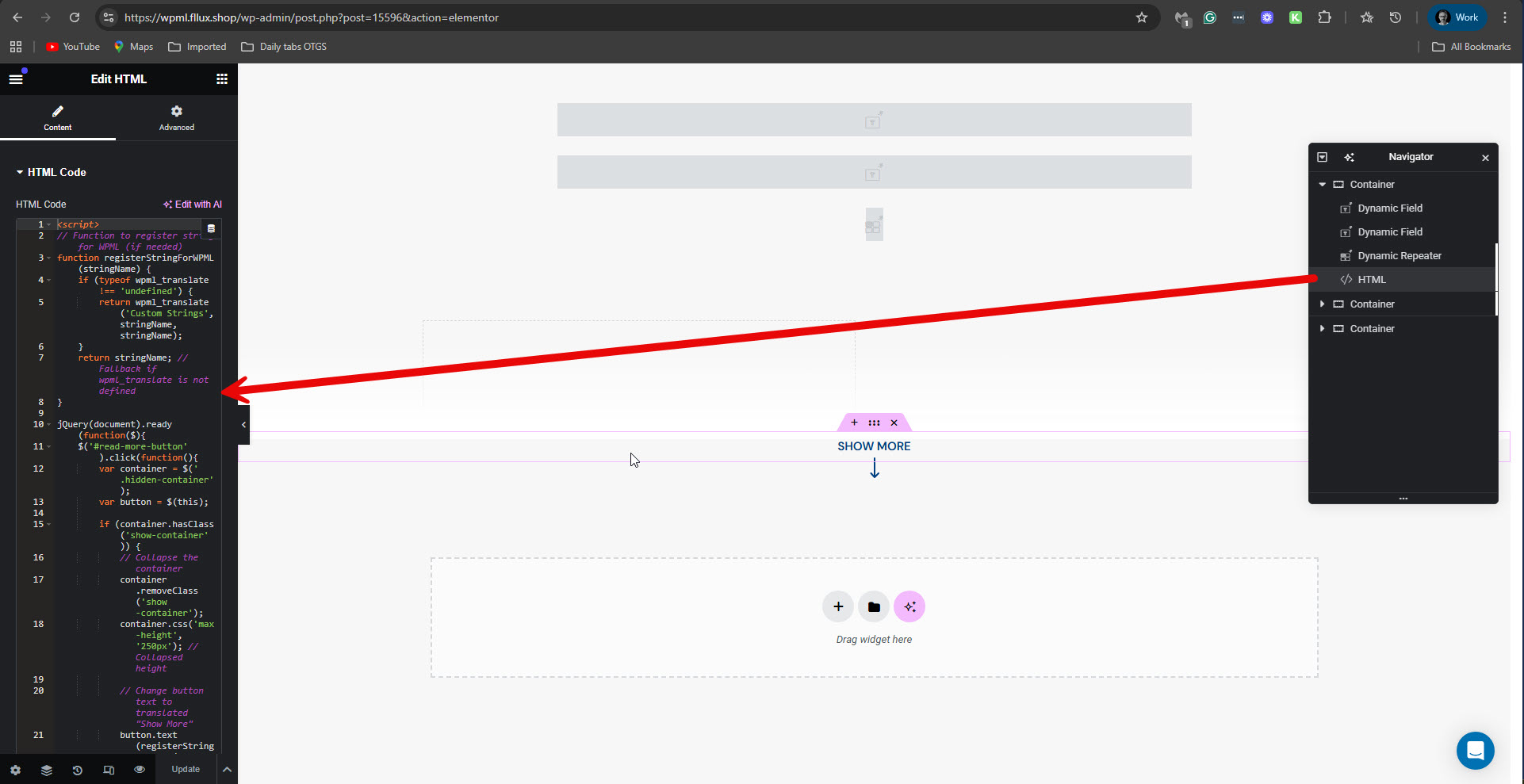
I further checked things on your staging site and wanted to ask you about the following. I edited the template in question, Product Details Template, using the Elementor editor: hidden link. I could see that it mainly consists of two Dynamic Fields, one Dynamic Repeater, and an HTML element that, in practice, contains JS. Please see the attached screenshots.
Could you please explain which plugin adds the Dynamic Field and Repeater elements?
To the best of my knowledge, those elements are not from the Elementor Pro plugin. I was unable to decipher which Elementor add-on adds them to your site.
Additionally, could you please explain the JavaScript code within the HTML elements?
Why did you insert it like this, and what is its purpose?
Hello, the dynamic elements are added by Jet Elements, and that script was used to register some Strings that were not being processed automatically, but feel free to remove it for testing!
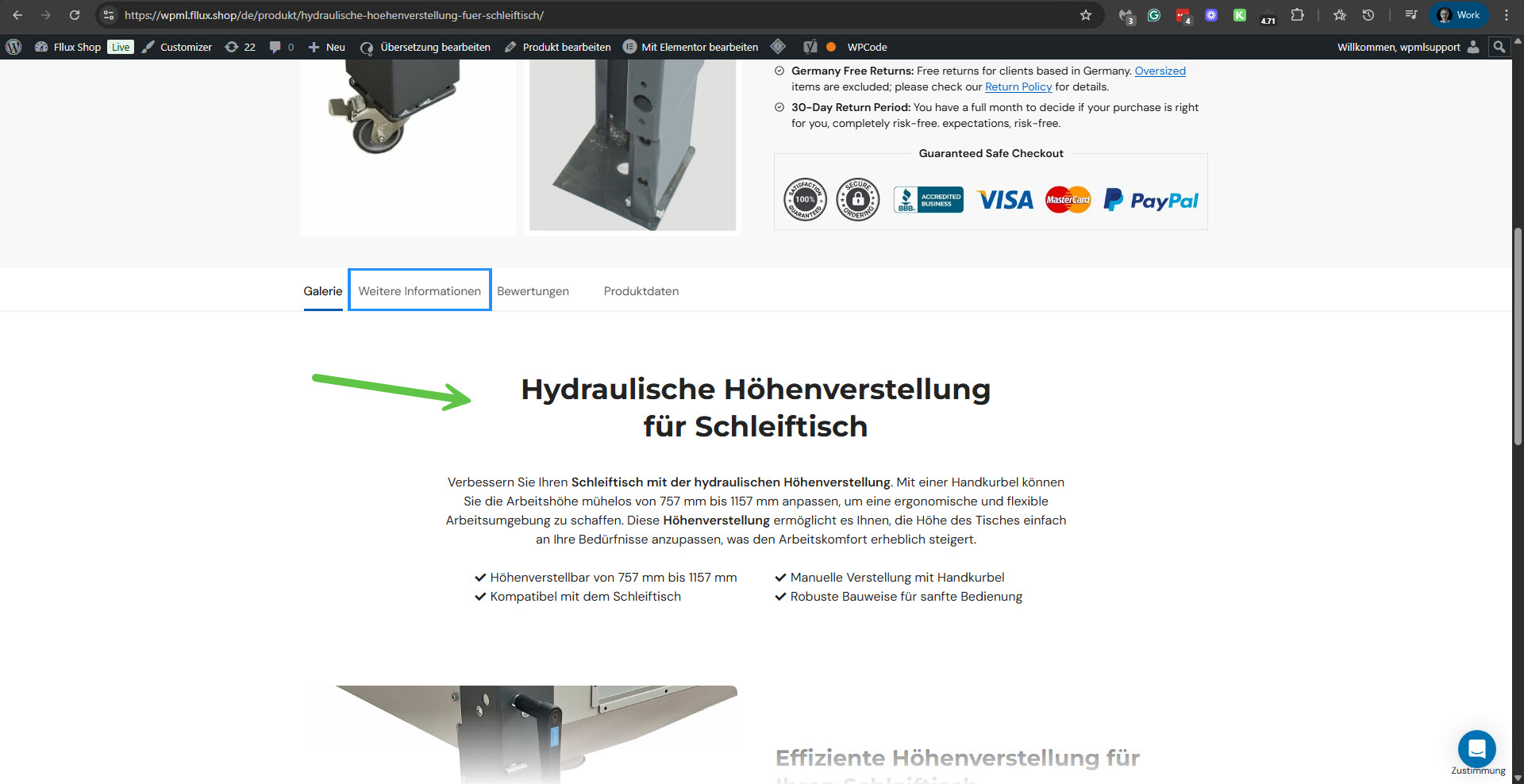
I've rechecked things on your staging site, and I don't see the problem there now. All the translated products show the description. For example, I checked the following product: hidden link. The description is showing. Please see the attached screenshot. I also checked several other products. For example:
hidden link hidden link hidden link hidden link
Please also watch a video I recorded here. hidden link
It appears that the problem is no longer there.
Can you please confirm this?
Otherwise, please send me a link to a product that exhibits this issue.
Hi Itamar, I think I mentioned before, you don't see the problem on MOST of the products because those products haven't been "broken" yeat
Broken meaning, as I've mentioned, you go into a product that shows German correctly, you go in the product editor, click on Edit German (or update, even though it exists) just to update and save, then, on the German version, the translation is in English. Can you try this? Is not relevant that you don't see the German not having an issue, that's because I didn't break the products translations as I've identified it on the first 2-3 translations that I've instantly started the ticket.
I apologize for missing the point that to replicate the problem, it is necessary to update the translation using WPML's Translation Editor. I could see it with a product, for example: hidden link. I noticed that the Classic Translation Editor is the first on your site. Please see the attached screenshot.
Have you always used the Classic Translation Editor for translation on your site?
1. Update WPML and its add-ons to their latest versions.
2. Update Elementor + Pro and the Jet Engine plugins to their latest versions.
3. Apply the suggested workaround from the erratum page and save the file. Note that the line number may not be precisely 293 as specified, but this code will be close to this line number.
4. Make a slight change to the original product in English and click the Update button. This will trigger a change also for the translation.
5. Edit the translation and complete it.
6. Check if it fixed the problem on the translated product.
**** Important! Please make a full site backup (files and DB) before you proceed with those steps****
If the problem remains unresolved, please allow me to take a copy of your site. For this, I need to install a plugin like Duplicator or All-in-One Migration. Please let me know if you agree.
Regards,
Itamar.
The topic ‘[Closed] Template inside Elementor inside Product Page doesnt get translated anymore OR identified either’ is closed to new replies.