This thread is resolved. Here is a description of the problem and solution.
Problem:
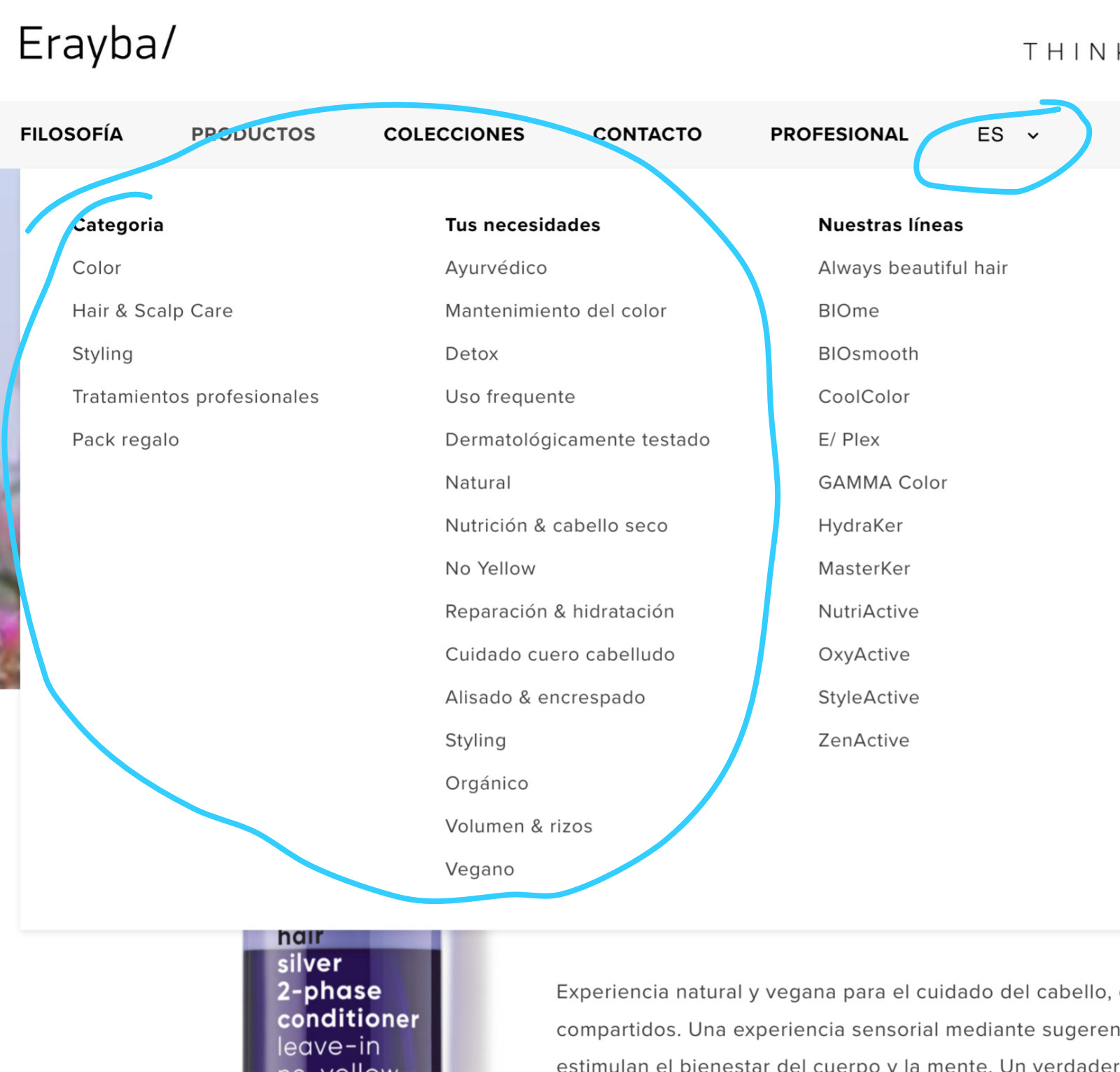
The client was experiencing 404 errors on translated shop category pages in Spanish for specific categories like 'Categoria' and 'Tus Necesidades'. Additionally, there was an issue with updating WPML plugins as the update option was not visible.
Solution:
1. Resolve 404 Errors:
- Go to WPML → Taxonomy Translation and select Product Categories. Ensure all translation fields are filled for each category, including singular name, plural name, and slug.
- Ensure each translated category has at least one product assigned.
- Resave permalinks by navigating to Settings → Permalinks and clicking Save Changes.
- Clear all caches, including any caching plugins and browser cache.
- Optionally, set WPML to display default language products when translations are missing by adjusting settings in WPML → Settings → Post Types Translation and Taxonomies Translation.
2. Update WPML Plugins:
- Back up the website and database.
- Download the OTGS Installer from the WPML.org account and delete current WPML plugins.
- Upload and activate the OTGS Installer, then reinstall WPML plugins via the Commercial tab in Plugins → Add New Plugin.
- Reactivate WPML plugins.
If these steps do not resolve your issues or if the solution seems outdated, we recommend checking related known issues at https://wpml.org/known-issues/, verifying the version of the permanent fix, and confirming that you have installed the latest versions of themes and plugins. If further assistance is needed, please open a new support ticket at WPML support forum.
This is the technical support forum for WPML - the multilingual WordPress plugin.
Everyone can read, but only WPML clients can post here. WPML team is replying on the forum 6 days per week, 22 hours per day.