Skip to content Skip to sidebar

This thread is resolved. Here is a description of the problem and solution.

Problem:
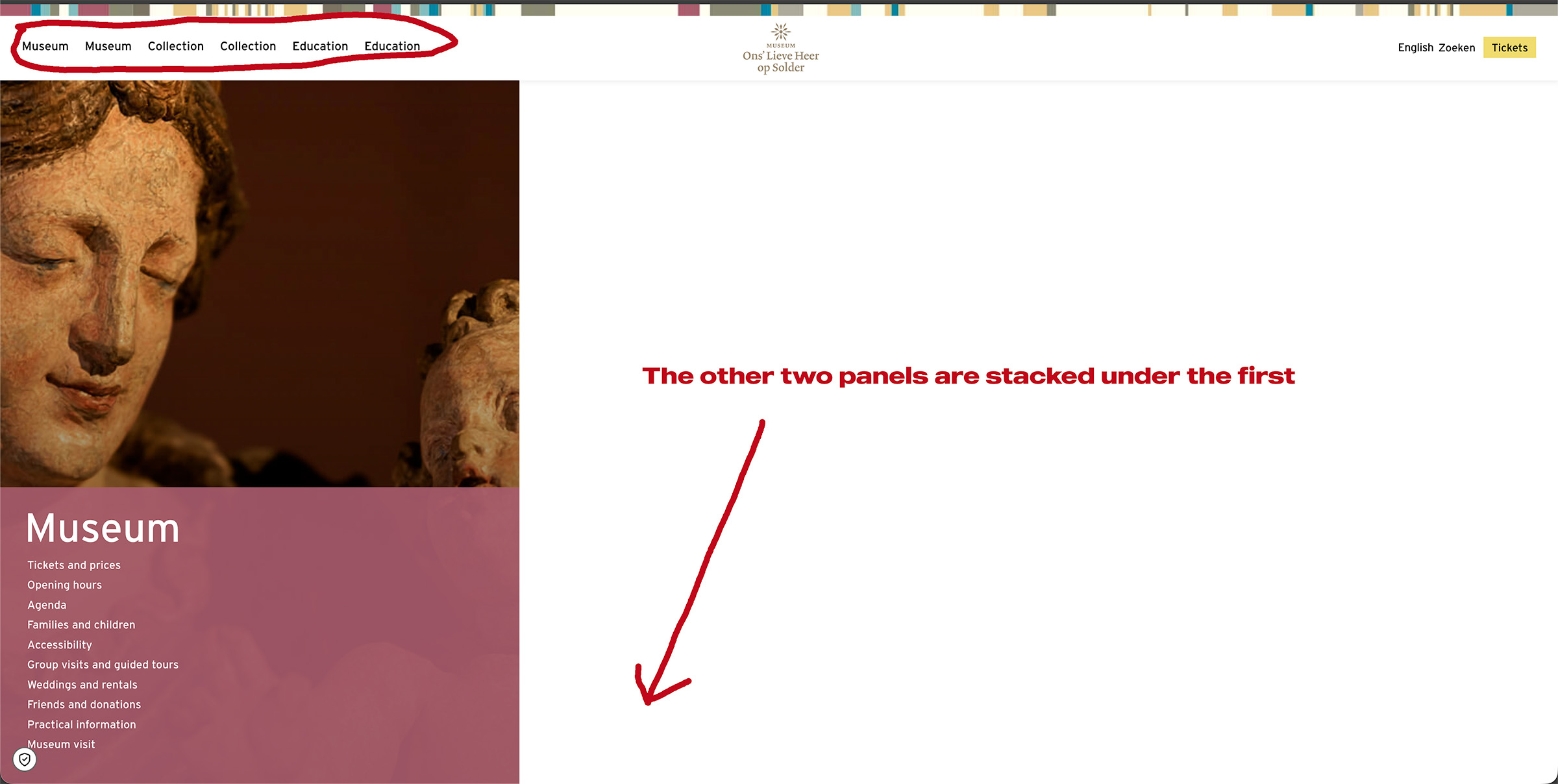
Every time the client has a page translated, the English navigation menu breaks. This includes both the top navigation menu and the three images used for navigation on the homepage.
Solution:
We recommend checking the following steps to resolve the issue:
1. Ensure that a new site key is created specifically for the staging site using the correct staging URL, and that the key is properly registered on the site.
2. Verify if any other plugins might be blocking the requests.
3. Contact your hosting provider to ensure that outgoing requests are not being blocked and ask them to whitelist the following domains:

  • wpml.org
  • cdn.wpml.org
  • api.wpml.org
  • api.toolset.com
  • cloudfront.net

For more detailed information, please visit https://wpml.org/faq/wpml-plugin-cannot-connect-to-wpml-org/.

If these steps do not resolve the issue, we recommend checking related known issues at https://wpml.org/known-issues/, verifying the version of the permanent fix, and confirming that you have installed the latest versions of themes and plugins. If the problem persists, please open a new support ticket for further assistance.

This is the technical support forum for WPML - the multilingual WordPress plugin.

Everyone can read, but only WPML clients can post here. WPML team is replying on the forum 6 days per week, 22 hours per day.

Tagged: 

This topic contains 5 replies, has 0 voices.

Last updated by Andrey 2 weeks, 5 days ago.

Assisted by: Andrey.

Author Posts
April 14, 2026 at 3:58 pm #17969466

basilK-2

Everytime my client has a page translated, the English nav menu breaks.
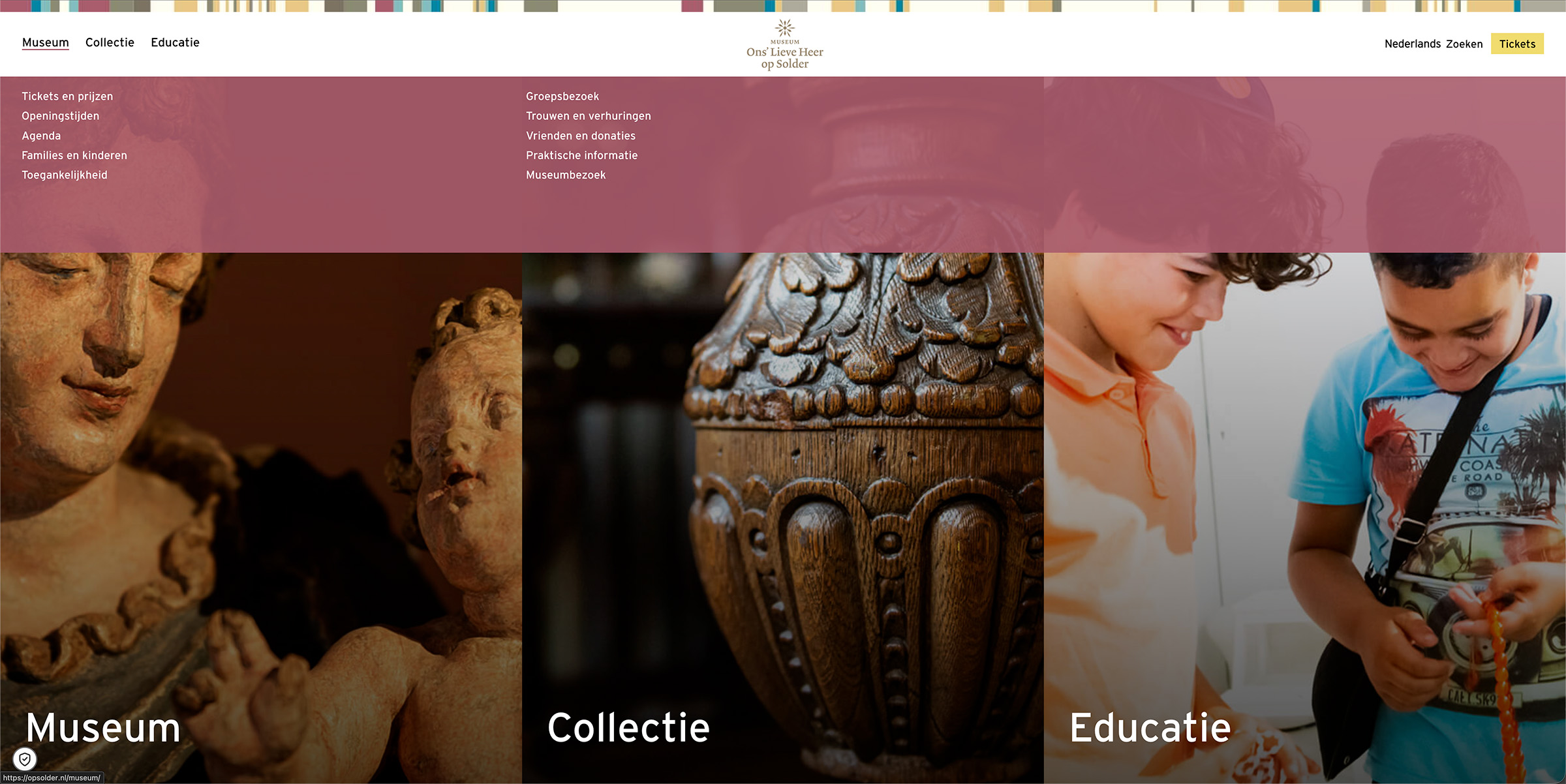
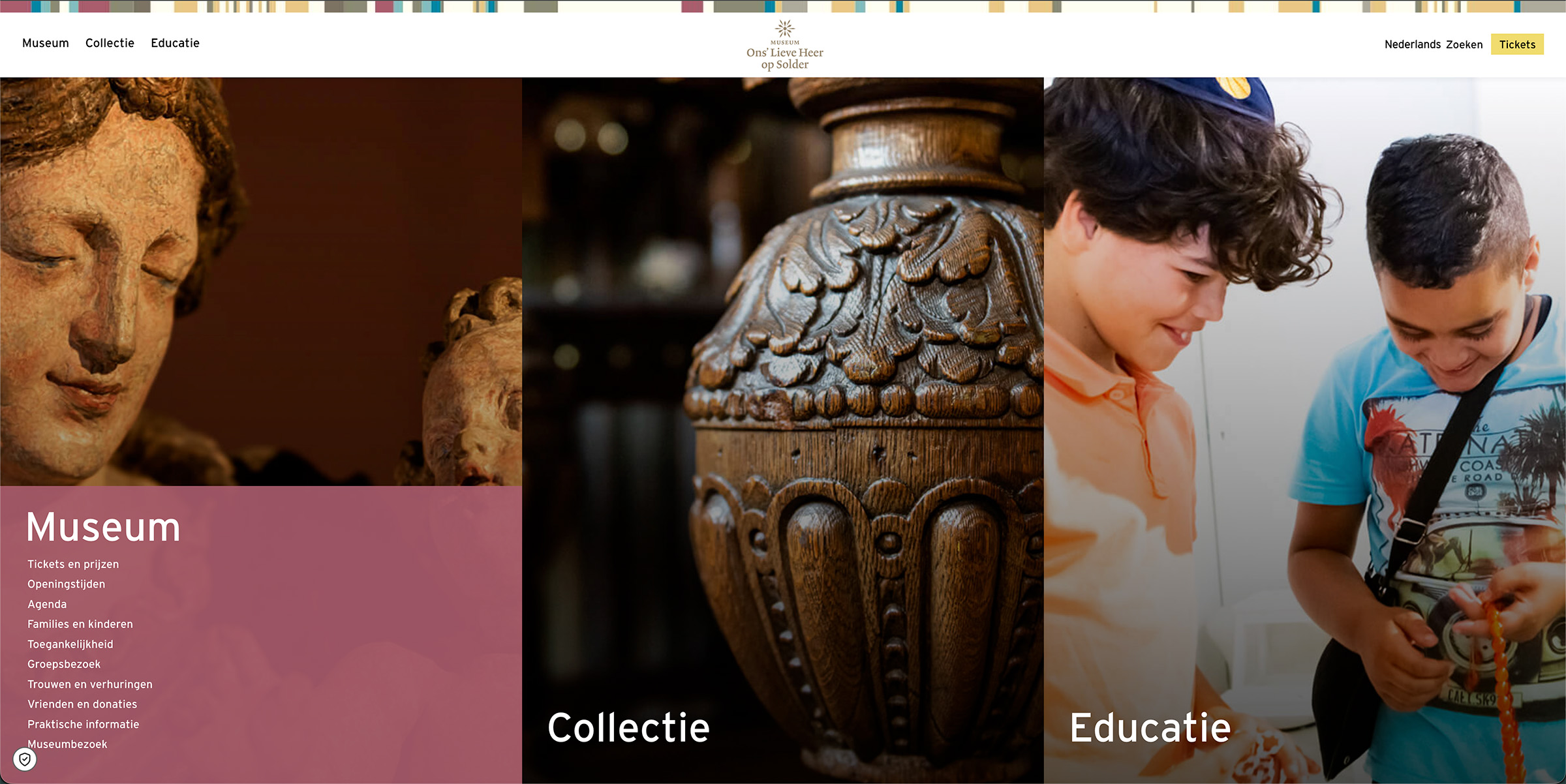
On the homepage there are two ways of navigating:
- Top nav menu (screenshot-1)
- The three images (screenshot-2)

When navigating the english pages the menu broke down (screenshot-3)
Website has been running with WPML for 4 years, I don't know why this happens now. Hope you can help!

Thanks!
Basil Kühne

April 14, 2026 at 6:47 pm #17969821

Andrey
WPML Supporter since 06/2013

Languages: English (English ) Russian (Русский )

Timezone: Europe/Kyiv (GMT+03:00)

Hello Basil,

Thank you for contacting WPML support.

Do I understand correctly that you need to fix the menu repeatedly? If so, could you please describe the exact steps you take to fix the issue each time?

Also:
• Are you able to reliably reproduce this behavior?
• Does the issue occur after translating any specific page, or does it happen randomly? Or any page?

Additionally, please make sure that all plugins, themes, and WordPress itself are updated to the latest versions.

April 15, 2026 at 9:57 am #17970783

basilK-2

Hi Andrey,

Thank you for your reply.

I reverted to a backup to fix the menu, because I couldn't manage to fix it otherwise.

I have a staging website where I want to reproduce the issue, but WPML on this site is not connected with wpml.org (This site has moved to a new location) and I don't see how I van do this. (wpml: Unable to register: Site key not matching).

hidden link

April 15, 2026 at 10:52 am #17970923

Andrey
WPML Supporter since 06/2013

Languages: English (English ) Russian (Русский )

Timezone: Europe/Kyiv (GMT+03:00)

Thank you for your feedback.

I’ve checked our firewall logs for your staging site, and it is not being blocked from our end.

Please make sure that you have created a new site key specifically for the staging site, using the correct staging URL, and that the key has been properly registered on the site.

If the issue persists, please check whether any other plugins might be blocking the requests.

If the problem still continues, I recommend contacting your hosting provider to ensure that outgoing requests are not being blocked. You can also ask them to whitelist the following domains:
• wpml.org
• cdn.wpml.org
• api.wpml.org
• api.toolset.com
• cloudfront.net

More details can be found here:
https://wpml.org/faq/wpml-plugin-cannot-connect-to-wpml-org/

April 15, 2026 at 1:24 pm #17971555

basilK-2

Thanks, the staging site is connected to WPML again. I've tried to replicate the issue but could't do it. I've talked to my client and agreed to have them do all the content and translation updates on the last working backup step by step to see if they're doing something that breaks the english navigation. I'll let you know if when that's done.

April 15, 2026 at 4:05 pm #17972018

Andrey
WPML Supporter since 06/2013

Languages: English (English ) Russian (Русский )

Timezone: Europe/Kyiv (GMT+03:00)

Thank you for the update.

If the issue appears again, please try to note the exact sequence of steps that lead to it. This will help us to check further more effectively.

In the meantime, I hope everything continues to run smoothly with your translations.