This thread is resolved. Here is a description of the problem and solution.
Problem:
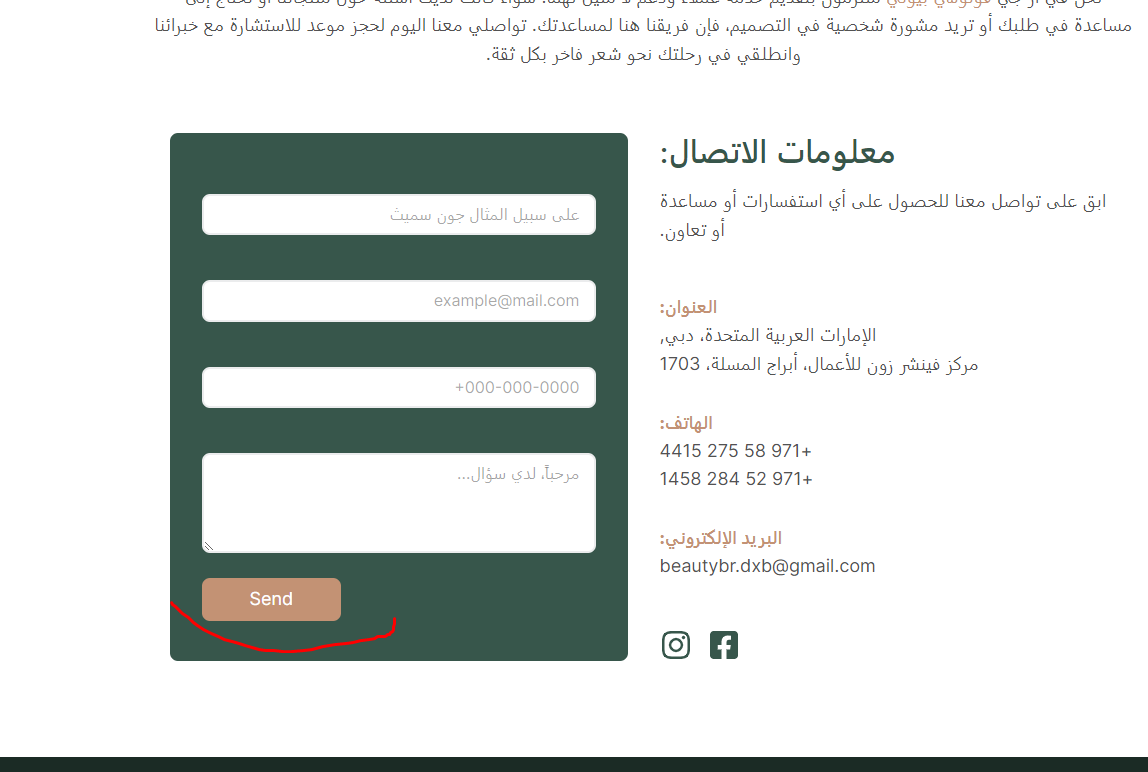
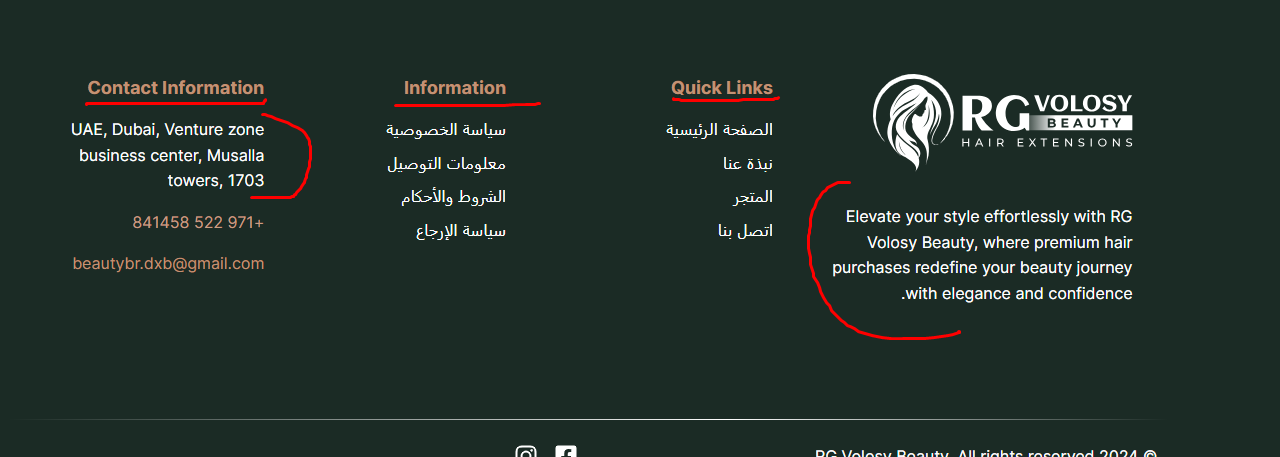
You need to translate the menu headings in the footer, the button in the form, and all pages related to the store. The site uses an additional Elementor plugin, and you are unable to see options to create another version for the Arabic language and link it with the English version. Additionally, the automatic translation is not functioning as expected.
Solution:
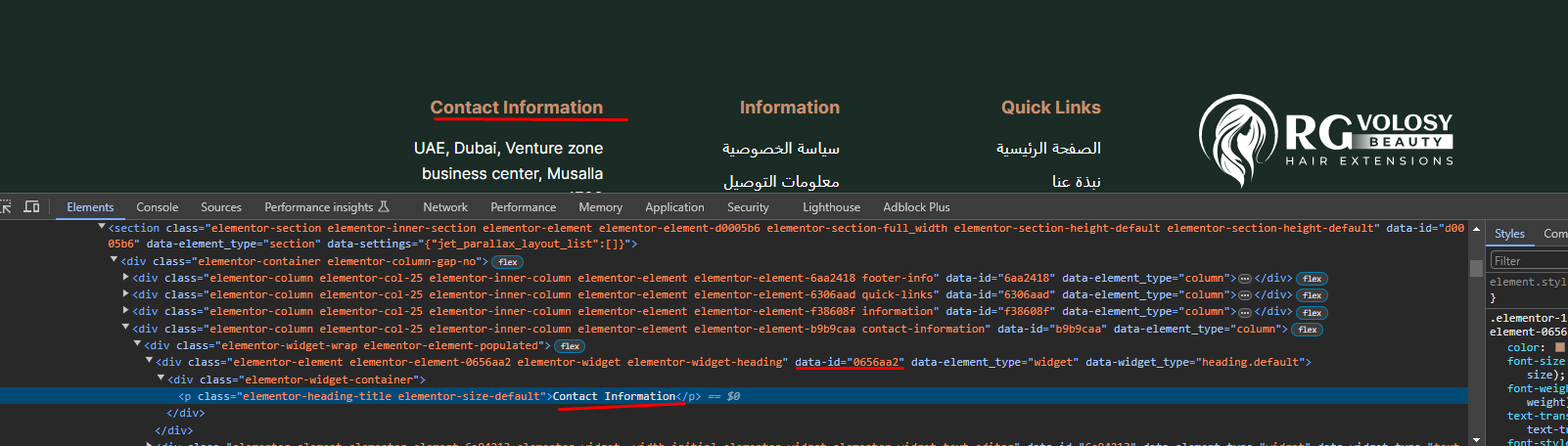
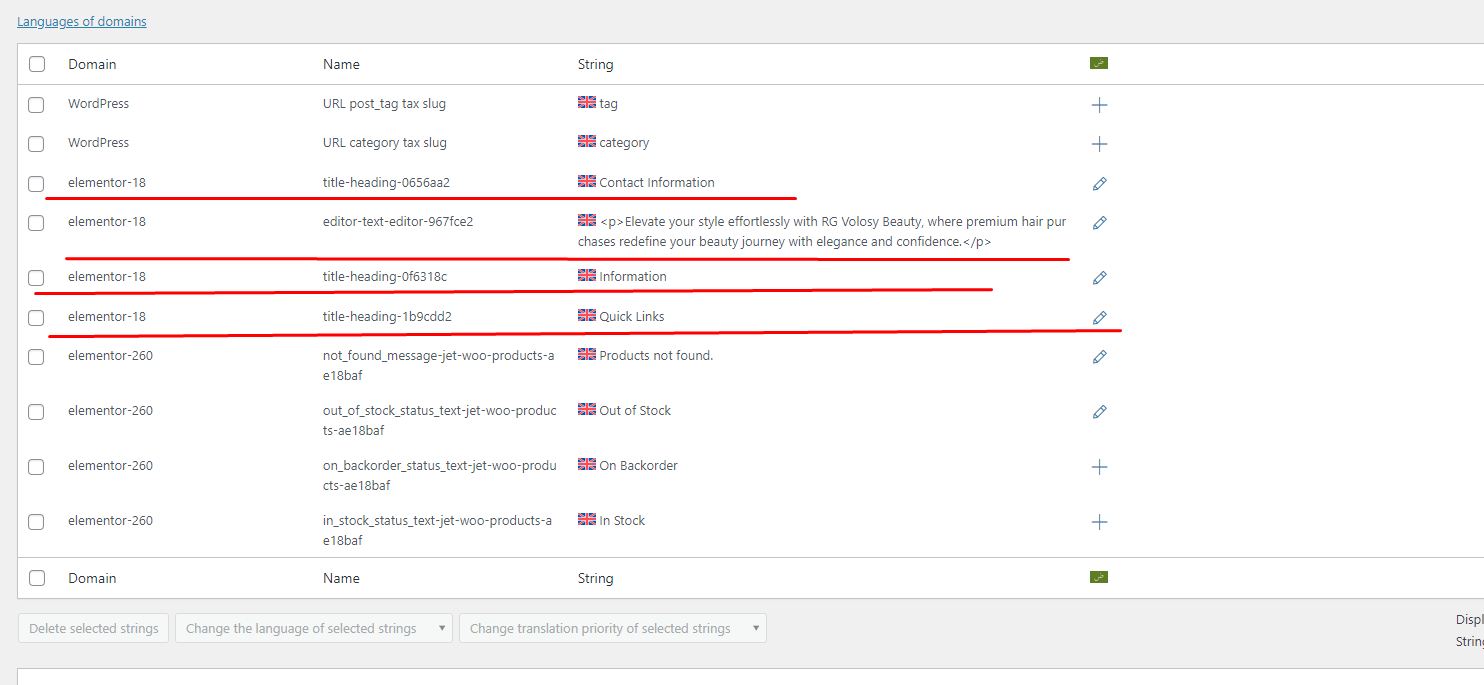
To translate the contact form button, please edit the form in the original language, then edit the translation in the Advanced Translation Editor. Search for the button text and translate it. For the footer created with an Elementor template, translate the template and check the translation footer content in the frontend again. Refer to the documentation here and here.
For translating the footer template and other templates, go to WPML > Settings > Post types translation, set the post type "jet-theme-core" preference to "Translatable - only show translated items" and enable the "Translate - automatically" option. Refer to the documentation here.
If this solution does not resolve your issue or seems irrelevant due to being outdated or not applicable to your case, we highly recommend checking related known issues here, verifying the version of the permanent fix, and confirming that you have installed the latest versions of themes and plugins. If further assistance is needed, please open a new support ticket here.
This is the technical support forum for WPML - the multilingual WordPress plugin.
Everyone can read, but only WPML clients can post here. WPML team is replying on the forum 6 days per week, 22 hours per day.
This topic contains 4 replies, has 2 voices.
Last updated by 1 year, 10 months ago.
Assisted by: Long Nguyen.