This thread is resolved. Here is a description of the problem and solution.
Problem:
You are trying to use the automatic translation feature in WPML to translate your homepage into French and Dutch, but encounter issues with the homepage layout and missing slider in the translated versions. Additionally, you received error 126932055 when attempting to translate.
Solution:
First, enable debugging on your site to identify any underlying errors by adding the following code to your wp-config.php file:
In this case, a fatal PHP error related to the 'wcboost-wishlist' plugin was causing the issue. Disabling this plugin resolved the problem. Additionally, ensure that your products are set to 'Translate' instead of 'Display as translated' and translate each product accordingly.
If this solution does not resolve your issue or seems outdated, we recommend checking related known issues at https://wpml.org/known-issues/, verifying the version of the permanent fix, and confirming that you have installed the latest versions of themes and plugins. If problems persist, please open a new support ticket with us for further assistance.
This is the technical support forum for WPML - the multilingual WordPress plugin.
Everyone can read, but only WPML clients can post here. WPML team is replying on the forum 6 days per week, 22 hours per day.
Background of the issue:
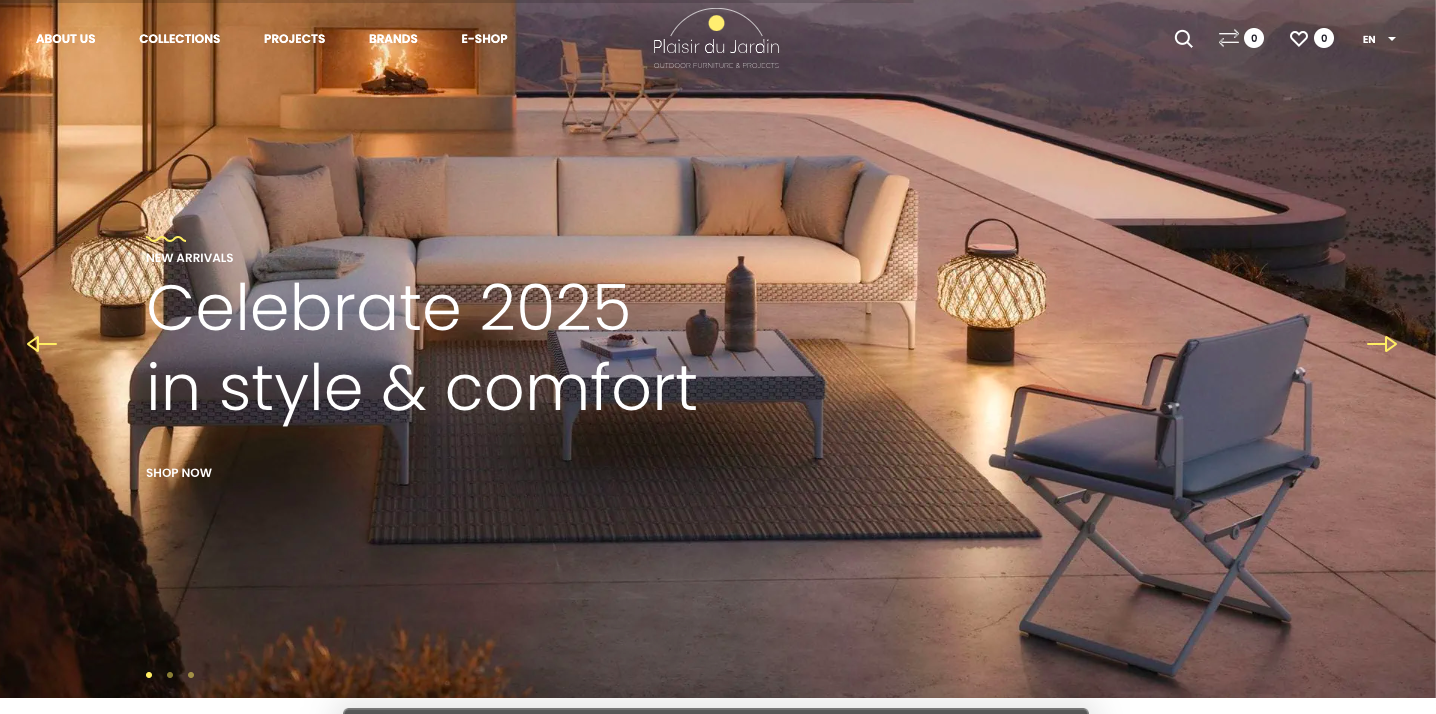
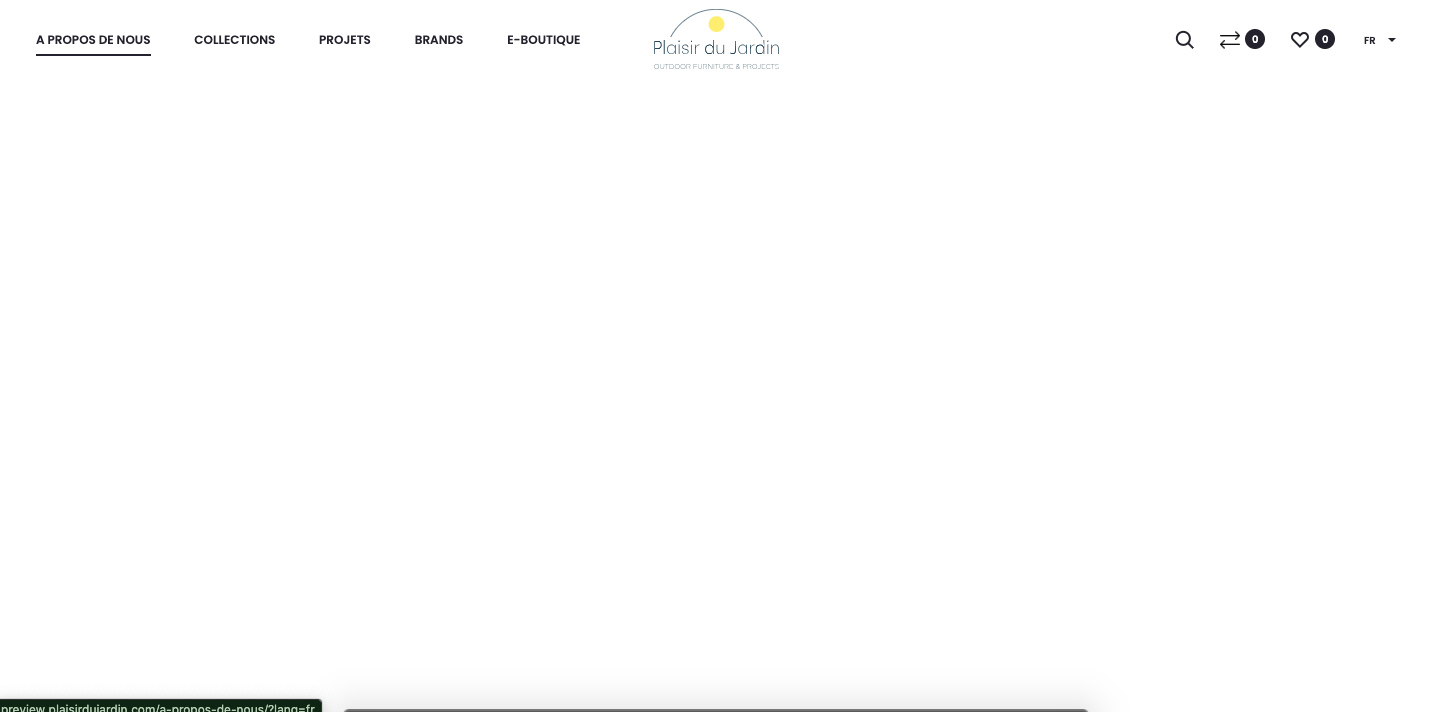
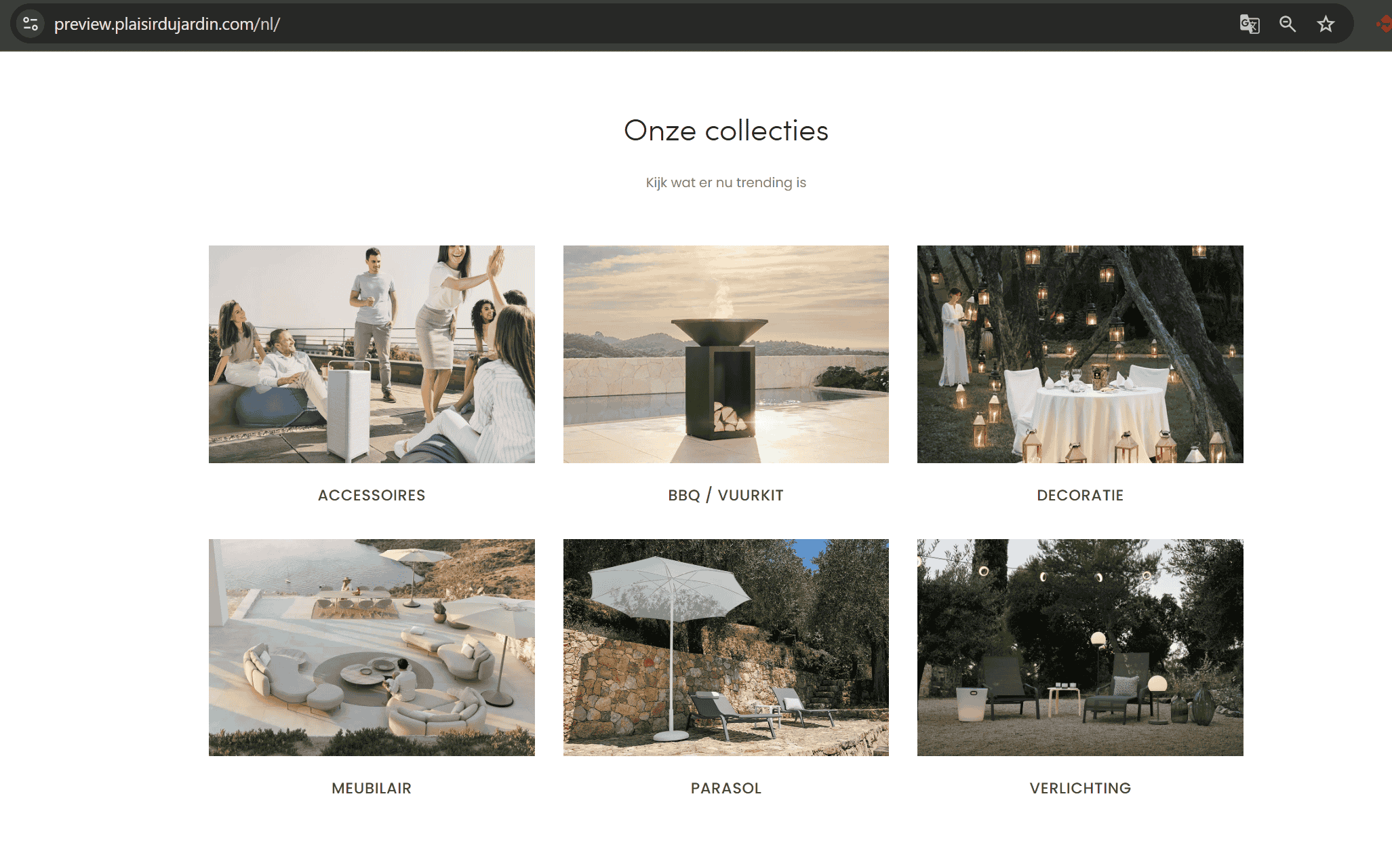
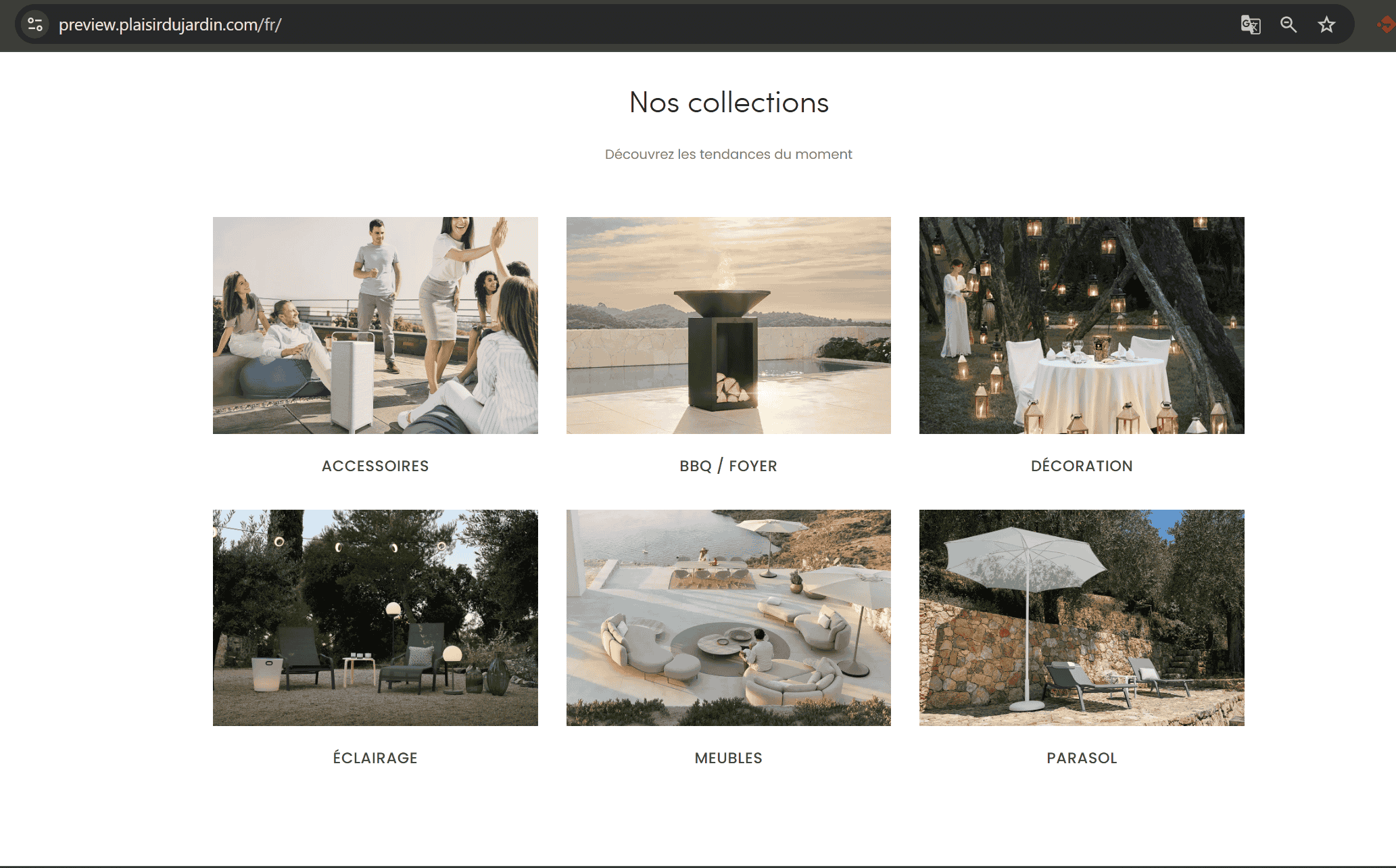
I am trying to use the automatic translation option in WPML to translate all pages, including the homepage, into French and Dutch. The homepage should look like hidden link but in FR and NL. The issue can be seen at hidden link.
Symptoms:
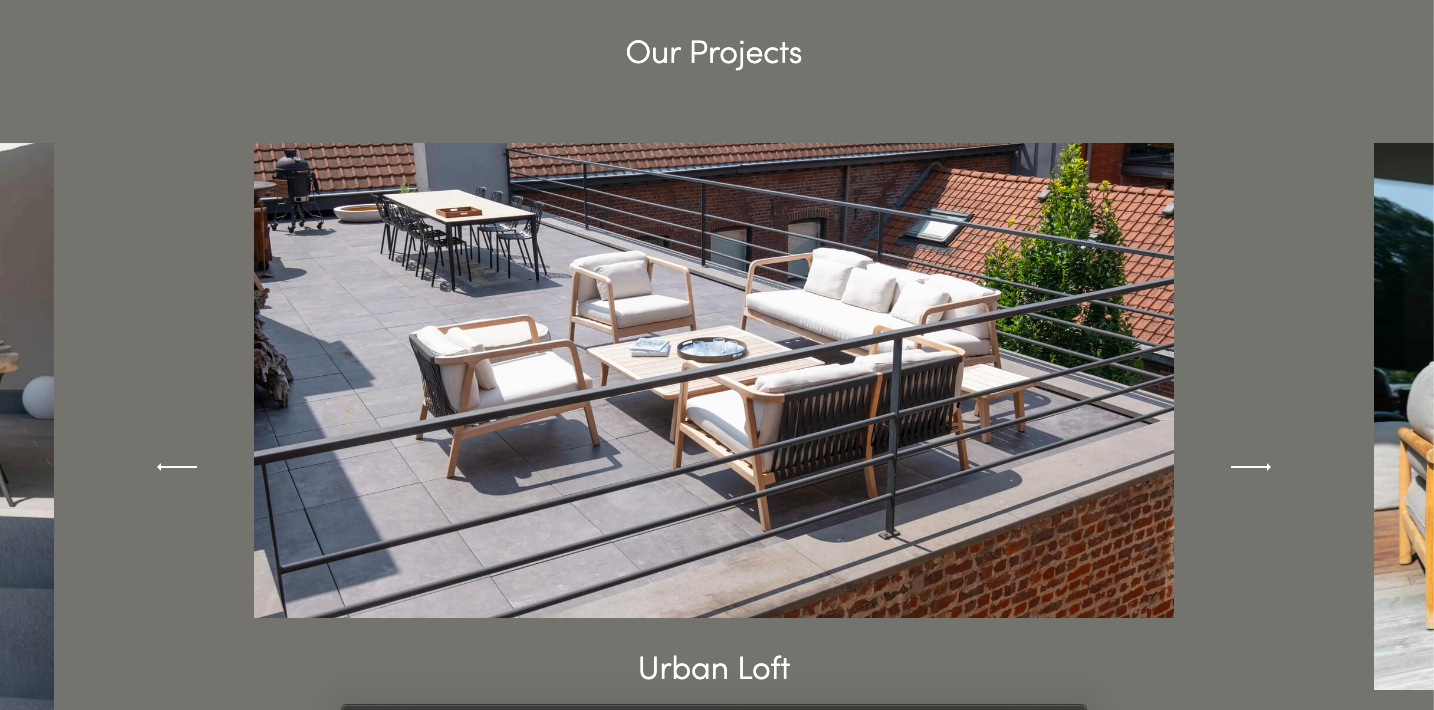
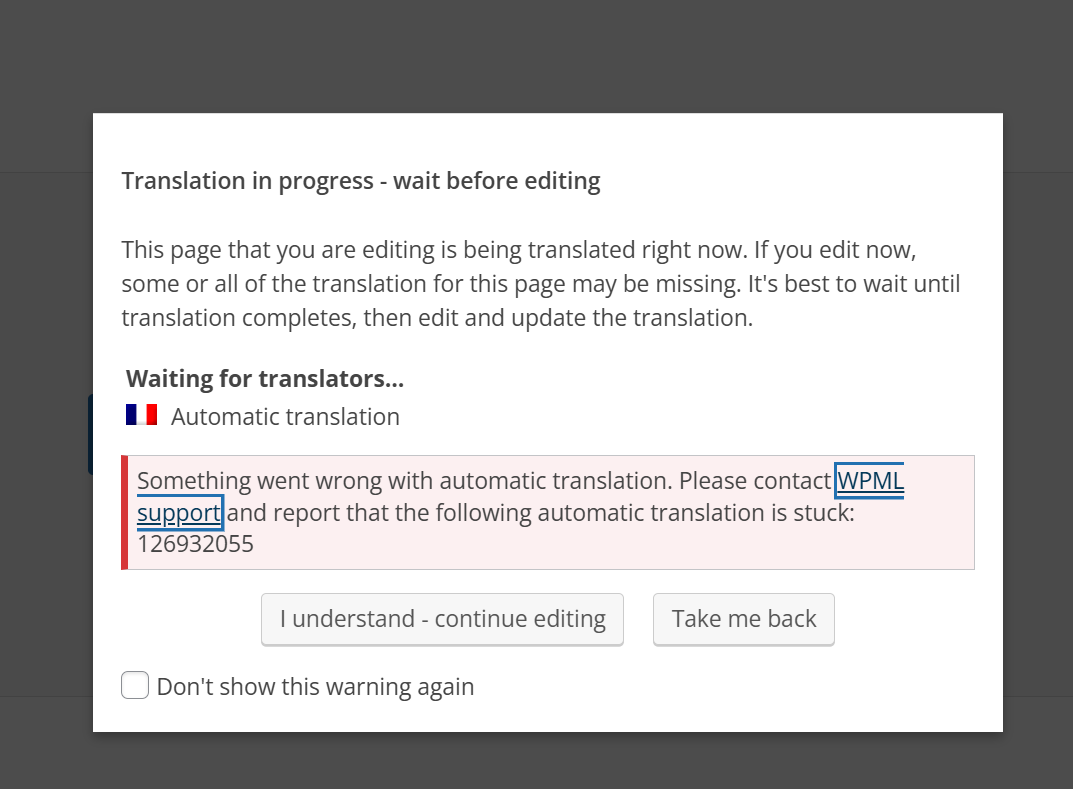
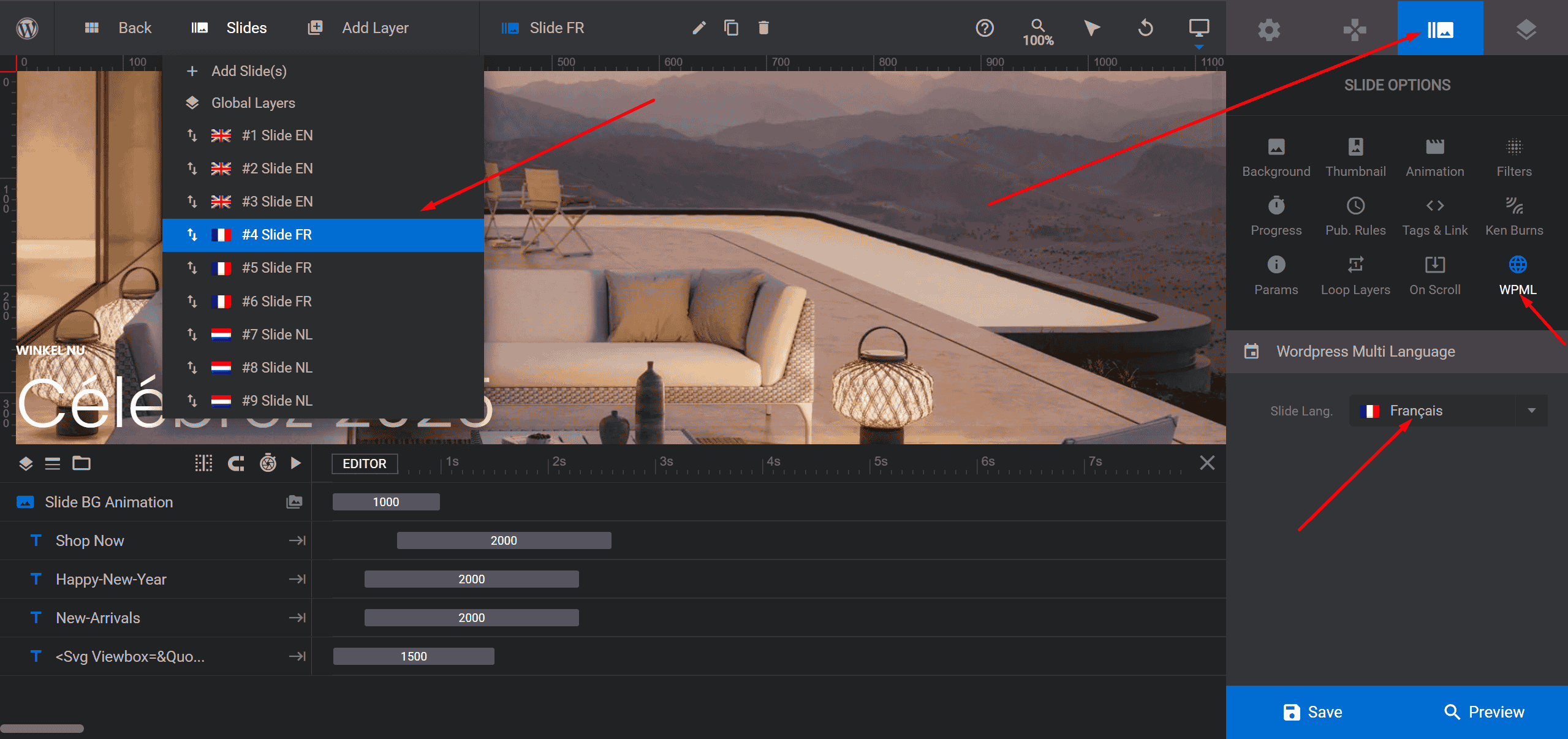
The homepage is not being translated properly, affecting the layout and template. The slider on the homepage is not showing in the translated version, although it works on the English homepage. Disabling the slider did not resolve the issue. Additionally, I received an error 126932055 when trying to auto translate from ENG to FR.
Questions:
Why is the homepage not translating properly?
What is causing the layout and template issues on the translated homepage?
Why is the slider not appearing on the translated homepage?
What does error 126932055 mean and how can I resolve it?
To debug this issue further, I would need to check your site settings once, for this I would need temporary access (wp-admin and ftp) to your site.
So could you please provide me with those details, you will find the needed fields for this below the comment area when you log in to leave your next reply. hidden link
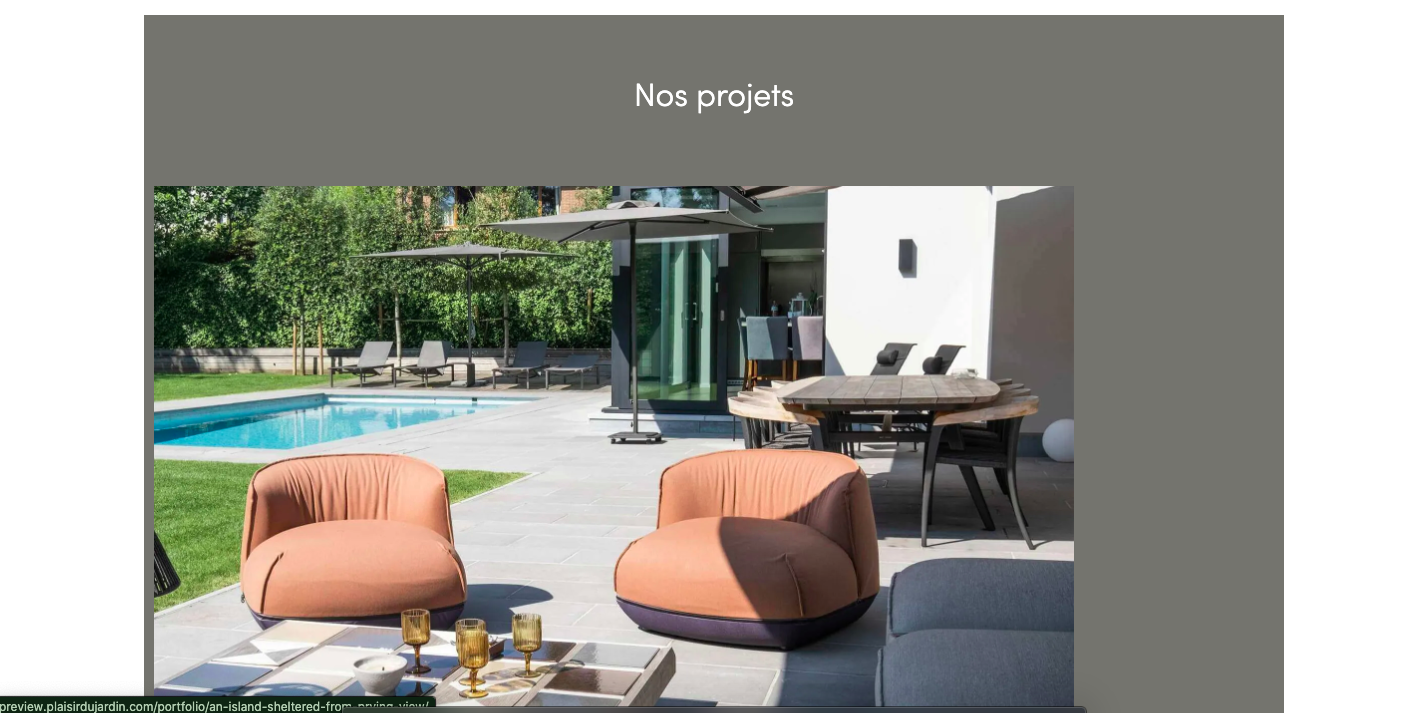
On the french page, hidden link I can see the products at the bottom is not showing which is blocking the footer to be rendered and it's creating the whole issue.
I tried to enable wp_debug to see the error, but I don't have permission to modify the wp-config.php file,
So, can you please follow the below steps and share me the results.
 PHP Fatal error:  Uncaught Error: Call to a member function get_id() on false in /var/www/html/wp-content/plugins/wcboost-wishlist/includes/frontend.php:501
Stack trace:
#0 /var/www/html/wp-content/plugins/wcboost-wishlist/includes/frontend.php(460): WCBoost\Wishlist\Frontend->get_button_template_args()
#1 /var/www/html/wp-content/themes/sober/inc/class-sober-wc.php(1249): WCBoost\Wishlist\Frontend->loop_add_to_wishlist_button()
#2 /var/www/html/wp-includes/class-wp-hook.php(324): Sober_WooCommerce->show_product_loop_buttons()
If I disable the plugin wcboost-wishlist, the problem doesn't exist, please check once.
Also, the products are set as "Display as translated" and it seems to be like issue with it, if you set the products to translate and translate product accordingly, it should fix the issue.
Thanks for the help Shekhar, but my slider still has one issue. But I can see only the first slide is loading in each language. Why aren't the others loading? Any idea on this how can I fix it?
Hello there, I need help regarding the display order of my categories. They are showing as expected in English, but in French and Dutch, the order is not the same.
Every ticket is reserved for resolving one specific matter, ensuring focused support, streamlined communication, and high-quality service. Therefore, please open new tickets for your other concerns.