[Resolved] Bulk translations are not using glossary term
This thread is resolved. Here is a description of the problem and solution.
Problem: You have a term in your glossary translating "WA HARDFACE" from English to Portuguese as "WA HARDFACE". However, when translating WooCommerce products in bulk, the term "HARDFACE" sometimes incorrectly translates to "REVESTIMENTO" instead of remaining "HARDFACE", despite being correctly translated when done individually. Solution: Our 2nd Tier Support has identified this issue and a fix will be applied server-side. Currently, there isn't anything you can do on your end to resolve this issue. We recommend waiting for the server-side update to take effect.
Please note that this solution might be outdated or not applicable to your specific case. If the problem persists, we highly recommend checking related known issues at https://wpml.org/known-issues/, verifying the version of the permanent fix, and confirming that you have installed the latest versions of themes and plugins. If needed, please open a new support ticket at WPML support forum for further assistance.
This is the technical support forum for WPML - the multilingual WordPress plugin.
Everyone can read, but only WPML clients can post here. WPML team is replying on the forum 6 days per week, 22 hours per day.
I have a term in the glossary from English "WA HARDFACE" to Portugues "WA HARDFACE".
**I have now translated all my Woocommerce products twice and wasted a lot of credits because of this issue.
I have a couple of products e.g. HARDFACE AP-G in English which should also translate to HARDFACE AP-G in Protuguese as well, becuase of the term "WA HARDFACE" I have added to the glossary. However, this only works with the glossary when I translate a product individual.
When I translate all my products in bulk, it ignores the glossary and translates HARDFACE to REVESTIMENTO. Resulting in HARDFACE AP-G being translated to REVESTIMENTO AP-G. Additionally, this HARDFACE to REVESTIMENTO translation only happens in some cases, other times it is still HARDFACE to HARDFACE as required.
Please assist.
Thanks for your response. I also tested on the sandbox site you created and I am unable to replicate the issue there.
I believe the issue here is really the number of products being translated at a time. *A better ideal test would be to import my glossary as is as well as all my products and then retranslate ALL products in bulk in the sandbox. That would be a better 1:1 comparison. Please let me know if that makes sense and if we can do that.
*On my site and the sandbox, when I translate a handful of products or one at a time, it works fine as previously mentioned. The issue only shows up when I translate ALL my products (400+) in one batch.
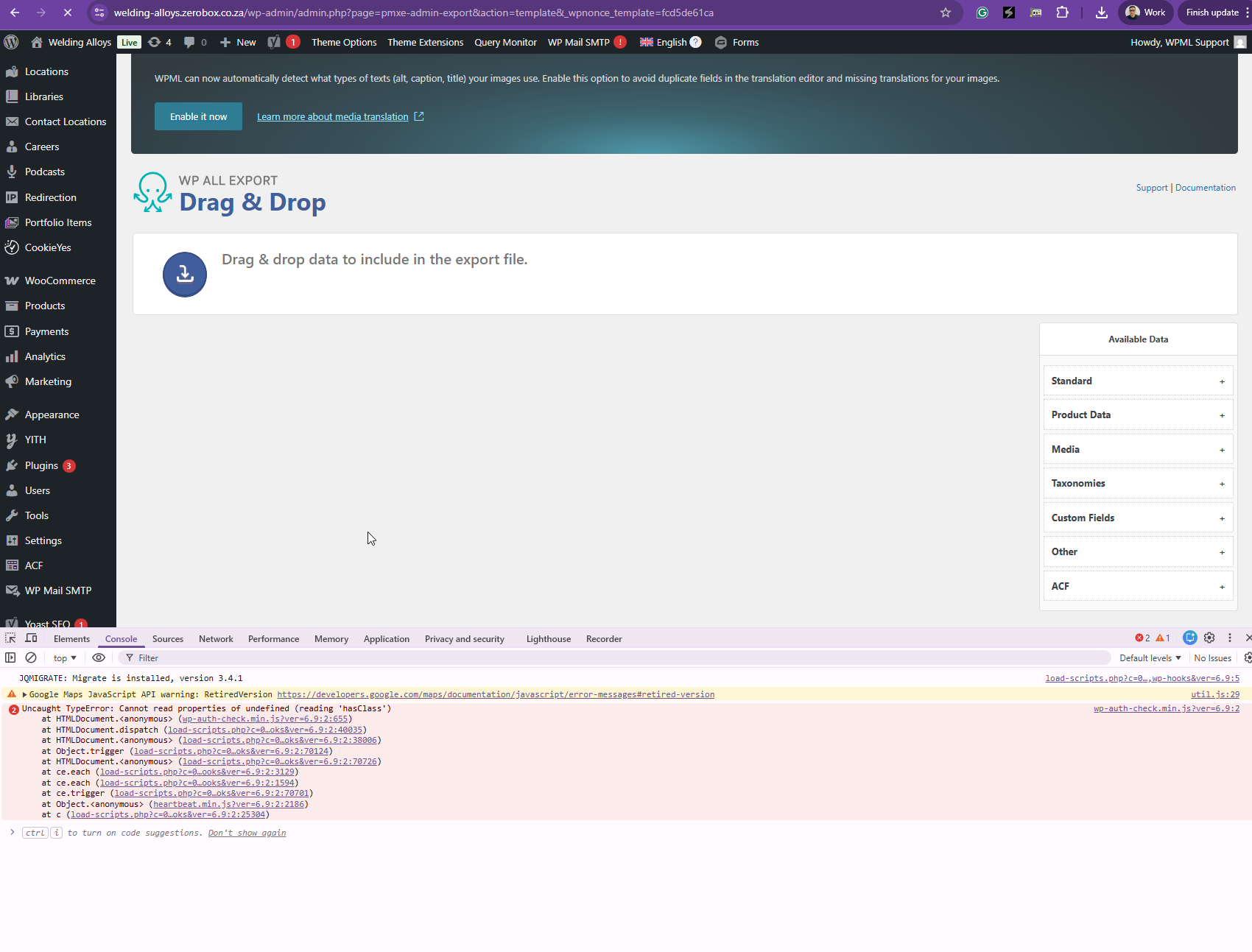
Thanks for your reply. I tried to export the products, but it got stuck here hidden link as shown in the attached screenshot with errors.
Could you please export your "English language" products and share the CSV file with me here? You can upload the CSV into dropbox or Google Drive and share the link with me.
Thanks for your reply. I've imported the products and also your glossaries, and could you please test this on our sandbox site and let me know if the issue persists? I've tested a few products, and it seems to work fine.
Hi again,
The issue still persists. Although on the sandbox, I picked up only 2 products that are not respecting "HARDFACE" in the glossary, please see:
1. hidden link
2. hidden link
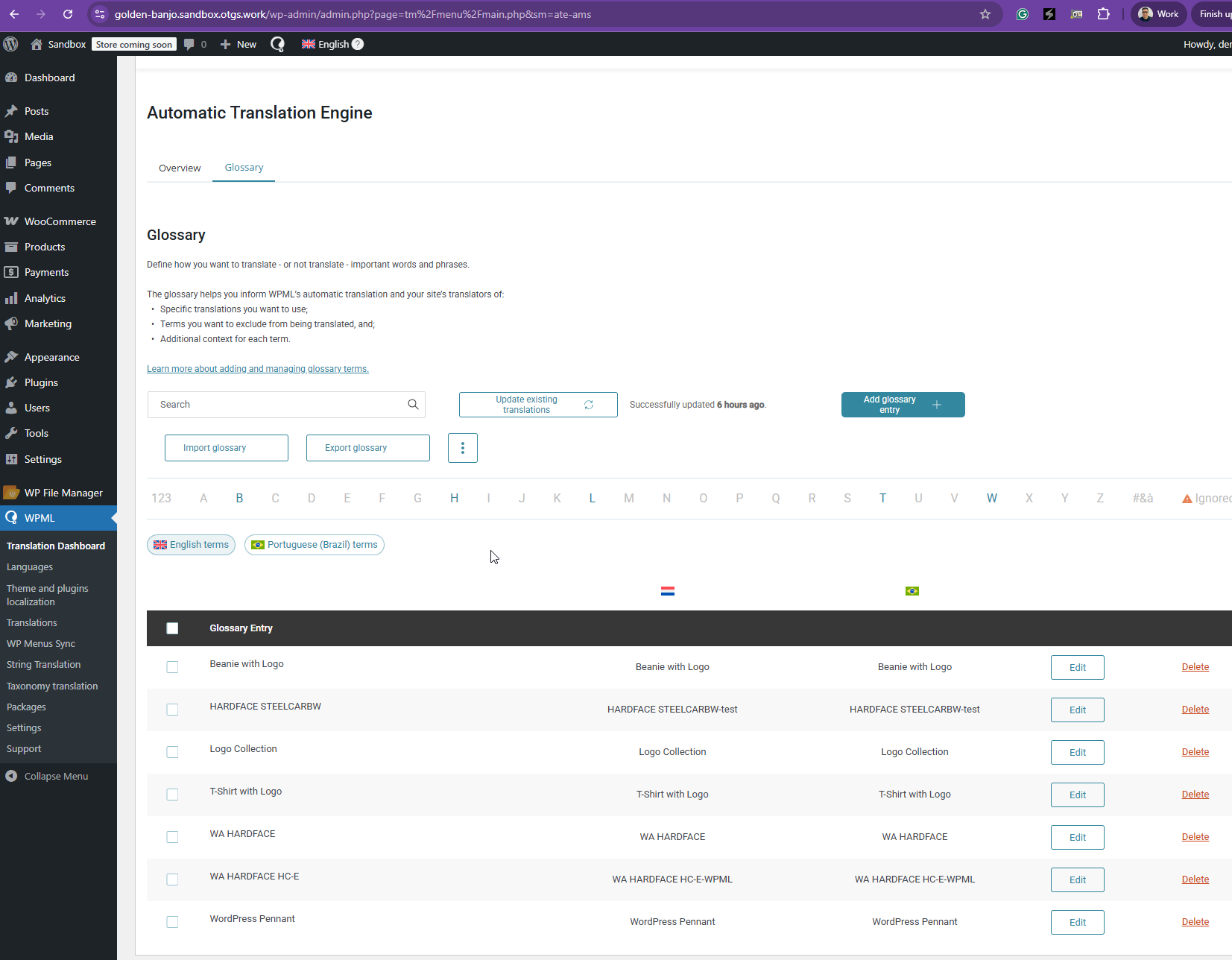
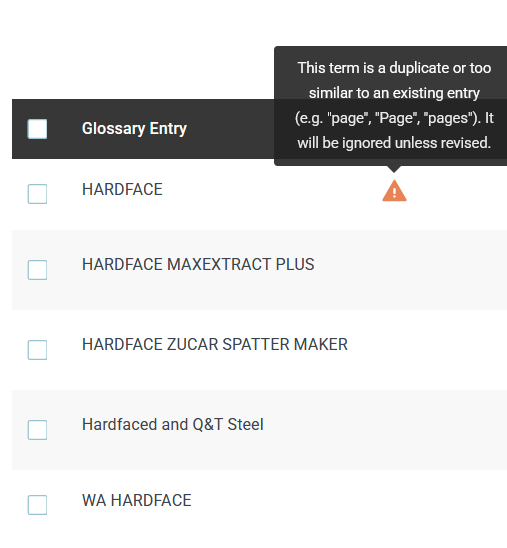
Thanks for your reply. I’ve checked the glossary, but I don’t see the term "HARDFACE" that you mentioned when I inspected the sandbox site. Has it been removed? I've attached a screenshot showing all the available glossaries in the sandbox Website while checking on it.
This is my attempt hidden link . I've manually added the term "HARDFACE" and translated two products, like what you've done. It works fine for me.
Also, to help us replicate the issue, could you please share a short screen recording demonstrating the problem? You can use this free tool: hidden link
. Alternatively, you can list the steps to reproduce the issue.
Once I have enough information, I’ll be able to escalate this to our 2nd Tier Support for further investigation.
The term in the glossary is "WA HARDFACE" not "HARDFACE". I had previously removed "HARDFACE" from the glossary before the translations.
I am not sure a screen recording will help here, because that also requires retranslating ALL my products.
Again, here is the issue, please let me know if this provides some clarity, otherwise, can we please schedule a meeting where I am able to screenshare and explain the issue again.
1. When few products are translated, "WA HARDFACE" in the glossary is respected and all products that including HARDFACE or WA HARDFACE in the title, remain untranslated as intended.
2. When ALL products are translated (bulk), "some" products with HARDFACE in the title do not respect "WA HARDFACE" in the glossary and get translated as per previous examples.
Please see videos with the steps I have taken and the issue still persisting:
hidden link hidden link
Steps:
1. Glossary Deleted and Imported as per my site
2. Products Deleted in Portuguese and Retranslated
3. Issue - In this run, I pick up one product: hidden link > hidden link. The title did not use the glossary for the title - HARDFACE P-S, it was instead translated to REVESTIMENTO P-S
Just following up on this issue. Kindly advise ASAP on feedback or if the issue has been found and fixed so far or at least if there is a workaround for now. *This is currently holding up the translation of the entire site, and I am unable to move forward in order to avoid wating credits once again retranslating content.
Thanks for your reply. I’m currently gathering the relevant information and preparing a report to escalate this to our 2nd Tier Support.
Regarding the credits, there should be no double charges for the same translations. All translations are stored in the translation memory (https://wpml.org/documentation/translating-your-contents/how-wpml-keeps-track-of-your-translations/
). If WPML detects content that has already been translated and paid for, it will not charge credits again. You can safely continue using automatic translation in the meantime.
*All the content on my site is translated using the WordPress Editor and not the WPML Translation Editor.
**Please confirm that the translations in my case for all Products, Pages, Posts etc. would still be stored in the translation memory and I will not be double charge?
Once I get confirmation on the above, I will be retranslating my entire site again and then further retranslating any content (one at a time) that still doesn't use the term set in the glossary.
Thanks for your reply. To clarify, when using the WordPress Editor, translations are not stored in the translation memory, and Automatic Translation cannot be triggered from this editor.
To ensure translations are saved to the translation memory, please switch to the WPML Translation Editor and run Automatic(Charged with credits) or Manual Translation. The translated content will then be stored in the translation memory.
This means that if you later translate a new product with the same content, no additional credits will be charged, as the translation will be retrieved from the translation memory.
I hope this clears it up. Let me know if you've further questions.