This thread is resolved. Here is a description of the problem and solution.
Problem:
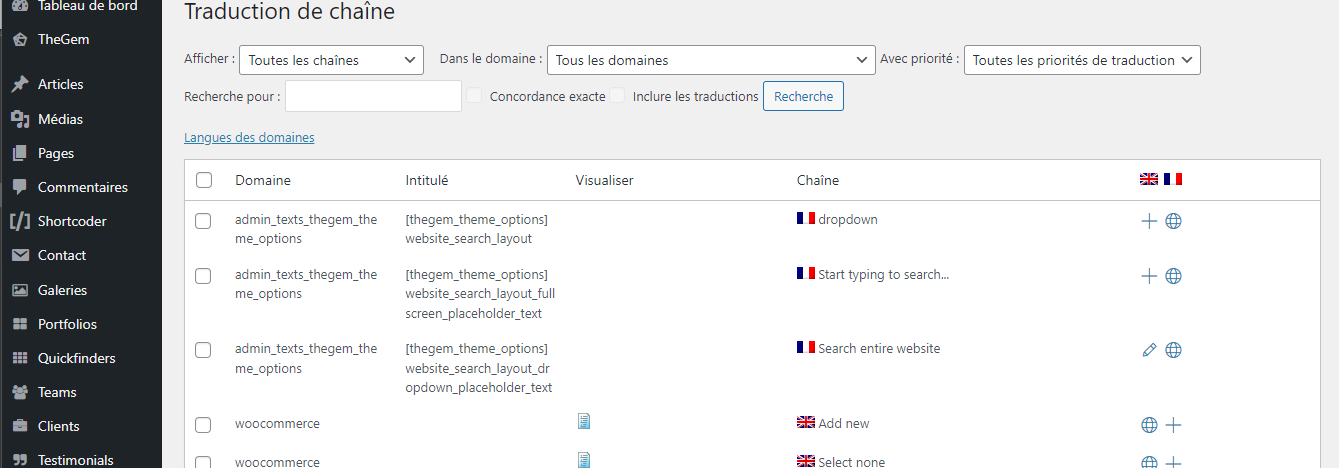
If you're unable to find and translate the placeholder text 'Search entire site' to French in your WPML setup, even after trying to enable auto-register strings.
Solution:
First, ensure that you scan your theme files for strings that might not appear on the WPML String Translation page. You can find detailed instructions on how to do this here: Scan the Theme or Plugin.
If the string still doesn't appear, you might need to access the 'Translating Strings From Admin and Settings' section to add the string manually to String Translation. Detailed steps can be found here: Translate Admin and Settings Strings.
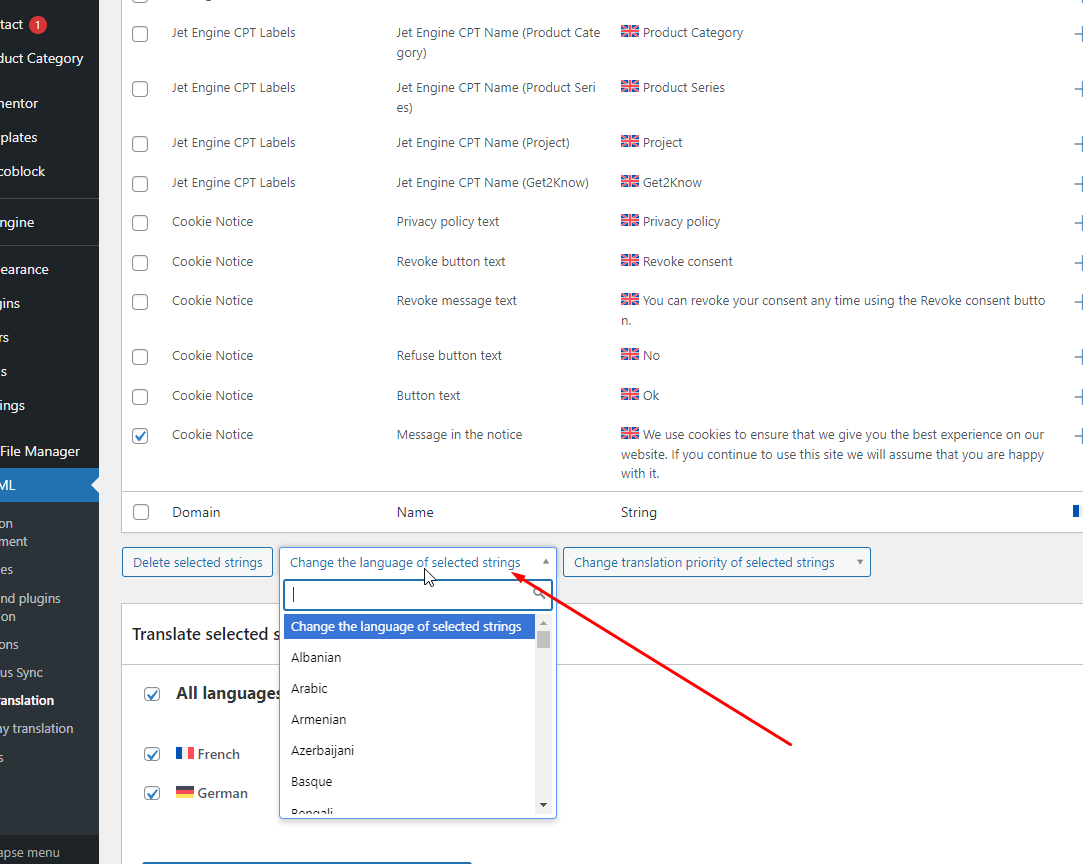
Lastly, if the strings appear reversed in different language versions of your site, ensure that you have correctly assigned the languages to each string in the WPML String Translation interface.
If this solution does not resolve your issue or seems outdated, we recommend opening a new support ticket. We also advise checking related known issues at https://wpml.org/known-issues/, verifying the version of the permanent fix, and confirming that you have installed the latest versions of themes and plugins. For further assistance, please visit our support forum at WPML Support Forum.
This is the technical support forum for WPML - the multilingual WordPress plugin.
Everyone can read, but only WPML clients can post here. WPML team is replying on the forum 6 days per week, 22 hours per day.