This thread is resolved. Here is a description of the problem and solution.
Problem:
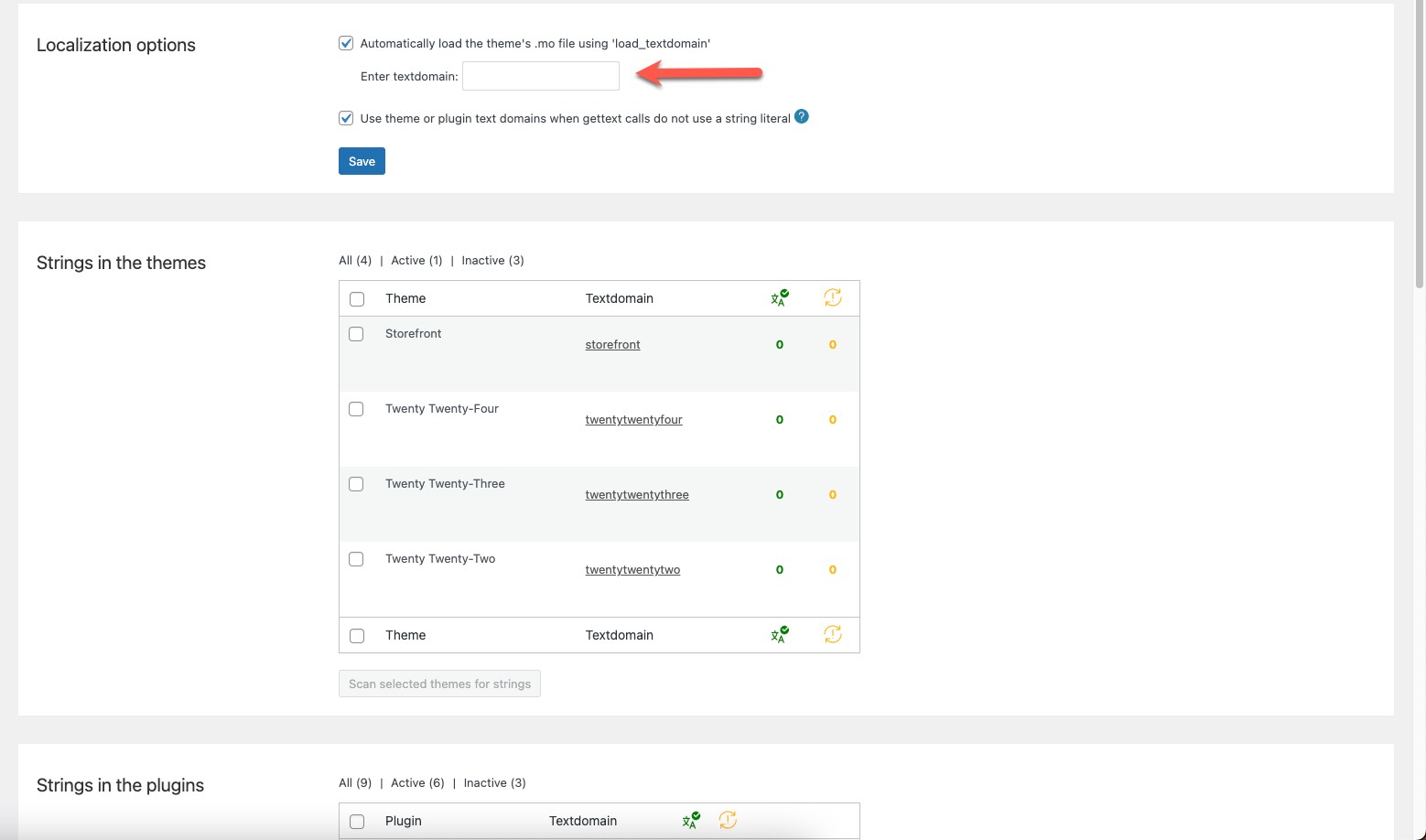
The client made changes to various PHP files in their theme, but after rescanning the files in WPML, the changes did not appear in the string translations. Additionally, text domains were not being scanned correctly, and even after correcting an incorrect text domain, the old one still appeared in the list of text domains for their theme.
Solution:
We recommended the client to follow a guide on translating PHP strings, which can be found here: https://wpml.org/documentation/support/translating-the-theme-you-created/.
Furthermore, we advised the client to check a specific reply that outlines steps to resolve issues with string translation not working for some admin strings, which can be accessed here: https://wpml.org/forums/topic/string-translation-not-working-for-some-admin-strings-checkout/#post-10964017.
If the solution provided is not relevant due to being outdated or not applicable to your case, we highly recommend checking related known issues at https://wpml.org/known-issues/, verifying the version of the permanent fix, and confirming that you have installed the latest versions of themes and plugins. Should you need further assistance, please do not hesitate to open a new support ticket. You can reach the WPML support forum here: https://wpml.org/forums/forum/english-support/.
This is the technical support forum for WPML - the multilingual WordPress plugin.
Everyone can read, but only WPML clients can post here. WPML team is replying on the forum 6 days per week, 22 hours per day.
This topic contains 5 replies, has 2 voices.
Last updated by 1 year, 11 months ago.
Assisted by: Osama Mersal.