[Resolved] French translation shows *Sorry, nothing to see here* warning
This thread is resolved. Here is a description of the problem and solution.
Problem: The client is experiencing issues with the French translation pages not working, while the English versions are functioning correctly. Solution: We recommend the following steps to resolve the issue: 1) Clear all types of caches to ensure the issue still exists. 2) Navigate to WPML >> Languages >> Make themes work multilingual. 3) Select the Adjust IDs for multilingual functionality option. 4) Save the changes. 5) Go to Settings >> Permalinks. 6) Resave the settings.
If the problem persists, it might be due to the solution being outdated or not applicable to your case. We highly recommend checking the related known issues, verifying the version of the permanent fix, and confirming that you have installed the latest versions of themes and plugins. If necessary, please open a new support ticket in the WPML support forum.
This is the technical support forum for WPML - the multilingual WordPress plugin.
Everyone can read, but only WPML clients can post here. WPML team is replying on the forum 6 days per week, 22 hours per day.
Welcome to the WPML support forum. I will do my best to help you to resolve the issue.
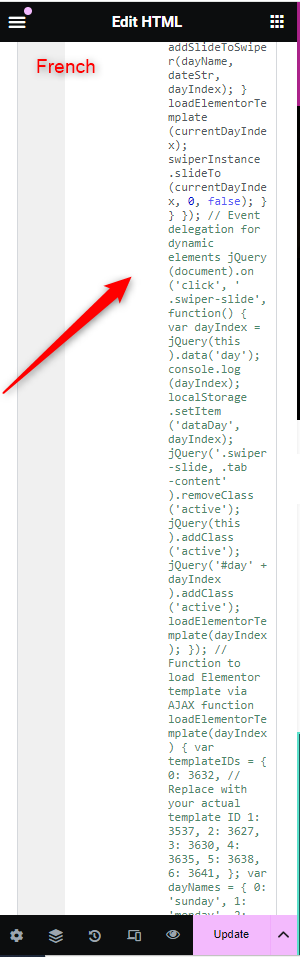
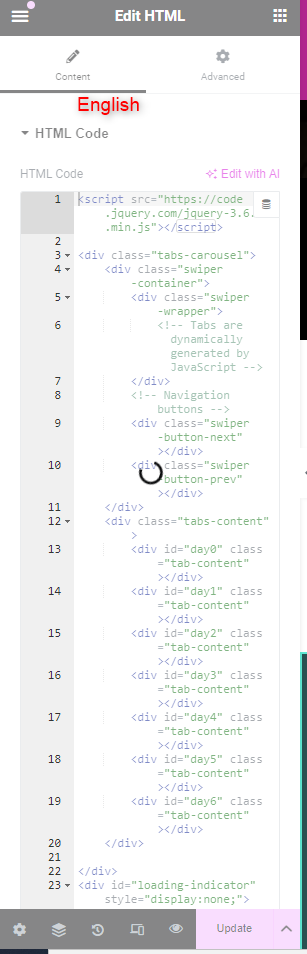
Please check the attached images. You are currently using Custom JavaScript to list the values on the *On Now* page. In French, a few of the code is commented out. It looks like a compatibility issue with custom codes.
So please consult about this with your developers and let us know your feedback.
Thank you for the updates. I had another round of checking in the code. For your kind information, we have support limitations here because of the custom coding.
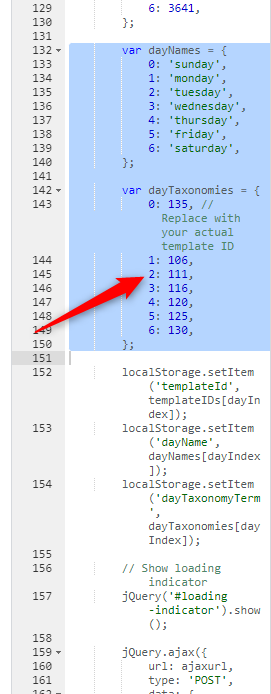
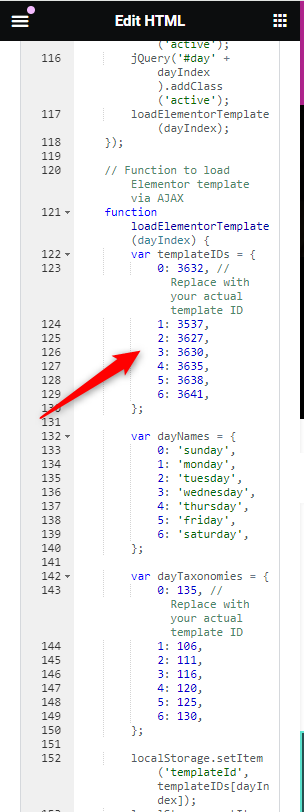
Please check the attached images. You are calling the following templates and a few taxonomies via JavaScript. So most probably you have to change the IDs on the translated page to work it as expected.
hidden link
hidden link
Please try it after a site backup and let us know your feedback.
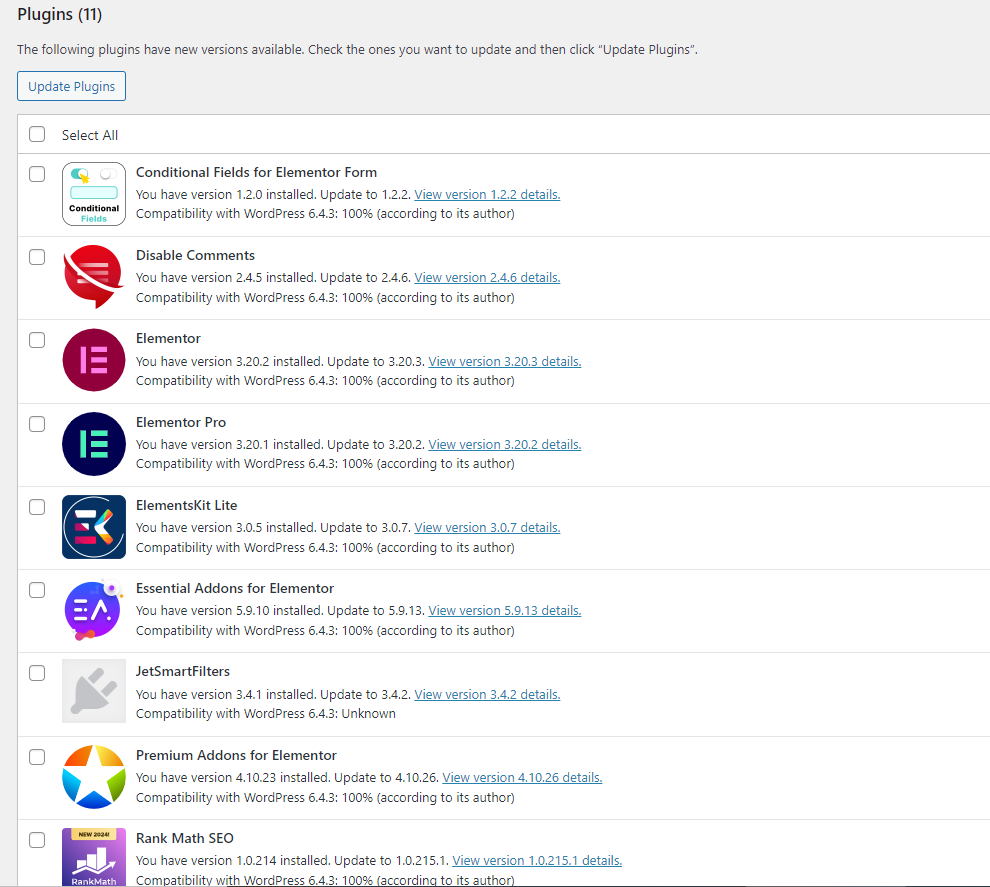
The issue is existing after the initial checks. So one request. Please upgrade to the latest version of plugins(including Elementor, Elementor Pro, and its custom add-ons) after a full site backup{mandatory} and make sure the issue exists or not. It will help us a lot in debugging.
Thank you for the updates. I made a new copy of the site and shared the details with our second-tier team for further checking. We will get back to you as early as possible. Please wait.
We are getting the expected results after the following steps. Please clear all types of caches and make sure the issue exists or not.
1) Visit WPML>>Languages>>Make themes work multilingual
2) Choose the *Adjust IDs for multilingual functionality* option
3) Save the changes
4) Visit Settings>>Permalinks
5) Resave the settings
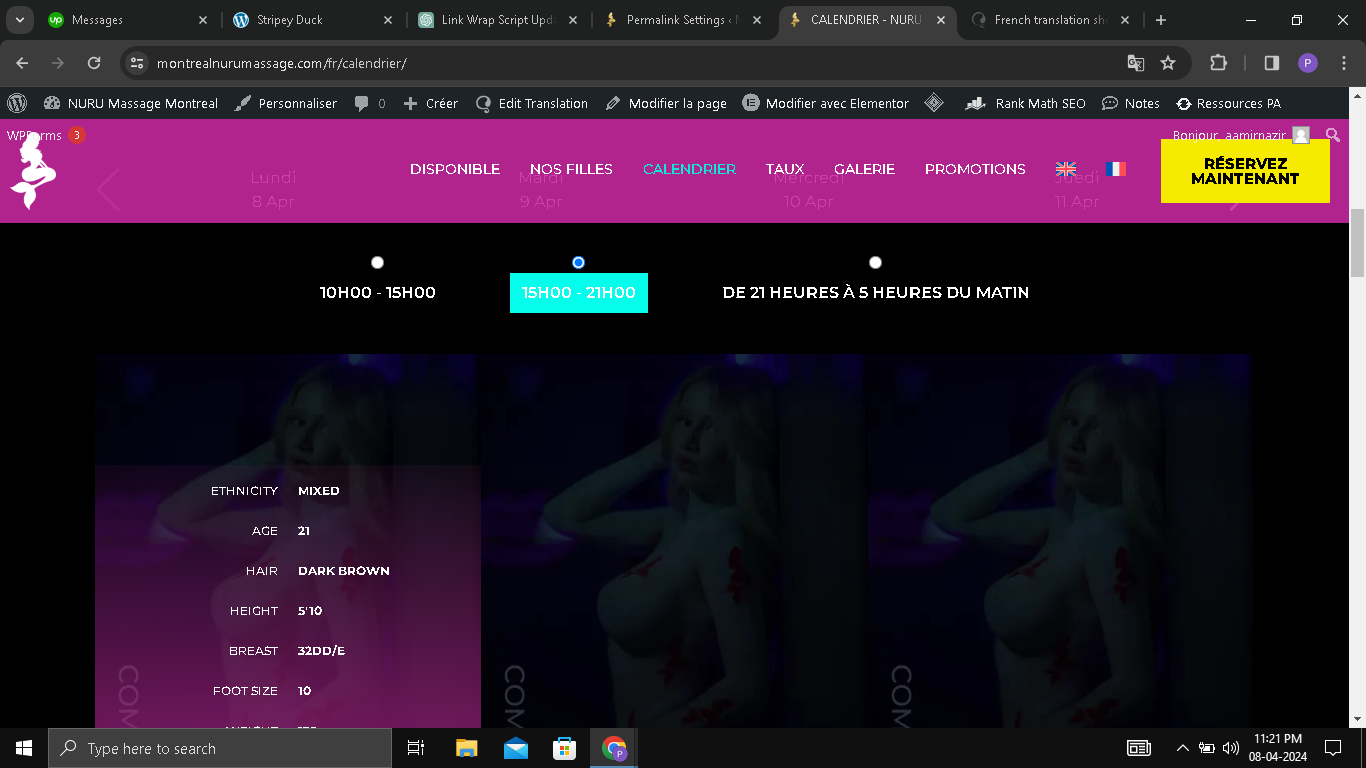
As you can see in the attached screenshot, I am visiting the French page. However, when I hover over any girl, all of the fields such as ETHNICITY, AGE, HAIR, etc., are displayed in English. That's not right. Please take another look and let me know how can I fix it.
Thanks!
New threads created by Bigul and linked to this one are listed below:
Thank you for the feedback. Please note that I have opened a new ticket for the Girls Field Label translation issue. As per our support policies, we can only handle one issue per ticket. It will help us to serve you better and we can avoid discussing multiple problems in one ticket. I will get back to you soon on the latest ticket. Please wait. Thank you for your understanding.