Home›Support›English Support›[Resolved] Homepage header and images missing after enabling “Use directory for default language (/de/)” ...
[Resolved] Homepage header and images missing after enabling “Use directory for default language (/de/)” ...
This thread is resolved. Here is a description of the problem and solution.
Problem: After switching the WPML setup to use a directory for the default language (/de/), the homepage content partially disappeared. The header, main navigation menu, and all Elementor images and sections are missing on the German homepage, affecting the SEO as Google now sees /de/ as the canonical homepage. Solution: The issue might have occurred due to the site's rewrite base changing when the default language directory was updated, causing some URLs, especially those in Elementor's internal data, to retain the old path. To fix this, you can use the following command if your site runs on WordPress with WP-CLI installed:
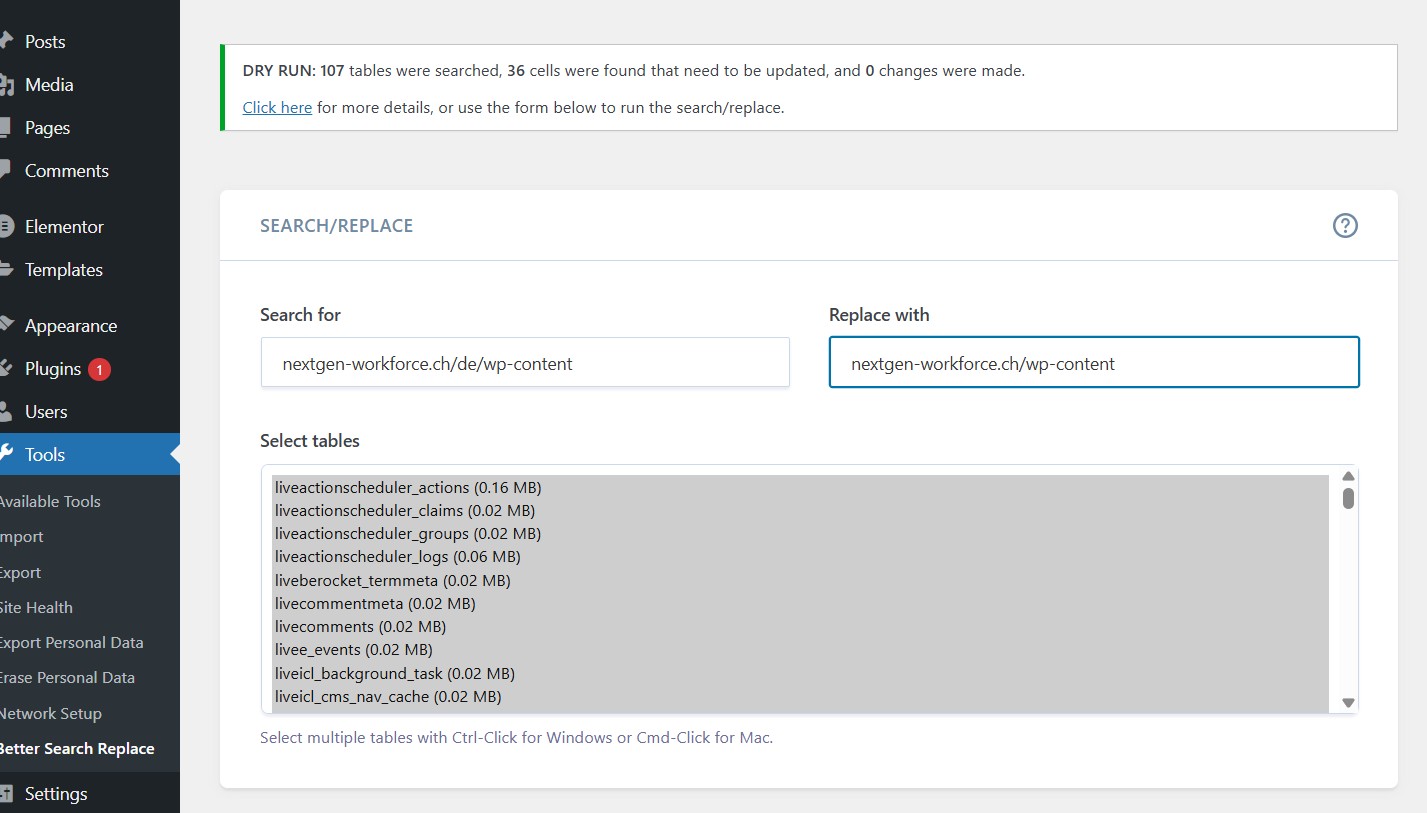
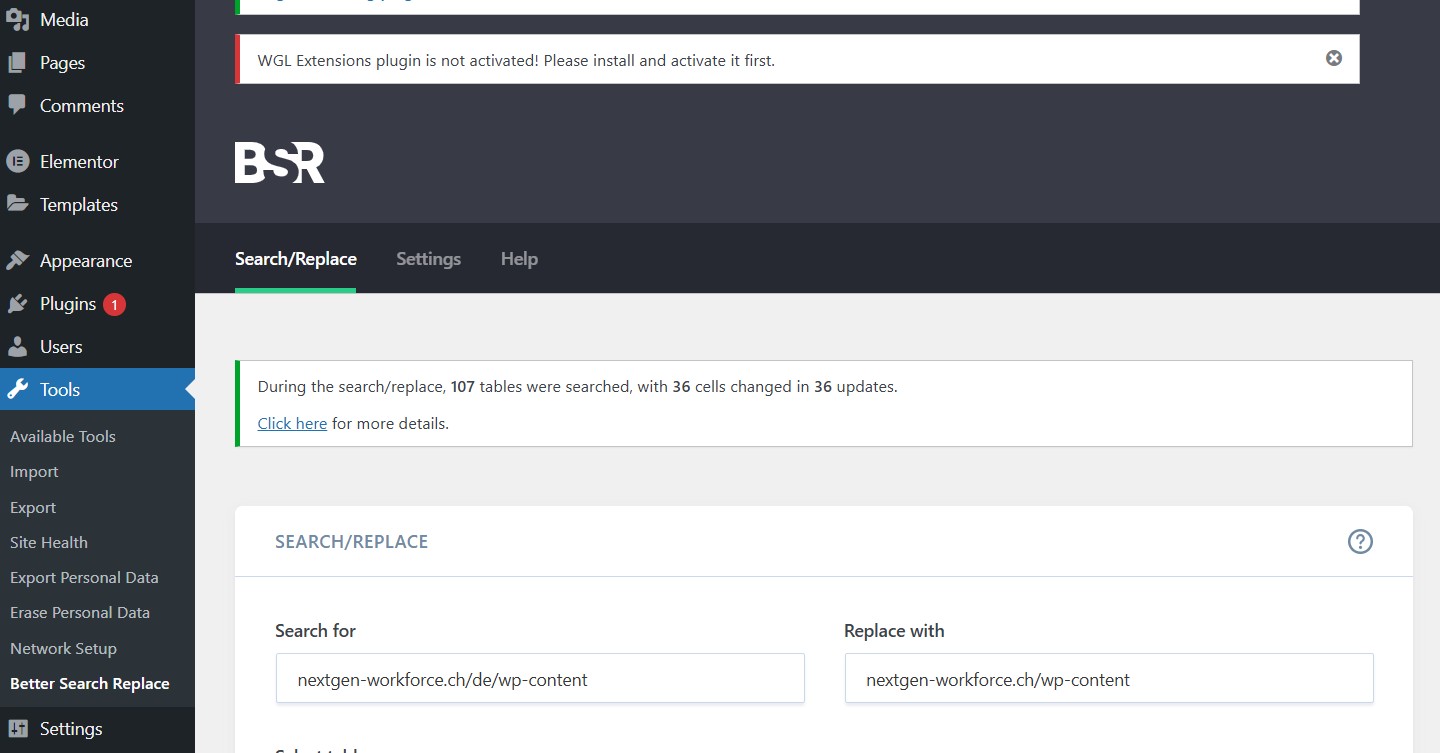
If WP-CLI is not available, consider using a plugin like Better Search Replace. Always ensure to back up your site fully before running these commands.
If this solution does not apply to your case, or if it seems outdated, we recommend opening a new support ticket. We also highly recommend checking related known issues at https://wpml.org/known-issues/, verifying the version of the permanent fix, and confirming that you have installed the latest versions of themes and plugins. For further assistance, please visit our support forum at WPML Support Forum.
This is the technical support forum for WPML - the multilingual WordPress plugin.
Everyone can read, but only WPML clients can post here. WPML team is replying on the forum 6 days per week, 22 hours per day.
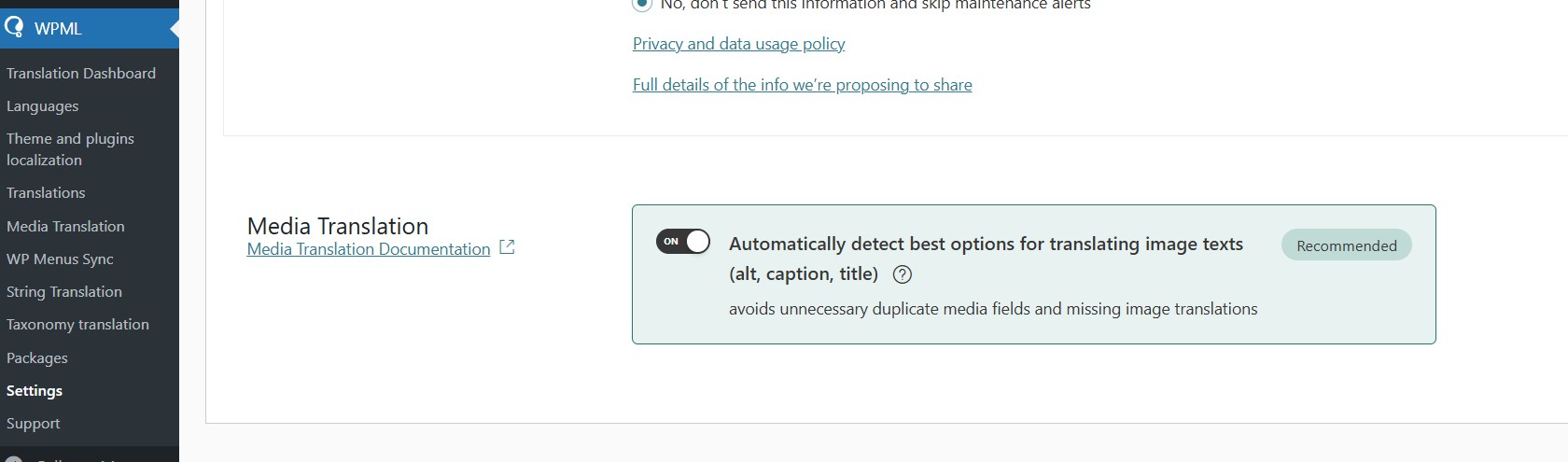
If an image does not appear on the frontend or isn’t required in a translated context, WPML will not translate it or consume translation credits unnecessarily.
For the development site — could you please replace URLs such as:
`hidden link`
with
`hidden link...`
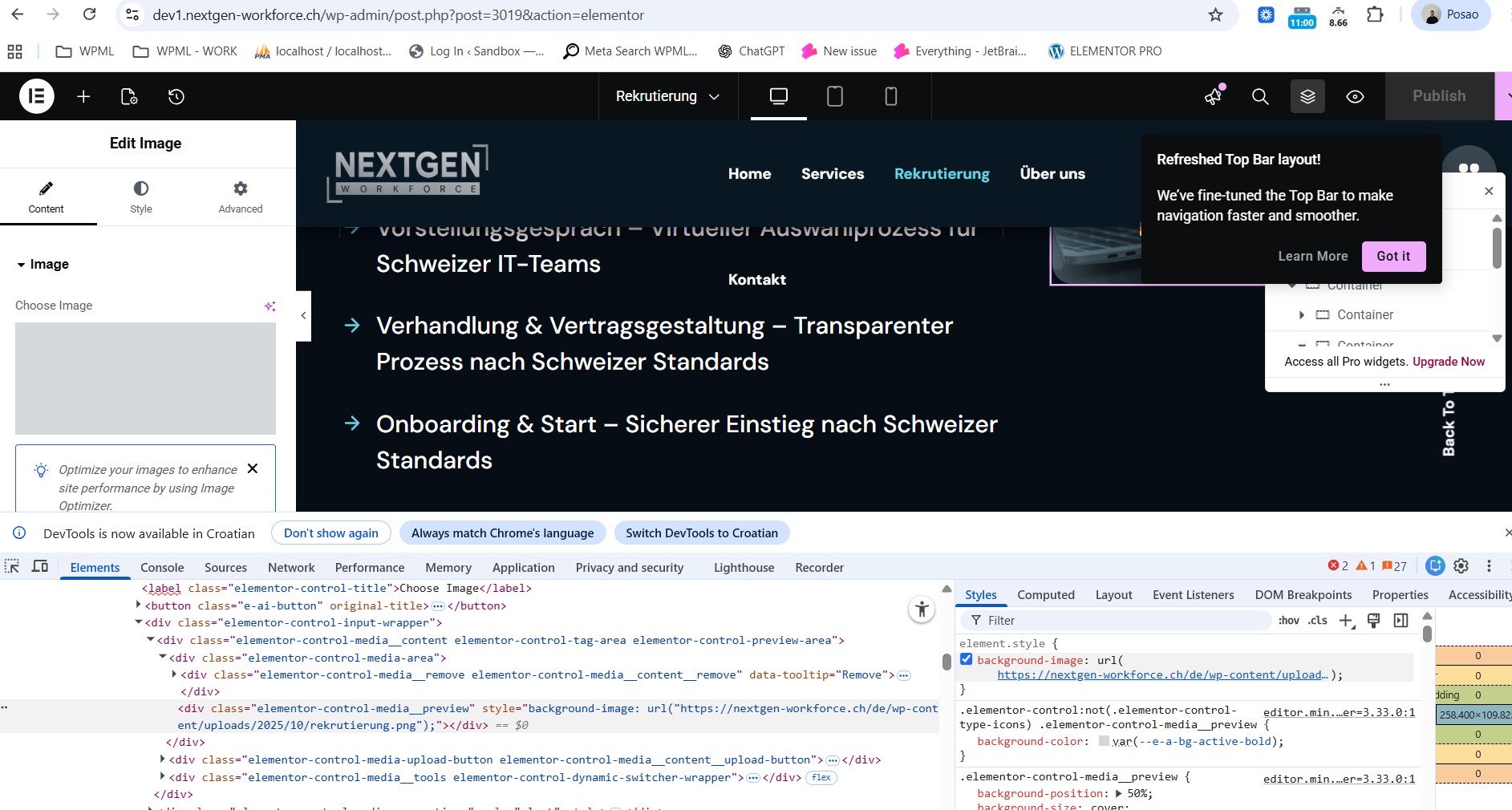
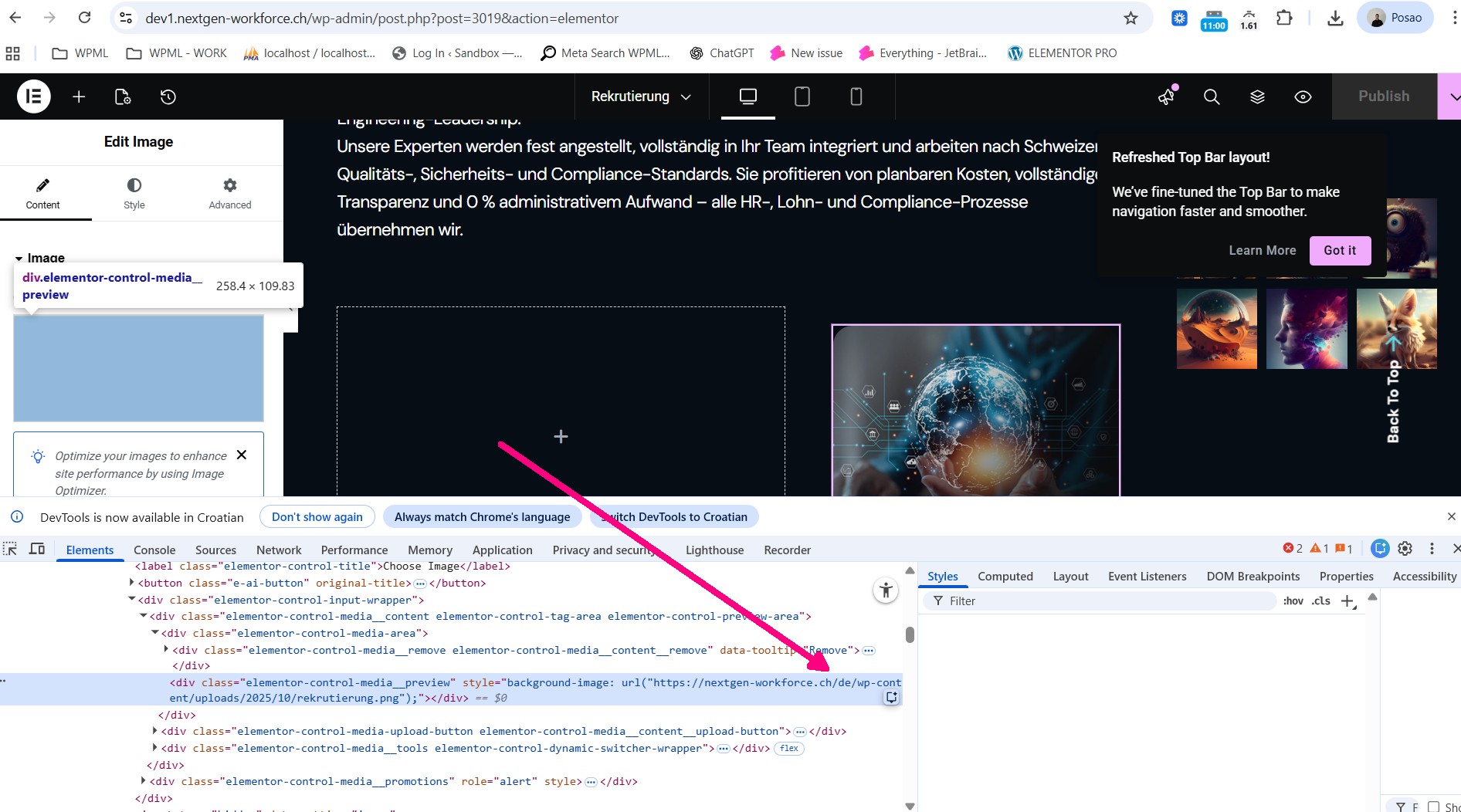
Also, please note that the URLs in the database should not include the `/de/` path (e.g. `hidden link...`) — they should instead be:
`hidden link...`
Otherwise, this causes greyed-out images in the backend and 404 errors on the frontend.
Lastly, for troubleshooting purposes, would it be okay if I temporarily disable all plugins except WPML (on the staging site)? This will help isolate the issue and confirm whether it’s related to WPML or another plugin conflict.
They can do whatever they want in the development environment. It's a test environment after all. Just please do it as quickly as possible, because the entire website is currently in disabled mode!!!
The URL and the images must be SEO compatible. If Google reports any errors during indexing, I'll get back to you!
Languages: English (English )German (Deutsch )French (Français )
Timezone: Europe/Zagreb (GMT+02:00)
To troubleshoot this problem (possibly a server issue or a setting), I'll install the Duplicator plugin and generate packages for further debugging purposes. I'll ensure to exclude all media files to maintain a minimal package size.
A server error! Now you're blaming a server error. This server is running two e-commerce websites and four WordPress sites. Please don't blame a server error. What can the server do about the fact that images are replaced with /de/ after changing the language?
Languages: English (English )German (Deutsch )French (Français )
Timezone: Europe/Zagreb (GMT+02:00)
I understand your concern — just to clarify, I didn’t mean to blame the server. I only mentioned that the issue might be related to a server configuration or another external factor, and that having a Duplicator package would help us debug it more effectively.
Languages: English (English )German (Deutsch )French (Français )
Timezone: Europe/Zagreb (GMT+02:00)
Just to clarify — theme authors can state that their product is “compatible with WPML”, but unless it’s listed in our official compatibility directory, that means it hasn’t been formally tested or approved by our team. The Nexis theme isn’t currently listed there, so I can’t confirm official compatibility.
At this stage, I’m not focusing on the theme itself, but rather trying to identify where the issue originates. Creating a Duplicator package is the standard step we use in such cases, as it allows us to reproduce the problem in a controlled environment and confirm whether it’s related to the theme, a plugin, or something else.
Could you please confirm if I can proceed with generating the Duplicator package?
Languages: English (English )German (Deutsch )French (Français )
Timezone: Europe/Zagreb (GMT+02:00)
That’s perfectly fine — please let me know if the theme’s support team shares any updates.
In the meantime, if they need us to verify anything on our side, we’ll still need a Duplicator package to reproduce and debug the issue properly. Without it, we won’t be able to proceed with any technical investigation.