Skip to content Skip to sidebar

This is the technical support forum for WPML - the multilingual WordPress plugin.

Everyone can read, but only WPML clients can post here. WPML team is replying on the forum 6 days per week, 22 hours per day.

Sun Mon Tue Wed Thu Fri Sat
- 10:00 – 17:00 10:00 – 17:00 10:00 – 17:00 10:00 – 17:00 10:00 – 17:00 -
- 18:00 – 19:00 18:00 – 19:00 18:00 – 19:00 18:00 – 19:00 18:00 – 19:00 -

Supporter timezone: Asia/Kathmandu (GMT+05:45)

This topic contains 6 replies, has 0 voices.

Last updated by Shekhar Bhandari 1 month, 2 weeks ago.

Assisted by: Shekhar Bhandari.

Author Posts
March 11, 2026 at 11:16 pm #17890419

Aleksandar Gligoric

Hello WPML Support Team,

I am experiencing an issue after setting up WPML on a website and would appreciate your assistance.

Website (staging):
hidden link

The original language of the website is Norwegian, and I created an English translation for the following page.

Original page (Norwegian):
hidden link

Translated page (English):
hidden link

Problem 1 – 500 Internal Server Error

The problem occurs when switching languages.

Steps to reproduce:

Open the Norwegian page: hidden link

Switch the language to English → hidden link

Switch back to Norwegian.

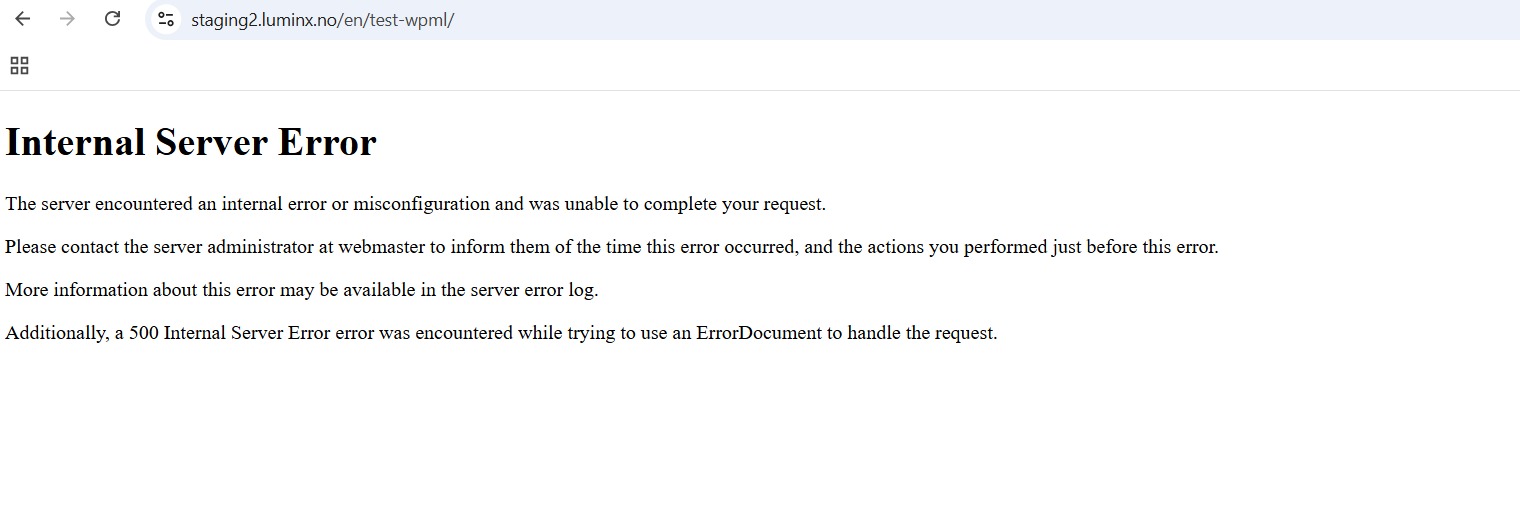
The website sometimes returns a 500 Internal Server Error.

Error message displayed:

Internal Server Error
The server encountered an internal error or misconfiguration and was unable to complete your request.

Problem 2 – Error while editing translations

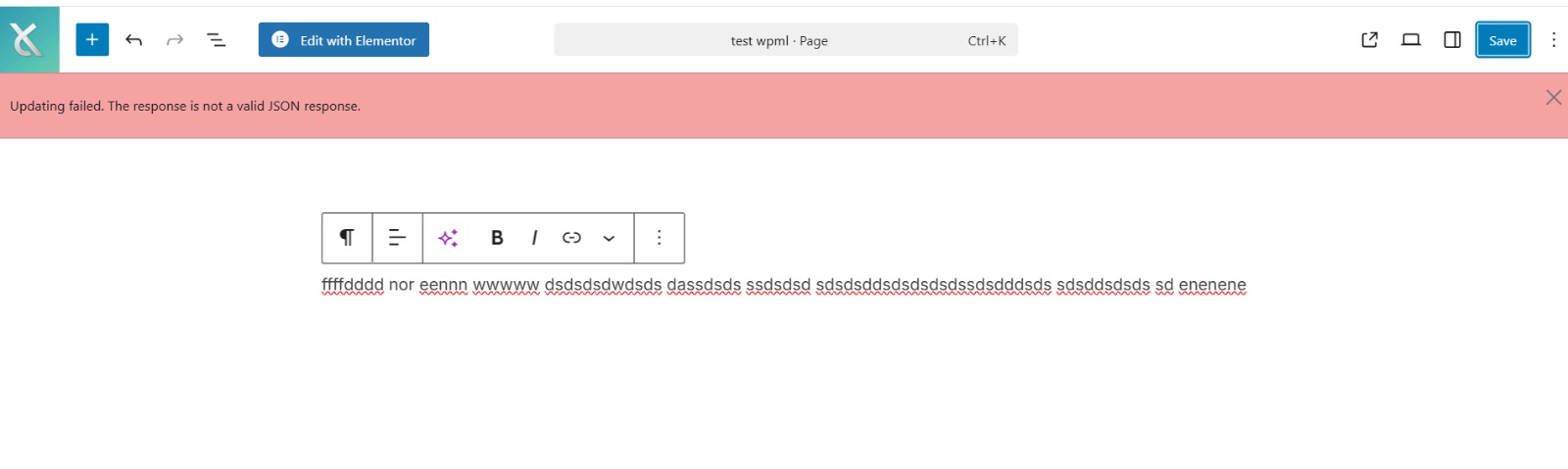
When editing or saving translations in WordPress, I sometimes receive the following error:

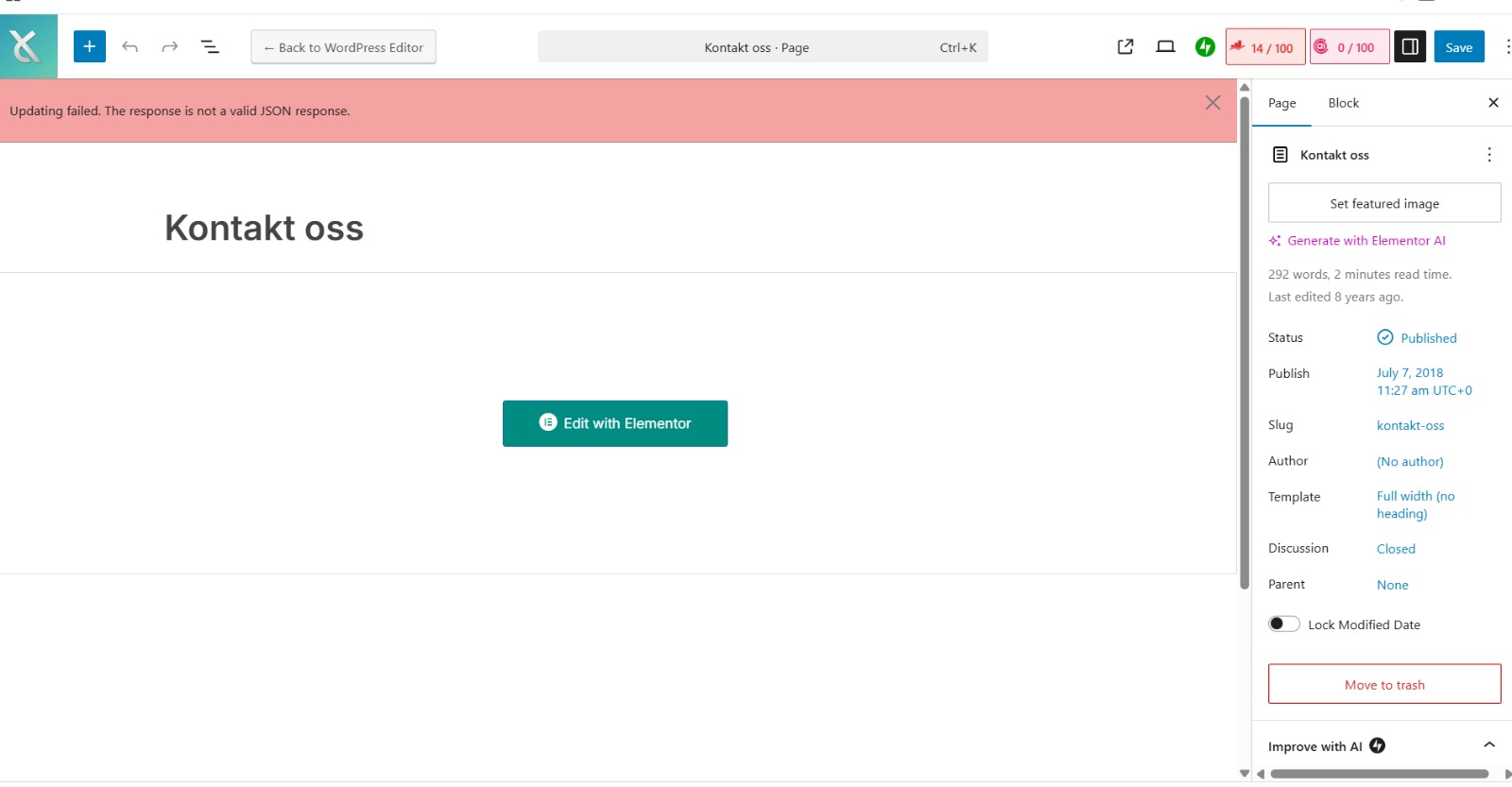
“Updating failed. The response is not a valid JSON response.”

Additional information:

The issue started after activating and configuring WPML.

WordPress otherwise works normally.

Server settings appear to be correct.

The issue occurs intermittently.

Could you please help me identify what might be causing this issue or advise what I should check?

If needed, I can provide WordPress admin access, debugging logs, or server logs.

Thank you in advance for your assistance.

Best regards.

March 12, 2026 at 3:08 am #17890662

Shekhar Bhandari
WPML Supporter since 03/2015

Languages: English (English )

Timezone: Asia/Kathmandu (GMT+05:45)

Hello there,

Thank you for contacting WPML support. I'd be happy to assist you on this issue.

It looks like there is some php error happening on your site which is creating the problem, being so can you please follow the below steps and share me the results.

1. Add the following code to your wp-config.php

define('WP_DEBUG', true);
define( 'WP_DEBUG_LOG', true );
define( 'WP_DEBUG_DISPLAY', true );

https://wpml.org/documentation/support/debugging-wpml/

2. Repeat the action of creating the problem.

3. Copy and paste the contents of debug.log (log file inside the /wp-content/ directory) here for me to see.

Look forward to your reply.

Thanks

March 12, 2026 at 9:53 pm #17894071

Aleksandar Gligoric

Hello WPML Support Team,

I am experiencing a persistent issue with WPML on my staging site:

Staging site URL: hidden link

Whenever I try to access certain pages, especially /en/wp-json/ or /en/test-wpml/, I get a 500 Internal Server Error.

The Apache error log shows the following message:

[core:error] [pid 39635:tid 39635] [client 94.253.188.89:12148]
AH00124: Request for staging2.luminx.no:/home/u3-ds6phfvu4ix1/www/staging2.luminx.no/public_html
exceeded the limit of 10 internal redirects due to probable configuration error.
Use 'LimitInternalRecursion' to increase the limit if necessary.
Use 'LogLevel debug' to get a backtrace.

I suspect this is caused by a redirect loop related to WPML language directories (/en/, /no/).

Here is the current .htaccess configuration on the staging site:

# BEGIN HTTPS forced by SG-Optimizer
<IfModule mod_rewrite.c>
RewriteEngine On

# Force HTTPS
RewriteCond %{HTTPS} off [OR]
RewriteCond %{HTTP:X-Forwarded-Proto} !https
RewriteRule ^ hidden link{HTTP_HOST}%{REQUEST_URI} [L,R=301,NE]
</IfModule>

# BEGIN Custom WPML login redirects
<IfModule mod_rewrite.c>
RewriteEngine On
# Redirect WPML login pages to main wp-login.php
RewriteRule ^en/wp-login.php$ /wp-login.php [QSA,L]
RewriteRule ^no/wp-login.php$ /wp-login.php [QSA,L]
</IfModule>

# BEGIN WPML REST API fix
<IfModule mod_rewrite.c>
RewriteEngine On
# Prevent /en/wp-json/ or /no/wp-json/ from redirect loop
RewriteCond %{REQUEST_URI} ^/(en|no)/wp-json/ [NC]
RewriteRule ^ - [L]
</IfModule>

# BEGIN WordPress
<IfModule mod_rewrite.c>
RewriteEngine On
RewriteRule .* - [E=HTTP_AUTHORIZATION:%{HTTP:Authorization}]
RewriteBase /

RewriteRule ^index\.php$ - [L]

RewriteCond %{REQUEST_FILENAME} !-f
RewriteCond %{REQUEST_FILENAME} !-d
RewriteRule . /index.php [L]
</IfModule>
# END WordPress

Additional info:

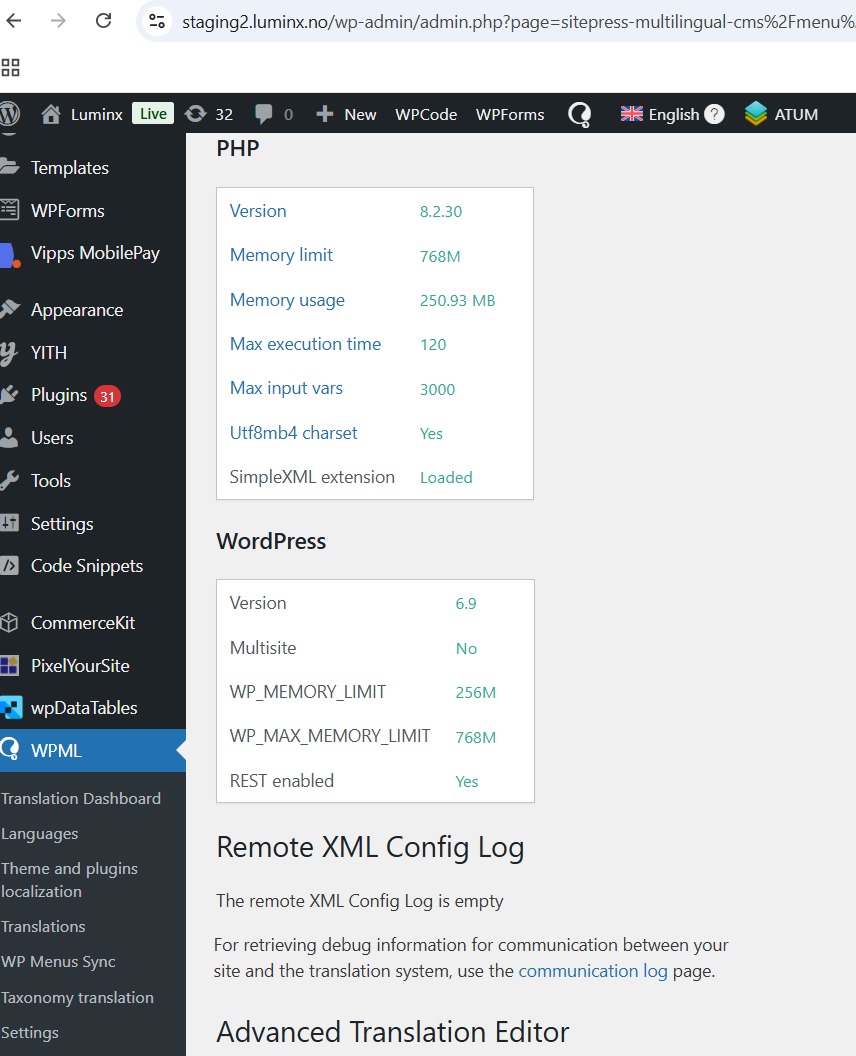
WordPress version: 6.9.1

PHP version: 8.2

Server: Apache, Linux

Plugins active: WPML Multilingual CMS, WPML String Translation, SG-Optimizer, and others

I have already attempted adjustments to .htaccess, but the problem persists, particularly affecting REST API endpoints (/en/wp-json/).

Could you please advise on:

Correct .htaccess configuration to prevent internal redirect loops with WPML?

Any WPML settings that could be causing the loop?

Steps to make /en/wp-json/ and other language-prefixed REST endpoints work without generating a 500 error.

Thank you for your support.

March 13, 2026 at 3:11 am #17894182

Shekhar Bhandari
WPML Supporter since 03/2015

Languages: English (English )

Timezone: Asia/Kathmandu (GMT+05:45)

Hello there,

To debug this issue further, I would need to check your site settings once, for this I would need temporary access (wp-admin and ftp) to your site.

So could you please provide me with those details, you will find the needed fields for this below the comment area when you log in to leave your next reply.
hidden link

This info is private and available to you and WPML supporters only.
Read more about this: https://wpml.org/purchase/support-policy/privacy-and-security-when-providing-debug-information-for-support/

Note:
Backup your sites before providing the credentials or if possible provide credentials for the test site

Look forward to your reply.

Thanks

March 16, 2026 at 6:52 am #17898740

Shekhar Bhandari
WPML Supporter since 03/2015

Languages: English (English )

Timezone: Asia/Kathmandu (GMT+05:45)

Hello there,

I commented our the following lines from wp-config.php file and I can save the test wpml page without any issues, can you check and confirm.

// define('WP_DEBUG', true);
// define( 'WP_DEBUG_LOG', true );
// define( 'WP_DEBUG_DISPLAY', true );
// define('SCRIPT_DEBUG', true);
// define('CONCATENATE_SCRIPTS', false);

Looks like the warnings shown with this enabled was creating the issue, please confirm.

Look forward to your reply.

Thanks

March 16, 2026 at 10:27 pm #17901792

Aleksandar Gligoric

I have checked again and can confirm that the issue is still occurring.

1. When I try to save a page, sometimes the save goes through successfully, but quite often I encounter the error: **“Updating failed. The response is not a valid JSON response.”**

2. I have also recorded a video demonstrating another bug. The issue happens on the frontend when a user switches from one language to another and then switches back to the original language. At that point, an **“Internal Server Error”** appears.

Please take a look at the video where the issue is demonstrated.

hidden link

lumss1.jpeg
lumss2.jpeg
March 17, 2026 at 4:27 am #17902132

Shekhar Bhandari
WPML Supporter since 03/2015

Languages: English (English )

Timezone: Asia/Kathmandu (GMT+05:45)

Hello there,

Thank you for the video, I checked as you shown and fix it by following the steps as mentioned here: https://wpml.org/faq/why-is-htaccess-getting-overwritten-with-the-language-folder-on-my-wpml-website/

I have added the snippet here: hidden link

Please check and confirm if this fixes the issue.

Thanks

The topic ‘[Closed] I am experiencing an issue after setting up WPML on a website (500 Internal Server Error.)’ is closed to new replies.