This thread is resolved. Here is a description of the problem and solution.
Problem:
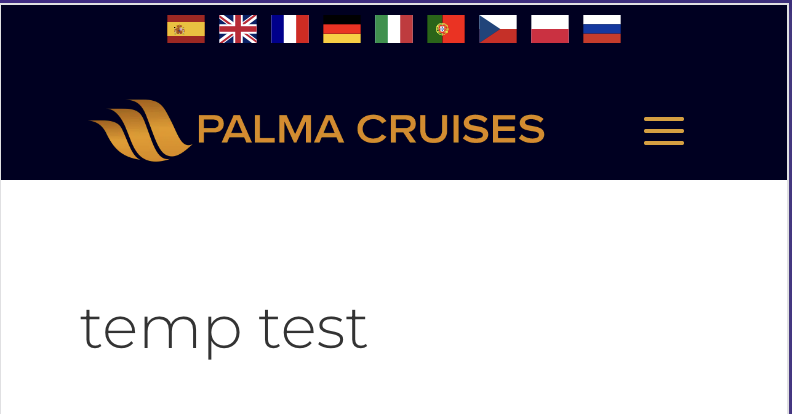
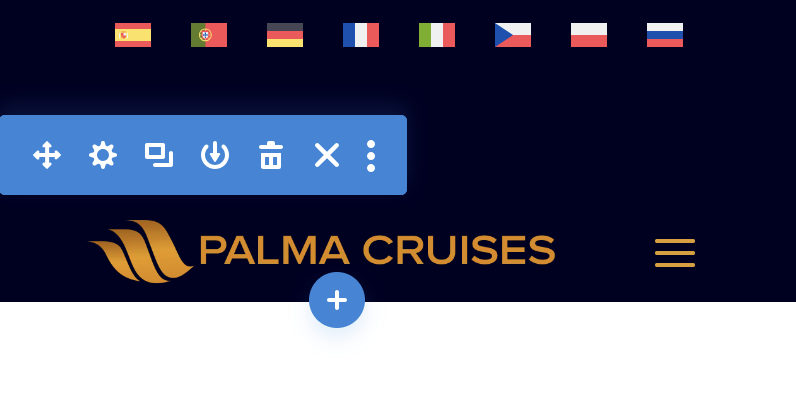
The client has created a mobile-only page and added flags using custom code, not related to WPML. They are unable to display a language switcher that shows all languages, as it only displays the current language.
Solution:
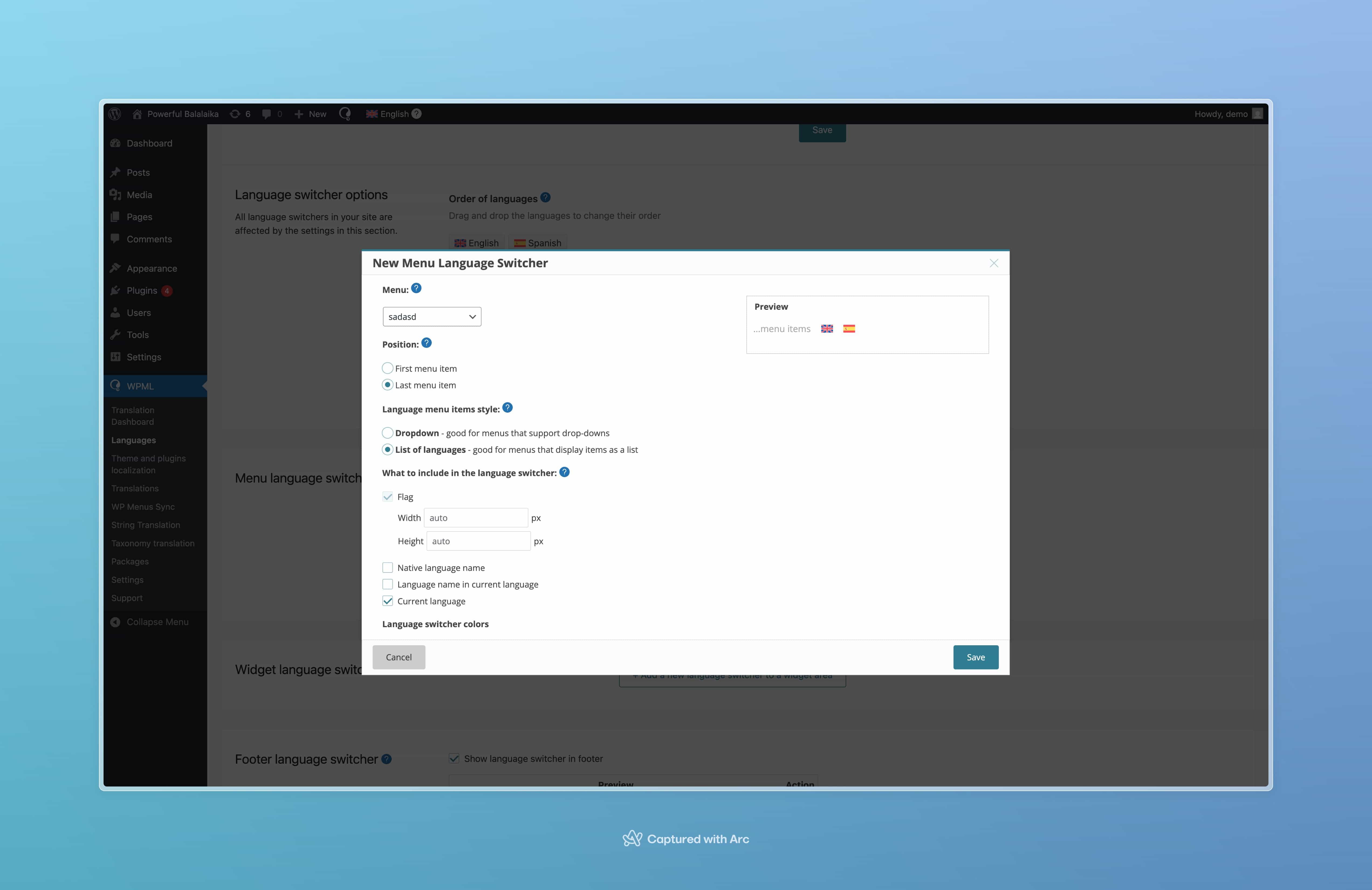
We recommended ensuring that the page is fully translated, as WPML does not display flags for languages that do not have translations. If the page is translated and the issue persists, the client should adjust the settings by navigating to WPML > Languages > Language switcher options > How to handle languages without translation. This adjustment should help in displaying all language options on the mobile page.
If this solution does not resolve the issue or seems outdated, we highly recommend checking related known issues at https://wpml.org/known-issues/, verifying the version of the permanent fix, and confirming that you have installed the latest versions of themes and plugins. If further assistance is needed, please open a new support ticket at WPML support forum.
This is the technical support forum for WPML - the multilingual WordPress plugin.
Everyone can read, but only WPML clients can post here. WPML team is replying on the forum 6 days per week, 22 hours per day.
This topic contains 5 replies, has 0 voices.
Last updated by 1 month ago.
Assisted by: Lucas Vidal de Andrade.