Tunde Maria Kovacs
|
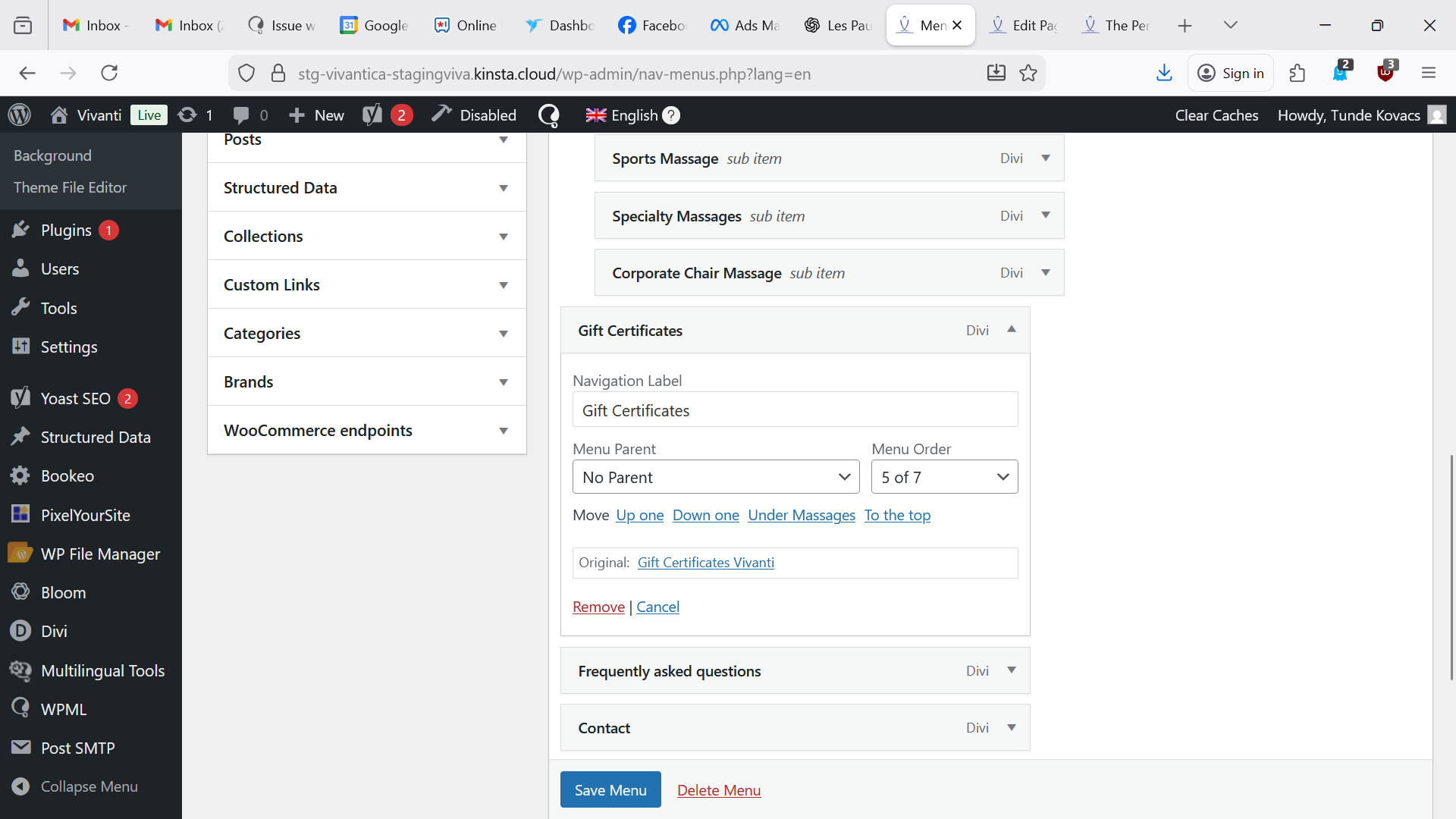
The English menu label that was previously named: Gift Certificates - Vivanti is linked to hidden link and its label was renamed Gift Certificates successfully.
Look at the attachment, the original page is Gift Certificates -Vivanti (now hidden link ) I renamed the label Gift Certificates.
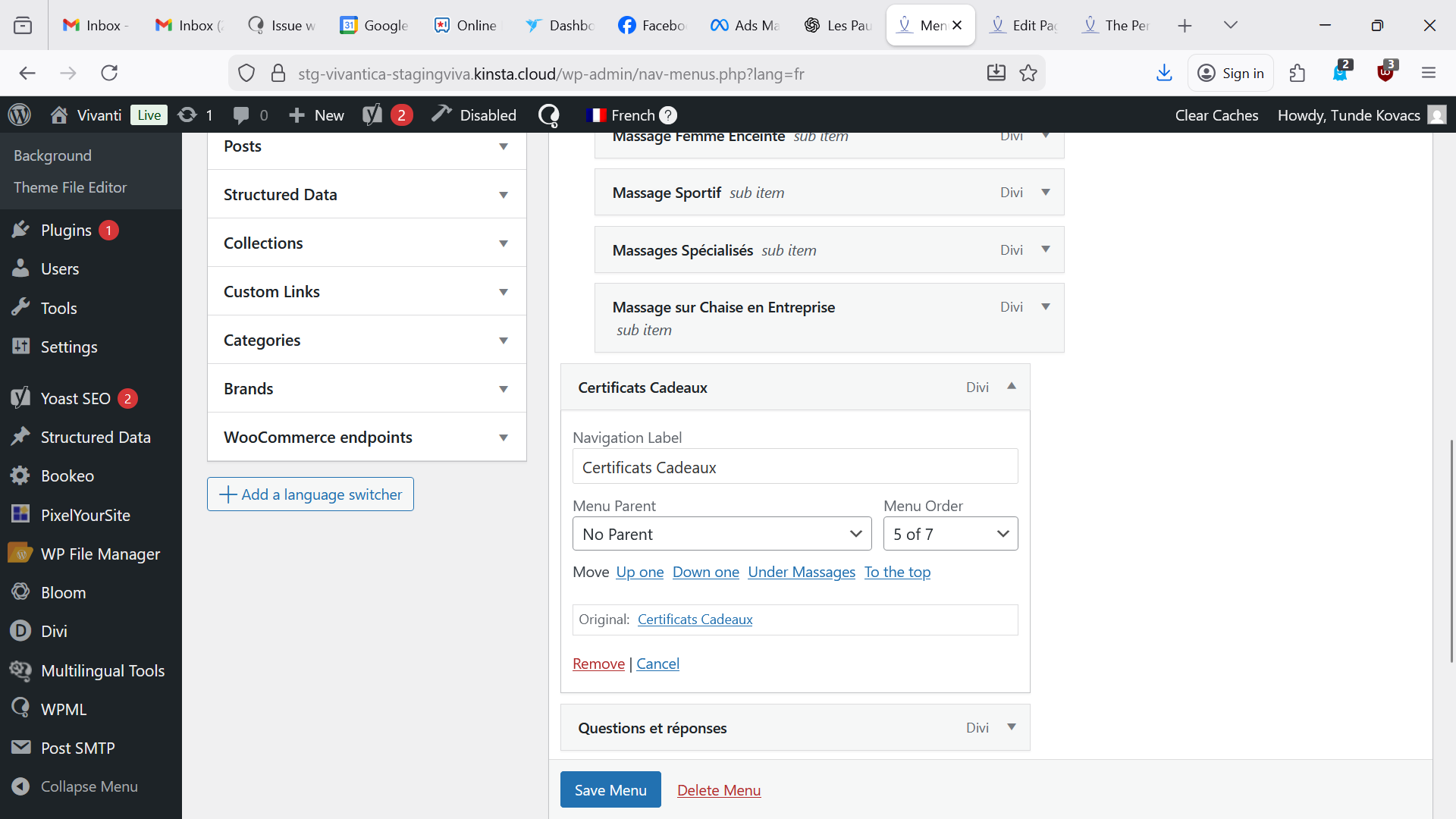
In the French, you took the wrong page named Certificats Cadeaux that is linking naturally to hidden link
You can see the original link Certificats Cadeaux, we should see the previous Certificats Cadeaux-Vivanti that we should be able to just rename the label Certificats Cadeaux.
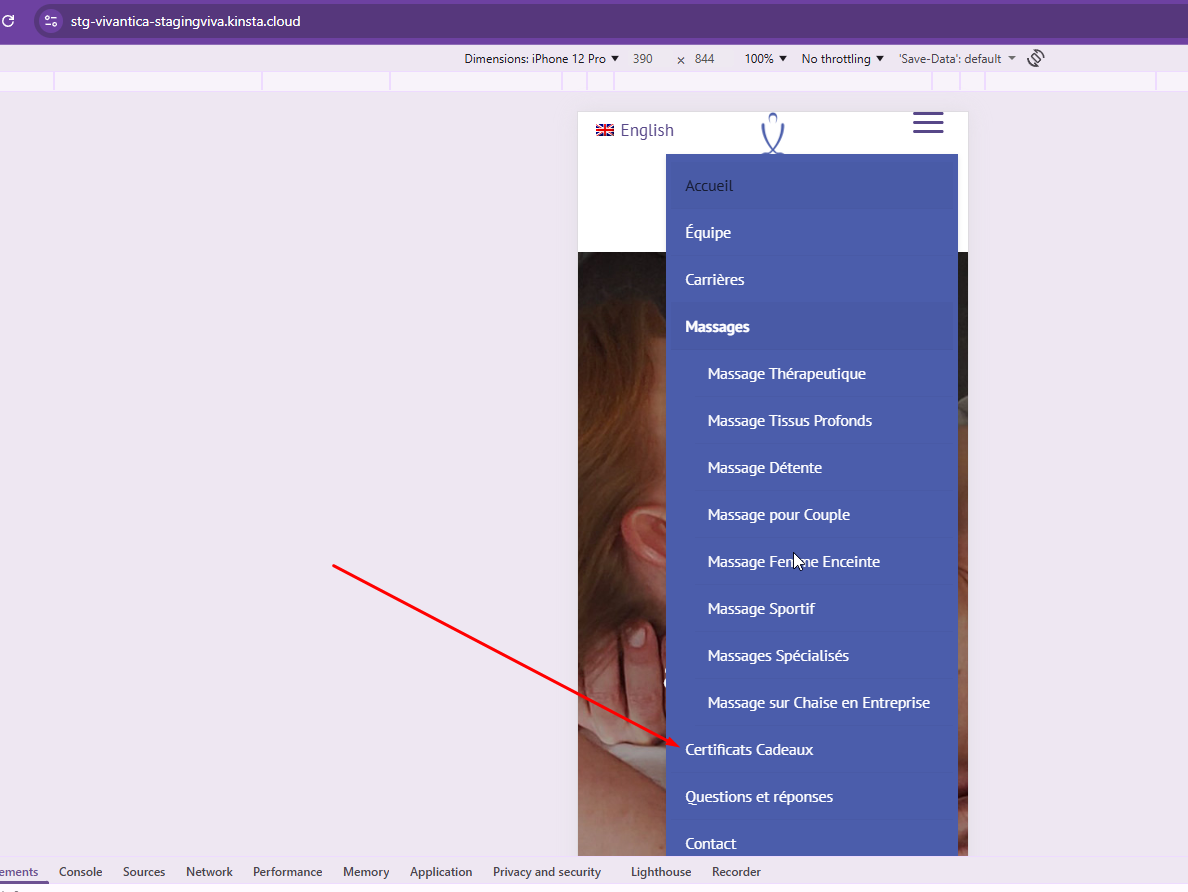
ONLY THIS HAPPENS IN FRENCH THE MOBILE MENU AS THE DESKTOP MENU IS OK (Cannot figure out why)
|

Kor
|
Thanks for your reply. I can see the issue with the navigation menu when viewing your homepage in French on a mobile screen size.
I’ve made some adjustments to the navigation menu settings in the French header template here:
hidden link
Could you please check on your end and confirm whether it’s displaying correctly now?
|
Tunde Maria Kovacs
|
Its working perfectly!
Please let me know the procedure for me to replicate this on my end.
Thank you!
|
Kor
|
Thanks for your reply. You’ll need to review the navigation menu assignment in the header and correct it for the French language.
1. Open the header templates here:
hidden link
2. Edit the header template **“Global Header Vivanti Final”**.
3. Update the primary-language template and then retranslate it.
Once this is done, the navigation menu should display the correct translated version.
If you’d like, you can share access to your production site and I can apply these changes for you.
|
Tunde Maria Kovacs
|
When you say: Update the primary-language template and then retranslate it.
Can you clarify as I assume the primary language is English, so I edit the header on the English flag page, then retranslate and it will work?
|
Kor
|
Thanks for your reply. Yes, that's what I meant. Are you able to locate the correct header template for your Website? I found 3 header templates when I inspected your Website staging site.
|
Tunde Maria Kovacs
|
I did, it works as the French mobile menu displays Certificats Cadeaux but it's the opposite now as the English shows: Gift Certificates Vivanti. You must have the same on your end on staging.
|
Tunde Maria Kovacs
|
Hi, as always an endless maze, I changed the name of the page and it's solved. I would have like to know thought why it was behaving like this.
|
Kor
|
Thanks for your reply. I’m glad to hear that you were able to resolve the issue on your own.
When I checked your staging website, I noticed that the homepage uses a different navigation menu from the one displayed on mobile screen sizes. To address this, the header template was retranslated so the navigation menu could sync correctly for the mobile view.
Unfortunately, I’m unable to provide a more detailed explanation, as I don’t have access to inspect the backend of your production site.
|