This thread is resolved. Here is a description of the problem and solution.
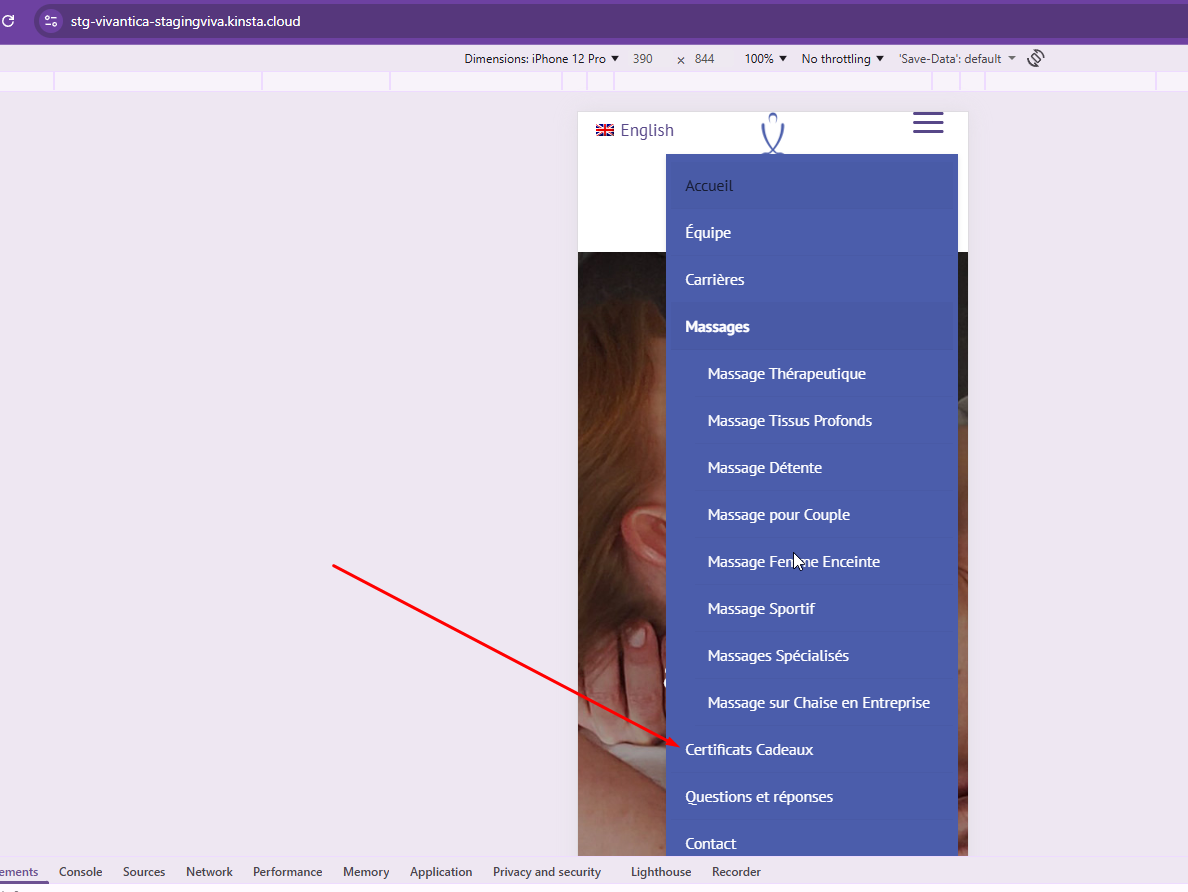
Problem: The client reported an issue where the French mobile menu was displaying the incorrect label 'Certificats Cadeaux Vivanti' instead of 'Certificats Cadeaux'. Solution: We recommended the client to check and correct the navigation menu settings for the French language. Here are the steps we suggested: 1. Access the header templates at your WordPress admin area. 2. Edit the header template named Global Header Vivanti Final. 3. Ensure the primary-language template is updated and then retranslate it. After following these steps, the navigation menu should display the correct translated version.
If this solution does not resolve your issue or seems outdated, we highly recommend checking related known issues at https://wpml.org/known-issues/, verifying the version of the permanent fix, and confirming that you have installed the latest versions of themes and plugins. If the problem persists, please open a new support ticket.
This is the technical support forum for WPML - the multilingual WordPress plugin.
Everyone can read, but only WPML clients can post here. WPML team is replying on the forum 6 days per week, 22 hours per day.
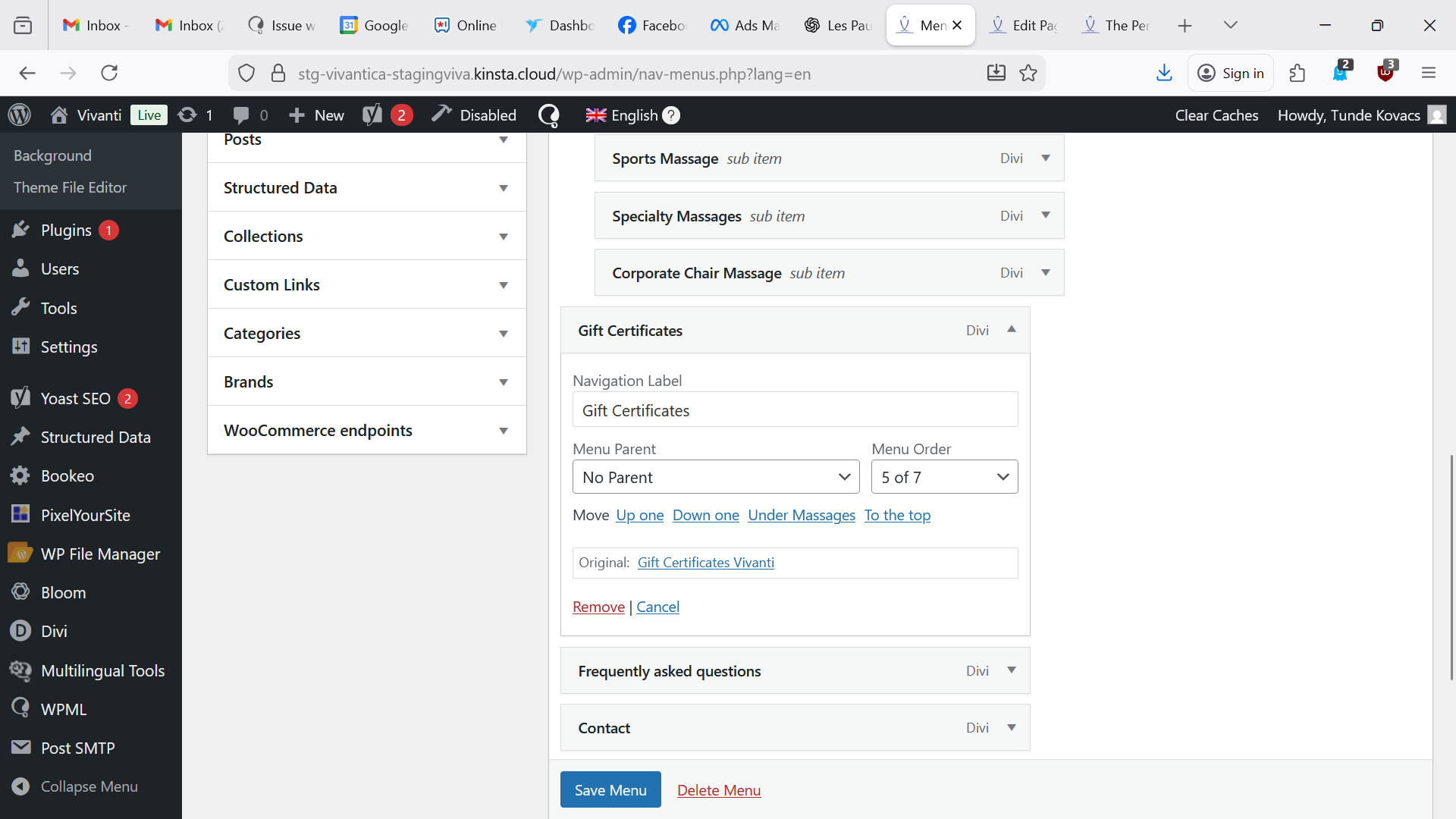
The English menu label that was previously named: Gift Certificates - Vivanti is linked to hidden link and its label was renamed Gift Certificates successfully.
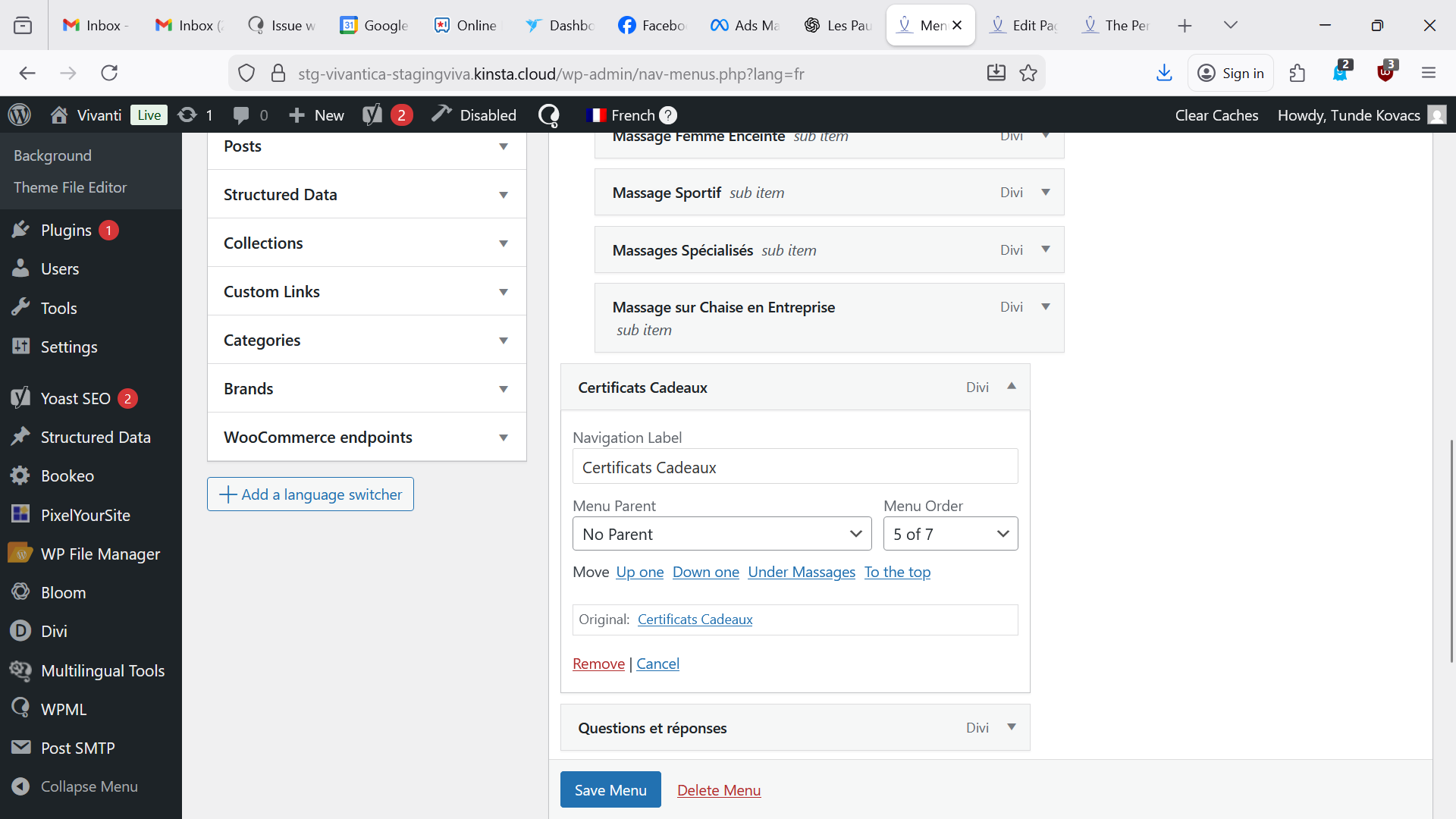
Look at the attachment, the original page is Gift Certificates -Vivanti (now hidden link ) I renamed the label Gift Certificates.
In the French, you took the wrong page named Certificats Cadeaux that is linking naturally to hidden link
You can see the original link Certificats Cadeaux, we should see the previous Certificats Cadeaux-Vivanti that we should be able to just rename the label Certificats Cadeaux.
ONLY THIS HAPPENS IN FRENCH THE MOBILE MENU AS THE DESKTOP MENU IS OK (Cannot figure out why)
Thanks for your reply. Yes, that's what I meant. Are you able to locate the correct header template for your Website? I found 3 header templates when I inspected your Website staging site.
I did, it works as the French mobile menu displays Certificats Cadeaux but it's the opposite now as the English shows: Gift Certificates Vivanti. You must have the same on your end on staging.
Thanks for your reply. I’m glad to hear that you were able to resolve the issue on your own.
When I checked your staging website, I noticed that the homepage uses a different navigation menu from the one displayed on mobile screen sizes. To address this, the header template was retranslated so the navigation menu could sync correctly for the mobile view.
Unfortunately, I’m unable to provide a more detailed explanation, as I don’t have access to inspect the backend of your production site.