VH FP
|
Hi, now is correct, probably you solve it, thank you.
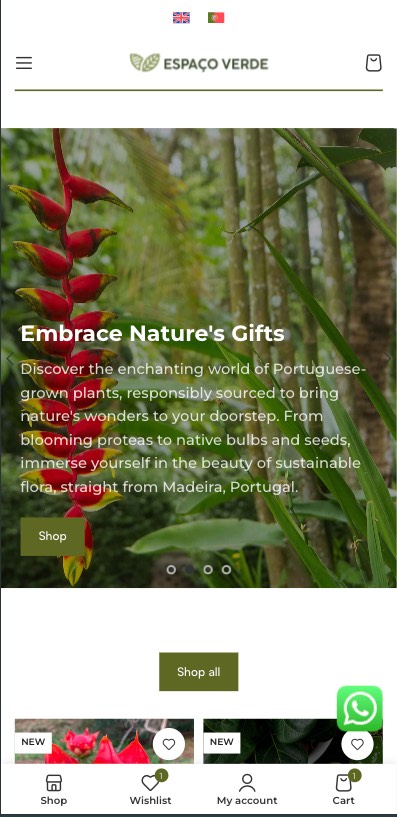
On mobile version i want the flags too (without the name of the language). I put there already, but the name is showing.
|
VH FP
|
Not showing again and the code is already there. Oh my god!
|

Osama Mersal
|
Hi,
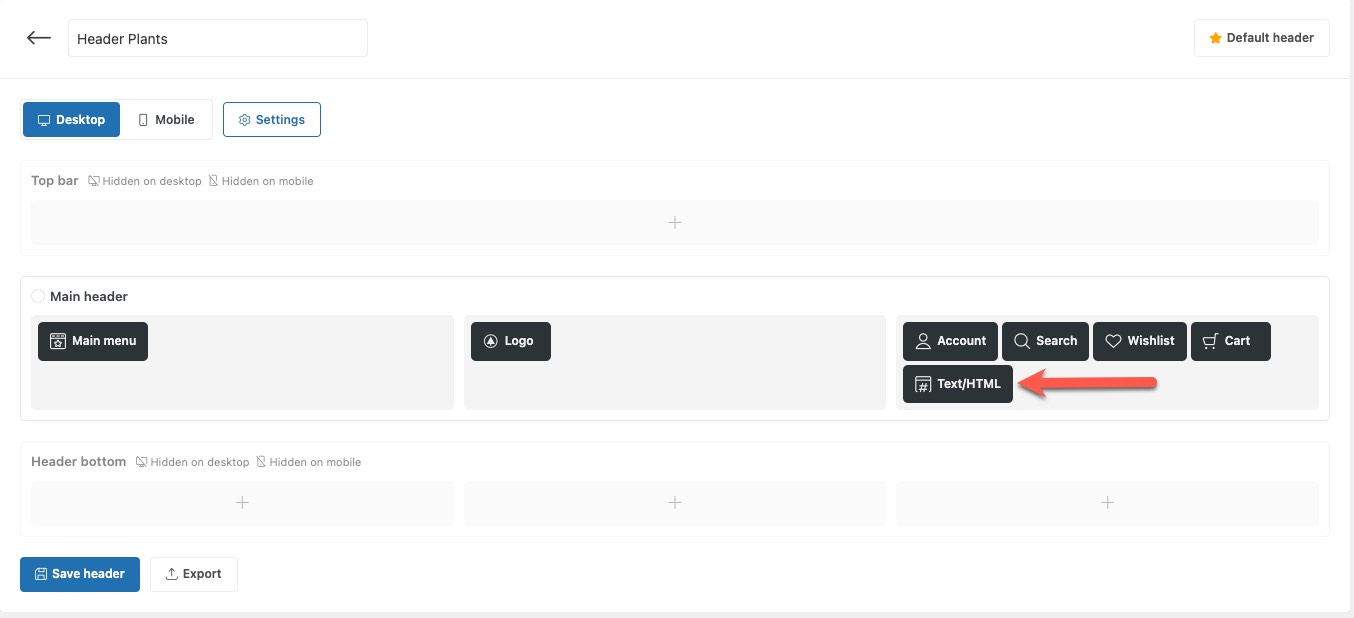
The text widget I used to add the language switcher shortcode was deleted. (Kindly check the attached screenshot)
I re-added it. Please check if it appears correctly. (hidden link)
Best regards,
Osama
|
VH FP
|
Hello friend,
if was deleted, was automatic. Maybee when we edit the mobile version the change was automatic deleted. Very strange.
Any way, i've tested now on my phone and the flags aren't appearing. I've put the flags on "top bar" before the main header. However i want the flags on the center, can you help me on that?
If you want you can disable and enable the underconstruction mode.
Thank you!
|
Osama Mersal
|
Hi,
Thanks for your update. I've placed the flags to the center of the header. Please check them and let me know if that is what you need.
Best regards,
Osama
|
|
VH FP |
Good morning,
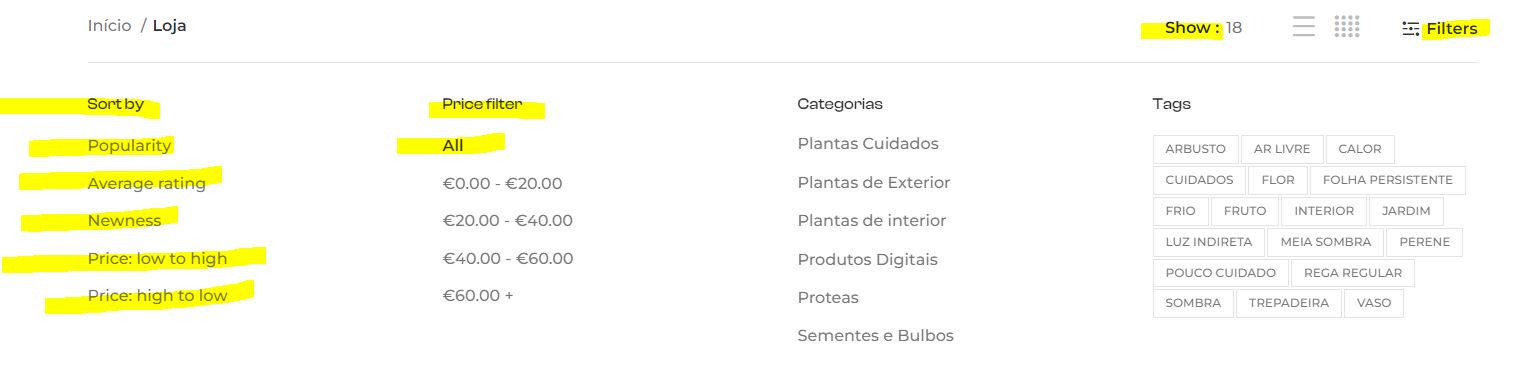
i'm having lot of problems with string translator. I'm doing the replacement but the words aren't changing. Probably they aren't listing there and i already have did the scan for other words.
The same issue on other pages maybee related with woocommerce.
Thank you!
|
Osama Mersal
|
Hi,
We try to keep one issue per ticket in our forum. Continuing with one ticket per issue helps supporters focus on one issue at once and enables other users to find solutions to their questions faster.
Therefore, I've split the other issue and created a new ticket with this issue. (https://wpml.org/forums/topic/issue-with-string-translation/)
Best regards,
Osama
|