
This is the technical support forum for WPML - the multilingual WordPress plugin.
Everyone can read, but only WPML clients can post here. WPML team is replying on the forum 6 days per week, 22 hours per day.
| Sun | Mon | Tue | Wed | Thu | Fri | Sat |
|---|---|---|---|---|---|---|
| - | 9:00 – 13:00 | 9:00 – 13:00 | 9:00 – 13:00 | 9:00 – 13:00 | 9:00 – 13:00 | - |
| - | 14:00 – 18:00 | 14:00 – 18:00 | 14:00 – 18:00 | 14:00 – 18:00 | 14:00 – 18:00 | - |
Supporter timezone: America/Los_Angeles (GMT-07:00)
This topic contains 7 replies, has 2 voices.
Last updated by Bobby 1 year, 8 months ago.
Assisted by: Bobby.
| Author | Posts |
|---|---|
| July 31, 2024 at 2:32 pm #16025796 | |
 milk-tweedM |
<b>Background of the issue: </b> <b>Symptoms: </b> <b>Questions: </b> 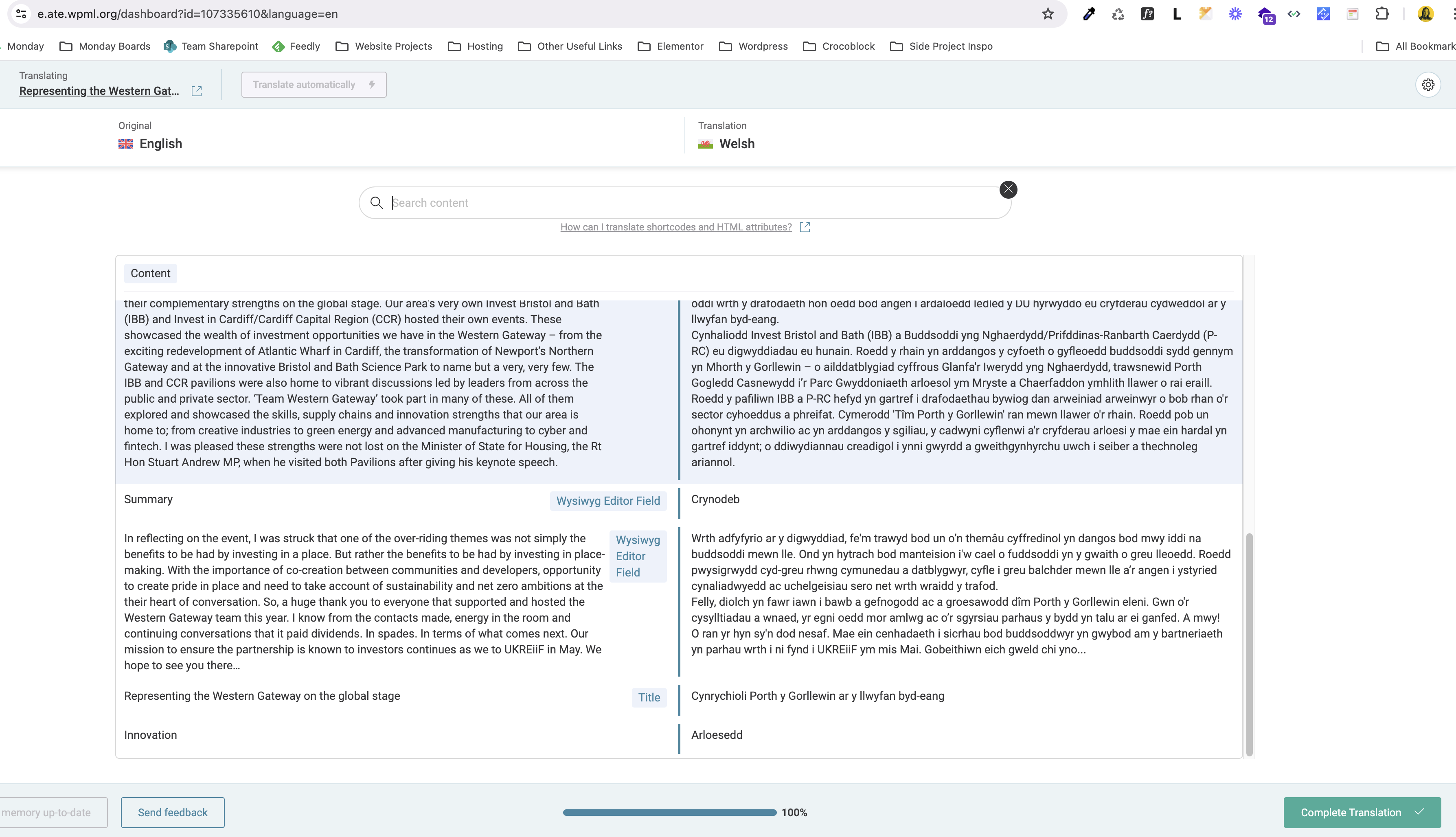 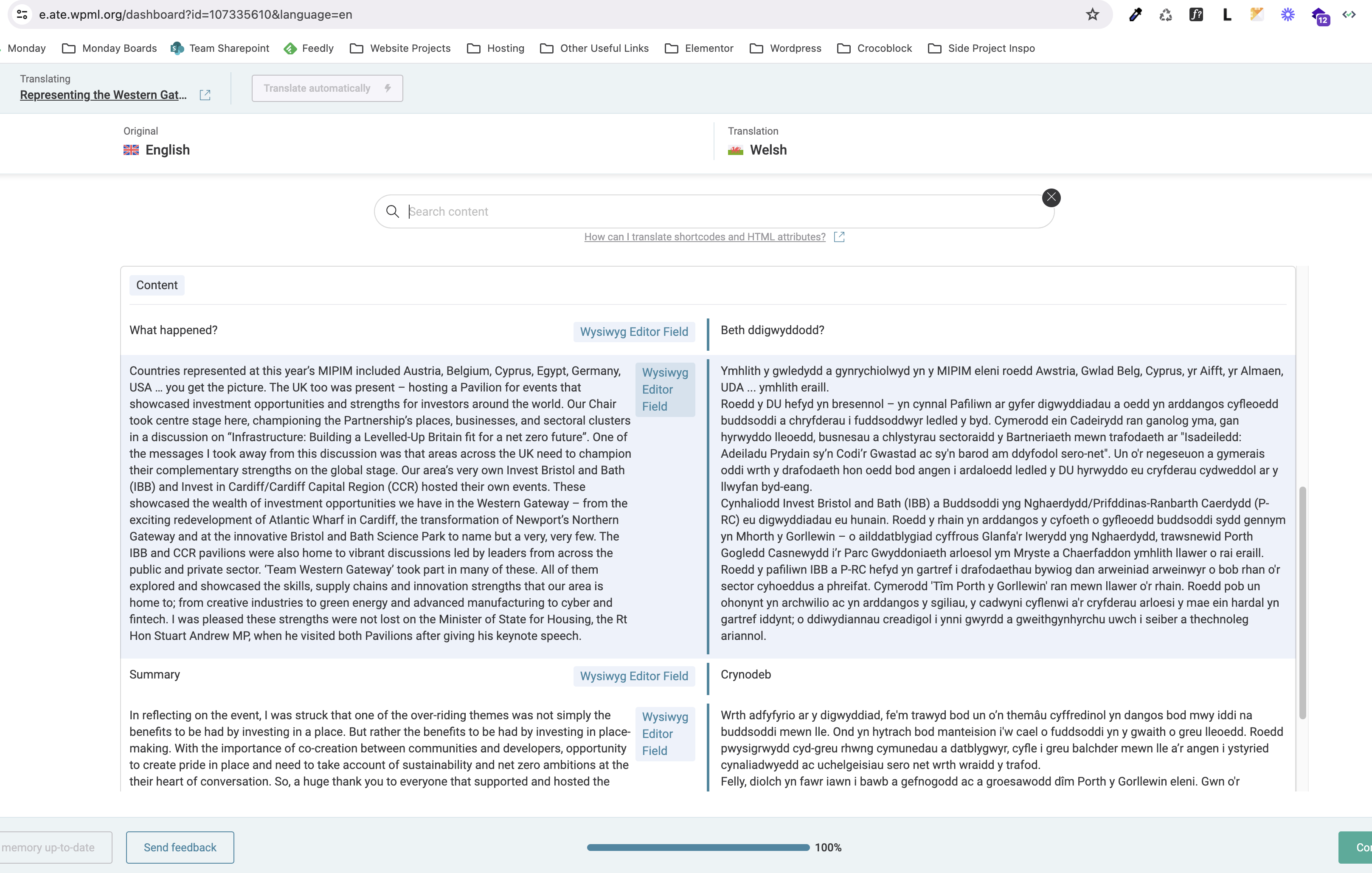 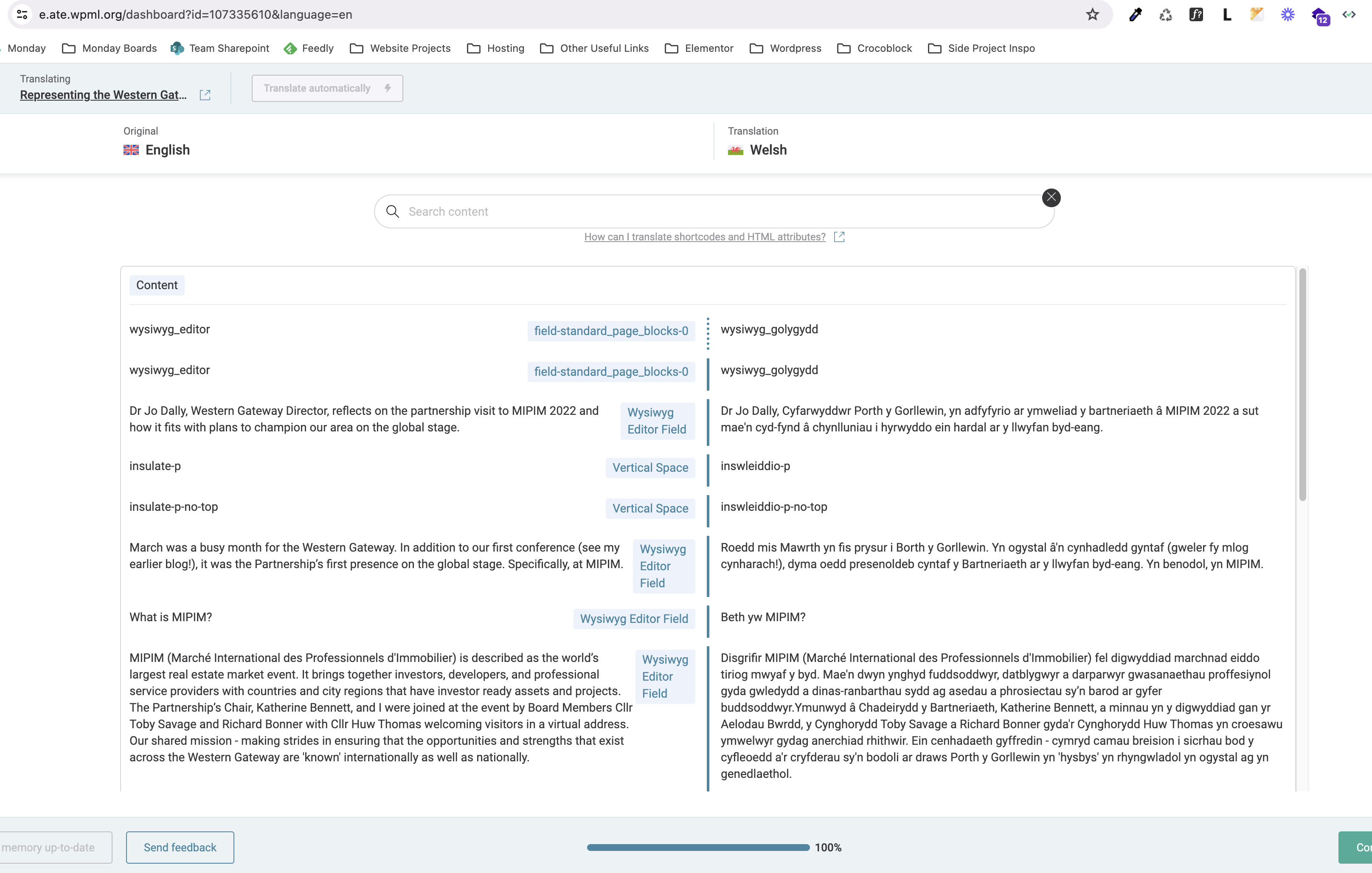 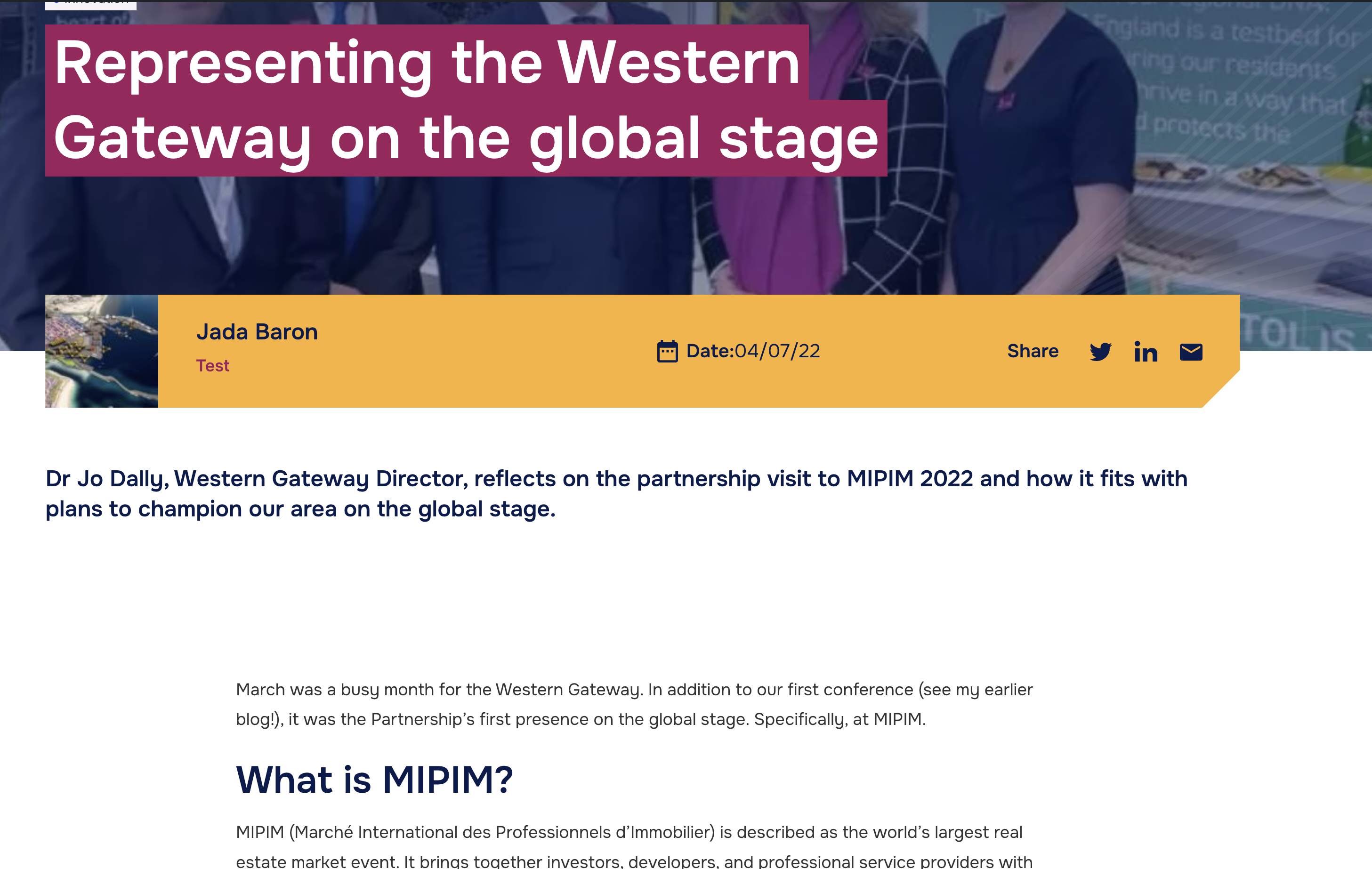 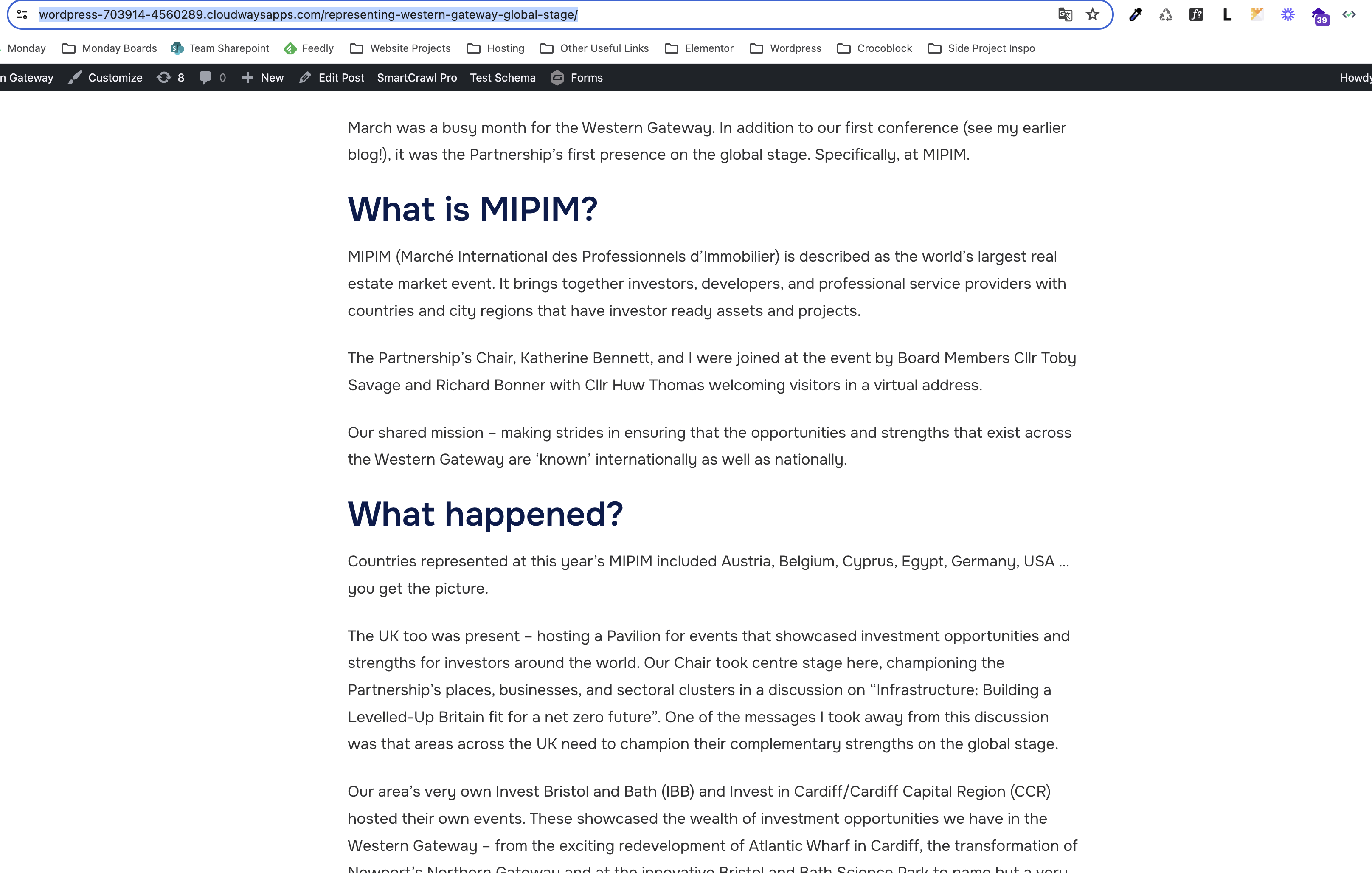 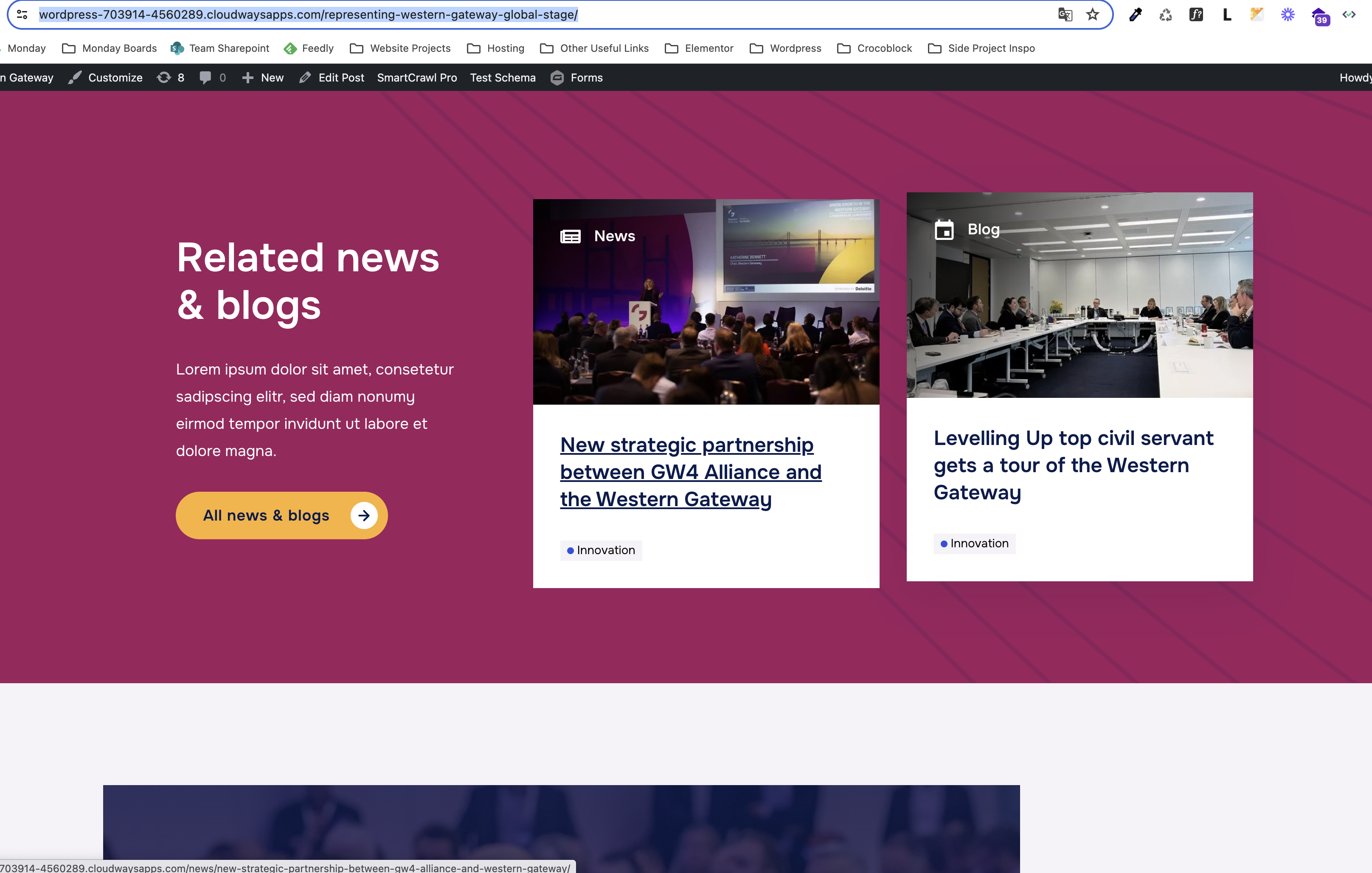  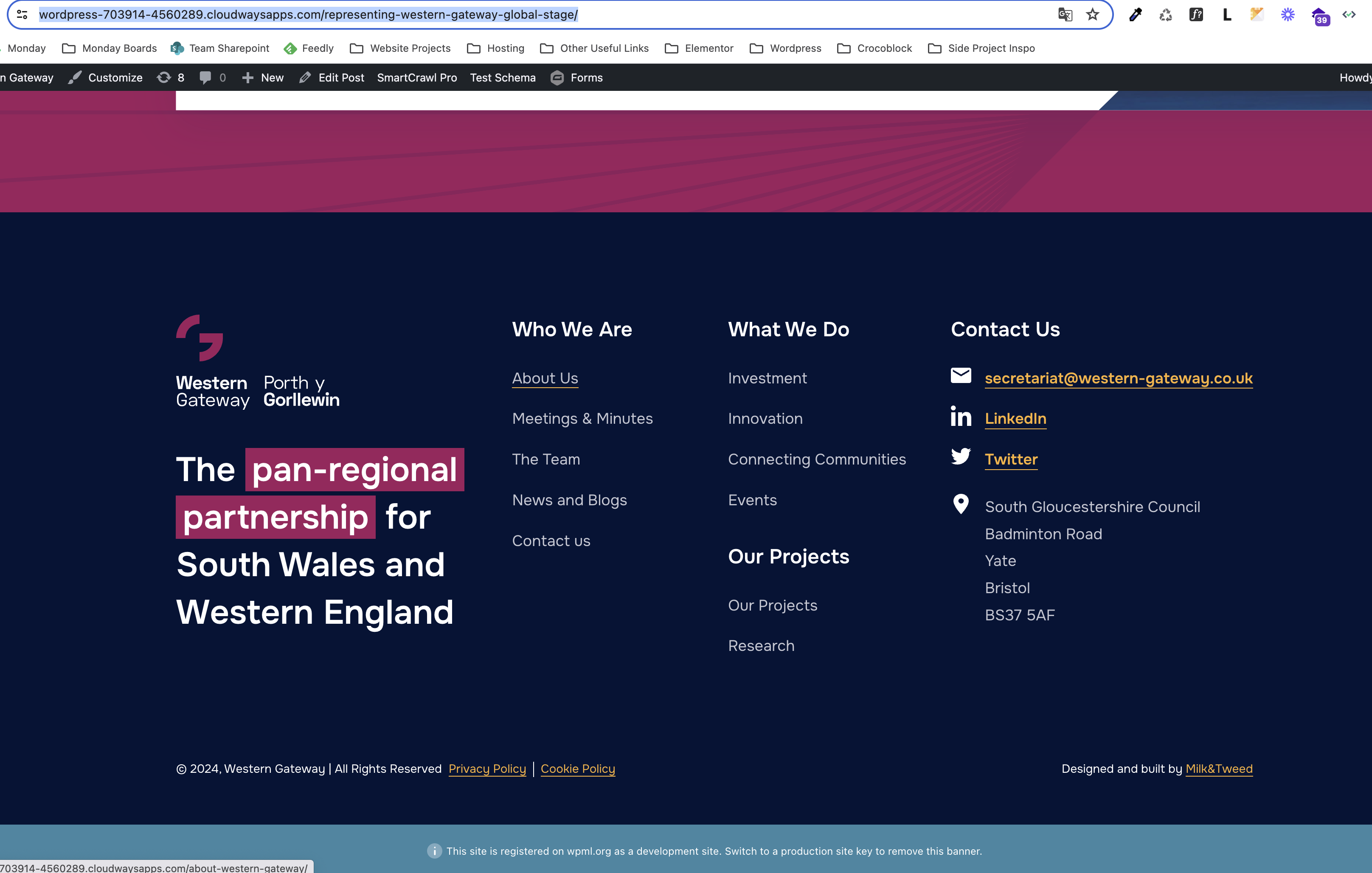 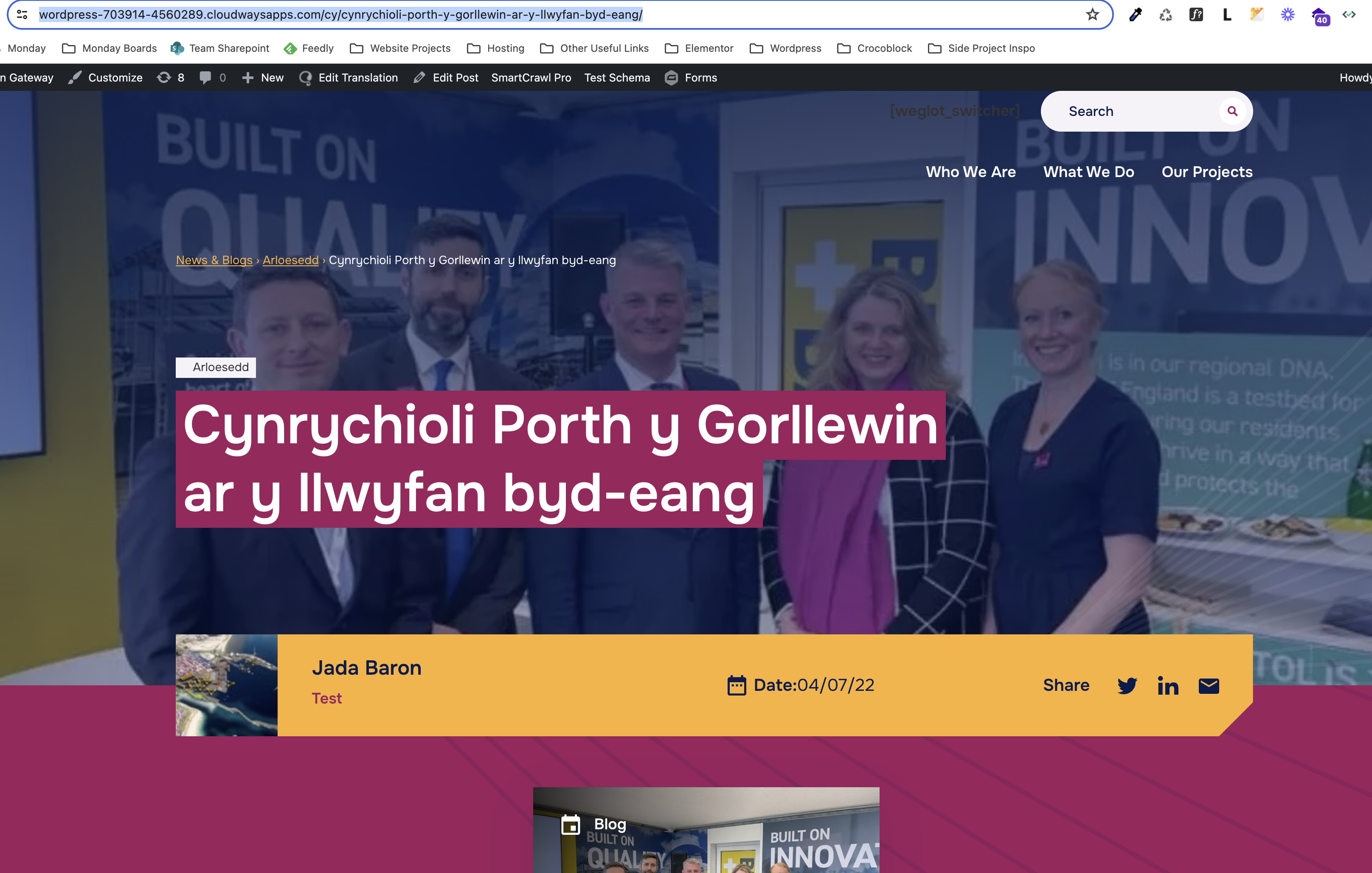 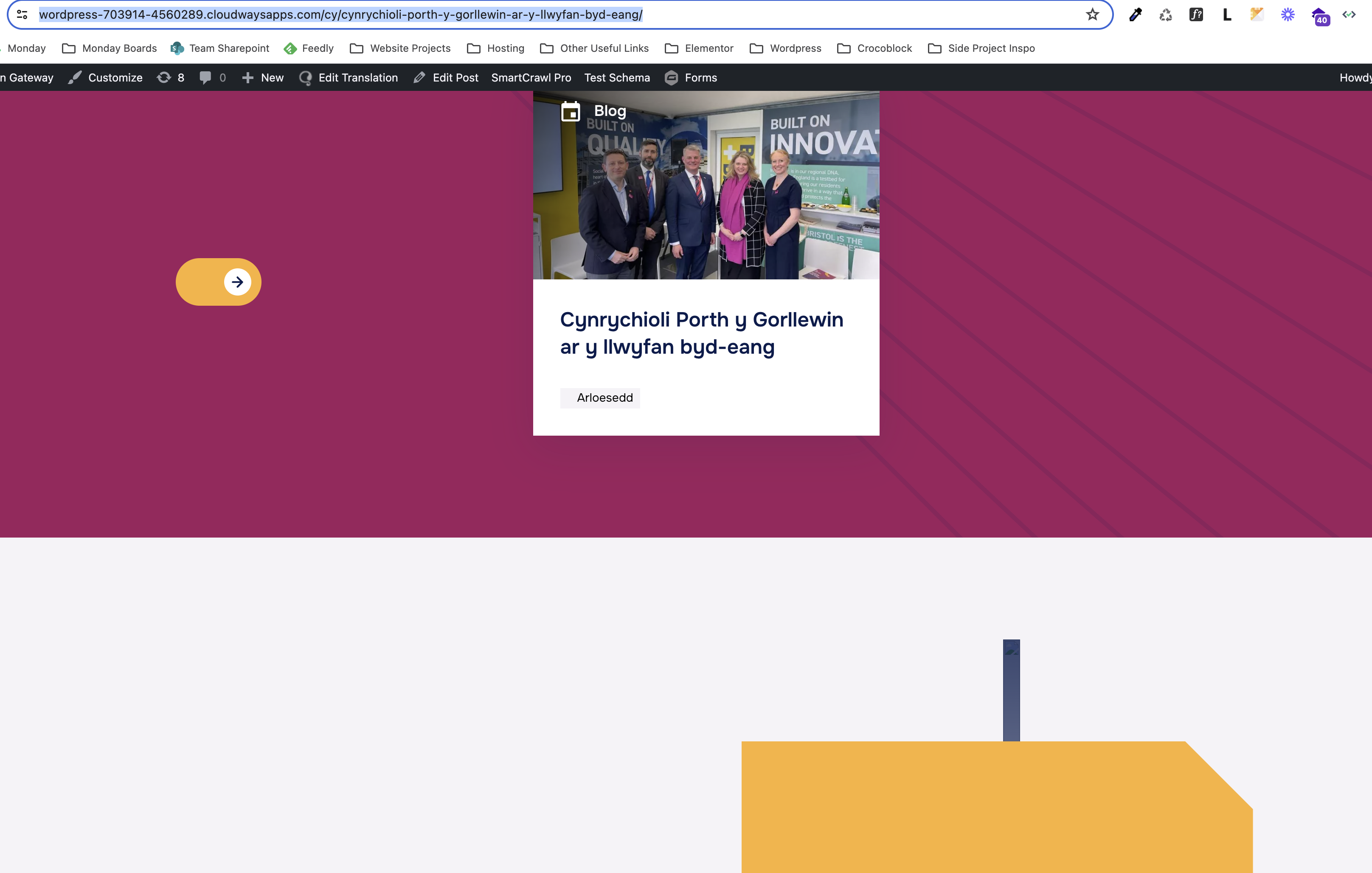  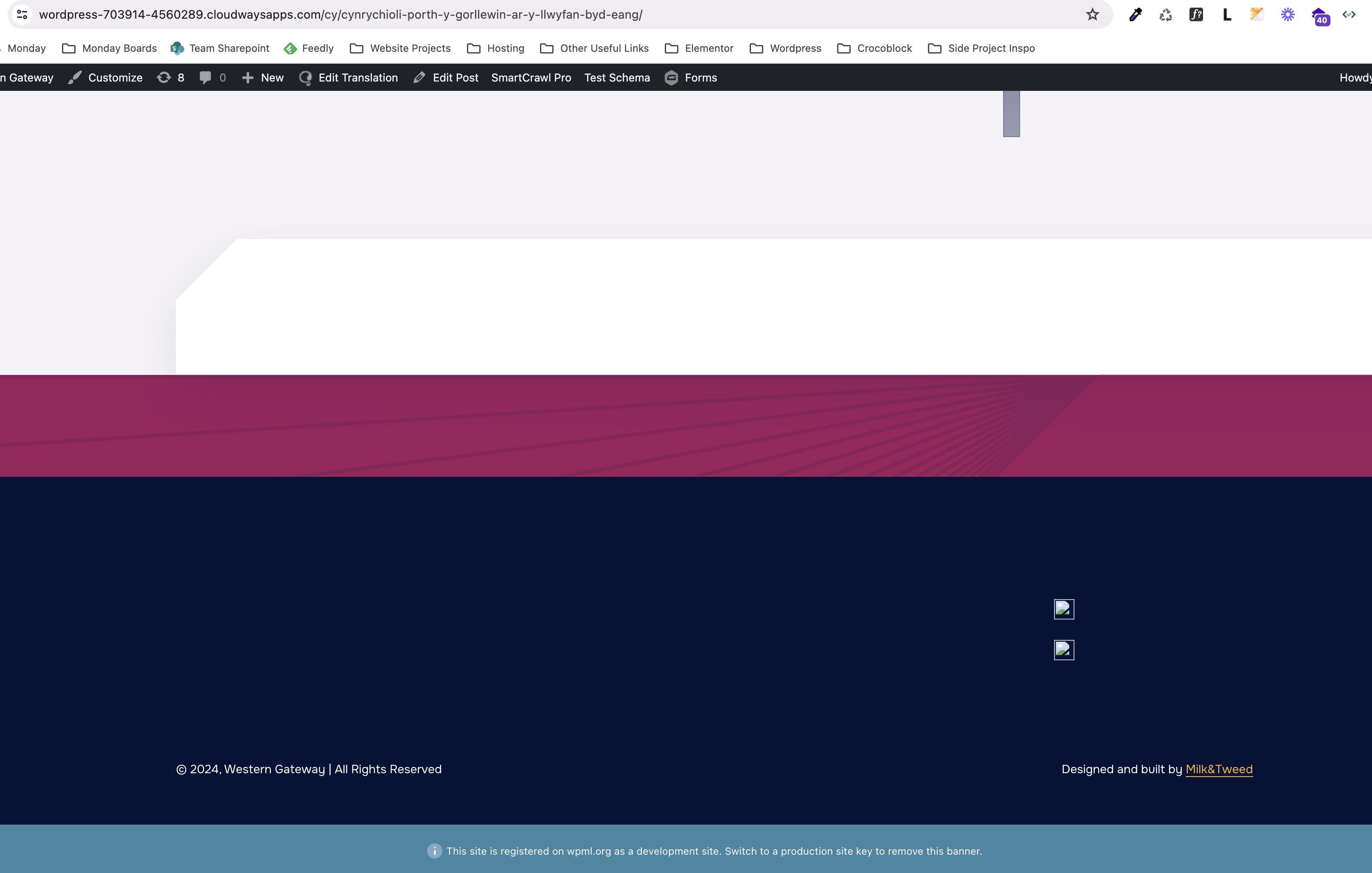 |
| July 31, 2024 at 10:51 pm #16027148 | |
 Bobby WPML Supporter since 04/2015 Languages: English (English ) Timezone: America/Los_Angeles (GMT-07:00) |
Hello, Please try this: - Edit the page in the default language and make a slight change then update (you can add a "." for example in the title) - Access the translation and update the translation to 100% Does it show OK now? If it still does not show OK, try this: - Edit the page in the default language - Use the language switcher in the top header (if it does not show exit the fullscreen editor) - Switch to the secondary language and review the ACF fields, are they populating OK in the translation? Or are they empty. |
| August 1, 2024 at 3:25 pm #16030468 | |
|
milk-tweedM |
Hi Bobby, Thanks for coming back so quickly, the translation is now pulling through on the front end after adding a full stop to the title in the original English post, saving then updating in the Advanced Editor and clicking 'Complete Translation'. However it is still wiping the rest of the components on the page e.g. site logo in the nav menu and the footer content. Please could you advise any fixes for this? I have also gone to try translating another post and the same issue is happening. Is there a bulk fix for this to ensure I will not have to go into every post and apply the fix of adding a full stop to each original post title then removing afterwards then doing the same in the translation editor as this is quite time consuming? I also found that in the Advanced Translation Editor that the paragraphs are not pulling through in order of the original post in English and also when I first go in the editor, the content appeared in one block but then I saved the translation and went back to review and all my manual translations had all wiped and separated into individual sentences. I am aware there is a search bar to search the content to translate however is there a fix to be able to ensure the editor is pulling through the paragraphs in order or in one block as opposed to separate paragraphs? 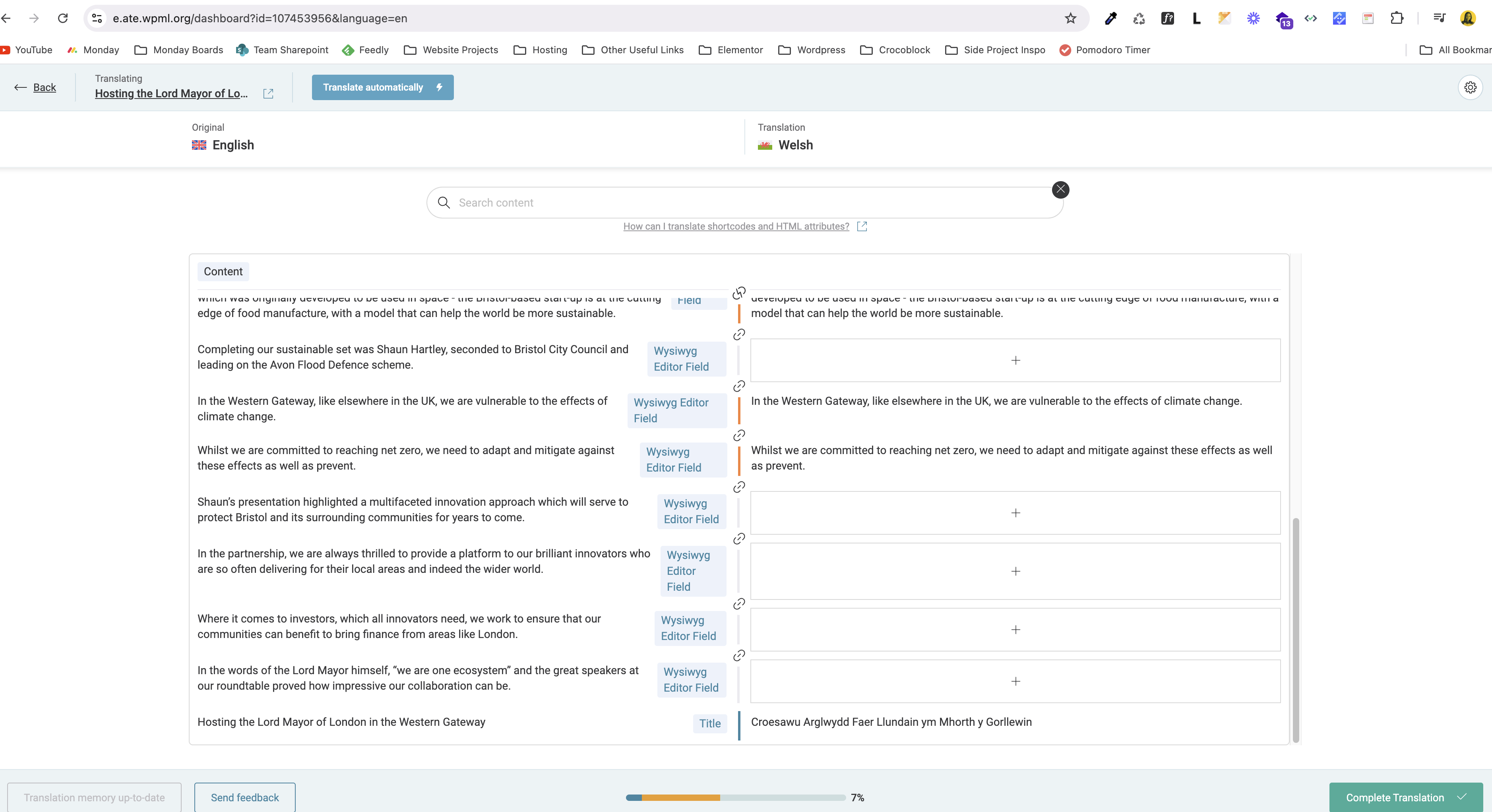   |
| August 1, 2024 at 9:33 pm #16031406 | |
|
Bobby WPML Supporter since 04/2015 Languages: English (English ) Timezone: America/Los_Angeles (GMT-07:00) |
The content that is currently missing, is that part of a template perhaps? If yes, how is the template created? Regarding the advanced translation editor and the content being pulled into smaller segments, that is an expected behavior. "When you translate content with the Advanced Translation Editor, WPML segments it into sentences or phrases" More information can be found here: at the moment I believe our team is working on a solution to be able to decide if you would like to have the option between smaller vs bigger segments and it has been released with Gen 3 (currently active on your site) but a few known issues are being worked on that feature at the moment which is why you might have seen it in one bigger segment earlier and now in separate ones. |
| August 5, 2024 at 2:06 pm #16040642 | |
|
milk-tweedM |
The footer and header are built using ACF integrated with the timber/twig php framework for WordPress. Please could you advise in that case where we would need to go in the backend of the site to allow us to add manual Welsh translations? Also in regards to content splitting down into smaller sentences, I understand there is a way to link sentences together however is there a way you can re-order the sentences to ensure these are being linked as per the original post order from top to bottom? With us having tight time constraints using this plugin, would it be possible to set up a call with your support team to go over our site settings to review where we are going wrong with this? As this is proving to be increasingly difficult for us as a business to use so are considering alternative plugins following the various issues mentioned if there not many concrete resolutions. The main issues being the below; - Not understanding where content is to be inputted in backend of site to pull through pages, menus and posts |
| August 6, 2024 at 9:20 pm #16045734 | |
|
Bobby WPML Supporter since 04/2015 Languages: English (English ) Timezone: America/Los_Angeles (GMT-07:00) |
Hi there, I can review your site's backend and that will give me a better idea on how you can best translate this content. Regarding the segments please review the previous reply I shared along with the documentation, unfortunately there is no option to adjust their ordering. ATE will also pull content in it that is set to "translate", you can adjust certain fields to 'copy' if you wish for backend items that ensures they are copied and do not show in the ATE editor. I can take a look closer and advise. I would like to request temporary access (wp-admin and FTP) to your site to test the issue. **Before we proceed It is necessary to take FULL BACKUP of your database and your website. Providing us with access, you agree that a backup has been taken ** I often use the Duplicator plugin for this purpose: http://wordpress.org/plugins/duplicator/ NOTE: If access to the live site is not possible and the staging site does not exist please provide me with a duplicator package created with the duplicator plugin. Thank you, |
| August 12, 2024 at 10:45 am #16061748 | |
|
milk-tweedM |
Hi, We have managed to resolve the issue of translating the other sections on the page such as the header and footer therefore I think there will be no need to provide access to the site backend. However I do have a further query, when using the ATE, I have managed to link sections together to create the line breaks and paste in my manual translations for each paragraph as per the original page in English, however the line breaks which separate my post in English are not being respected on the front end. Please can you advise how we could get this to work as currently the front end is pulling through in large blocks of text? Is there a way to specify a <br> tag for example so we can have the paragraphs set out as per the original English post when showing the translated post?   |
| August 13, 2024 at 9:36 pm #16068125 | |
|
Bobby WPML Supporter since 04/2015 Languages: English (English ) Timezone: America/Los_Angeles (GMT-07:00) |
Thank you for updating me! There is a known issue regarding the line breaks our team is working on, please review the following documentation and try the workaround: https://wpml.org/errata/line-breaks-are-ignored-when-using-the-advanced-translation-edior/ |







The topic ‘[Closed] Manual translations not pulling through via ACF fields’ is closed to new replies.