Home›Support›English Support›[Resolved] My website is showing the wrong language, so on an English page I see italian
[Resolved] My website is showing the wrong language, so on an English page I see italian
This thread is resolved. Here is a description of the problem and solution.
Problem: You are experiencing an issue where Italian content appears on an English page, despite settings that should display each language's content on its respective page. This problem is due to the WPRentals theme not handling transients properly.
If this solution does not apply to your case, or if it seems outdated, we highly recommend checking related known issues at https://wpml.org/known-issues/, verifying the version of the permanent fix, and confirming that you have installed the latest versions of themes and plugins. If issues persist, please open a new support ticket.
This is the technical support forum for WPML - the multilingual WordPress plugin.
Everyone can read, but only WPML clients can post here. WPML team is replying on the forum 6 days per week, 22 hours per day.
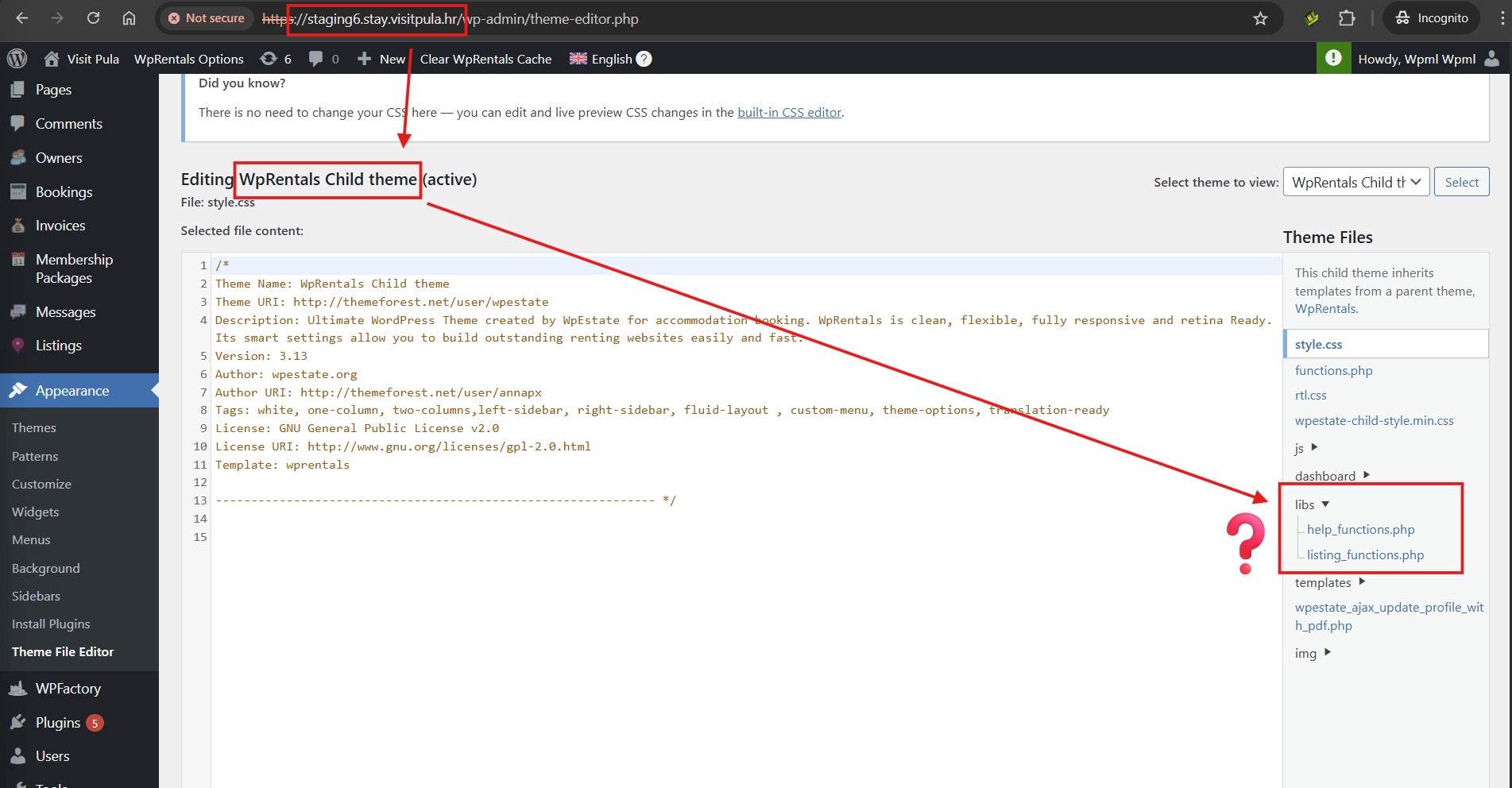
I checked your child theme in the staging, and there's no such path available (see attached). Probably you copied that from parent theme into your child theme. Your child theme looks customized and unfortunately support for custom coding is out of scope of this forum.
So I 'll recommend trying with the parent theme. However, our team has also published an errata (https://wpml.org/errata/wprentals-taxonomy-terms-cached-in-wrong-language/) with the same solution and has informed the theme author about it. This means that author should consider this fix, incorporate in their next/future release and ensuring that it works well.
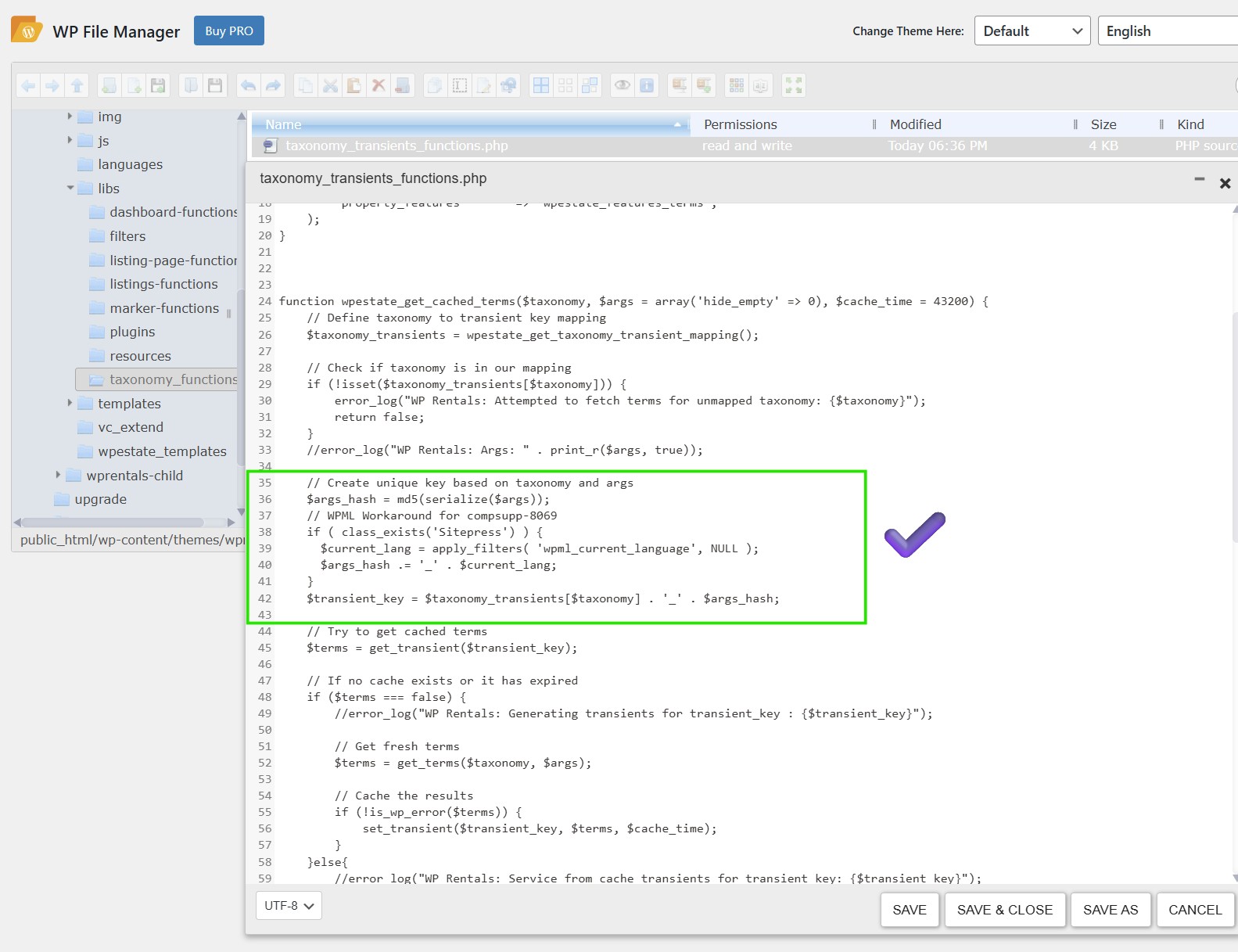
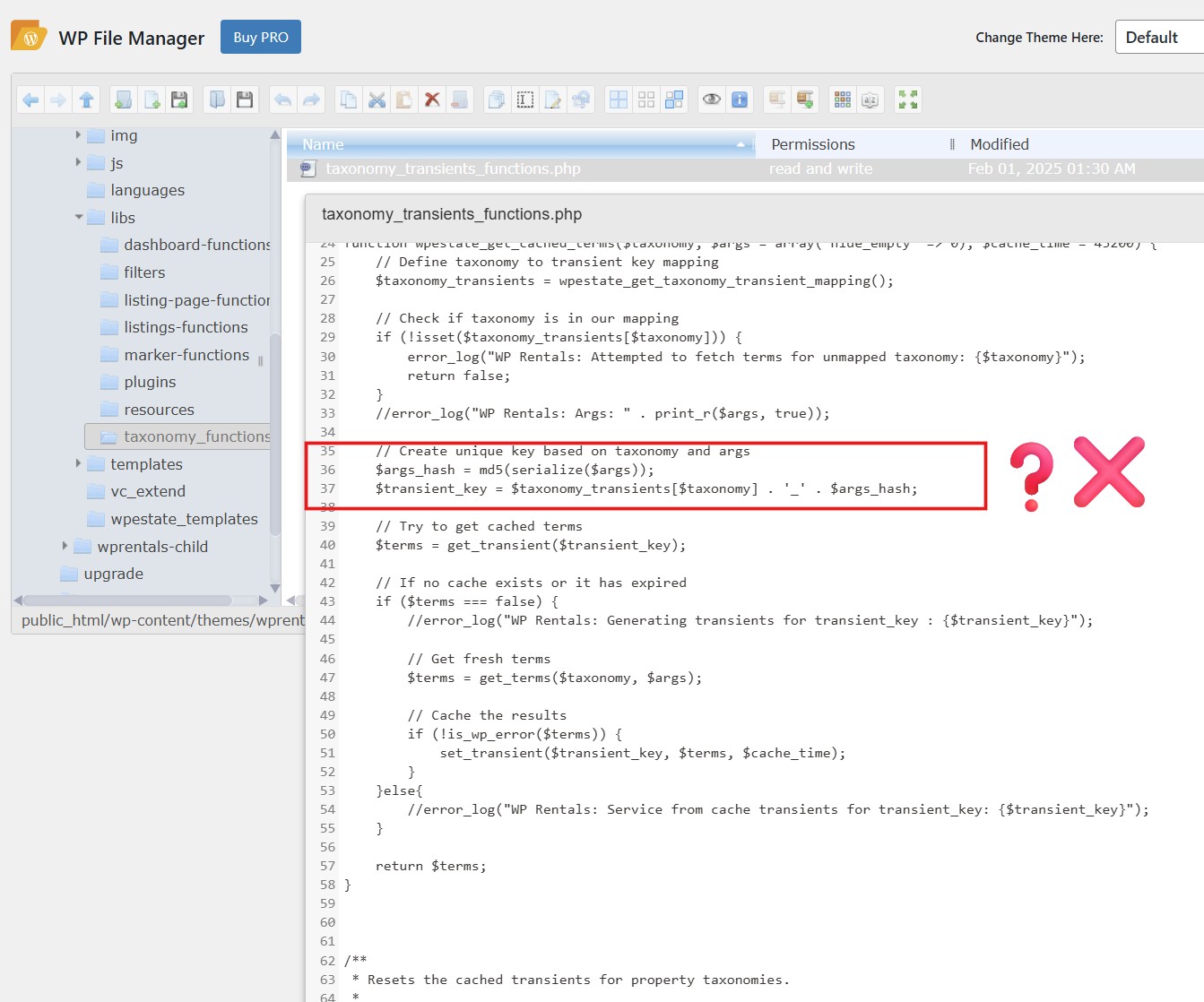
In my previous message, I referred to the live site where I didn't see the code was added, so added it (screenshots attached). However, that similar listing part has issue in both live and staging.
So I'm working on the staging site and 'll update you accordingly.
Thank you for your patience. I'm checking with the team about that "Similar Listings" section issue and 'll update you as soon as there's more information.
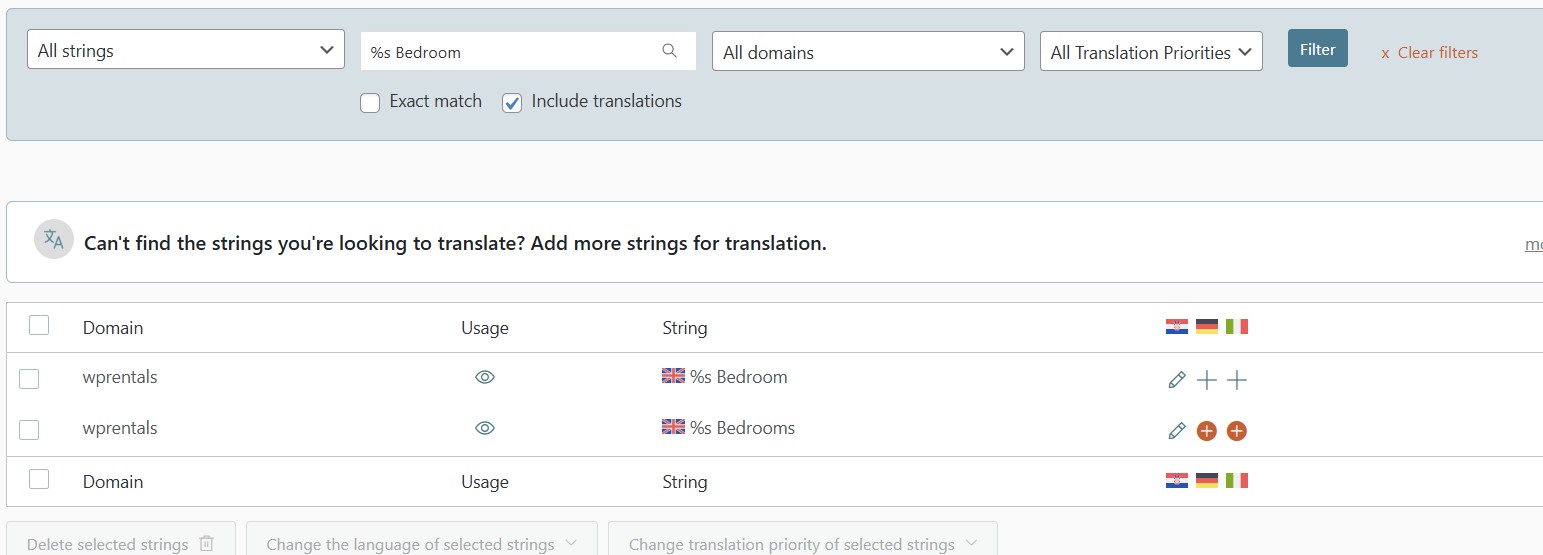
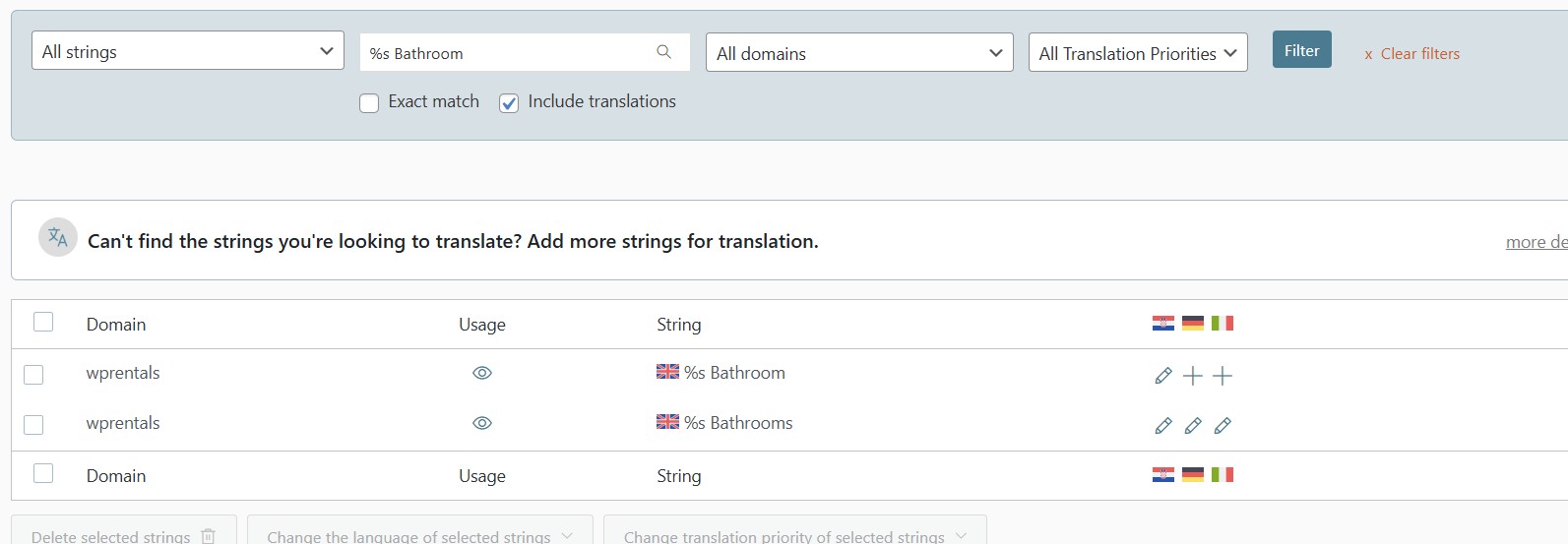
The issue with Similar Listings section wasn't related to the one we fixed here. It is related to simple string translation. Because if you check German and Italian translations, these are all working fine already.
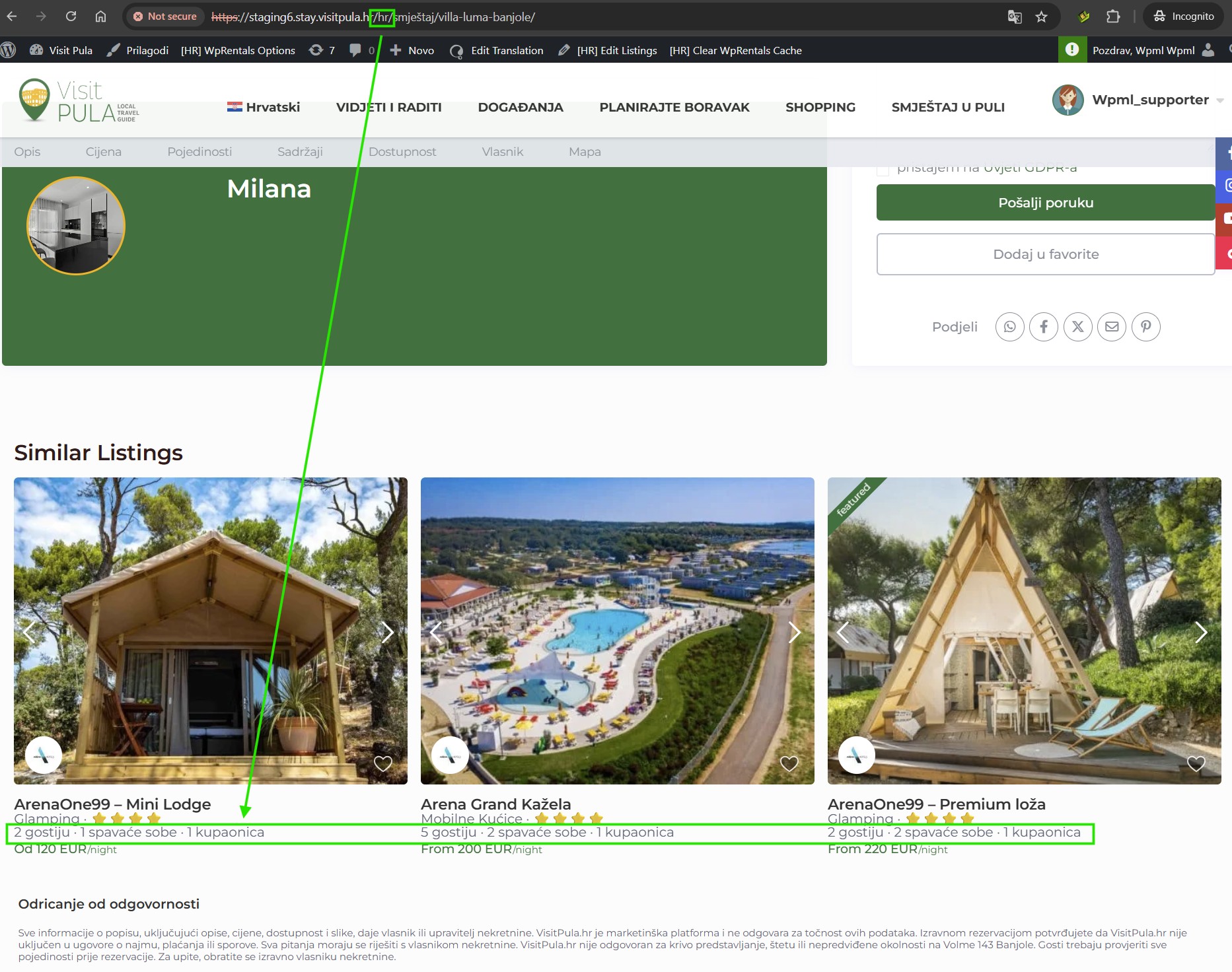
So I found those strings in ST, although they were translated, but simply opened and saved again and all are working fine on the frontend (see screenshots).
Please note that as per our support policy, we can not handle more than one issues in a ticket. Since the original issue has a workaround and our team has published an errata (as mentioned in my previous messages also), you may subscribe to the comments on that. So you can receive updates when the issue is fully resolved.
For a new issue, like the one related to Similar Listing's strings translation, please feel free to open a separate ticket or chat, so you can get more to the point help.